
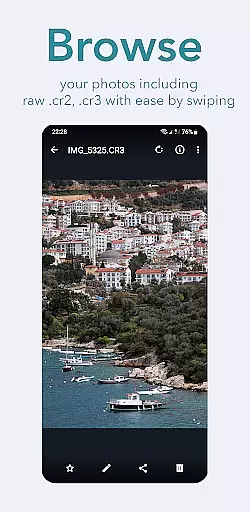
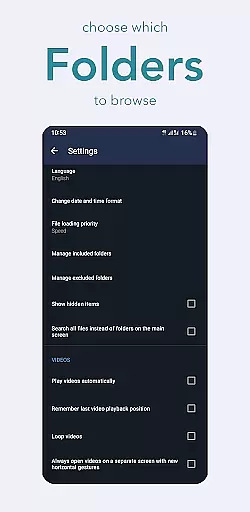
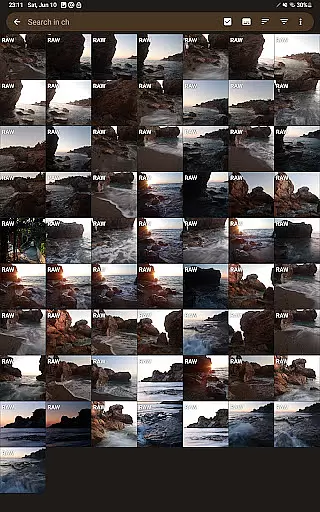
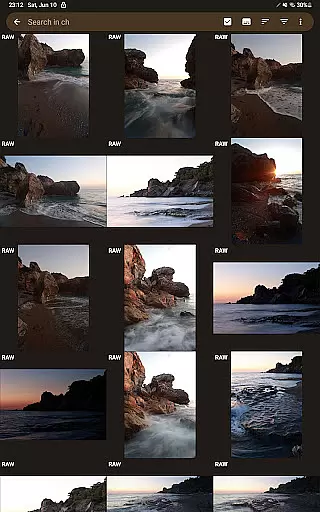
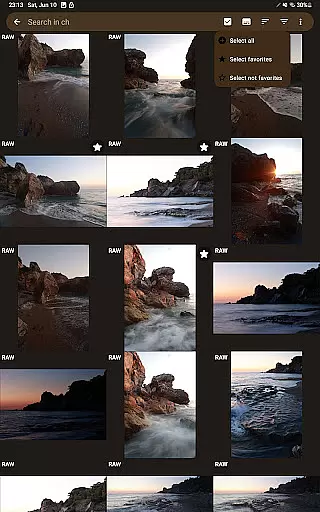
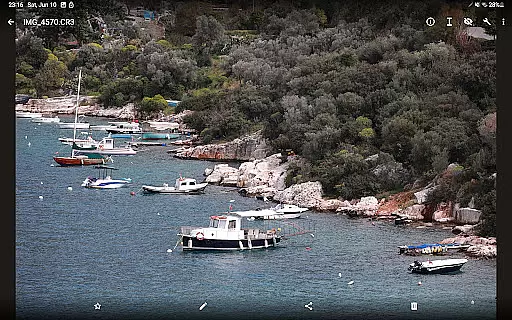
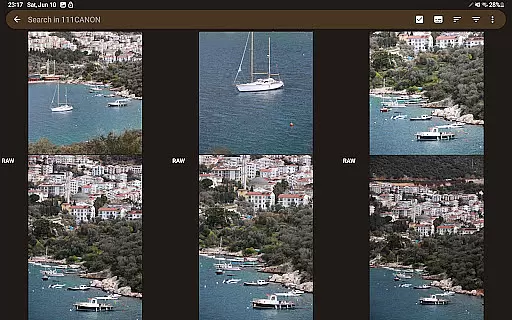
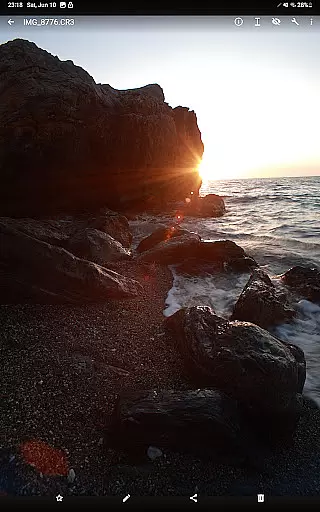
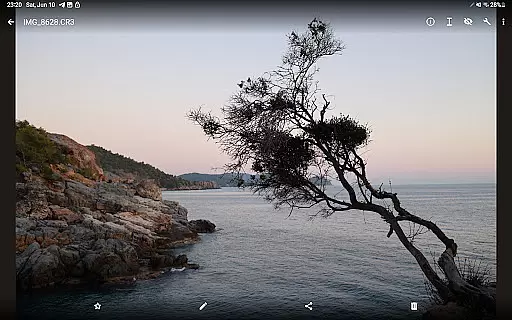

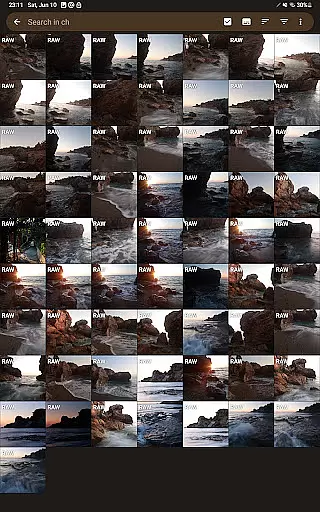
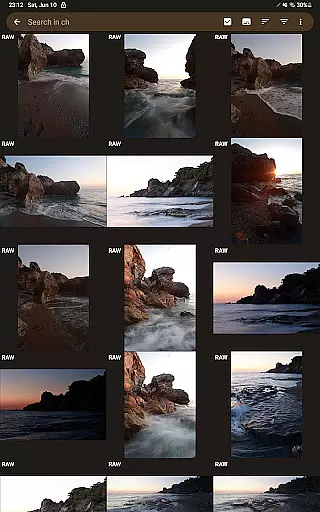
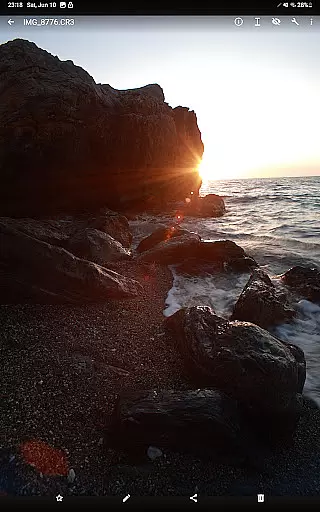
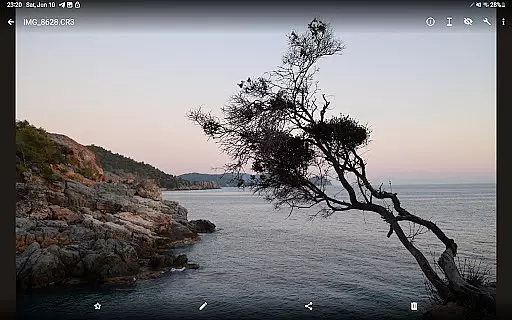

GalleryRAW is a specialized photography application designed for viewing and managing raw image files directly on Android devices. The app supports professional-grade raw formats including .cr2, .cr3, .nef, and .raf from leading camera manufacturers like Canon, Nikon, Sony, and Fujifilm.
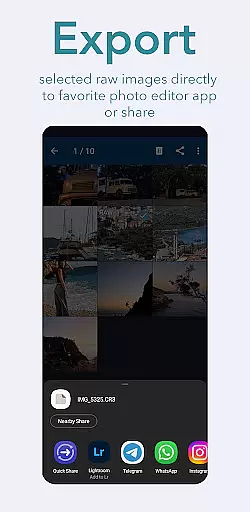
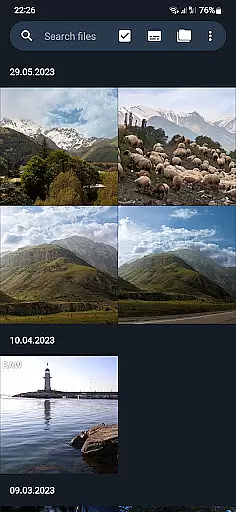
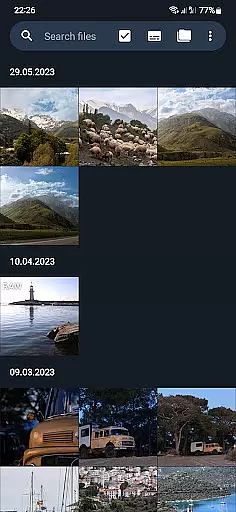
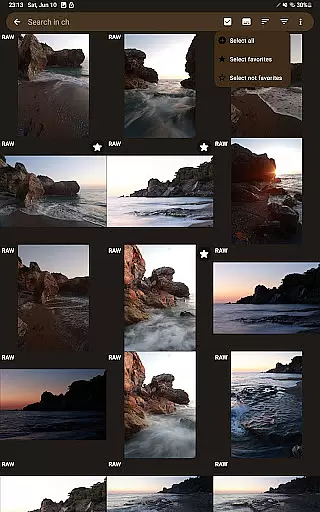
What sets GalleryRAW apart is its unique capability to handle large volumes of raw images efficiently. Users can swipe through thousands of photos in full-screen mode, select specific images, and transfer only the desired files from external USB storage to their device's internal memory. This functionality makes it an essential tool for photographers needing mobile access to their raw image libraries.
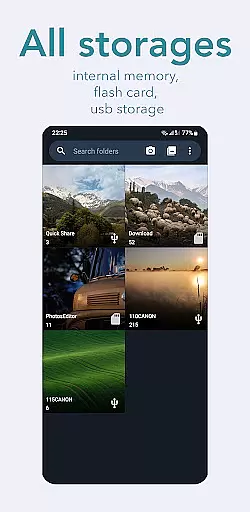
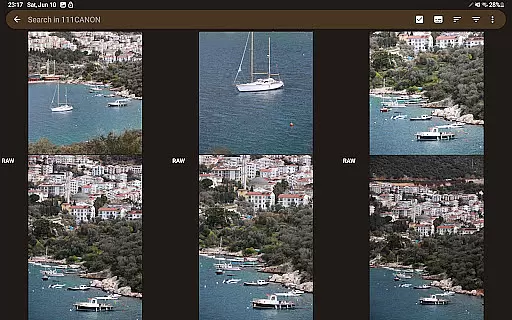
The app also serves as a file manager for connected USB storage devices, allowing users to organize, view, and manage raw files from camera flash drives or external HDD/SSD disks. This feature significantly streamlines the workflow of professional photographers who need to quickly review and select images while maintaining efficient storage management.
GalleryRAW offers several distinctive features that cater specifically to professional photographers. The app's primary function is its advanced raw image viewer, which supports multiple professional camera formats including Canon (.cr2, .cr3), Nikon (.nef), Sony, and Fujifilm (.raf) files.
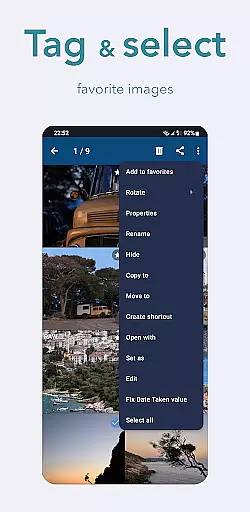
A key innovation is the app's efficient selection and transfer system. Users can rapidly scroll through large collections of raw images using swipe gestures, then choose specific photos for transfer to their device's internal storage. This selective approach saves valuable time and storage space compared to traditional bulk transfer methods.
Additional features include comprehensive file management capabilities for connected USB devices, support for various storage media types (HDD/SSD disks, camera flash drives), and the ability to delete unwanted raw files directly from external storage. These functions create a complete mobile solution for managing professional photography workflows.
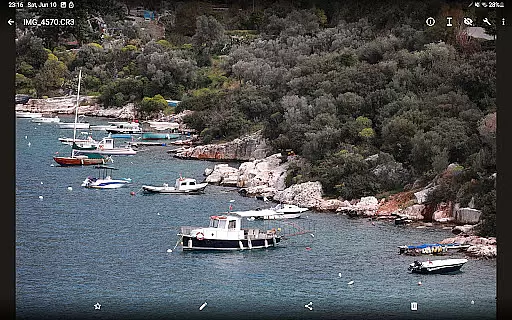
GalleryRAW offers a unique real-time capture and preview feature that allows photographers to instantly view their raw images from professional cameras on their Android devices. This functionality is crucial for those who need immediate feedback on their shots without waiting to transfer files to a computer.
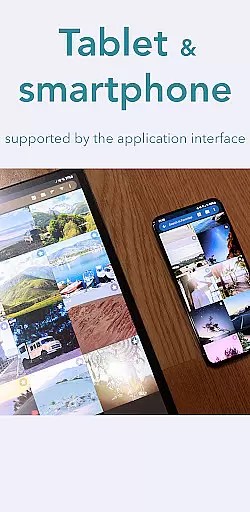
The application supports various raw formats including .cr2, .cr3, .nef, and .raf, ensuring compatibility with major camera brands like Canon, Nikon, Sony, and Fujifilm. Users can connect their cameras via USB adapters and view high-quality previews of their raw files directly on their tablets or smartphones.
This instant preview capability not only saves time but also enhances the photography workflow by enabling quick adjustments and reshoots if necessary. Photographers can make informed decisions about which shots to keep and which to discard right on the spot.
By providing accurate and detailed previews, GalleryRAW empowers photographers to optimize their shooting sessions, making it an indispensable tool for both amateur enthusiasts and professional photographers looking to streamline their post-production process.
While GalleryRAW primarily focuses on raw image viewing and management, it also incorporates basic AI beauty and enhancement features that ensure natural-looking edits. These tools are designed to maintain the authenticity of the original photographs while offering subtle improvements.
The AI-driven enhancements automatically adjust lighting, contrast, and color balance to bring out the best in each photo without over-processing. This approach preserves the natural aesthetics of the images, which is particularly important for professional photographers who require high standards of quality.
Users can apply these enhancements selectively, choosing specific photos or batches of images to edit. The intuitive interface makes it easy to toggle enhancements on and off, allowing users to compare the edited versions with the originals effortlessly.
By focusing on natural enhancement rather than drastic alterations, GalleryRAW ensures that the final images retain their genuine character, appealing to photographers who value authenticity and subtlety in their work.
User-friendly interface
Wide format compatibility
Efficient file management
Professional-grade tools
Unique selection system
Limited editing features
Premium version required
High storage demands
Occasional performance lag
No cloud integration

Search, tag and rate your way to an organized image gallery
 4.40
4.40
Easily stitch panoramas from multiple photos or video.
4.40
Photobooth mini FULL app will allow you to add more fun to your parties
4.00
Create & Edit with AI: AI Remove, Enhance, Retouch, Filter
4.10
Over 800 film simulation recipes for Fujifilm. Black Friday Offer!
4.2
Cartoon and artistic effects for your photos and videos
4.70
Automatically backup your photos and videos to computer, NAS and Cloud services
4.60
A reflected light meter with spot metering and incident light metering.
4.40
Snap photos remotely using your Garmin watch as the camera trigger
4.5
Find time and duration of different sunlight phases at any location
4.90
AI Photo Editor with 100+ Filters, Effects! Remove BG, Retouch & Photo Enhancer.
4.80
Light-weight Media Gallery app for Android made with Jetpack Compose
4.60
Cut and paste photo editor & eraser to customize photos easy and swap faces fun
4.50
Fit multiple photos on one post. Create carousels & scroll layouts for Instagram
4.50
Hair color changer, AI haircut app, fun hair editor and buzz cut filter for all!
3.80


User Reviews