
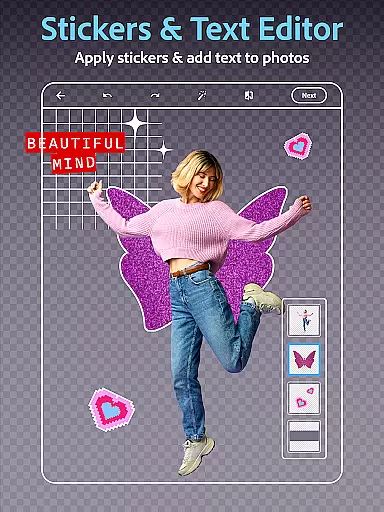
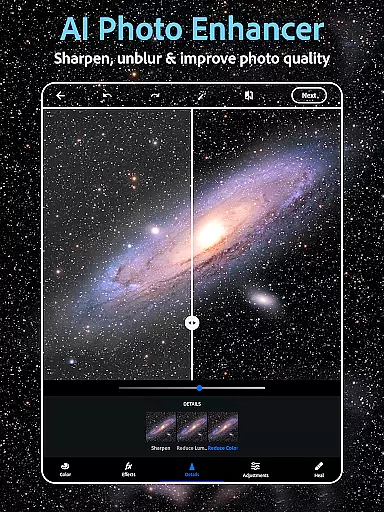
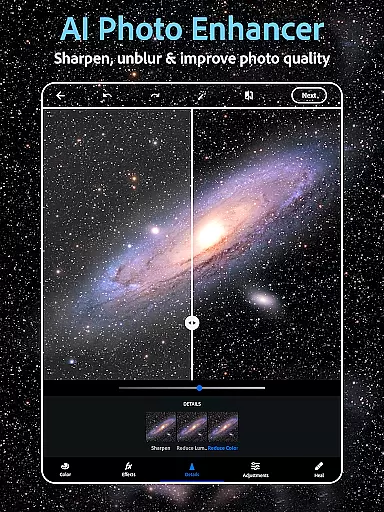
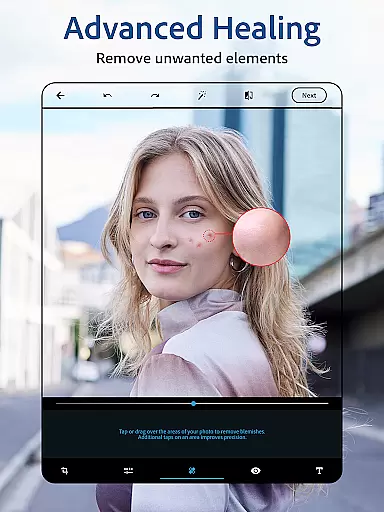
Photoshop Express is a versatile photo editing application that brings professional-level tools to your fingertips. Designed for both amateur and experienced photographers, this app allows users to effortlessly enhance their images with features such as AI-powered retouching, vintage camera filters, and text overlays. The intuitive interface makes it easy to airbrush selfies, remove unwanted objects, and apply vibrant or retro effects.
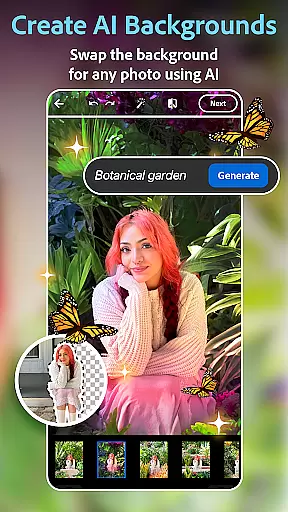
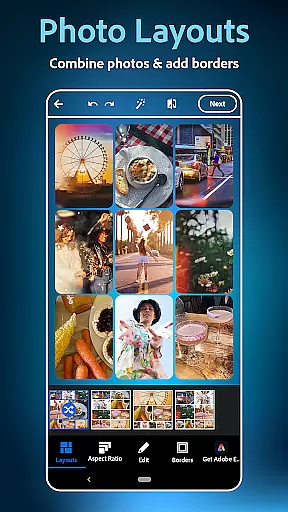
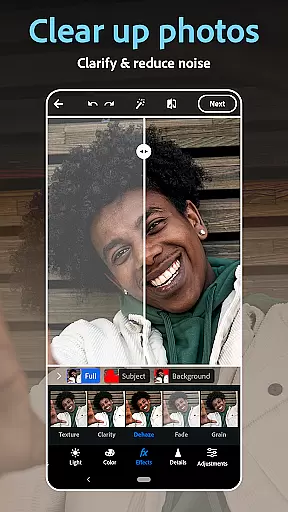
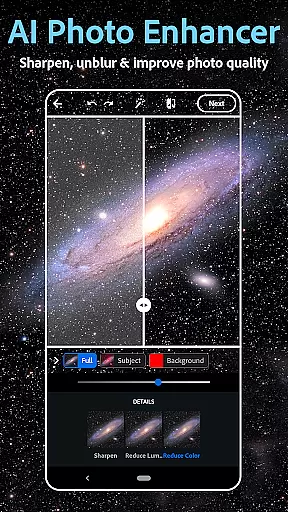
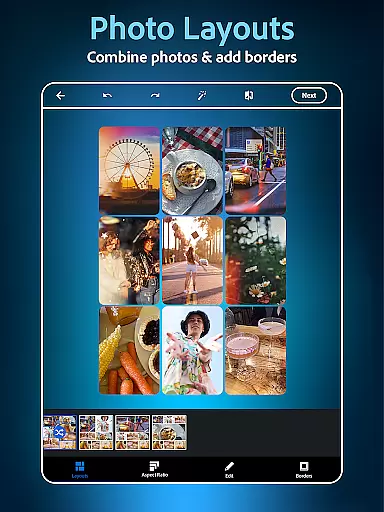
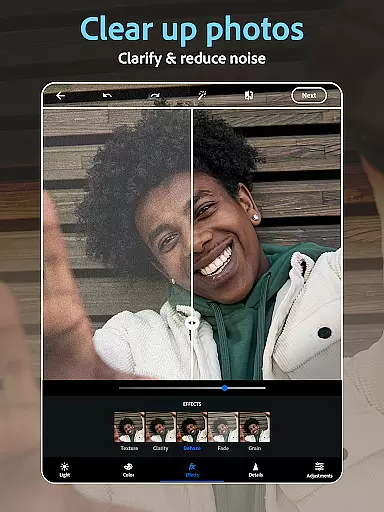
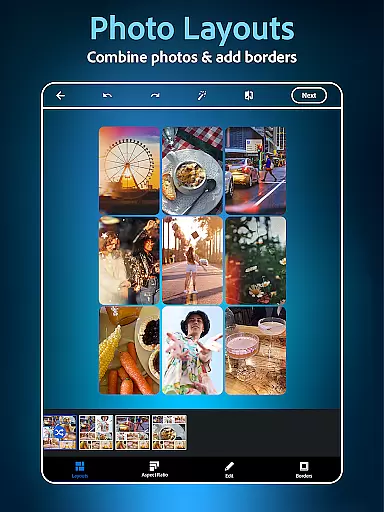
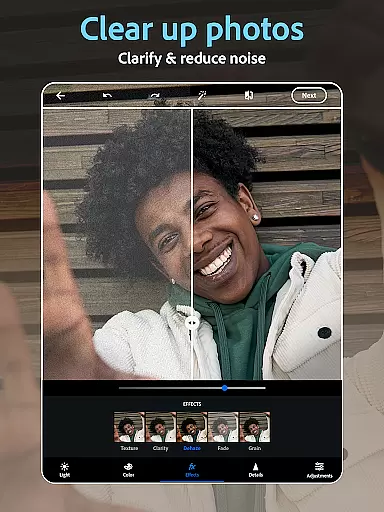
Beyond basic editing, Photoshop Express offers advanced capabilities like background replacement, dehazing, and blur reduction. Its collage maker provides creative ways to combine multiple photos into stunning layouts. Whether you're looking to create engaging social media content or simply want to preserve precious memories in style, this app delivers a complete package of powerful yet user-friendly tools.
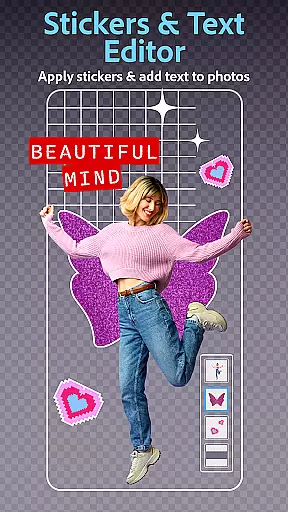
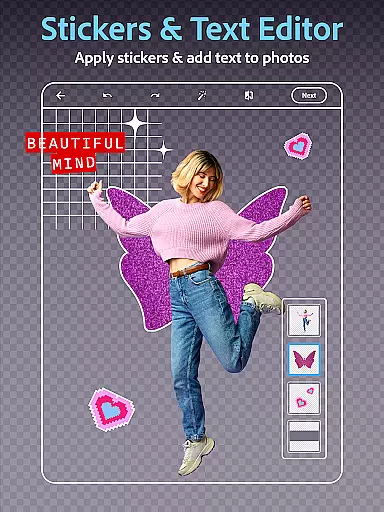
The application's standout feature is its AI image generator, which lets users expand their creative possibilities through text-to-image functionalities. From generating custom stickers to visualizing outfit ideas, the app supports diverse creative workflows. With seamless integration across devices and direct sharing options to popular platforms, Photoshop Express ensures your edited photos reach your audience quickly and efficiently.
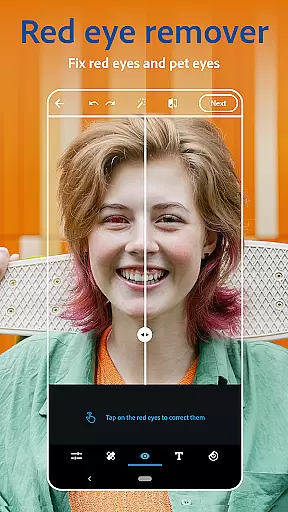
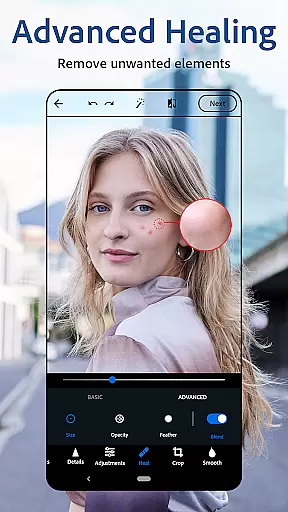
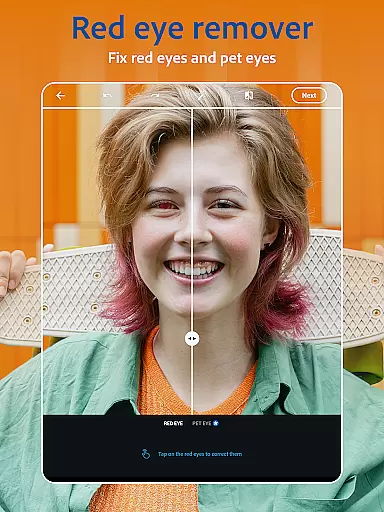
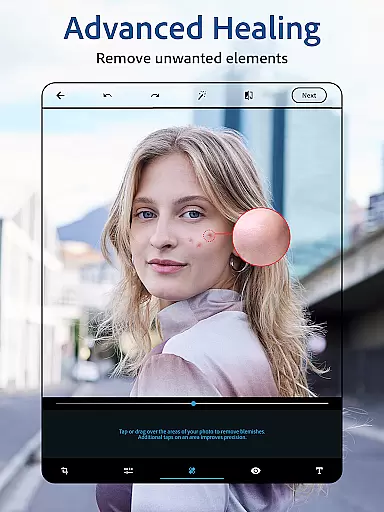
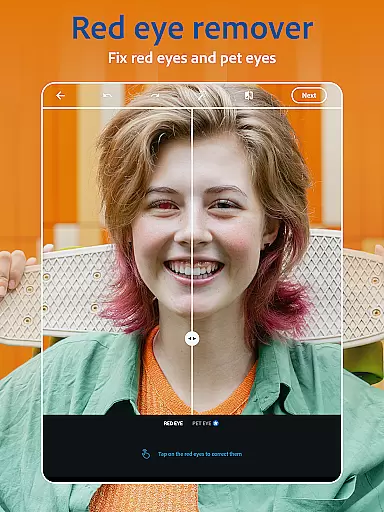
Photoshop Express distinguishes itself through its comprehensive suite of editing tools and innovative features. At its core, the app functions as an advanced AI photo editor, enabling users to perform complex tasks with minimal effort. The face editor app includes specialized tools for blemish removal, red-eye correction, and spot healing, while the AI-powered object remover allows for seamless background cleaning.
The application's text-to-image functionality represents a significant advancement in creative photo editing. Users can generate unique visual elements based on textual descriptions, expanding their creative possibilities beyond traditional editing. The built-in collage maker offers various pre-designed templates and customizable layouts, allowing for artistic photo combinations that maintain professional quality.
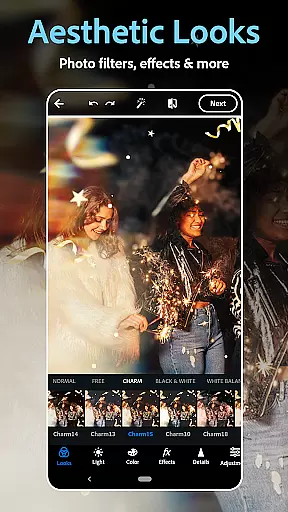
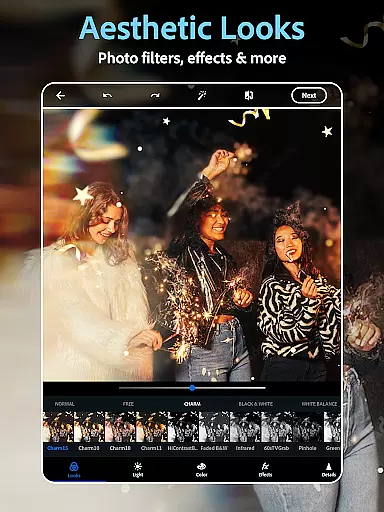
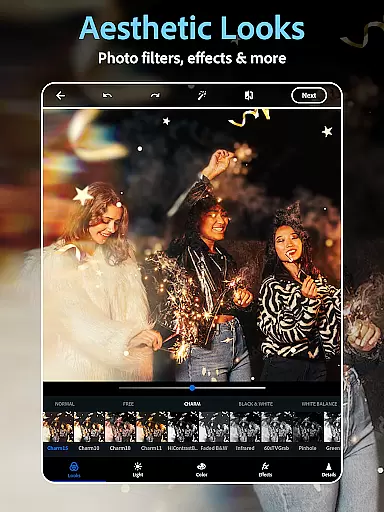
Additional notable features include advanced color correction tools, precise cropping options, and a wide selection of aesthetic filters. The app supports multiple file formats including RAW, TIFF, and PNG, ensuring compatibility with professional photography workflows. With its premium subscription, users gain access to enhanced editing precision and exclusive features, making Photoshop Express suitable for both casual editing and more demanding creative projects.
Real-time capture and preview functionality is essential for ensuring that every photo taken meets the user's expectations without delay. Photoshop Express Photo Editor offers a seamless experience by providing instant feedback on images captured through its interface.
The application leverages advanced processing capabilities to deliver high-quality previews, allowing users to adjust settings such as exposure, contrast, and filters before capturing the final image. This immediate visualization helps in making informed decisions about photo edits and enhancements.
Users benefit from this feature by being able to fine-tune their shots instantly, which saves time and improves the overall quality of their photographs. The ability to preview changes in real-time transforms the photo-taking process into an interactive and creative endeavor.
This functionality not only enhances user engagement but also empowers photographers of all skill levels to experiment with confidence, knowing they can rely on accurate previews to produce stunning results.
AI beauty and enhancement features are revolutionizing how we approach photo editing by offering natural-looking improvements that respect the original essence of the image. Photoshop Express incorporates sophisticated AI algorithms to enhance facial features while maintaining authenticity.
With tools like blemish removal, spot healing, and red-eye correction, the app ensures that edits appear organic and unforced. These AI-driven enhancements intelligently adapt to different skin tones and textures, delivering consistent and believable results across diverse subjects.
Photographers and casual users alike appreciate the subtlety of these enhancements, which elevate photos without introducing artificial elements. By prioritizing naturalness, Photoshop Express allows users to present their best selves or showcase subjects in the most flattering light.
Ultimately, this focus on authentic enhancement fosters trust among users who seek professional-grade outcomes without compromising the genuineness of their cherished memories.
User-friendly interface
Powerful AI tools
Versatile editing options
Wide format support
Professional results
Premium features locked
Advanced tools complex
Occasional lag
Limited free filters
Subscription costly

The #1 app for B&W film developing featuring an advanced darkroom timer.
 4.10
4.10
See your baby AI baby face generator AI baby maker Face generator babymaker fun!
4.70
Easily view, share, delete photos with Gallery.
4.70
Fit multiple photos on one post. Create carousels & scroll layouts for Instagram
4.50
Hair color changer, AI haircut app, fun hair editor and buzz cut filter for all!
3.80
Pro version: AR sun/moon tracker for any date. Tool for photographers & planners
4.90
live datamoshing
4.00
Enhance, upscale, and transform your images — on your device, without limits
4.70
Discover How to Plan any Sun, Moon and Milky Way Photo You Imagine in Seconds
4.70
Cartoon and artistic effects for your photos and videos
4.70
AI portrait generator and polaroid AI selfie, fun AI generated AI photo creator!
4.30
Photo editor: face & body editor, beauty cam, filters and quality enhancer.
4.00
Application for remote controlling DSLR
3.00
Raw Image Viewer. Gallery with support of raw images (.cr3, .cr2, .nef, .raf).
2.00
Photo Album Watch Face shows your favorite pictures as a Watchface.
1.90


User Reviews