

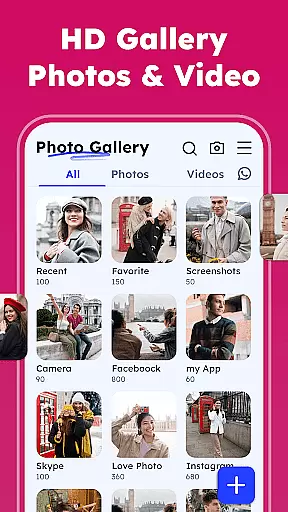


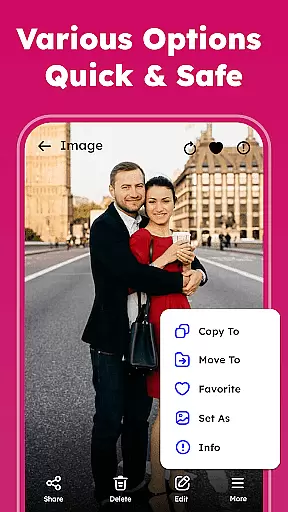
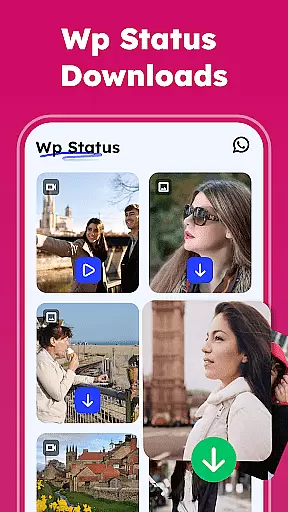

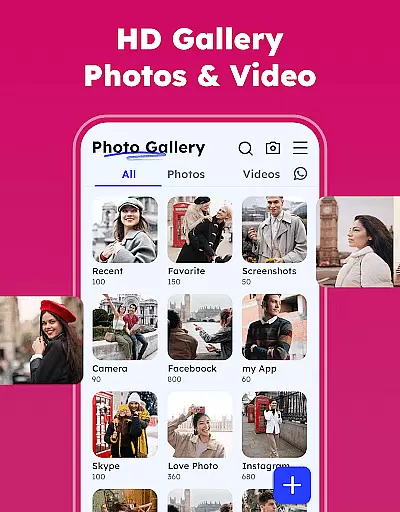

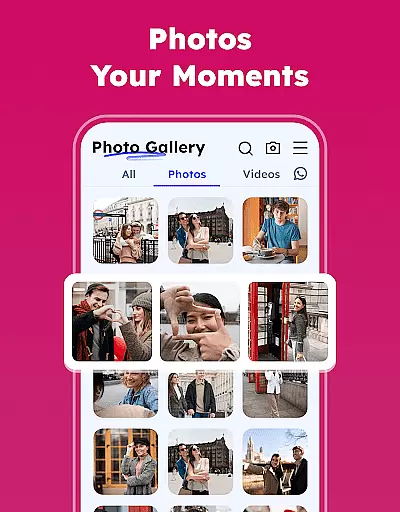
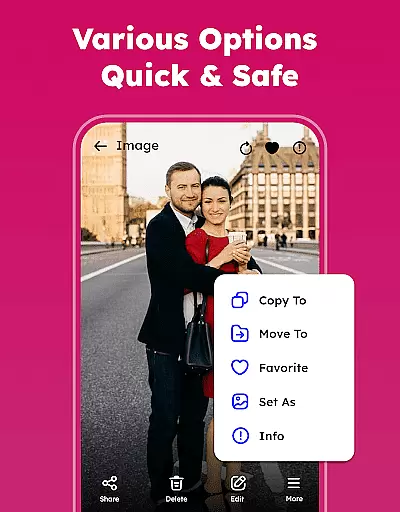
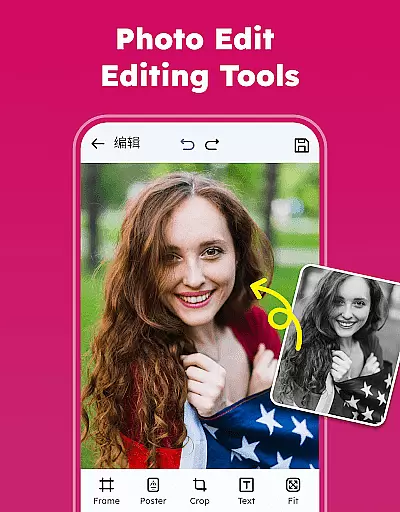
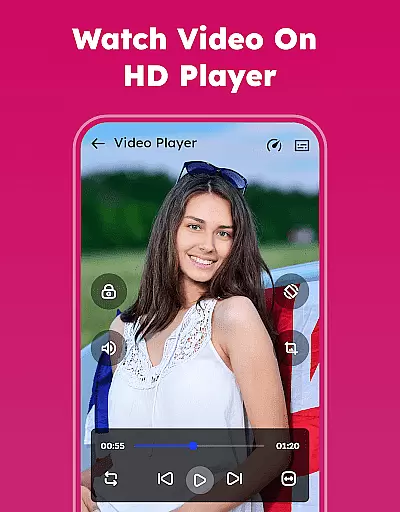
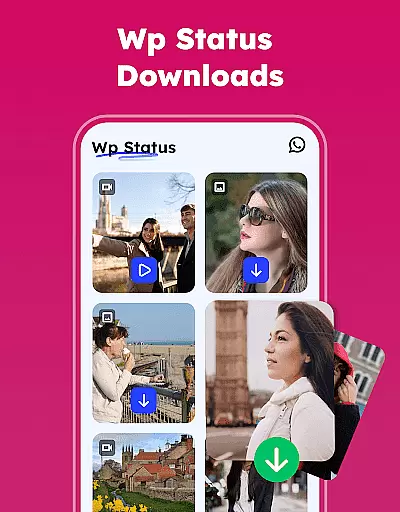

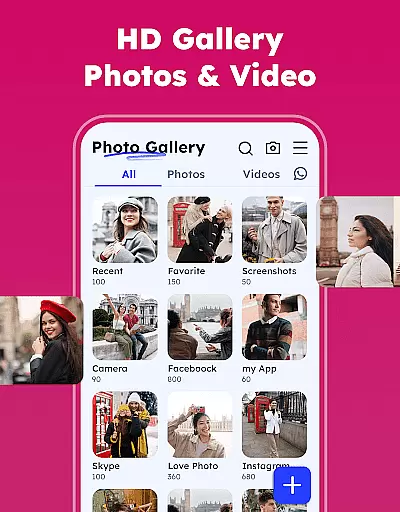

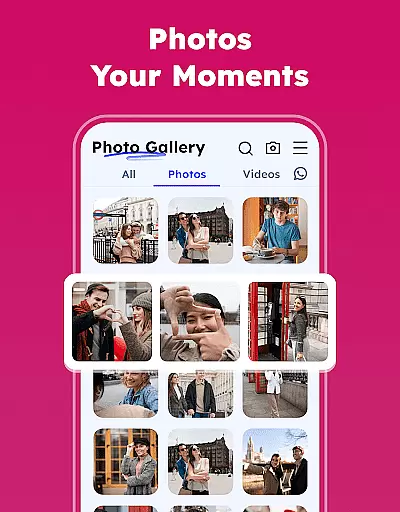
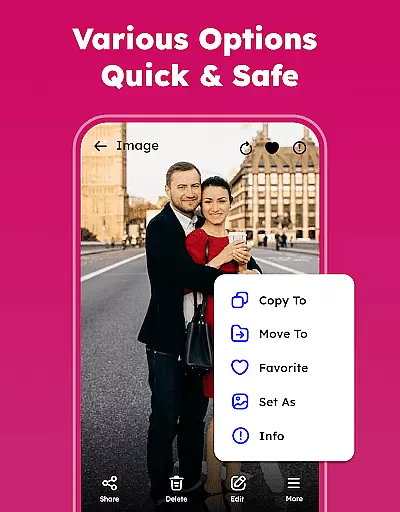
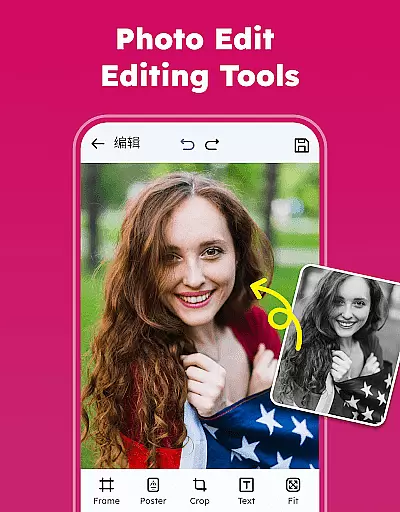
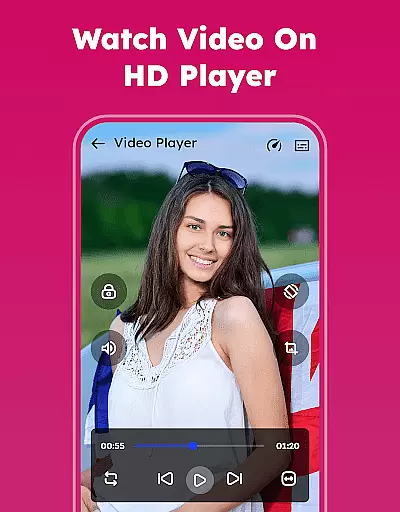
Gallery - Photos & Videos is a comprehensive photography management app designed to help users efficiently organize, edit, and protect their media files. The app offers a complete suite of features including photo viewing, editing, organizing by categories, and secure locking of sensitive content. Its intuitive interface allows for seamless navigation while providing advanced functionalities like duplicate file removal and offline access.
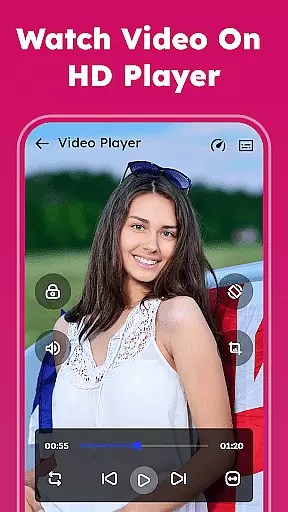
The application stands out through its user-centric design that combines essential tools with innovative features. Users can create customized albums, apply various filters and effects to photos, and even restore accidentally deleted files from the trash folder. With support for all major image and video formats, this lightweight app ensures smooth performance without compromising on functionality.
This gallery app proves especially useful for individuals who need to manage large collections of photos and videos. Whether it's for personal memories or professional work, the app's robust feature set helps streamline media management while maintaining privacy and security. The ability to access files offline makes it particularly valuable for users who require uninterrupted access to their media library.
Gallery - Photos & Videos distinguishes itself through an impressive array of features that cater to diverse user needs. The app provides comprehensive viewing capabilities, allowing users to browse photos and videos with ease while offering powerful search functionality. Advanced sorting options enable organization by name, date, size, or category, making media management more efficient than ever.
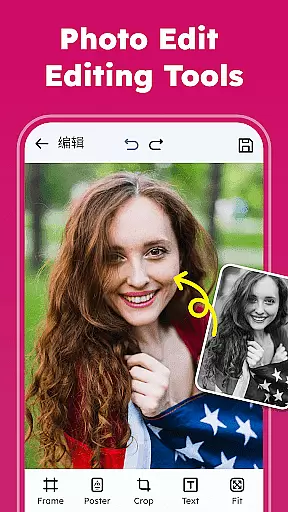
A standout feature is the integrated photo editor, which empowers users to enhance their images with professional-grade tools. The app includes various filters, emojis, and editing options that transform ordinary photos into creative masterpieces. Additionally, the gallery lock functionality adds an extra layer of security, protecting private content with PIN or password protection.
The application's intelligent categorization system automatically organizes media into meaningful groups such as people, places, and events. This feature, combined with the ability to remove duplicate files and restore deleted content, demonstrates the app's commitment to optimizing storage space while preserving valuable memories. The inclusion of both light and dark themes further enhances user experience by providing customizable viewing options.
Real-time capture and preview functionality is essential for any photography app as it allows users to see exactly what the camera is capturing before taking a shot. This feature ensures that users can make necessary adjustments to lighting, angle, and composition instantly, resulting in higher quality photos.
The Gallery - Photos & Videos app offers an intuitive real-time capture experience with its advanced camera interface. Users can leverage live filters, exposure controls, and focus settings directly within the viewfinder. This immediate feedback empowers photographers to experiment with different settings and achieve their desired outcome without leaving the app.
With this app, users benefit from a seamless transition between capturing and editing. The real-time preview minimizes the need for post-processing by allowing users to perfect their shots beforehand. Additionally, the app's compatibility with various image and video formats ensures that creators can work with their preferred media types effortlessly.
Ultimately, the real-time capture and preview feature enhances user satisfaction by providing tools that support creative expression and technical precision. Whether snapping casual shots or working on professional projects, users can trust that their vision will be accurately represented through this reliable functionality.
AI beauty and enhancement features have become increasingly popular in photography apps, offering users the ability to refine and beautify their images with minimal effort. The naturalness of these enhancements is crucial, as overly processed photos can appear artificial and detract from the subject's genuine appearance.
In the Gallery - Photos & Videos app, AI-driven beauty tools are designed to enhance portraits while maintaining authenticity. These tools intelligently detect facial features and apply subtle adjustments that highlight natural beauty without compromising the original look. Users can expect smoother skin textures, enhanced eye clarity, and balanced lighting effects that elevate their photos professionally.
This app stands out by providing customizable enhancement options, allowing users to control the intensity of each modification. From whitening teeth to removing blemishes, every tool aims to preserve the unique characteristics of the subject. Such precision ensures that edited images remain true to life, fostering confidence in sharing personal moments.
By integrating sophisticated AI algorithms, the Gallery - Photos & Videos app delivers professional-grade enhancements accessible to all skill levels. Users enjoy not only improved photo quality but also peace of mind knowing their memories are preserved authentically, enhancing both personal and social experiences.
User-friendly interface
Comprehensive editing tools
Secure gallery lock
Offline functionality
Efficient storage management
Requires permissions
Ads in free version
Learning curve
Limited cloud integration
Occasional bugs

AI portrait generator and polaroid AI selfie, fun AI generated AI photo creator!
 4.30
4.30
Search, tag and rate your way to an organized image gallery
4.40
Add Watermark - Sign your pictures with a text or logo. Effective, quick, easy!
4.50
Edit like a pro with Hypic. Apply filters, AI effects, & magic touch.
4.40
Superimpose one photo on top of another using the original Superimpose app!
3.20
A must-have app for landscape photographers
4.60
Gallery Slideshow is slideshow maker app for slideshow from your gallery photos.
3.90
GCamera allows all GCam features on all phone models! Better photos with GCamera
3.30
A unique animation app. Powerful, easy to use, and lots of fun.
4.30
Enhance, upscale, and transform your images — on your device, without limits
4.70
Viewfinder, Light meter, Reciprocity failure time, DOF & Bellows Extension
4.60
Discover & download millions of art for The Frame TV or Hisense CanvasTV
4.60
A light meter for true photographers.
4.20
An interval timer to automate photo taking process for timelapse
2.90
Remote control the phone camera shutter from your smartwatch and take a picture
1.60


User Reviews