
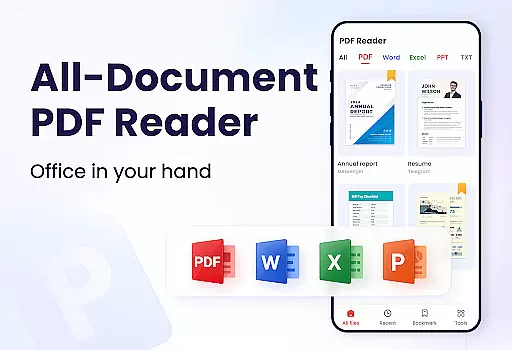
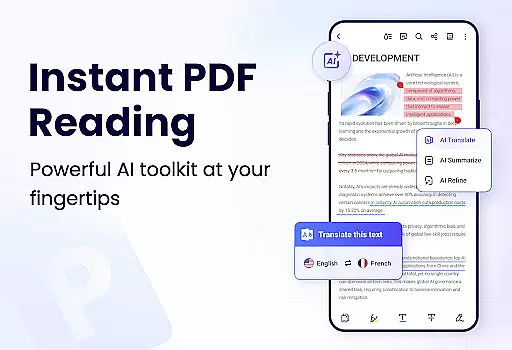
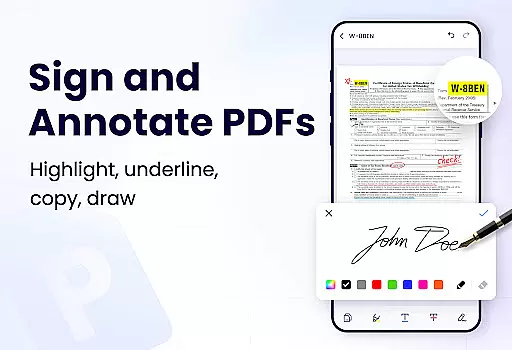
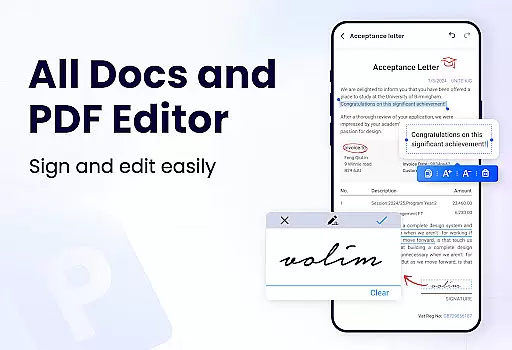
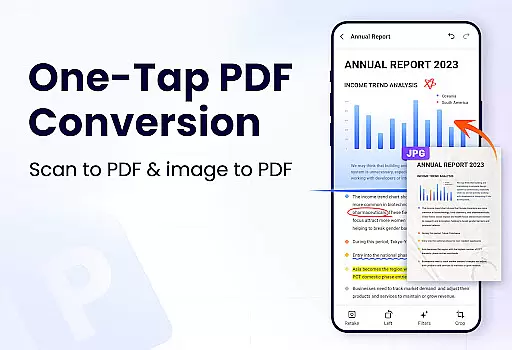
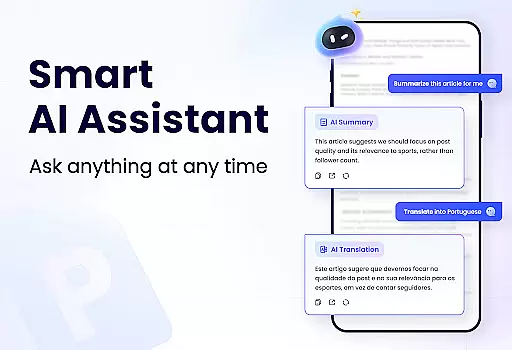
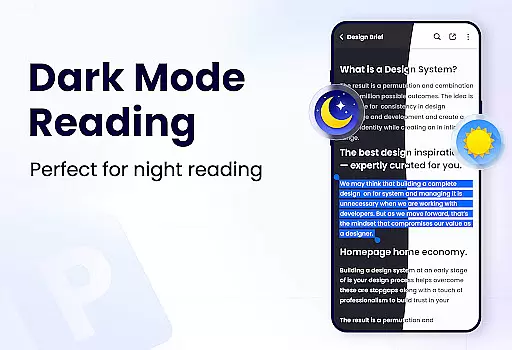
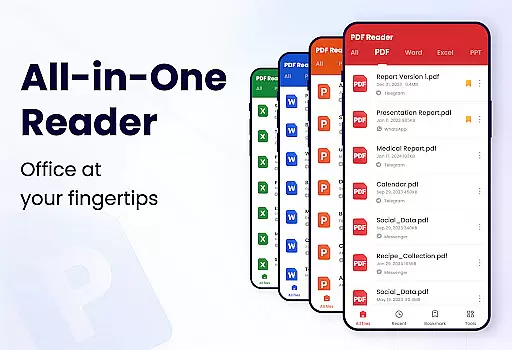
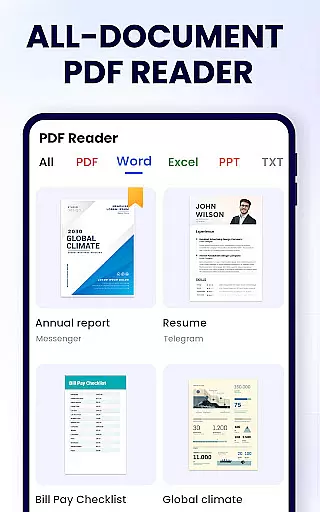
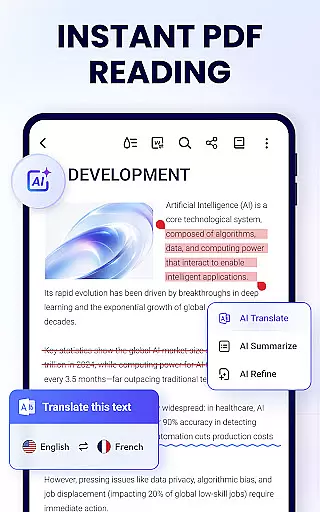
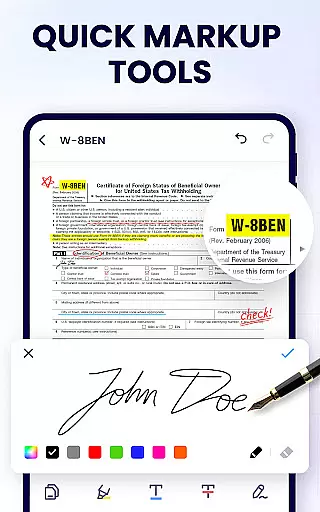
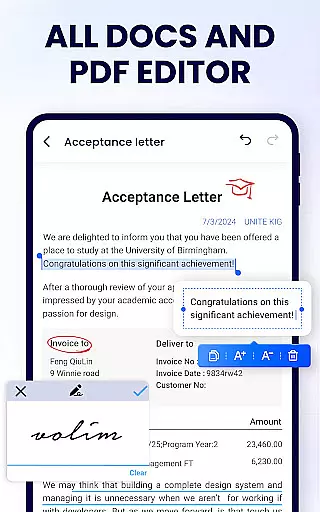
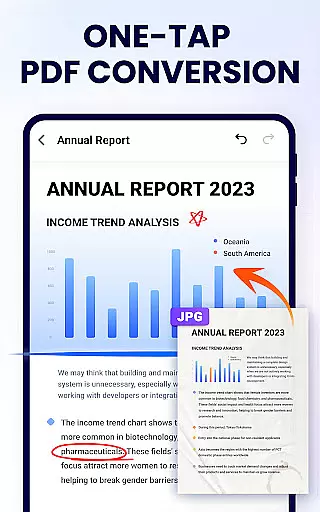
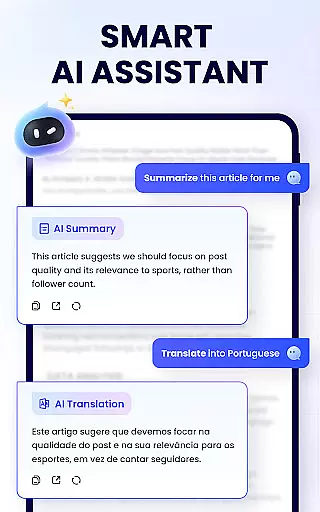
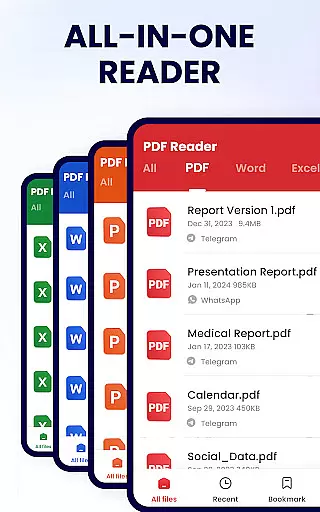
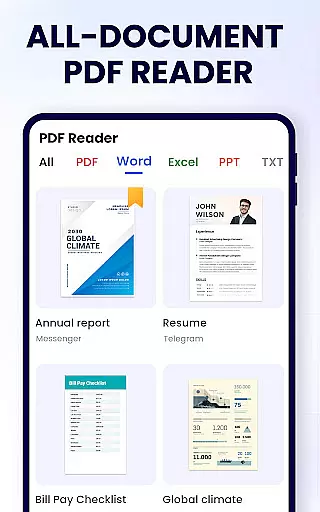
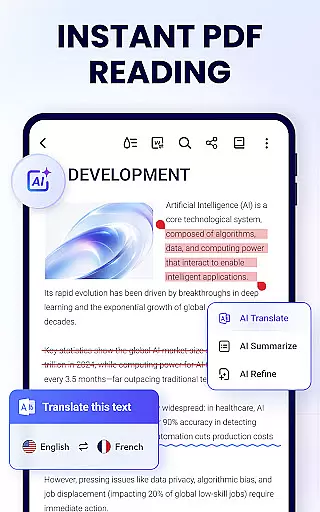
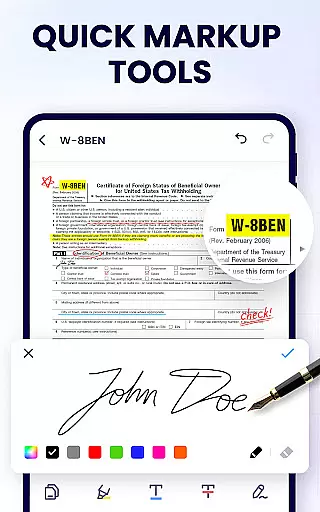
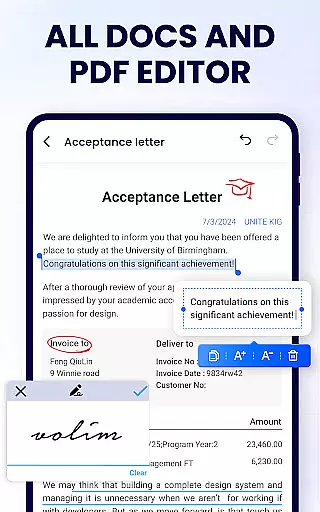
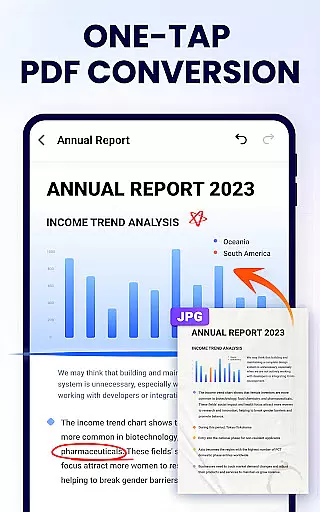
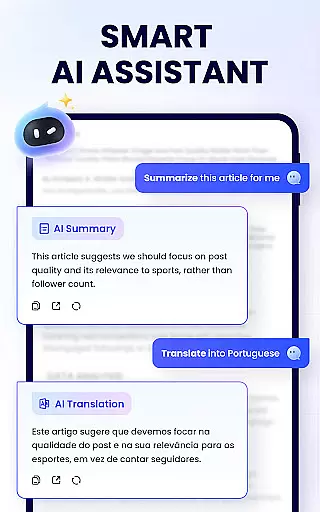
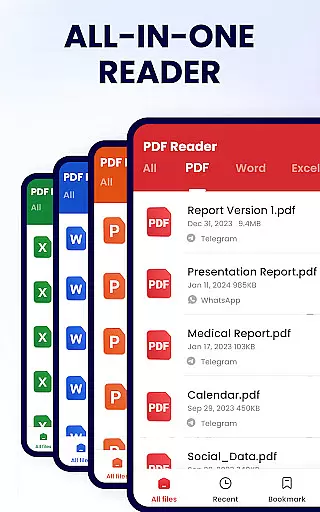
PDF Reader - PDF Viewer is a comprehensive productivity tool designed for Android users who need to manage, edit, and read PDF documents efficiently. This free app, known as A+ Read, offers an extensive range of features beyond simple viewing. Users can easily annotate, highlight, underline, or strikethrough text, doodle on pages, and even merge or split PDF files. It also supports setting passwords for document protection and sharing files via social media platforms.
The app's intelligent search function automatically locates all PDF files on your device, presenting them in a clear, organized list. With support for both horizontal and vertical reading modes, full-screen display, and customizable zoom levels, it ensures a comfortable reading experience. The recent files list allows quick access to frequently used documents, while the bookmarking feature helps users save important pages for future reference.
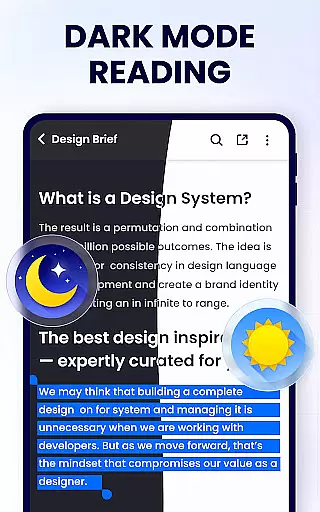
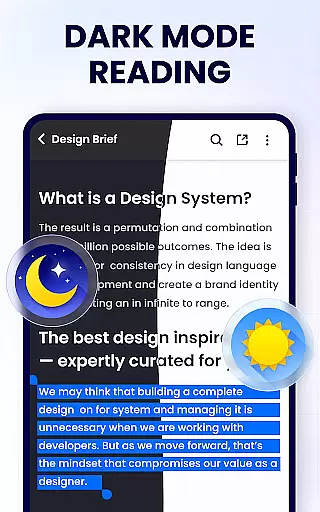
Whether you're a student managing research papers or a professional handling business reports, this app streamlines document management tasks. Its lightweight design (only 12MB) ensures smooth performance without consuming excessive storage space. Upcoming features like dark mode, PDF compression, and file conversion will further enhance its utility, making it an indispensable tool for anyone working with PDFs on their mobile device.
PDF Reader - PDF Viewer stands out with its robust feature set tailored for productive PDF management. One of its key strengths is the powerful editing capability that allows users to annotate documents with highlights, underlines, and strikethroughs. The ability to doodle freely on PDF pages adds a creative touch, ideal for note-taking or brainstorming sessions. Additionally, the app enables precise text selection and copying, facilitating information gathering and reuse.
Beyond editing, the app excels in document organization and security. Users can merge multiple PDFs into one cohesive file or split large documents into smaller sections. Password protection ensures sensitive information remains secure. The recent files list provides quick access to frequently used documents, while the renaming feature helps maintain an organized digital workspace. Sharing options are equally impressive, supporting various social media platforms for seamless collaboration.
The app's user-friendly interface enhances the overall experience. Its automatic PDF detection system creates a streamlined workflow by displaying all available documents in an easy-to-navigate list. The flexible viewing options, including page-by-page scrolling and continuous mode, cater to different reading preferences. Advanced navigation features like direct page number entry and adjustable zoom levels make document exploration intuitive and efficient, regardless of file size or complexity.
In the realm of productivity, managing tasks efficiently is paramount. The PDF Reader - PDF Viewer app excels in this area by offering a comprehensive suite of tools designed to handle PDF documents with ease. This app allows users to not only view their PDF files but also manage them effectively through features like merging and splitting documents.
The app's functionality extends to organizing files with options to rename, add bookmarks, and even set passwords for document protection. These capabilities ensure that users can maintain a structured and secure digital workspace. With its user-friendly interface, individuals can effortlessly navigate through their files, making task management seamless and efficient.
Moreover, the ability to share documents via various platforms enhances collaboration, allowing teams to work together without hassle. The inclusion of a recent files list further simplifies access to frequently used documents, saving time and increasing productivity. Such features make the PDF Reader - PDF Viewer an indispensable tool for anyone looking to streamline their document management process.
For professionals and students alike, having reliable cross-device synchronization is crucial for maintaining workflow continuity. The PDF Reader - PDF Viewer app addresses this need by ensuring that users can access their PDF documents across multiple devices without any loss of functionality or data integrity. This means you can start reading or editing a document on one device and continue on another with ease.
The app supports real-time updates, which is essential for users who switch between devices throughout their day. Whether you're using a smartphone, tablet, or computer, the consistency in features such as annotation, bookmarking, and text highlighting remains unchanged. This uniformity across devices ensures that your work process is smooth and uninterrupted.
Additionally, the lightweight nature of the app, combined with its powerful feature set, makes it an ideal choice for those who require a dependable PDF solution that won't bog down their system resources. By providing a robust platform for managing PDFs, the PDF Reader - PDF Viewer app stands out as a reliable companion for all your cross-device document handling needs.
User-friendly interface
Comprehensive editing tools
Secure password protection
Lightweight application size
Versatile file management
Limited advanced features
No cloud integration
Basic form filling
Occasional performance lag
Ads in free version

A Revolutionary All-in-One Artificial Intelligence Tools
 3.80
3.80
Ads Free App! Editor, Hide File, Copy, Move, Delete and Rename.. all facility av
1.70
Android Wallet Password Manager
4.80
Smart PDF reader & editor to view, organize and manage PDF documents easily.
3.70
The upgraded version of Name Wheel with AI and the power to add your own wheels.
4.2
* block pre-roll ads, pop-up and forced redirect ads * Samsung certification app
4.00
Secure your apps with lock screens, use custom themes and different features.
4.40
AT&T Internet customers can use this app to personalize their Wi-Fi network.
4.40
Seamlessly read, manage, and organize all your PDF files solution in one place
4.40
Multilingual translator for text, voice, and image translation!
4.90
Professional calendar app for Google Calendar, MS Outlook & Exchange
4.20
Intelligent AI Assistant
4.10
⏰ Finally a timer app which can run multiple timers simultaneously on your watch
3.90
Create study competitions, track your hours, and stay consistent with friends
4.5
A comprehensive suite of tools designed specifically for Lactation Consultants
4.3


User Reviews