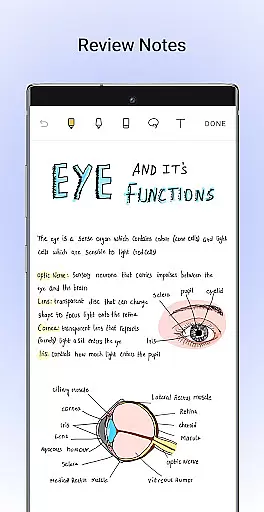
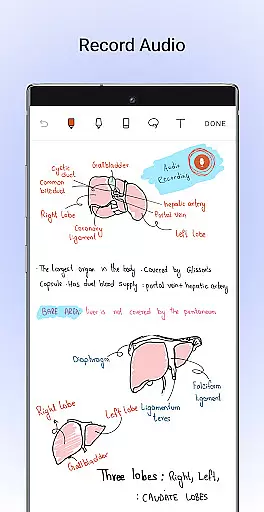
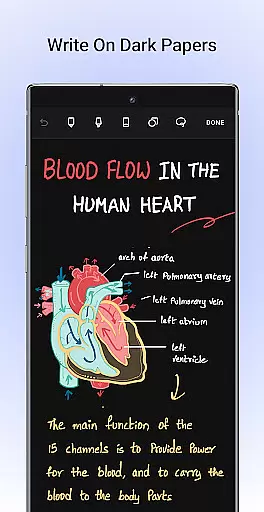
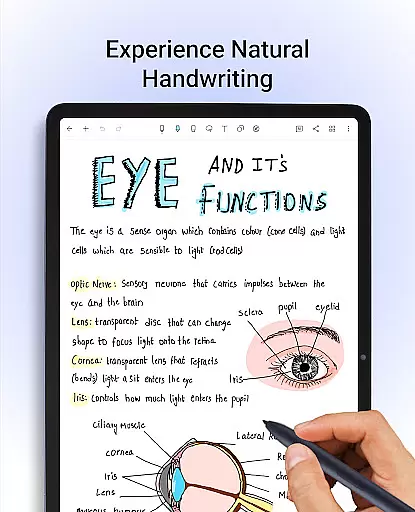
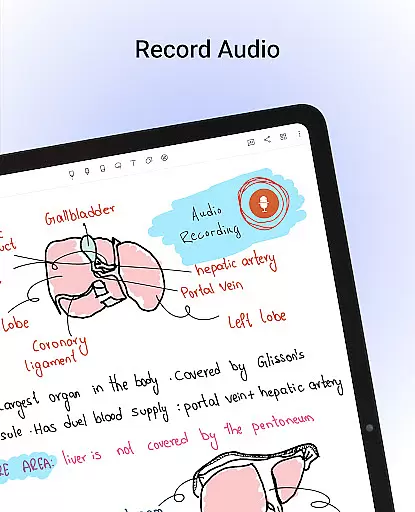
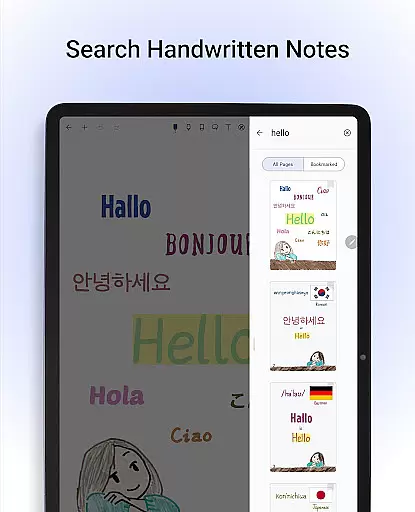
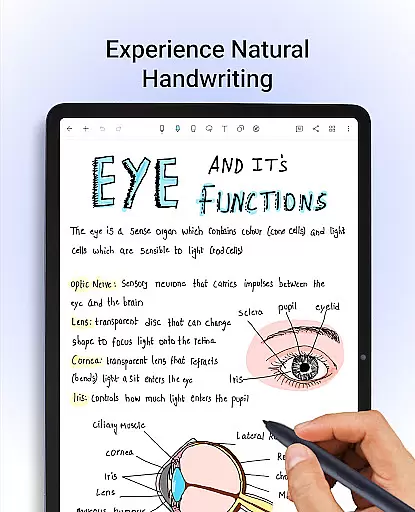
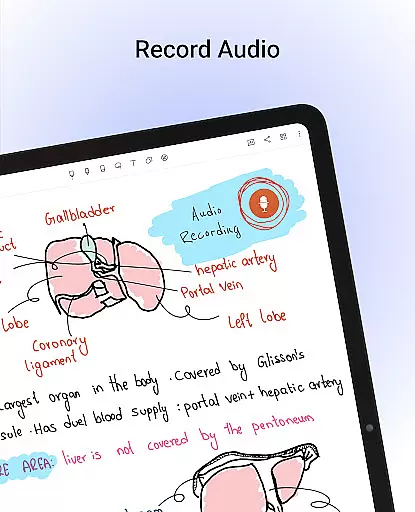
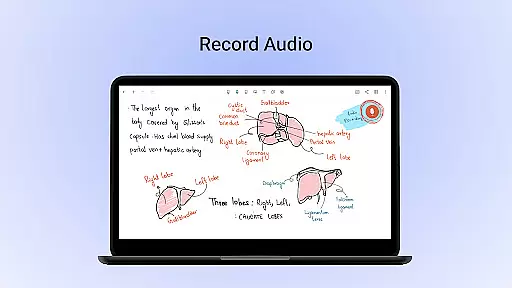
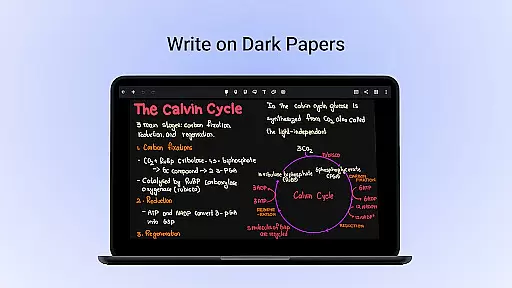
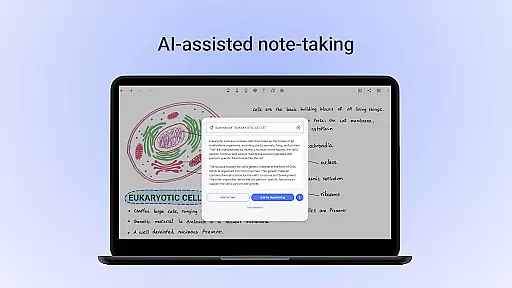
Noteshelf is a powerful note-taking app designed for students, teachers, and professionals. It allows users to take beautiful handwritten notes, annotate PDFs, record audio notes, and more. The app offers realistic pens and highlighters that make handwriting feel natural. With support for various stylus options, including Samsung Galaxy Note devices, Noteshelf ensures an optimal writing experience.
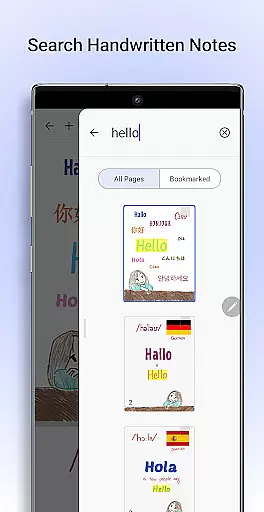
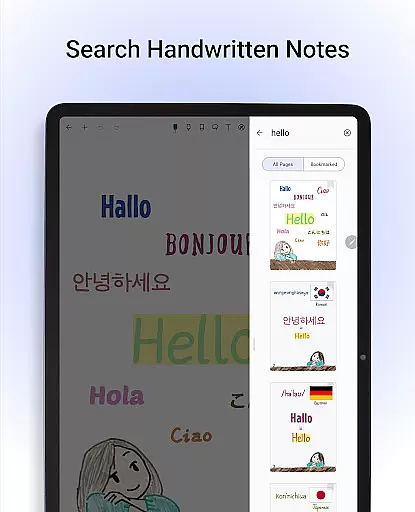
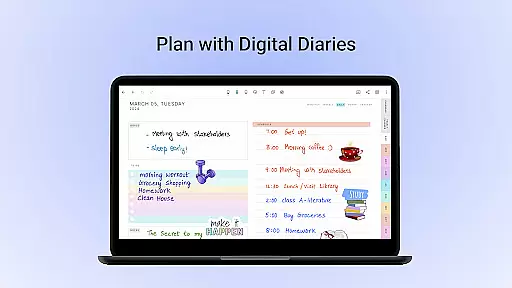
The application also provides advanced features like OCR (Optical Character Recognition) technology which enables searching through handwritten notes in 65 languages and converting them into typed text. Its vast template library includes over 200 templates catering to different needs such as student notes, lesson plans, diaries, journals, etc., making it versatile for any user's organizational requirements.
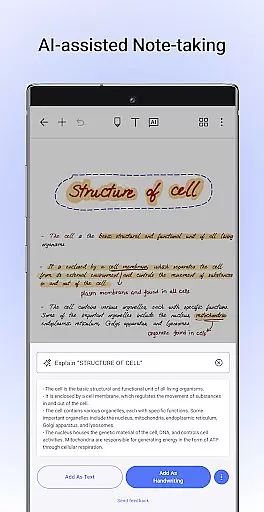
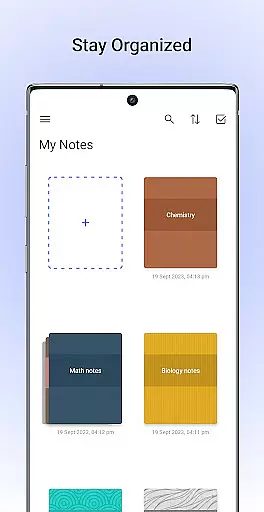
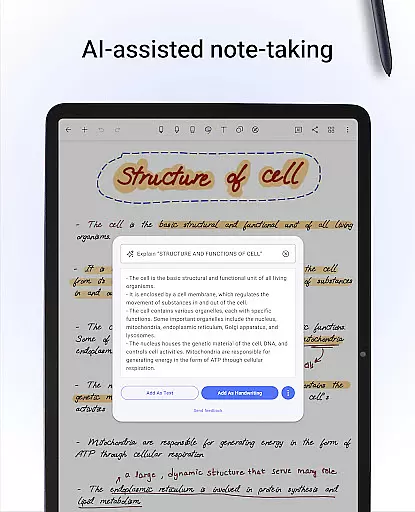
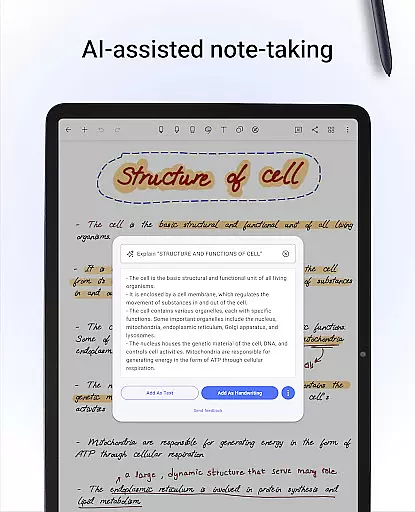
Noteshelf AI adds another layer of intelligence by understanding user’s handwriting and assisting with tasks like summarizing notes or translating text. Personalization options are abundant with customizable paper types, cover designs, and formatting tools. Users can stay organized by categorizing notebooks and bookmarking important pages while keeping their data safe via cloud sync services like Google Drive, OneDrive, Dropbox, WebDAV, and Evernote integration.
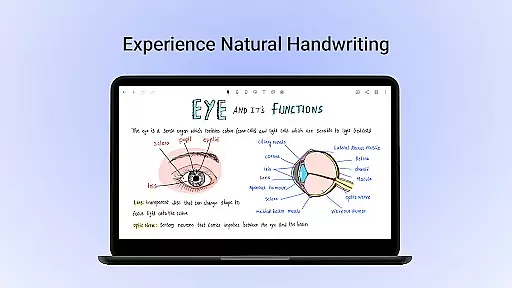
Noteshelf stands out with its comprehensive set of productivity-enhancing features tailored for digital note-taking enthusiasts. A key highlight is the natural handwriting experience facilitated by realistic pen models and support for multiple stylus devices. This feature not only mimics traditional pen-and-paper but elevates it with colorful inks and quick-erase functionalities exclusive to certain hardware like the S-pen on Samsung Galaxy Notes.
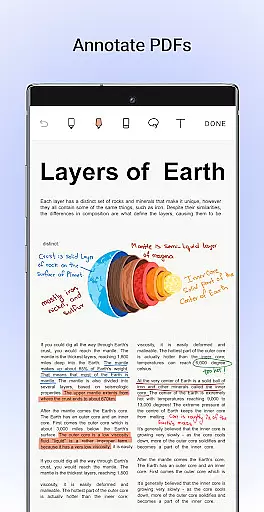
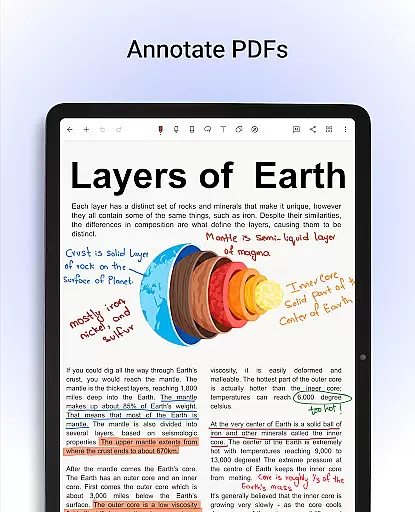
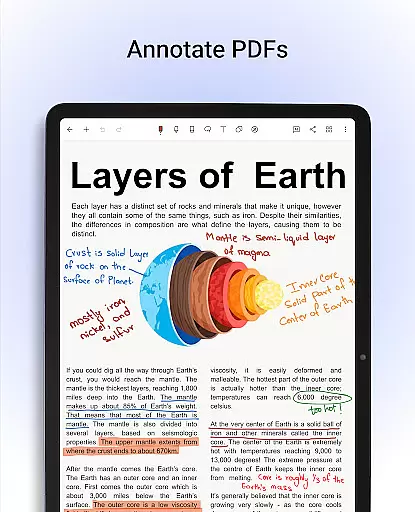
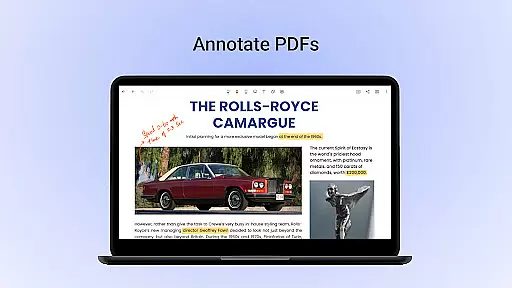
Annotating PDFs and images becomes effortless thanks to intuitive markup tools allowing users to highlight, underline, edit documents, fill forms, and even sign papers digitally. Another standout capability is the OCR functionality supporting 65 languages; this empowers users to search through their scribbles and convert them seamlessly into editable text format enhancing accessibility and usability of archived information significantly.
Beyond these core offerings lie innovative additions such as Noteshelf AI—an intelligent assistant capable of generating detailed summaries from lengthy handwritten scripts or explaining complex terminologies in simpler terms—and extensive personalization settings ranging from diverse paper styles to elegant notebook covers ensuring every user's unique preferences are met without compromise.
Noteshelf excels in core task management by offering a comprehensive suite of tools designed to enhance productivity. The app allows users to take beautiful handwritten notes with realistic pens and highlighters, making the note-taking process both enjoyable and efficient.
With support for various styluses, including Samsung Galaxy Note's S-pen, users can experience natural handwriting. This feature is crucial for students, teachers, and professionals who need to create and organize digital notes effectively. Additionally, the quick-erase option adds convenience, ensuring that note-taking remains flexible and user-friendly.
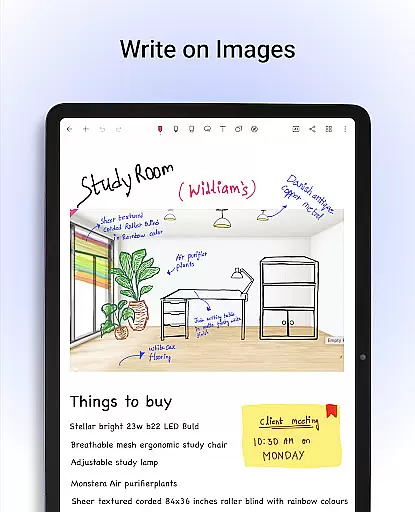
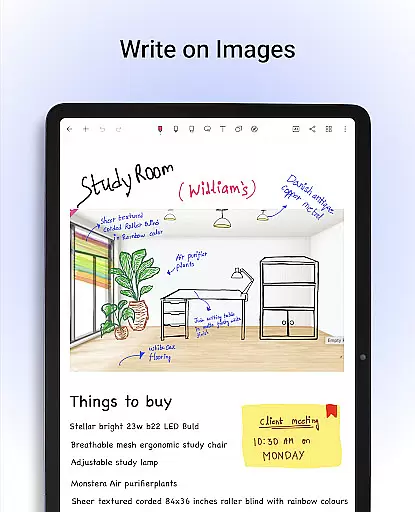
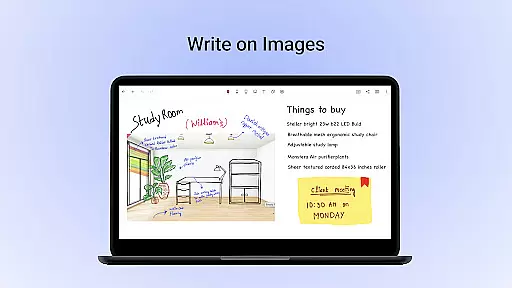
The ability to annotate PDFs and write on images further enriches the task management capabilities. Users can import documents, highlight key points, underline important information, and even sign documents, all within the app. This functionality is particularly beneficial for editing school notes, grading papers, and filling out forms.
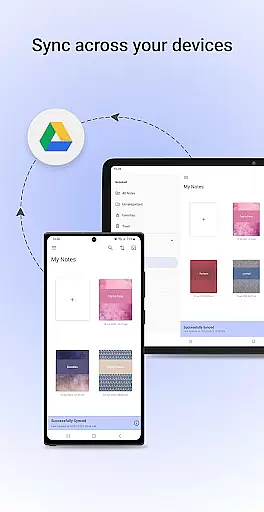
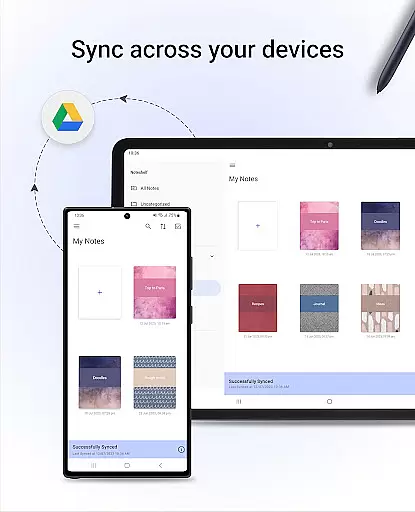
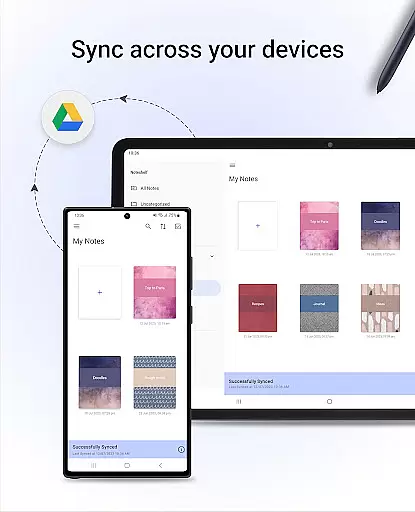
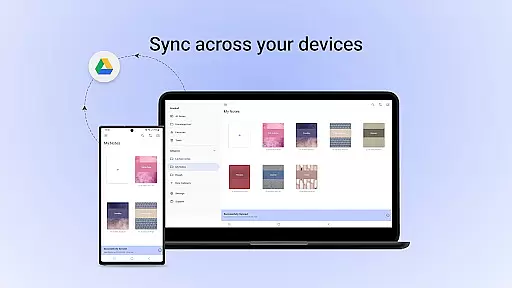
Cross-device synchronization is a standout feature of Noteshelf, ensuring that users can access their notes from any Android device without hassle. By syncing notes via Google Drive, the app guarantees that all your important information is available wherever you go.
Noteshelf also supports auto-backup to multiple cloud services such as OneDrive, Dropbox, and WebDAV. This ensures that your data is not only synchronized but also securely backed up, preventing any loss of critical information. Automatic publishing to Evernote further extends accessibility, allowing users to retrieve their notes from any location.
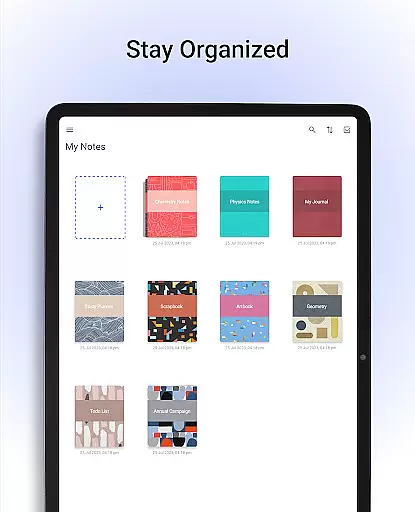
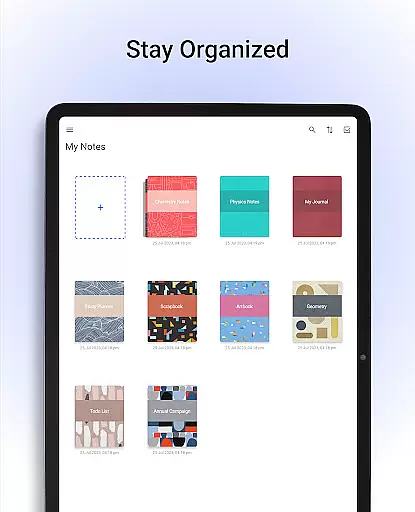
In addition to these robust synchronization features, Noteshelf offers organizational tools like drag-and-drop functionality for notebooks, bookmarking important pages, and naming them to create a personalized table of contents. These features collectively ensure that users stay organized and can manage their tasks efficiently across different devices.
User-friendly interface
Extensive customization options
Advanced OCR capabilities
Robust security measures
Versatile compatibility across platforms
Limited free version features
Occasional syncing issues reported
Subscription cost may deter some users
Steep learning curve for beginners
Some advanced tools require premium access
Mega cloud explorer plugin for Solid Explorer
 3.80
3.80
Professional calendar app for Google Calendar, MS Outlook & Exchange
4.20
8 custom complications. Custom Time Fonts. Beautiful color schemes. A++ Design.
5.00
A lightweight JSON & XML files creator, editor and viewer (Premium Version)
4.40
Make apps & sites with natural language prompts
4.10
Functional QR scanner and barcode reader that requires little storage space.
4.60
ID.me Authenticator is a simple and free Two Factor Authentication solution
3.50
Intelligent AI Assistant
4.10
AI Chatbot and AI writing assistant powered by ChatGPT.
4.60
Best Tool for the professionals Electrician, Electrical contractors, etc.
4.90
Use powerful, industry-leading AI tools to generate visual charts from any data
4.80
CalenGoo is a very flexible and feature-rich calendar app
4.40
Cloud storage, automatic phone backup, and more.
4.10
Make your handwriting beautiful, even more than pen on paper.
3.60
Easiest event planning, volunteer signups & parent teacher conference scheduling
2.20


User Reviews