
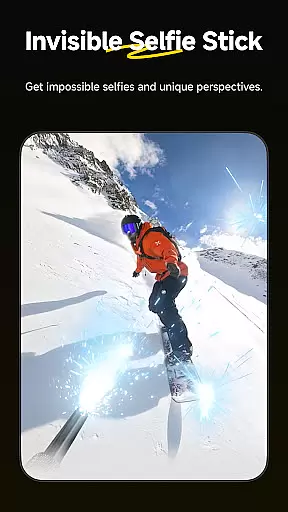
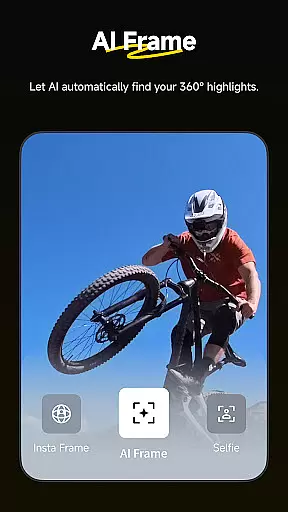
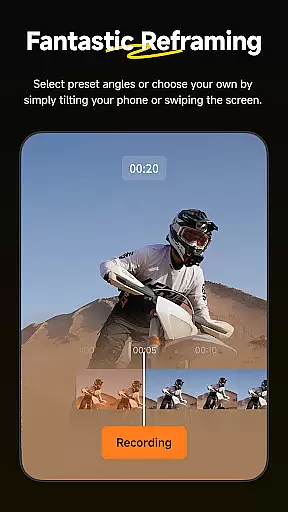
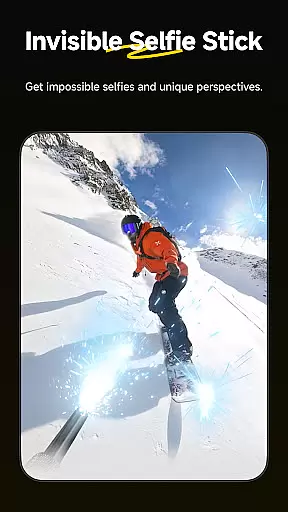
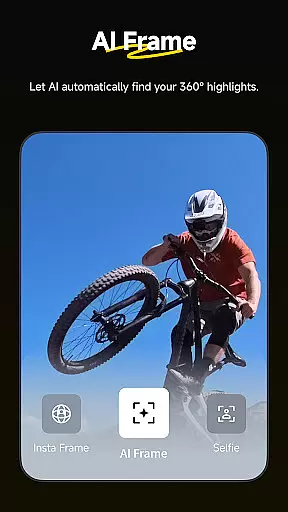
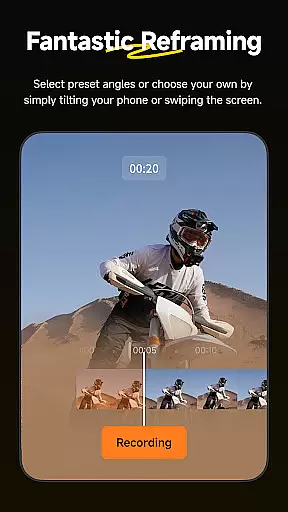
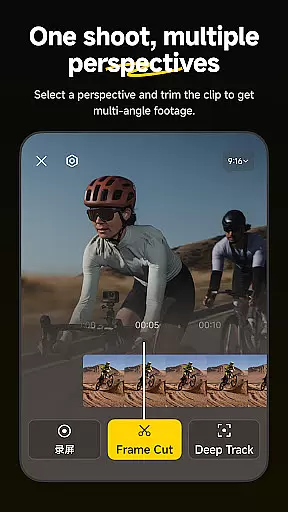
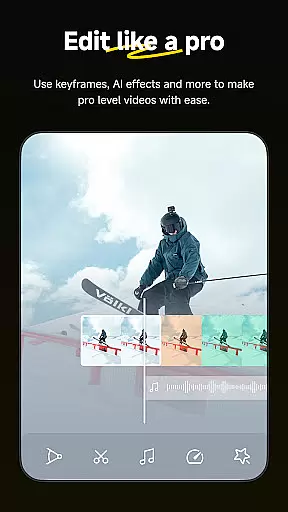
Insta360 is a powerful video editing and camera companion app designed for creators, athletes, and adventurers. It offers advanced AI-powered tools to enhance the video creation process. The app supports seamless integration with Insta360 cameras and handheld gimbals, providing users with creative freedom and professional-grade features.
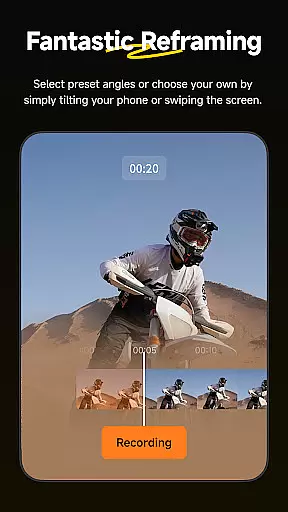
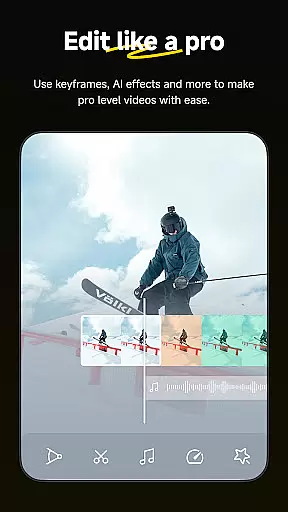
Key functionalities include auto-editing templates, 360-degree reframing tools, subject tracking, hyperlapse creation, and download-free editing. These features allow users to produce high-quality content directly from their mobile devices while maintaining complete creative control over their footage.
Whether you're an athlete capturing action highlights or an adventurer documenting your journey, Insta360 ensures that every moment is captured and edited effortlessly. Its intuitive interface and innovative tools make it an essential app for anyone looking to elevate their video production game.
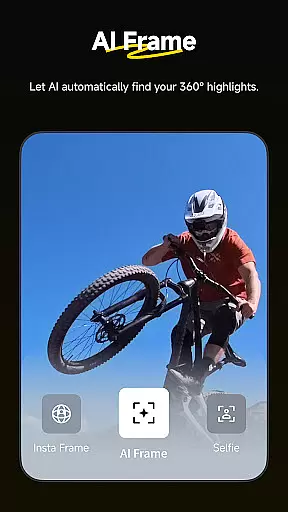
Insta360 stands out with its robust set of features tailored for modern content creators. One of its standout capabilities is AI Edit, which automates the entire reframing process using improved subject detection. This feature simplifies complex edits into just a few taps, making professional-level results accessible even to beginners.
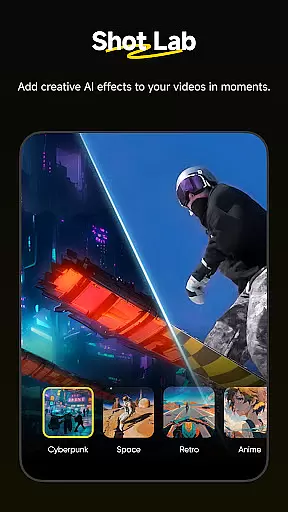
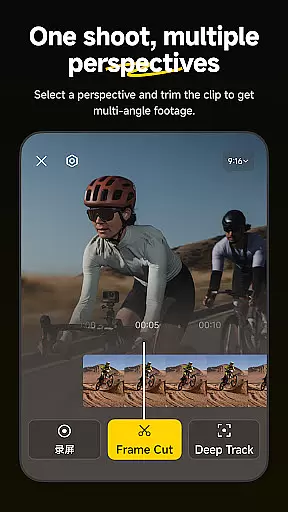
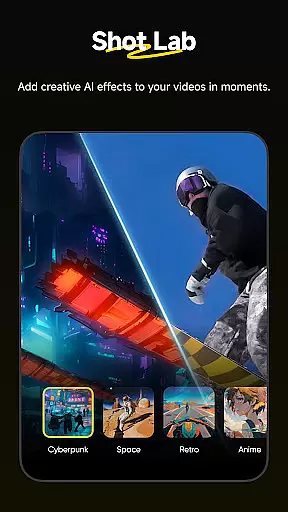
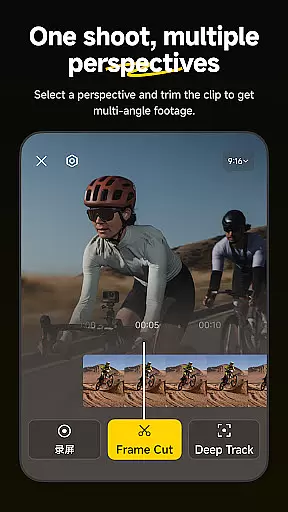
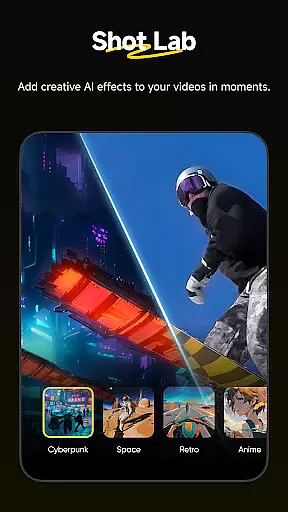
The Shot Lab provides over 25 AI-powered templates such as Nose Mode, Sky Swap, AI Warp, and Clone Trail, enabling users to create viral clips quickly. Additionally, Deep Track ensures that subjects remain centered in the frame, whether it's a person, animal, or moving object. Hyperlapses add another layer of creativity by allowing users to speed up videos while maintaining stabilization.
Another notable feature is Download-Free Editing, which lets users edit and share clips without consuming phone storage space. Combined with the new Album Page Layout that uses optimal angles for file management, these innovations streamline workflows and enhance productivity for creators on the go.
Insta360 supports a wide range of video formats, ensuring that creators can work with their preferred file types without any hassle. The app is designed to handle everything from standard MP4 files to more specialized 360-degree video formats, providing flexibility for various creative projects.
The application's comprehensive format support allows users to import and export videos seamlessly. Whether you're editing footage captured on an Insta360 camera or working with files from other devices, the app ensures smooth compatibility and high-quality output.
With this level of video format compatibility, users can focus on their creative process without worrying about technical limitations. This makes Insta360 an ideal tool for both amateur videographers and professional content creators who need reliable performance across different media platforms.
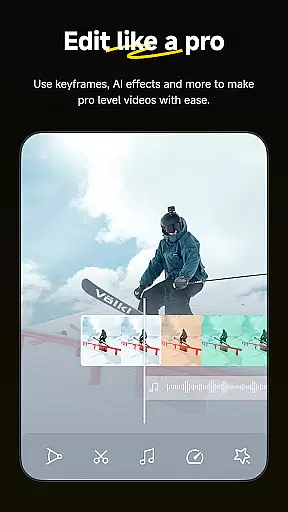
Insta360 incorporates advanced AI-powered editing features that revolutionize the video editing process. The app offers automated tools like AI Edit, which uses artificial intelligence to streamline tasks such as reframing and subject detection, making it easier than ever to create professional-quality videos.
Shot Lab provides access to numerous AI-driven templates, including innovative effects like Nose Mode and Clone Trail. These features enable users to produce viral content with just a few taps, significantly reducing the time and effort required for complex edits.
The combination of Deep Track for subject tracking and Hyperlapses for stabilized time-lapse videos showcases the app's commitment to intelligent editing solutions. By leveraging these sophisticated AI capabilities, Insta360 empowers creators to push the boundaries of their creativity while maintaining complete control over their final product.
User-friendly interface
Advanced AI editing tools
Wide range of creative templates
Efficient subject tracking
Download-free editing option
Requires compatible hardware
Limited offline functionality
Premium features may require subscription
Occasional connectivity issues
Steep learning curve for beginners

Online Videos Player
 3.90
3.90
Client application for NextPVR software
3.00
Watch a large amount of high-definition short drama content
4.60
Fast video downloader & private browser. Save HD clips to watch offline.
4.40
Support 1000+ Video Format, Subtitle Download, mp3 & Background Play, Cast On TV
4.60
AI Video Editor:AI Music, Text to Video,Text to Speech,Auto Caption,Video Effect
4.00
Manage your IPTV live channels and VOD playlists (no playlist included)
3.80
Screen recorder with audio to take live videos & Screenshot in high quality!
4.70
Photo editor & video maker with music and slideshows.
4.10
Create photo video with music & template. AI video maker for stunning slideshow.
4.60
AirMirror Receiver - Screen mirroring/cast web videos to Android TV by AirPlay.
4.40
Viddo: Generate Action Figure, AI Anime, AI kiss, AI hug Video from image & text
4.40
Create & edit videos with AI
4.30
Video Downloader is an utility that can save videos and music from web sites
4.20
Mix with Virtual DJ directly from your phone or tablet !
3.10


User Reviews