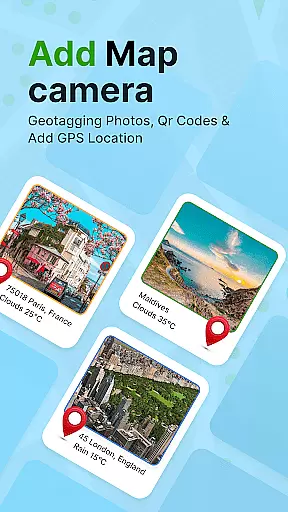
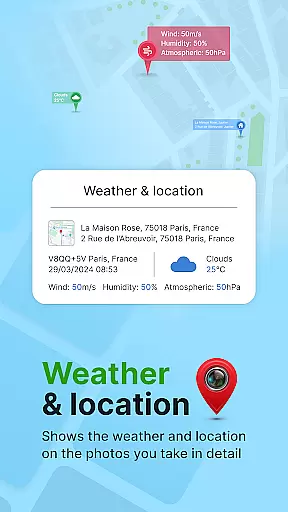
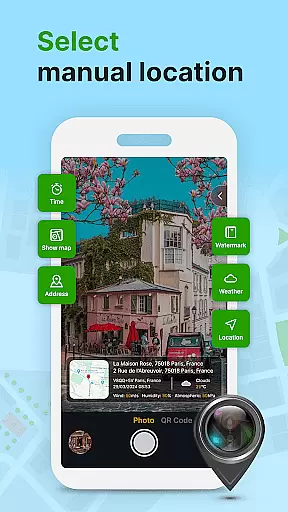
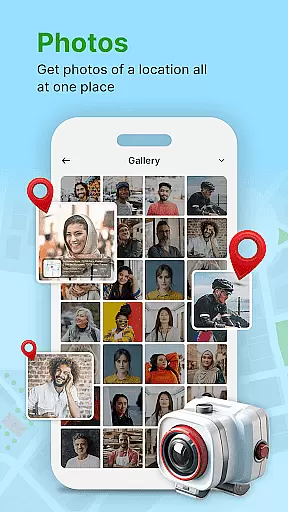
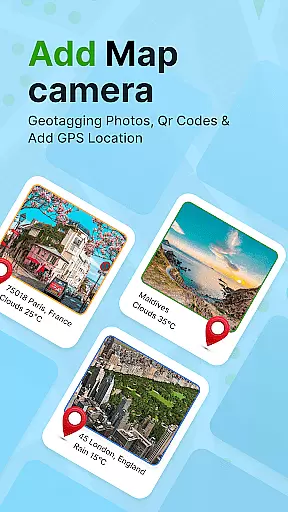
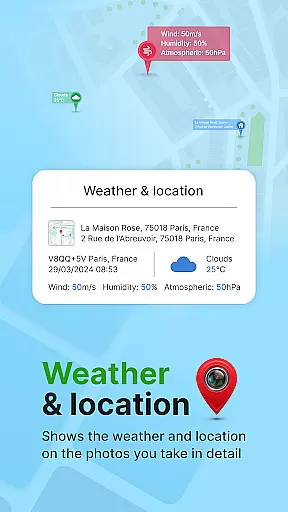
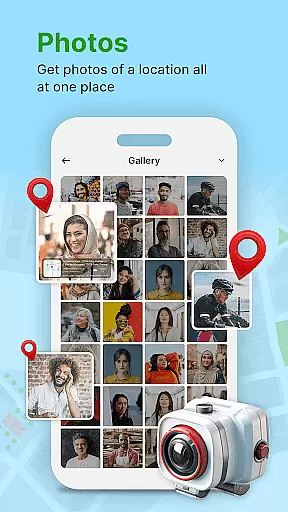
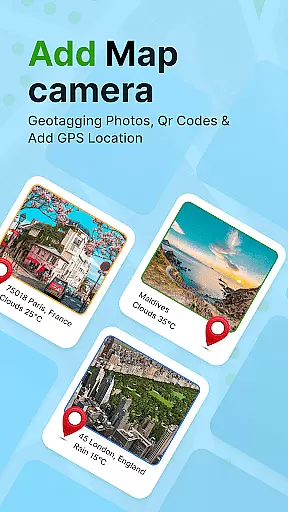
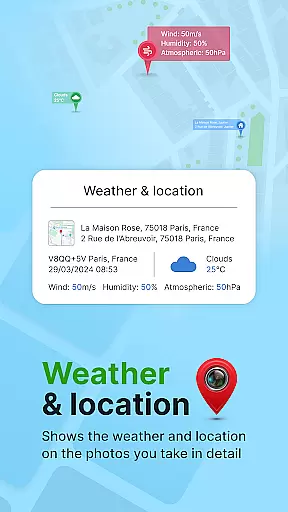
GPS Geotag Photos & Camera Map is a powerful photography app designed to enhance your photo-taking experience by embedding precise location data into your images. The app automatically adds GPS coordinates, altitude, and address information directly into the photo metadata, making it easy to track where and when each photo was taken.
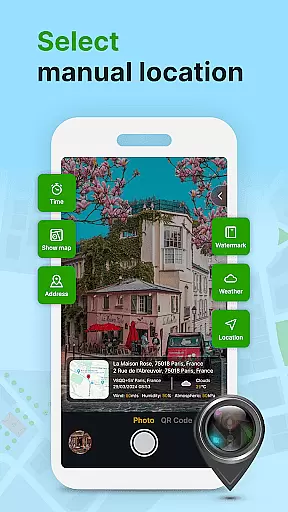
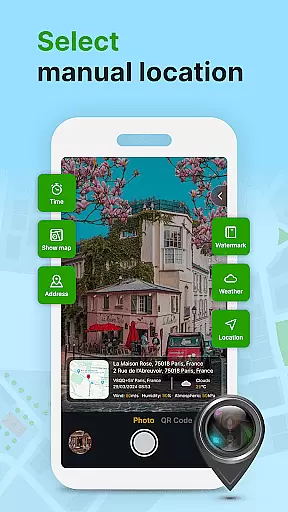
Beyond basic geotagging, this app offers advanced customization options. Users can add live maps, weather details, latitude, longitude, and timestamps to their photos. With support for manual adjustments of GPS coordinates, users have full control over the location data. Whether you're a traveler wanting to document your journey or a professional needing accurate photo metadata, this app provides both functionality and flexibility.
The app boasts an array of innovative features that cater to various photography needs. One standout feature is its ability to automatically embed GPS data such as location stamps, altitude, and addresses directly into image files. This ensures every photo contains valuable metadata without requiring extra steps from the user.
Customization is another key strength of GPS Geotag Photos & Camera Map. Users can personalize timestamp fonts, sizes, colors, and positions on their photos. Additionally, the app includes practical tools like a QR code scanner and supports manual fine-tuning of latitude and longitude. These features make it suitable for both casual photographers and professionals who need detailed photo documentation.
Real-time capture and preview functionality is essential for ensuring that every photo taken with GPS Geotag Photos & Camera Map app accurately reflects the desired composition. This feature allows users to see exactly what the camera sees, in real time, before capturing the image.
The app supports stunning photo capture while embedding crucial metadata such as GPS coordinates, altitude, and address directly into the image. This ensures that each photo contains valuable location-based information, which can be shared effortlessly with family and friends.
Users benefit from the ability to customize various aspects of their photos, including adding timestamps with customizable fonts, sizes, colors, and positions. This level of personalization enhances the user experience by allowing precise control over how and where the metadata appears on the image.
Overall, the real-time capture and preview feature not only enriches the photography process but also adds a layer of practicality by making it easy to track when and where each photo was taken, thus preserving memories with accurate contextual details.
While primarily focused on geotagging and metadata embedding, GPS Geotag Photos & Camera Map app also offers features that enhance photo quality through AI beauty and enhancement tools. These tools ensure that images look natural and appealing without compromising the authenticity of the original shot.
Although the core function revolves around adding GPS data, datetime, and weather information to photos, the inclusion of AI-driven enhancements provides an added value. Users can expect their photos to maintain a natural look even after applying beautification filters or enhancements.
This app stands out by balancing automated enhancements with manual controls, allowing users to fine-tune settings like latitude and longitude if needed. Such flexibility ensures that the enhancements complement the embedded metadata rather than overshadowing it.
Ultimately, the AI beauty and enhancement features contribute to a more polished final product, ensuring that users' photos are not only informative due to embedded geotags but also visually pleasing thanks to intelligent processing algorithms.
Accurate geotagging
Customizable timestamps
Live map integration
Easy sharing options
Manual GPS adjustment
Requires constant GPS
Drains battery quickly
Interface not intuitive
Limited free features
Occasional bugs

Shooting photos and records video easily and efficient with professional Camera
 4.30
4.30
An interval timer to automate photo taking process for timelapse
2.90
How old age camera Gender Swap App Face Shape Hairstyle App Hair Styler App fun!
4.00
Virtual makeup, hair filters & body tuner—edit from face to full body!
4.20
Photo editor & gallery. Crop pictures & edit photos offline, no wifi!
4.50
Collage your moments in one tap: 1000+ layouts, filters, stickers, and texts.
4.90
Astrophotography with your smartphone, photo live stacking and much more!
3.90
live datamoshing
4.00
Effortlessly make high-quality GIFs from images & videos without any watermarks.
4.70
Gallery show photo, video, slideshow, is perfect 3D effect private photo albums.
4.80
PhotoSync Bundle Add-On License. Enables all features and services in PhotoSync.
4.60
Effortlessly organize, view and share your photos & videos with Gallery app!
4.40
All-in-One Editor & AI Photo Enhancer, Collage, Cartoonify, Funny Stickers & BGS
4.10
Photobooth mini FULL app will allow you to add more fun to your parties
4.00
Snap photos remotely using your Garmin watch as the camera trigger
4.0


User Reviews