
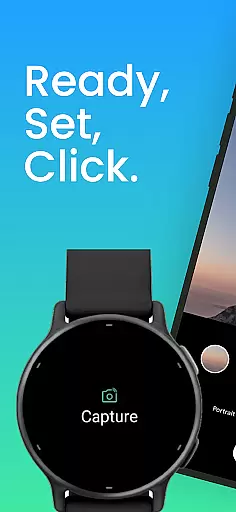
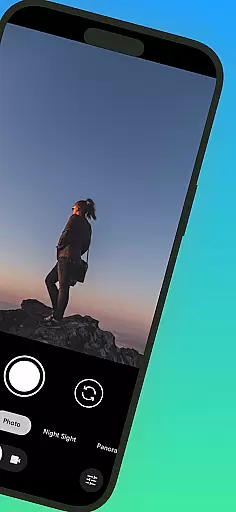
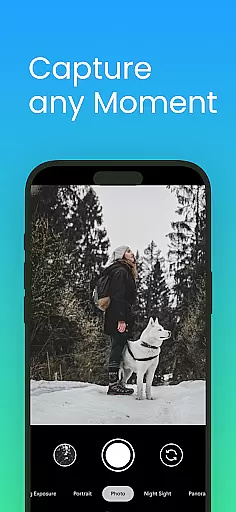
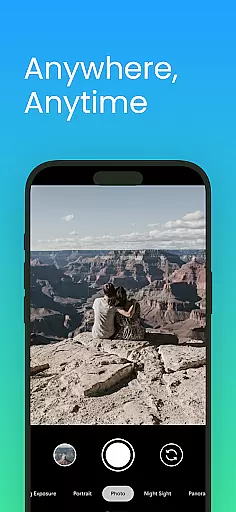
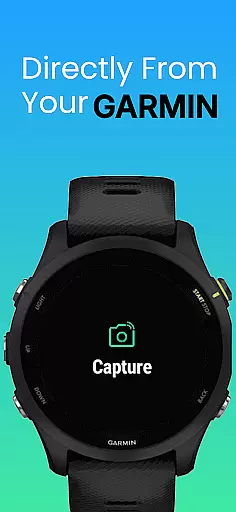
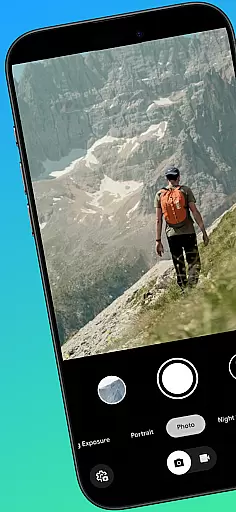
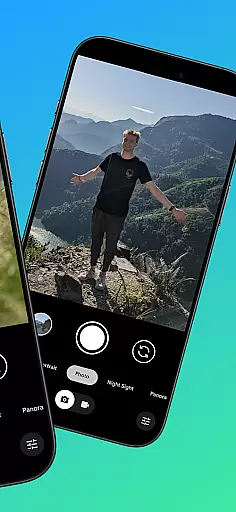
CameraClick is a photography app that connects Garmin smartwatches with Android phones, enabling wireless remote control of the phone's native camera. This seamless integration allows users to capture photos and videos directly from their wrist, making it ideal for group shots, solo adventures, or distance recordings.
The app works with the existing camera app on your phone, preserving preferred quality settings and lens choices. It uses Android’s AccessibilityService to interact with the camera shutter button, ensuring compatibility across a wide range of devices. Whether you're a creator, athlete, or everyday user, CameraClick offers an easy and reliable way to take photos without needing to reach for your phone.
CameraClick stands out with its unique ability to integrate with your phone's native camera app rather than requiring a separate viewer. This ensures that all your preferred camera settings, such as quality and storage paths, remain intact. The app leverages Android’s AccessibilityService to directly trigger the camera shutter, offering broad compatibility with various devices and camera apps.
Another key feature is its support for Garmin Connect IQ-enabled watches, allowing users to control their cameras from their wrists effortlessly. Tested on popular Android devices from brands like Google, Samsung, and Xiaomi, CameraClick provides a reliable experience across different platforms. Its intuitive design makes it accessible for creators, athletes, and casual users alike who want to capture moments remotely.
Real-time capture and preview functionality is essential for ensuring that every photo or video taken meets the user's expectations without delay. CameraClick excels in this area by providing seamless integration between your Garmin smartwatch and Android phone.
By utilizing the native camera app on your phone, CameraClick allows you to trigger the camera directly from your wrist. This means you can see the scene through your phoneu2019s viewfinder and capture it instantly with a tap on your watch. The immediacy of this process ensures that you never miss a moment, whether you're taking group shots or recording solo adventures.
The application leverages Androidu2019s AccessibilityService to interact directly with the camera shutter button. This interaction not only makes the app compatible with a wide range of devices but also preserves your preferred quality settings, lens choice, and storage path. As a result, users experience minimal lag between the preview and the captured image, making the photography process more intuitive and reliable.
While CameraClick does not focus heavily on AI beauty and enhancement features, it offers natural and authentic photo-taking experiences by leveraging your phoneu2019s native camera capabilities. This ensures that any enhancements or beautification features you typically use are preserved.
CameraClick works with your existing camera app, meaning it triggers the same camera you already use. If your phoneu2019s camera app includes AI-driven beauty modes or enhancement options, these will be accessible through CameraClick as well. This approach maintains the integrity of your preferred photography style while adding the convenience of remote control.
Using Androidu2019s AccessibilityService, CameraClick interacts directly with the camera shutter button, ensuring compatibility across various devices. This interaction allows users to retain full control over how their photos and videos are captured, including any AI enhancements they prefer. Thus, while not an AI-centric app, CameraClick supports natural enhancement options inherent to your deviceu2019s camera.
User-friendly interface
Wide device compatibility
Preserves native camera settings
Wireless convenience
Seamless Garmin integration
Requires specific hardware
Limited to Android
Needs accessibility permissions
No iOS support
Dependent on watch connectivity

1M influencer's special filter
 4.60
4.60
Viewfinder, Light meter, Reciprocity failure time, DOF & Bellows Extension
4.60
Perfect body tune & face app - photo retouch, makeup, slim body & beautify face.
4.80
Create Business Headshots, Polaroid Filter, Retake Photos,Profile Pics,AI Photos
4.50
Cartoon and artistic effects for your photos and videos
4.70
Movie camera, supports pro recording settings for filming. Try it and be amazed!
4.50
See your baby AI baby face generator AI baby maker Face generator babymaker fun!
4.70
Use AI Video Generator to turn your words to ai generated videos.
4.50
PhotoSync Bundle Add-On License. Enables all features and services in PhotoSync.
4.60
Easily view, share, delete photos with Gallery.
4.70
Photo Exif Editor allows to view, add and modify EXIF data of multiple photos
4.50
Fit multiple photos on one post. Create carousels & scroll layouts for Instagram
4.50
Create & Edit with AI: AI Remove, Enhance, Retouch, Filter
4.10
live datamoshing
4.00
Create amazing frames with up to five photos. Rounded corners, effects and more!
3.60


User Reviews