
Google Sheets is a powerful productivity application that allows users to create, edit, and collaborate on spreadsheets directly from their Android devices. The app offers a comprehensive set of features including real-time collaboration, offline access, and automatic saving. Whether you need to manage business data or organize personal information, Google Sheets provides the tools necessary for efficient spreadsheet management.
The application supports advanced functionalities such as formatting cells, entering formulas, and inserting charts. It also integrates smart suggestions to help users quickly gain insights and apply formatting. As part of Google Workspace, it offers additional premium features for subscribers, making it a versatile tool for both individual and team use.
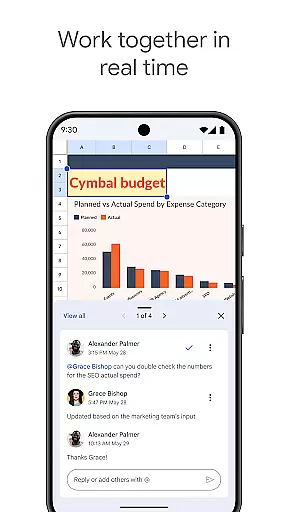
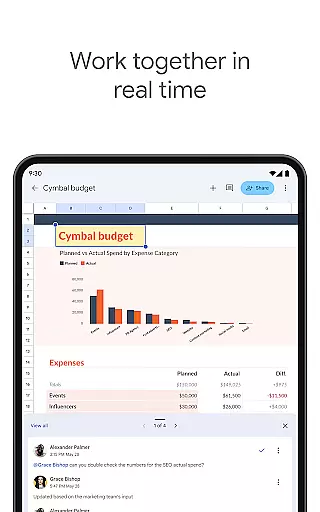
Google Sheets stands out with its rich feature set designed to enhance productivity. The app allows multiple users to work on the same spreadsheet simultaneously, with changes reflected in real time. This makes team collaboration seamless and efficient. Users can format cells, sort data, and utilize formulas to perform complex calculations.
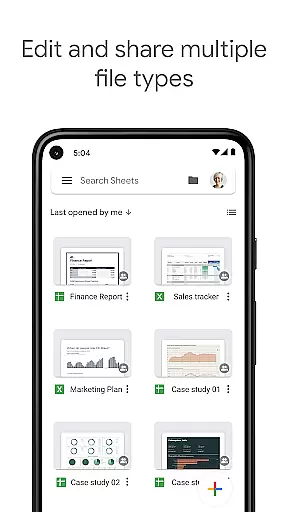
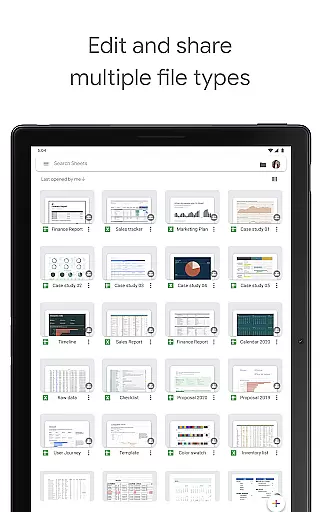
One of the key advantages is its cross-platform compatibility, enabling users to open, edit, and save Excel files without any hassle. With smart suggestions powered by Google AI, users can quickly insert charts and apply formatting. The app also ensures that your work is always safe with automatic saving and offers offline access for uninterrupted productivity.
Task management is a cornerstone of productivity applications, and Google Sheets excels in this area. The app allows users to create new spreadsheets or edit existing files, ensuring that all work is automatically saved as you type. This feature eliminates the fear of losing important data and provides peace of mind.
Google Sheets offers real-time collaboration, allowing multiple users to work on the same spreadsheet simultaneously. This functionality is crucial for teams who need to share information quickly and efficiently. Users can add and respond to comments directly within cells, streamlining communication and enhancing productivity.
In addition to basic spreadsheet functions, Google Sheets supports advanced features such as formatting cells, entering or sorting data, viewing charts, inserting formulas, and using find/replace tools. These capabilities ensure that users have everything they need to manage tasks effectively, whether working individually or as part of a team.
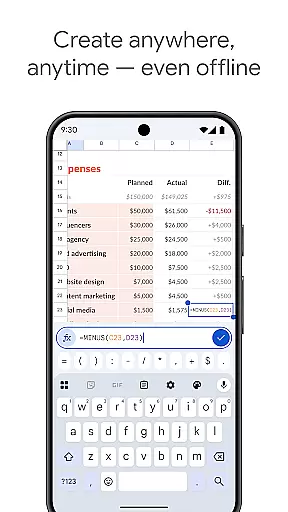
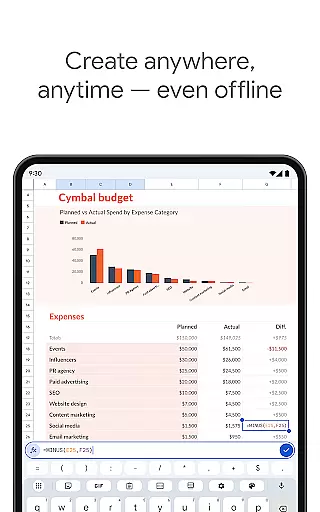
Cross-device synchronization is vital for users who require access to their data across multiple platforms. Google Sheets ensures reliable synchronization, enabling users to work anywhere, anytimeu2014even offline. Once reconnected to the internet, all changes are synced seamlessly across devices, maintaining consistency and accuracy.
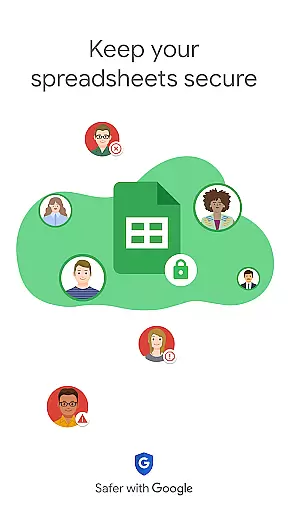
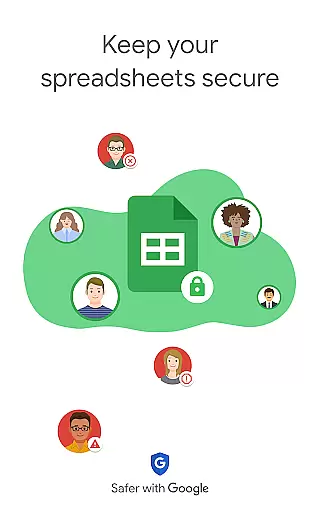
The app's integration with Google Workspace enhances its synchronization capabilities. Subscribers benefit from enterprise-grade security and the ability to collaborate effortlessly across Sheets and Excel. This seamless experience ensures that users can transition between different devices without losing functionality or data integrity.
Google Sheets also leverages smart suggestions powered by Google AI to provide quick insights, insert charts, and apply formatting. These intelligent features enhance the user experience by reducing manual effort and increasing efficiency. With reliable cross-device synchronization, Google Sheets empowers users to focus on their work rather than worrying about technical inconsistencies.
User-friendly interface
Real-time collaboration
Automatic saving
Offline access
Cross-platform support
Limited advanced features
Requires internet
Occasional sync issues
Basic formula functions
Ads in free version

AI Video AI Image Private LLM AI Browser Llama Gemma Ollama Connect LLM Studio
 4.2
4.2
Make your handwriting beautiful, even more than pen on paper.
3.60
Make apps & sites with natural language prompts
4.10
Find and delete junk files & block unwanted notifications & manage files
3.70
Activate Two Factor Authentication (2FA or Multi OTP), Password manager and more
4.10
Secure your apps with lock screens, use custom themes and different features.
4.40
Lightweight PDF, Word, Excel reader.
4.60
AT&T Internet customers can use this app to personalize their Wi-Fi network.
4.40
Daily processing of PDF documents.
4.40
Great calculator for Android named one of USA TODAY's "25 Essential Apps".
4.90
Protect and view your important info on your phone and tablet with eWallet®
4.80
Secure, fast, open-source, Remote Desktop Client for Windows and Linux with SSH
4.60
Calendar 2023 widget for Android. Appointment scheduler, planner, and reminder
4.60
Font maker keyboard with your own handwriting
4.10
The upgraded version of Name Wheel with AI and the power to add your own wheels.
4.2


User Reviews