
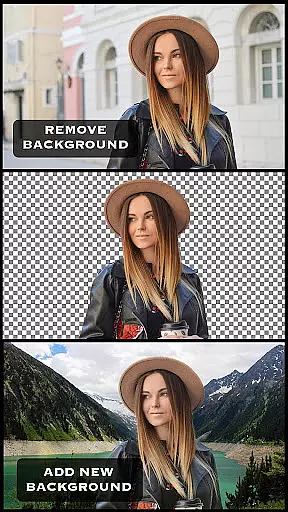

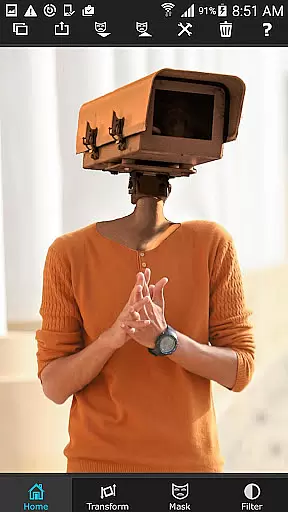
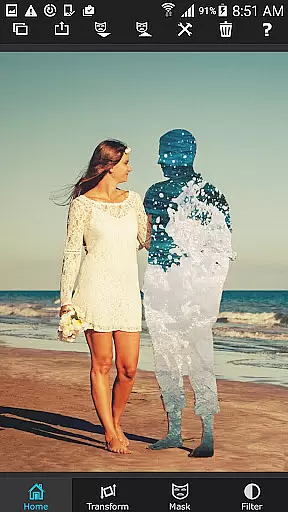

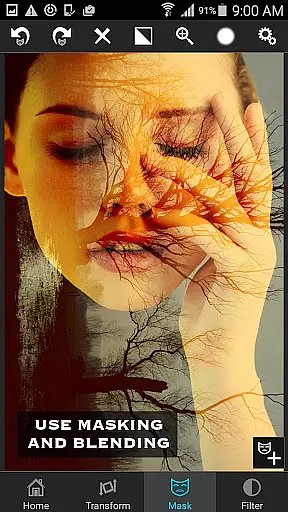
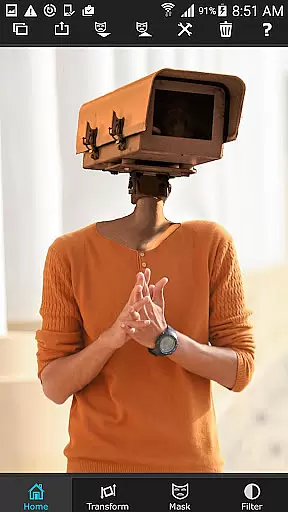
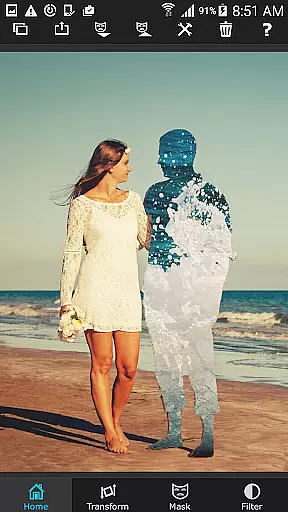

Superimpose is a powerful mobile application that allows users to create professional-grade superimposed or juxtaposed photos directly on their iPhone. With just a few taps, you can seamlessly blend images without the need for a computer or expensive software.
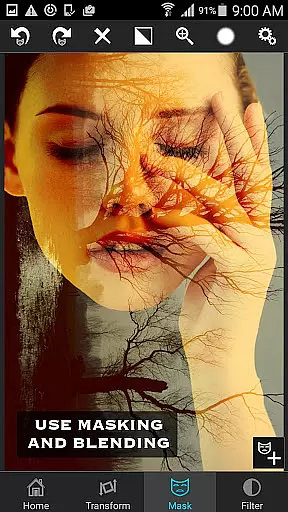
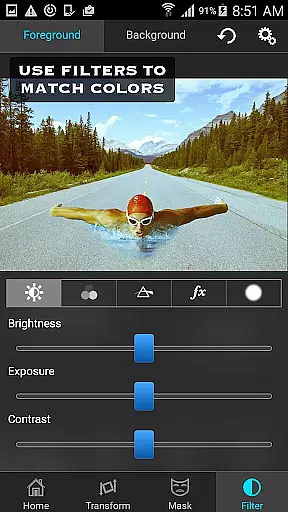
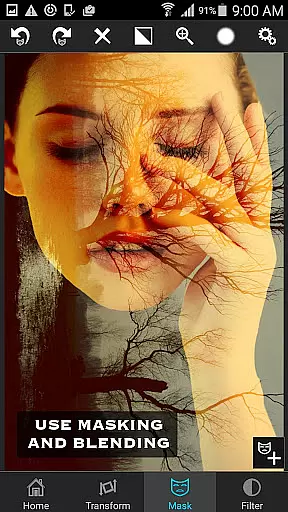
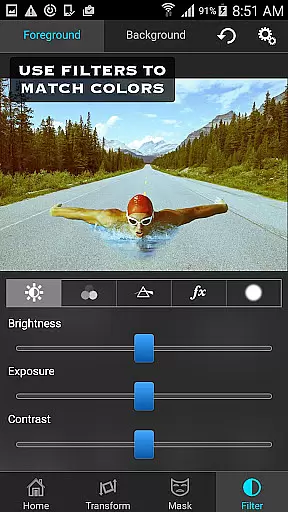
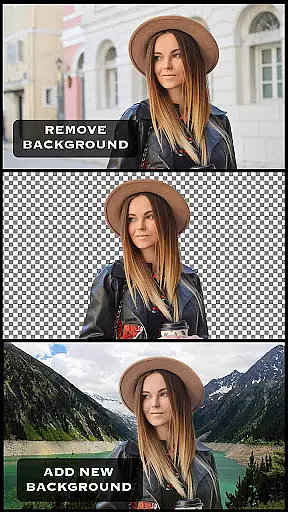
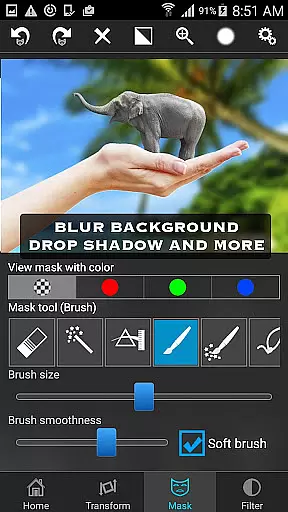
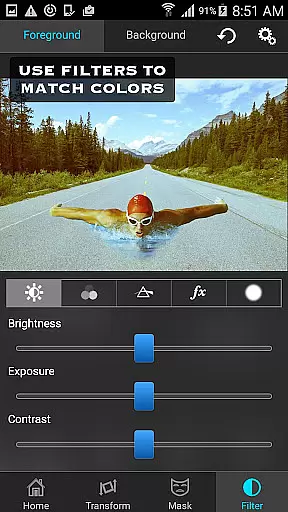
The app offers an extensive range of masking tools to remove unwanted portions of the foreground image and provides options to smoothen edges, adjust colors, exposure, contrast, hue, and saturation. This ensures both foreground and background images match perfectly in terms of color and composition. Whether you're looking to blend textures, overlay borders, or perform double exposure with adjustable transparency, Superimpose delivers all the necessary tools right at your fingertips.
Perfect for both casual users and professional photographers, Superimpose enables creative freedom and precision editing, making it easy to produce stunning visual content that stands out.
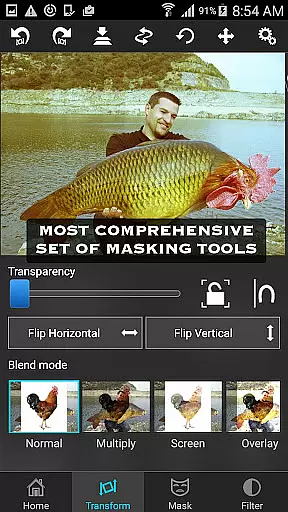
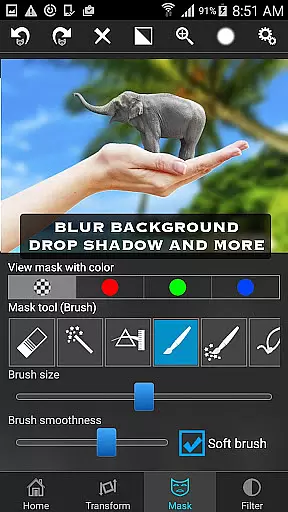
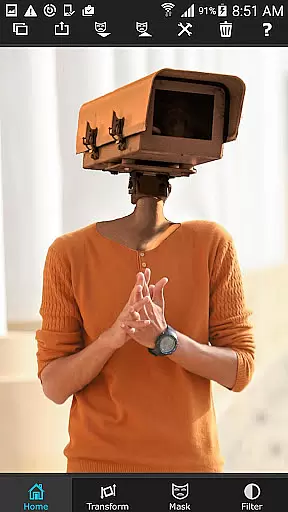
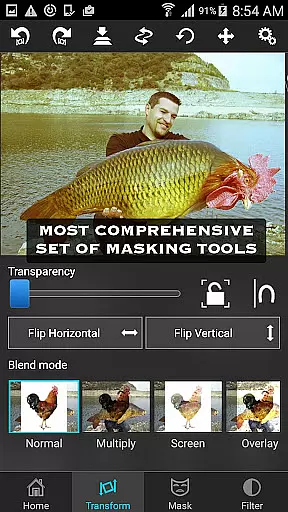
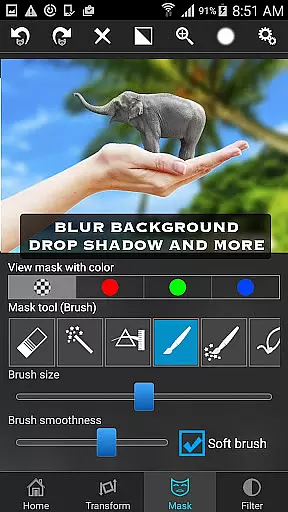
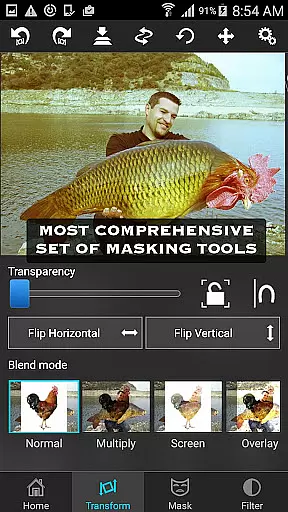
Superimpose boasts a comprehensive suite of features designed to cater to various photo editing needs. The app includes multiple masking tools such as brush, lasso, global color similarity, rectangle, ellipse, linear, bi-linear, and radial gradient masking. These tools allow users to mask out specific areas of the foreground image with precision and ease.
In addition to masking, Superimpose offers advanced editing capabilities including the ability to move, scale, resize, rotate, and flip the foreground image to place it accurately on the background. Users can also adjust the colors, exposure, contrast, hue, and saturation of both the foreground and background images to ensure a seamless blend.
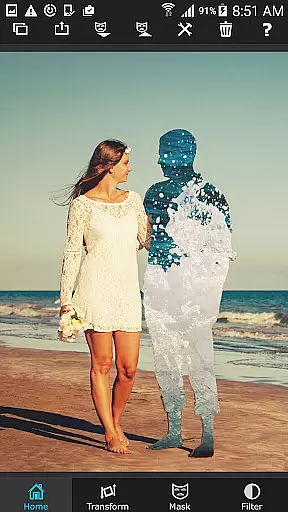
With 18 blending modes and adjustable transparency, the app supports serious photo editing tasks like texture blending and border overlays. The intuitive interface and robust feature set make Superimpose a versatile tool for unleashing creativity and achieving professional-quality results on mobile devices.
Real-time capture and preview functionality is essential for photography applications as it allows users to see the results of their edits instantly. Superimpose offers this feature by enabling users to load a background and foreground image, then adjust them in real time.
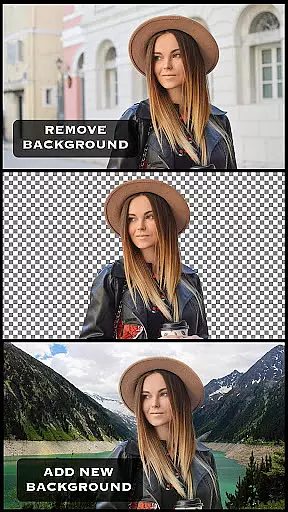
The app provides an array of masking tools that let users remove unwanted portions of the foreground image seamlessly. With features like the smoothen tool, users can refine edges on the go, ensuring their composite images look natural and professional without delay.
Users can move, scale, resize, rotate, and flip the foreground over the background, with immediate visual feedback. This instant preview capability ensures that creative ideas can be executed swiftly and accurately, enhancing the overall user experience.
AI beauty and enhancement features are increasingly important in photo editing apps, providing users with tools to improve image quality naturally. Superimpose incorporates these elements through advanced color and exposure adjustments.
The app allows users to modify colors, exposure, contrast, hue, and saturation of both the foreground and background images. These adjustments help in matching the colors between two images, resulting in a harmonious and realistic blend that maintains the original aesthetics.
With additional capabilities such as blending textures, overlaying borders, and double exposure with adjustable transparency, Superimpose ensures that enhancements appear genuine. The app's sophisticated AI-driven tools offer users the means to create stunning compositions while preserving the natural essence of their photos.
User-friendly interface
Extensive masking tools
Advanced color adjustments
Versatile blending modes
High-quality results
iPhone only
No Android version
Consumes storage space
Learning curve for beginners
Limited free features

Effortlessly organize, view and share your photos & videos with Gallery app!
 4.40
4.40
All-in-One Editor & AI Photo Enhancer, Beautify & Retouch, Collage, Cartoonify
4.20
[3DSteroid Pro] is a stereoscopic application for Android.
4.30
Safe & smart flight with Go Fly drone controller for 40+ drone camera, zone map
4.50
Photo Exif Editor allows to view, add and modify EXIF data of multiple photos
4.50
A reflected light meter with spot metering and incident light metering.
4.40
Easily view, share, delete photos with Gallery.
4.70
live datamoshing
4.00
A light meter for true photographers.
4.20
Find time and duration of different sunlight phases at any location
4.90
Pro version: AR sun/moon tracker for any date. Tool for photographers & planners
4.90
Transform photos into videos! Create realistic or anime-style images easily!
4.50
Natural Beauty, Selfie Retouch
4.30
Smart, light, and fast photo and video gallery
4.30
Astrophotography with your smartphone, photo live stacking and much more!
3.90


User Reviews