
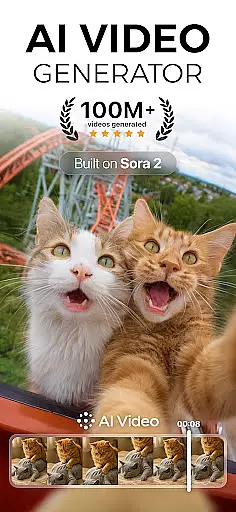
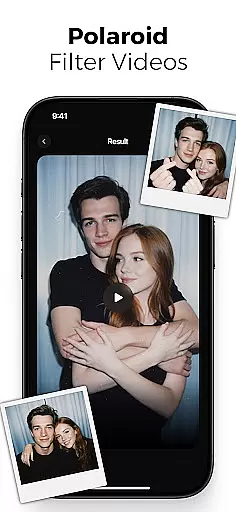
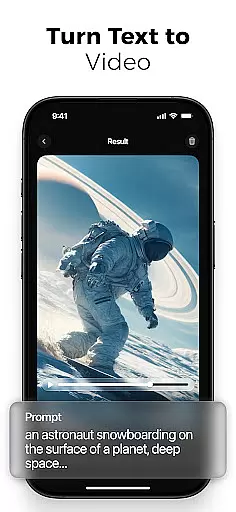
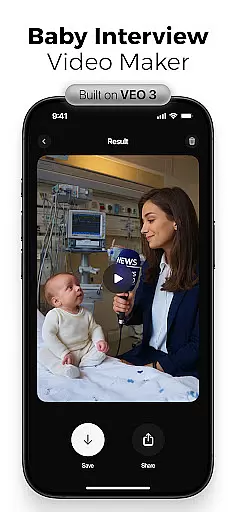
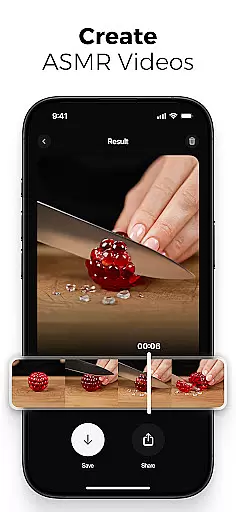
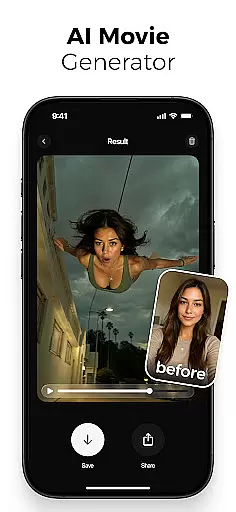
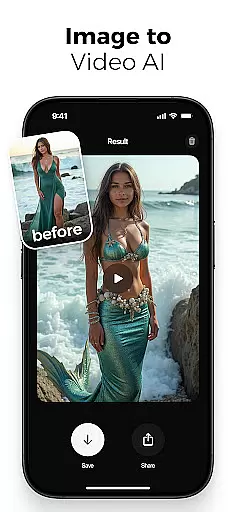
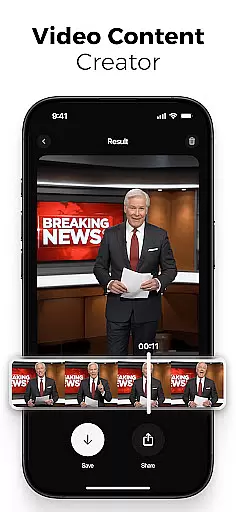
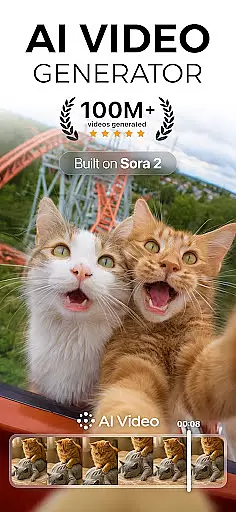
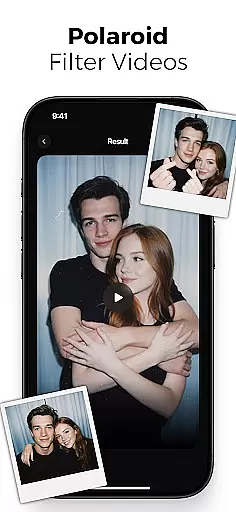
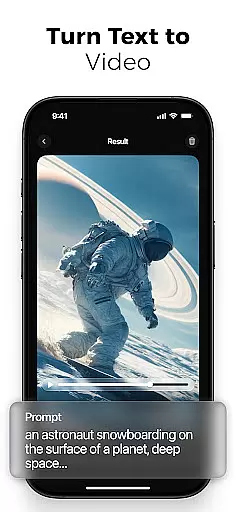
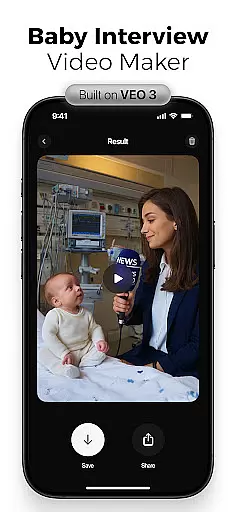
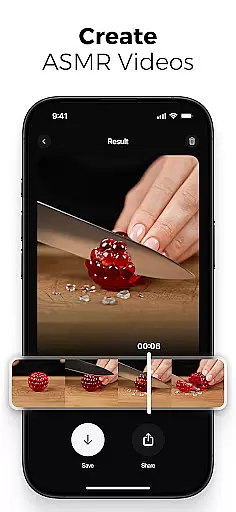
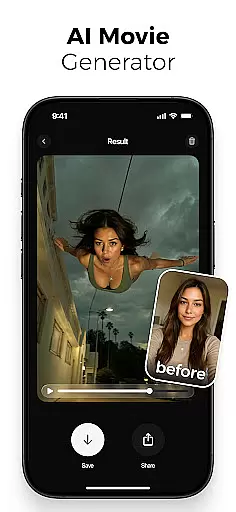
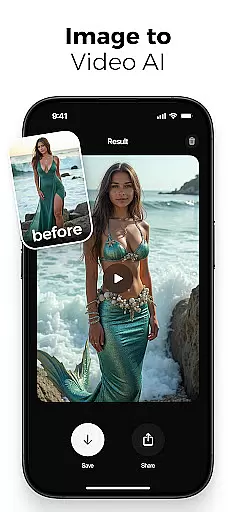
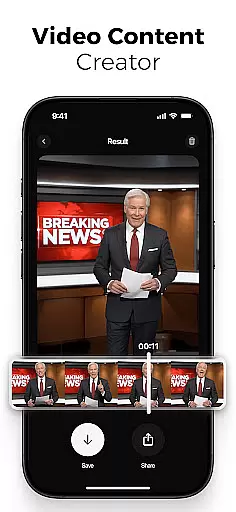
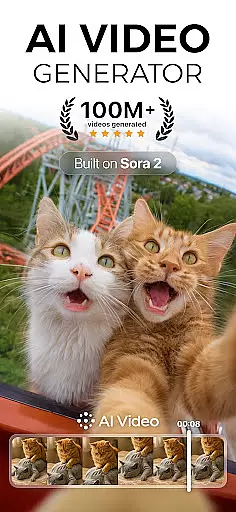
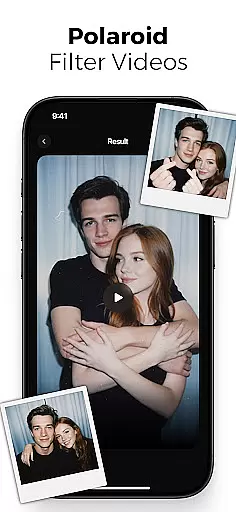
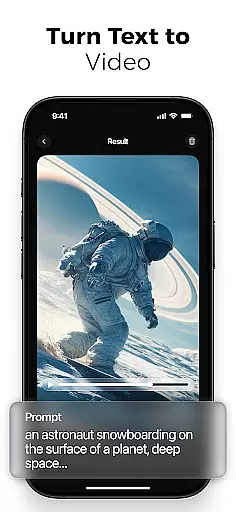
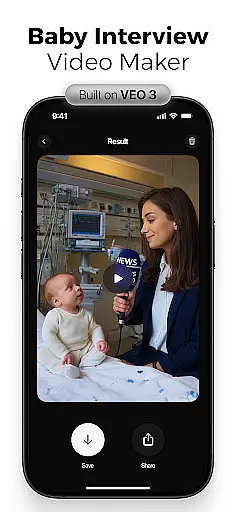
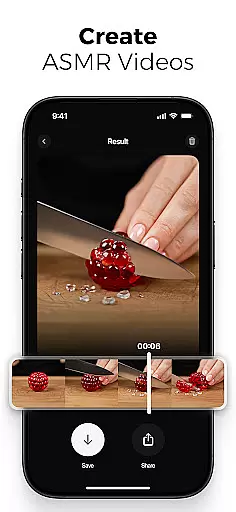
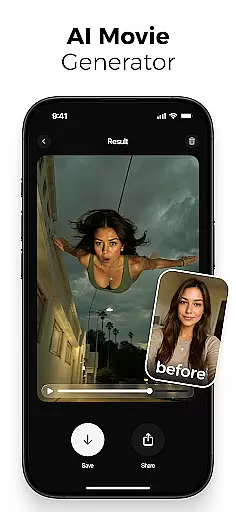
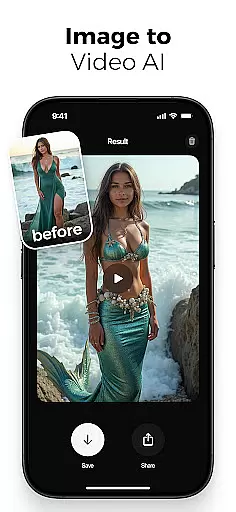
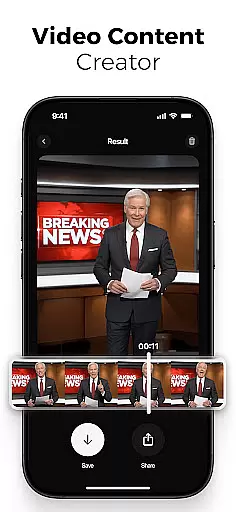
AI Video is a revolutionary photography app that transforms static images and text into dynamic, high-quality animated videos. This all-in-one AI video generator allows users to create stunning visuals with minimal effort, featuring advanced tools like polaroid filters, character animations, and realistic facial expressions.
The app's powerful AI engine, powered by Google DeepMind's Veo3 model, understands context and emotions to generate emotionally rich characters and scenes. Whether you're a content creator, marketer, or educator, AI Video simplifies the video creation process through its intuitive drag-and-drop interface and extensive customization options.
With AI Video, users can produce professional-grade videos for various platforms including TikTok, Instagram Reels, and YouTube Shorts. The app's versatility makes it perfect for generating viral content, educational explainers, and creative personal projects, all while maintaining exceptional visual quality and emotional depth.
AI Video stands out with its comprehensive suite of features designed for effortless video creation. The app's AI text-to-video generator converts written ideas into animated scenes, while the image-to-video creator brings still photos to life with motion and expression.
Users can leverage advanced tools such as customizable character animations with realistic emotions, built-in voiceover generation with automatic lip-sync, and an extensive media library containing backgrounds and sound effects. The app's special effects collection includes unique transformations like mermaid sequences, skydiving actions, and cinematic filters.
What sets AI Video apart is its ability to combine these features through Google's Veo3 Fast Model technology, enabling creators to mix and match effects for truly unique results. The HD video export feature ensures optimal quality across various devices and formats, making it ideal for both professional and personal use.
Real-time capture and preview functionality is essential for any photography app, allowing users to see exactly what their final output will look like while setting up a shot. AI Video offers this feature by leveraging advanced AI models that process scenes instantly, ensuring the user's creative vision matches the captured result.
The app uses Google DeepMindu2019s Veo3 technology to interpret context, emotion, and scene structure in real time. This ensures that every frame reflects the intended mood and composition before the user even presses record. Whether you're creating animated videos or transforming photos into dynamic visuals, the live preview accurately represents the end product.
Users benefit from this seamless integration of AI-powered previews as it saves time during post-production. With features like automatic lip-sync tools, customizable transitions, and built-in voiceovers, creators can fine-tune their projects directly within the preview window. This eliminates guesswork and enhances productivity.
Ultimately, real-time capture and preview empower both amateur and professional creators to produce high-quality content efficiently. By offering precise visual feedback at every step, AI Video ensures that your ideas are translated into stunning visuals without compromise.
AI beauty and enhancement features have become a cornerstone of modern photography apps, enabling users to refine their images with natural-looking results. AI Video stands out in this area by using sophisticated algorithms that enhance facial expressions, skin tones, and overall image quality without appearing artificial.
The app provides tools such as realistic character animations with emotions like happiness, surprise, or excitement, which add depth to video creations. These enhancements extend beyond simple filters; they include motion effects that bring still photos to life while maintaining authenticity. For instance, the polaroid filter effect gives videos a nostalgic yet polished aesthetic.
One key advantage of AI Videou2019s enhancement capabilities is its adaptability across various use cases. Whether generating viral social media reels or professional marketing content, users can rely on the appu2019s ability to balance creativity with realism. The drag-and-drop interface further simplifies customization, making advanced editing accessible to everyone.
By prioritizing naturalness in AI-driven enhancements, AI Video ensures that creators achieve visually appealing results that resonate with audiences. This focus on authenticity not only boosts engagement but also sets the app apart from competitors in the photography space.
User-friendly interface
Advanced AI capabilities
Versatile content creation
High-quality output
Extensive customization
Subscription-based pricing
Learning curve for beginners
Resource-intensive processing
Limited free features
Internet connection required

An interval timer to automate photo taking process for timelapse
 2.90
2.90
Viewfinder, Light meter, Reciprocity failure time, DOF & Bellows Extension
4.60
Perfect body tune & face app - photo retouch, makeup, slim body & beautify face.
4.80
Create collages easily! Nice pic collage maker & background eraser for Instagram
4.50
Cartoon and artistic effects for your photos and videos
4.70
Photo Exif Editor allows to view, add and modify EXIF data of multiple photos
4.50
A must-have app for landscape photographers
4.60
Create amazing frames with up to five photos. Rounded corners, effects and more!
3.60
RAW video capture with advanced controls
4.40
Collage your moments in one tap: 1000+ layouts, filters, stickers, and texts.
4.90
Pro version: AR sun/moon tracker for any date. Tool for photographers & planners
4.90
Enhance, retouch & create your story - Share the moment with Photoshop Express.
4.60
Create AI photos & videos with Enhancer; restore, fix, beautify, enhance photos
4.50
What celebrity do you look like? Celebs will find your celebrity match!
4.10
Professional quality photo edits with the new Snapseed.
4.00


User Reviews