
AR Drawing - Sketchar App is a revolutionary tool in the Art & Design category that combines augmented reality with creative expression. This app allows users to transform their real-world environment into a canvas for drawing and sketching, merging physical spaces with virtual art.
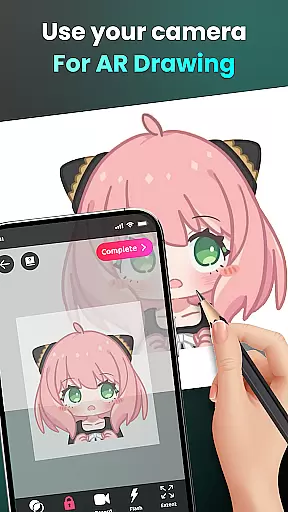
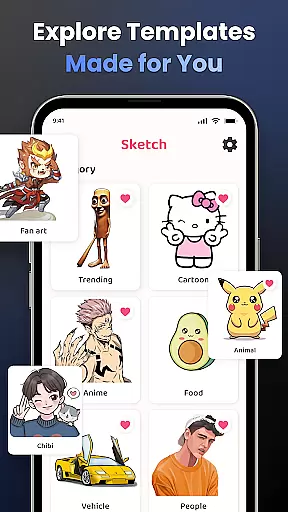
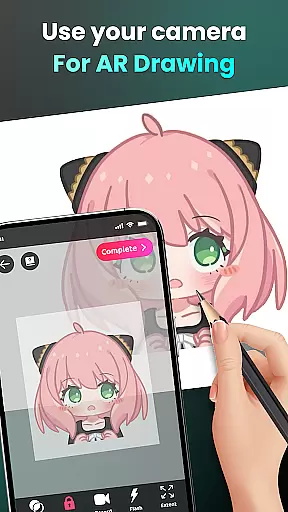
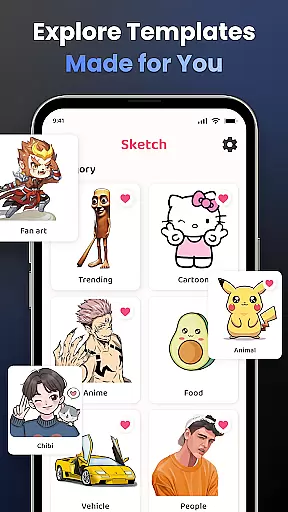
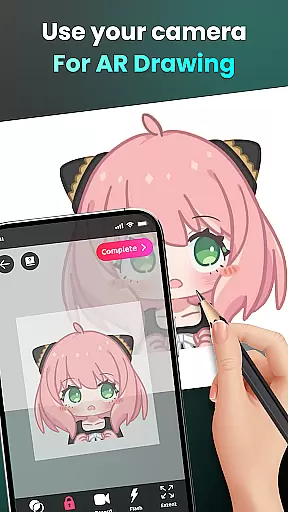
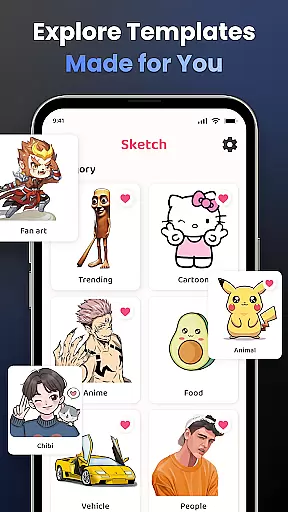
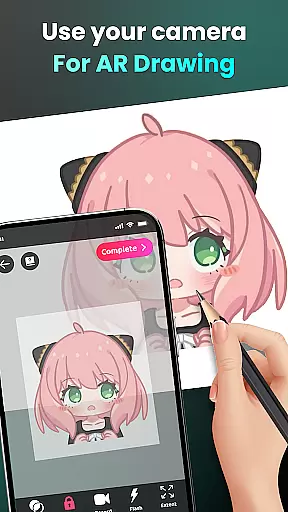
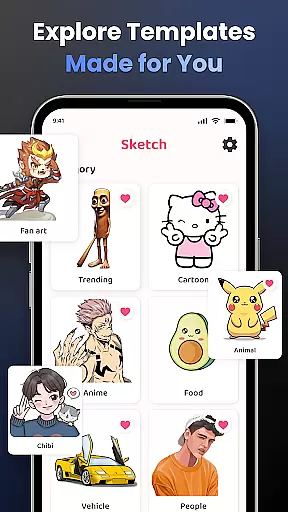
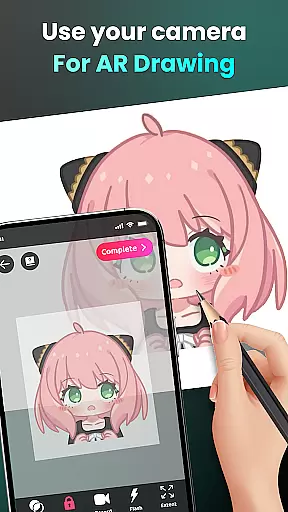
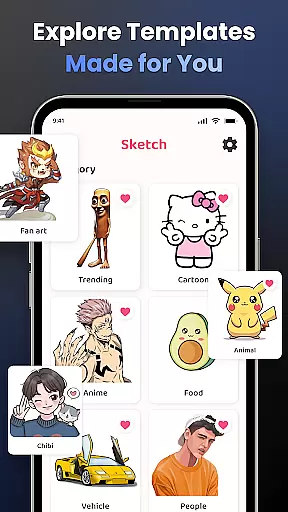
The core functionality includes camera-based drawing, where users can sketch anything they see through their phone's camera. Whether it's characters like Hello Kitty or Pikachu, or complex scenes, the app makes it possible to draw them accurately. Additionally, AR Drawing offers features such as transforming photos into traceable outlines, providing an excellent learning platform for beginners and experienced artists alike.
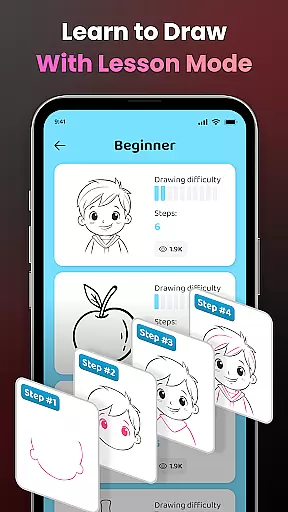
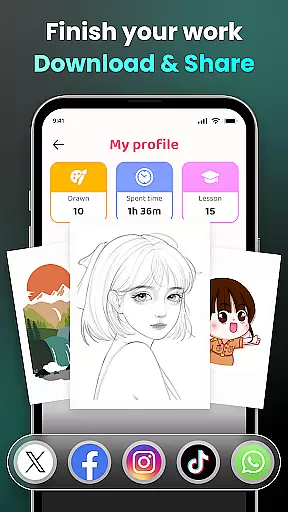
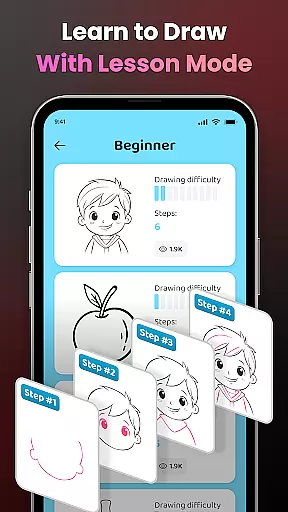
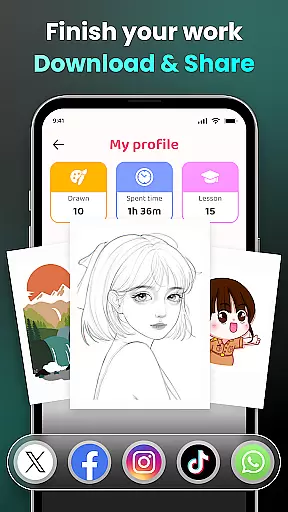
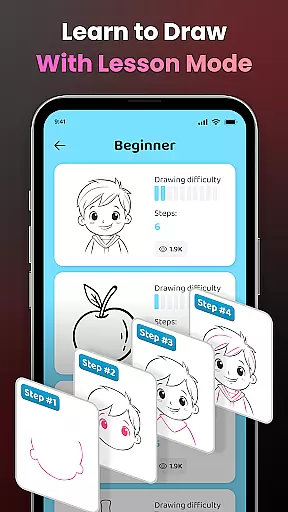
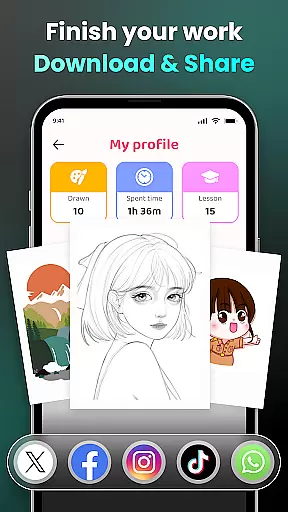
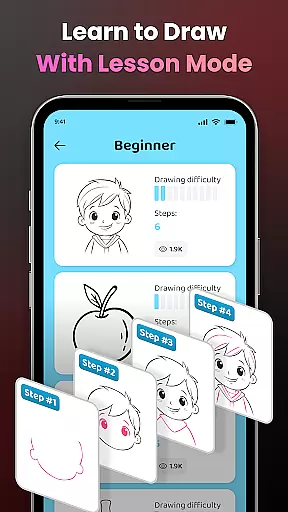
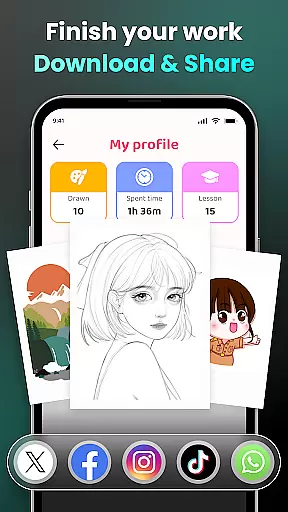
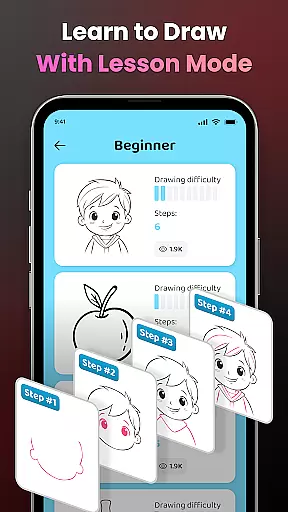
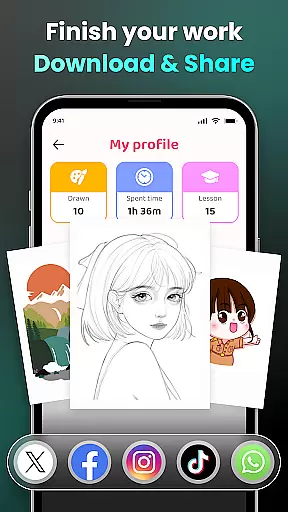
This app is particularly useful for those who want to learn how to draw but don't know where to start. With personalized content, adjustable difficulty levels, and detailed video tutorials, it caters to all skill levels. The ability to share your artwork with a community of 50 million users adds significant value, making it not just a drawing tool but also a social platform for artists.
AR Drawing stands out with its diverse set of features tailored for both novice and professional artists. One of the key highlights is the camera-based drawing feature, which lets you place your phone on a stand and sketch everything from sample photos to entire scenes in real-time. This feature supports unlimited creativity by allowing users to draw popular characters and explore various themes like Anime, Cartoon, and more.
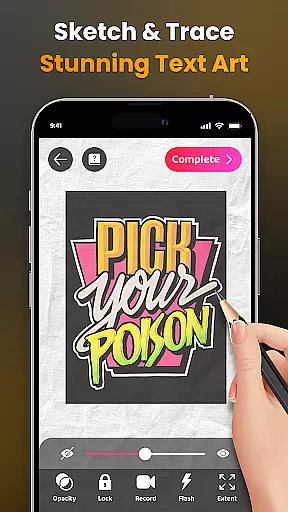
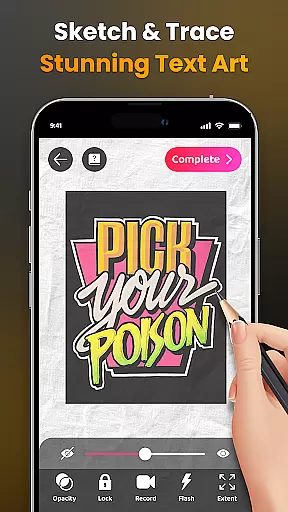
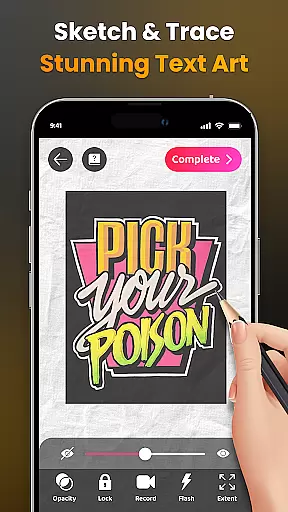
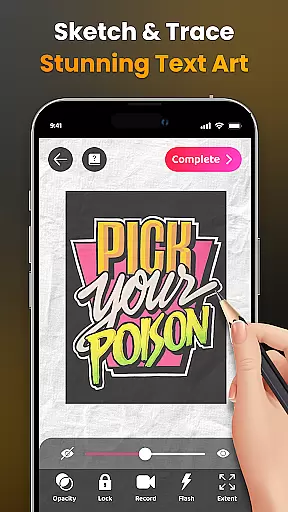
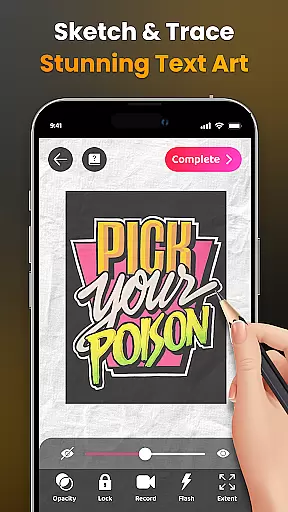
Another remarkable feature is the app's ability to simplify complex photos into traceable outlines. This function serves as an excellent practice tool for improving drawing skills. The app also provides a wide range of lessons categorized by difficulty levels, ensuring continuous learning and skill enhancement. Advanced options such as adjusting opacity, recording videos of the drawing process, zooming in and out, and controlling the flash make the experience highly customizable.
Furthermore, the app offers personalized content and tracks user progress over time. Detailed video tutorials guide beginners through specific drawings, while the option to share finished artwork with a large community encourages collaboration and feedback. These comprehensive features collectively create a robust platform for artistic growth and expression.
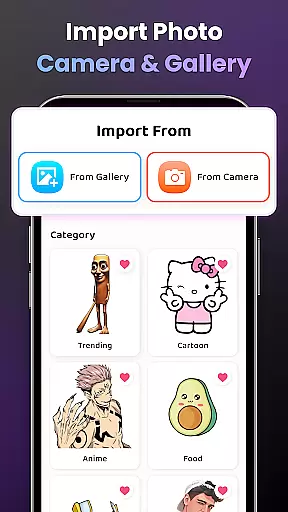
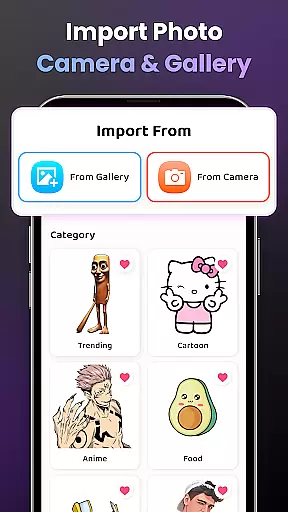
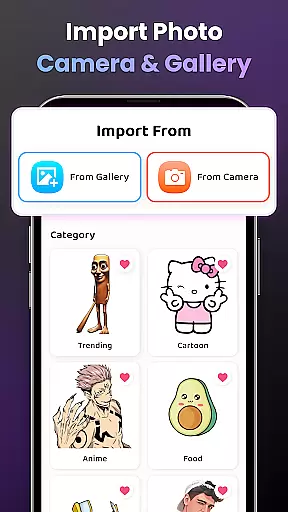
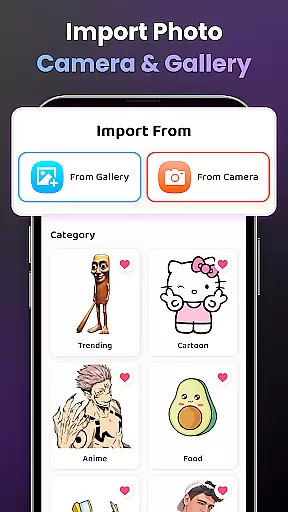
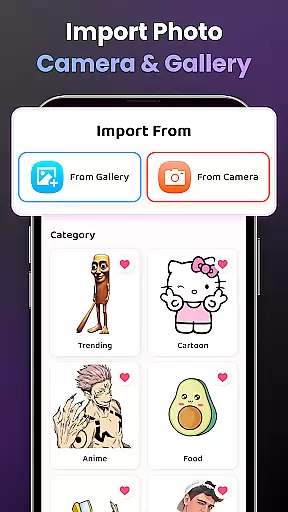
AR Drawing - Sketchar App offers a comprehensive suite of creative tools that cater to artists of all levels. The app provides an extensive sample library and the option to import personal photos, allowing users to draw through the camera or trace images with adjustable opacity.
The inclusion of advanced features such as video recording of the drawing process, zoom functionality, flash control, and extensions sets AR Drawing apart from other art applications. These tools are designed to enhance the drawing experience and offer users the ability to customize their work environment to suit their preferences.
For beginners, detailed video tutorials guide them through specific drawings, ensuring that even those new to digital art can create impressive works. This focus on education and skill development makes AR Drawing not just a drawing app but also a learning platform.
With these complete and varied creative tools, users can explore unlimited creativity, transforming any surface into a canvas and bringing their ideas to life with augmented reality technology.
One of the standout features of AR Drawing - Sketchar App is its canvas and format flexibility, which allows artists to adapt their workspace to various project requirements. Users can easily adjust the canvas by zooming in and out, providing precision and control over the finer details of their artwork.
The app supports different drawing formats, from sketching characters like Hello Kitty and Pikachu to tracing complex photos transformed into simple outlines. This versatility enables artists to practice and refine their skills across multiple subjects and styles.
Additionally, AR Drawing accommodates personalization of content with options to modify image display settings for optimal creativity. Artists can toggle the flash on or off and extend their canvas digitally, ensuring that their creative process is not limited by physical constraints.
This level of canvas and format adaptability empowers users to push the boundaries of traditional art forms and embrace a new era of digital expression through augmented reality.
User-friendly interface
Augmented reality integration
Variety of drawing tools
Personalized learning paths
Active artist community
Requires stable internet
Premium features cost
Steep learning curve
Limited offline functions
Device compatibility issues

Create sweet, cool and unique couple avatars easily, in just a few steps!
 3.40
3.40
AI Assistant, powered by ChatGPT GPT-4 & GPT-4o. Your intelligent companion.
3.50
Remove Background, Magic Eraser, Photo Enhancer, Story Templates, Collage Maker
4.30
Draw on screen: FP sDraw is a simple and lightweight drawing app
4.70
Art of Combination Wear OS Watch faces
4.5
Art of Combination Wear OS Watch Faces
4.5
Castle is social media for creating and playing games!
4.60
Novices can also easily complete diamond painting masters
4.70
Mobile pixel art editor. Simple. Fast. Portable.
4.80
Minecraft & Roblox Clothes
4.70
Discover Cartoon Dream : Unleash Your Creativity with CuttingEdge AI
4.50
Everything you need to create hand drawn animation, anywhere you go!
4.40
Sketch, plan, take notes and illustrate on an infinite canvas.
4.20
Easy 3D drawing design maker & creator. Model designing, Sculpting. Create&paint
4.00
Powerful home decoration & house design that allows you to design dream home.
3.80


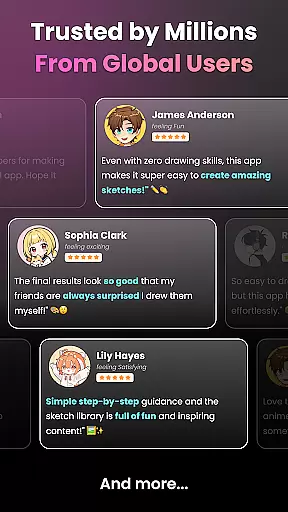
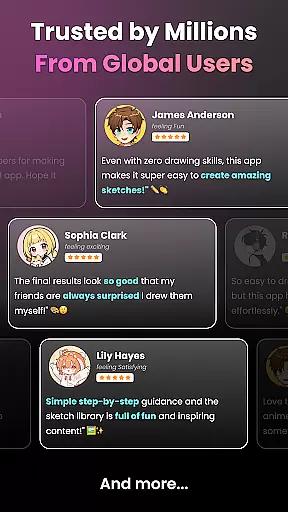
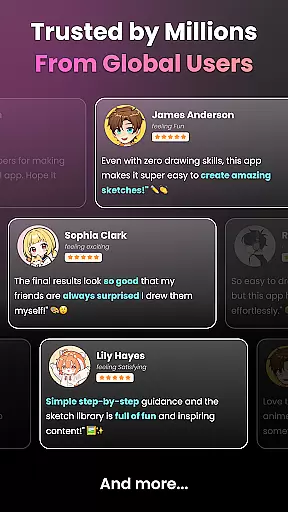
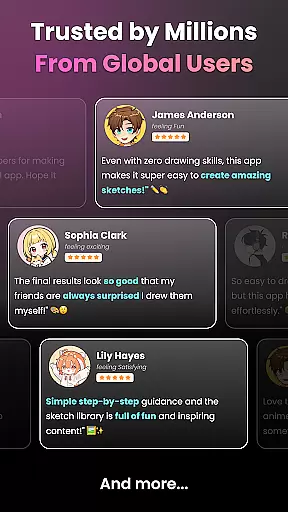
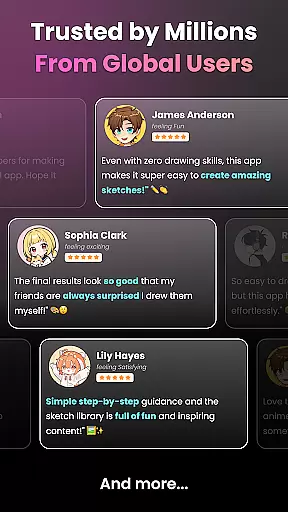
User Reviews