
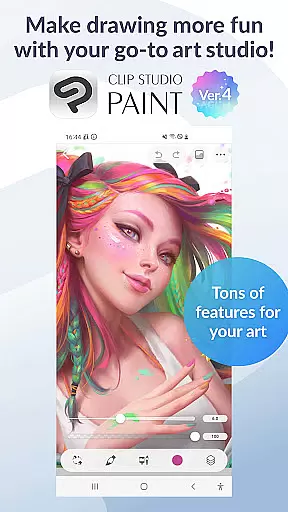
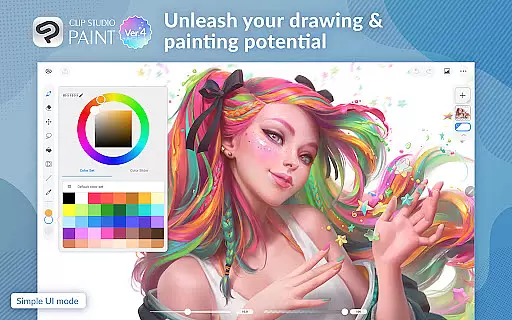
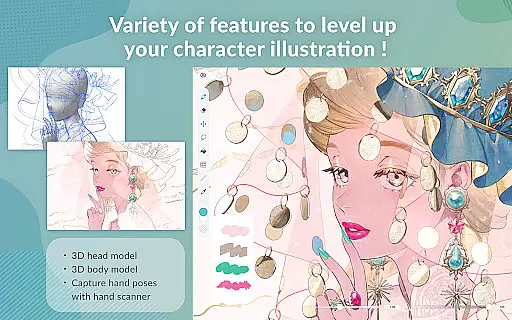
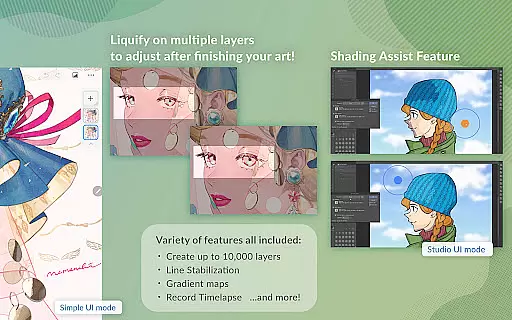
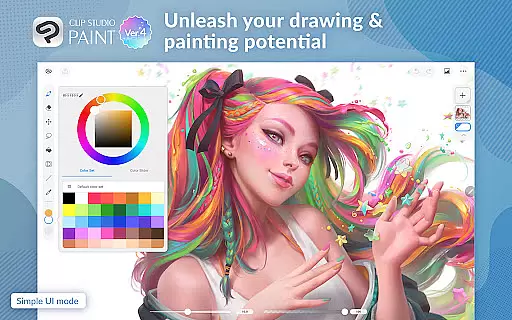
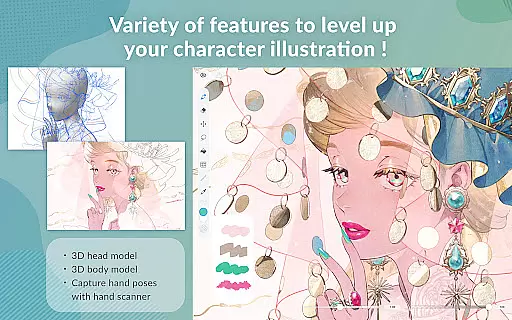
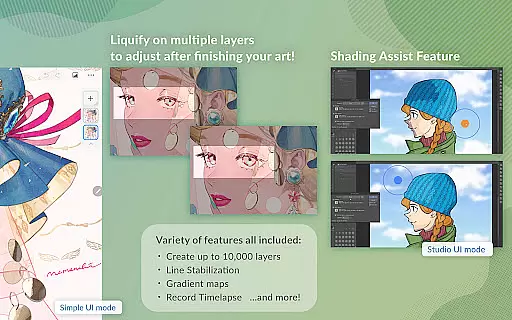
Clip Studio Paint is a comprehensive digital art application designed for artists of all levels. It offers a free 30-day trial and provides access to an extensive suite of drawing and painting tools, including the ability to create up to 10,000 layers, pose 3D models, and use gradient maps for color control. The app supports both tablets and smartphones, with subscription plans that unlock cloud storage and advanced features.
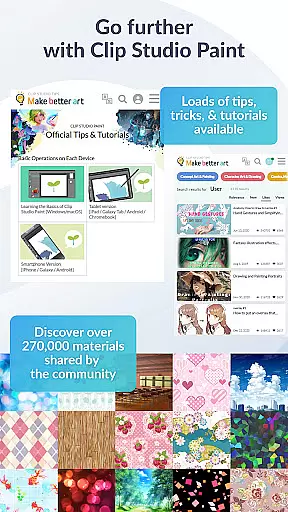
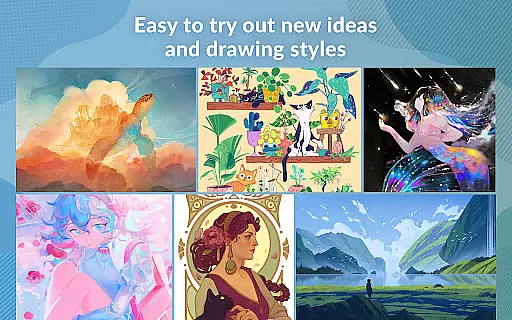
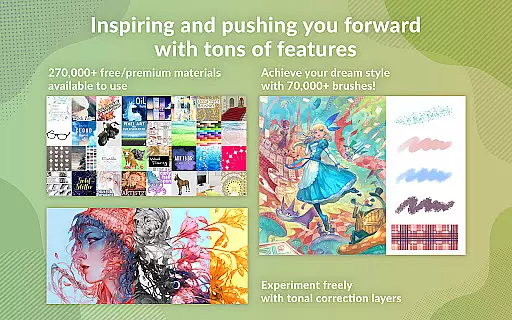
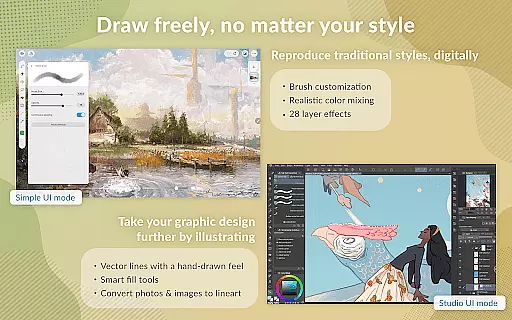
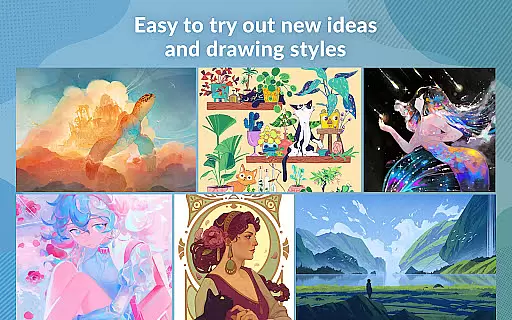
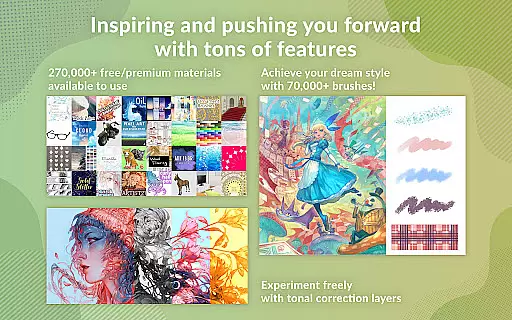
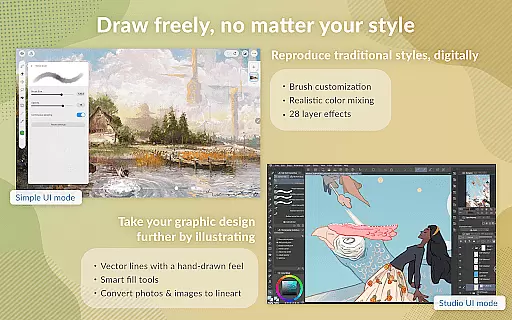
This versatile app allows users to experiment with new ideas and styles by offering over 270,000 materials created by other artists. With vector painting capabilities, 28 layer effects, and perceptual color mixing, Clip Studio Paint gives artists full control over their creations. Whether you're working on character art, comics, or animations, this app provides the tools necessary to bring your visions to life.
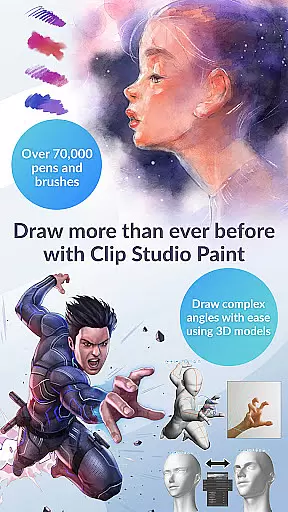
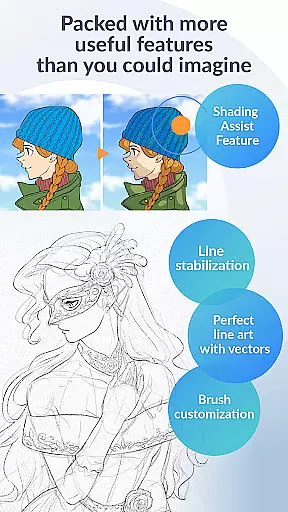
Clip Studio Paint stands out with its powerful features tailored for digital artists. The app includes a robust brush engine with over 70,000 brushes available in the Assets store, allowing for highly customizable textures and shapes. Artists can utilize line stabilization for smoother line art and draw correct perspectives using snapping guides, which are essential for creating detailed backgrounds.
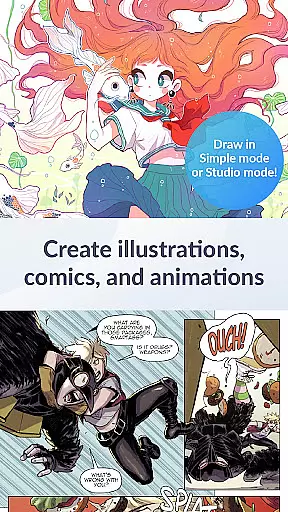
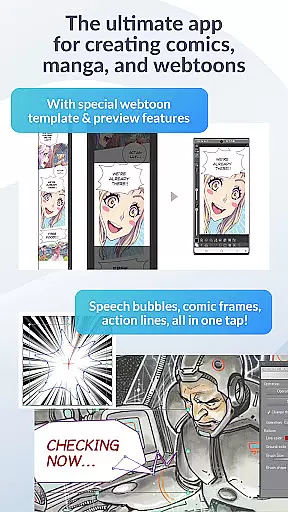
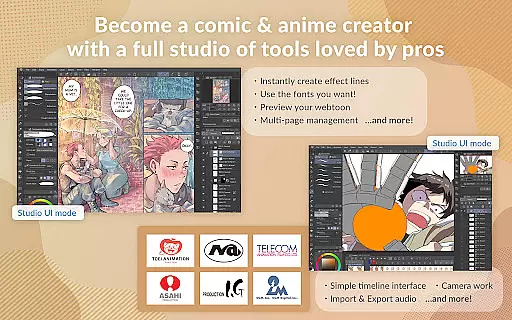
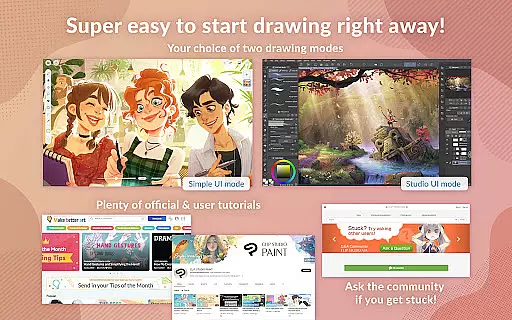
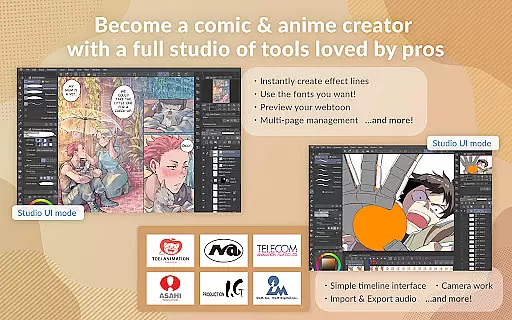
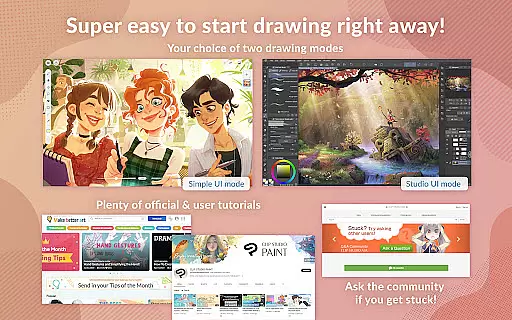
In addition to its drawing capabilities, Clip Studio Paint also caters to comic and manga creators with instant creation tools for speech bubbles, frames, and action lines. Animators can produce anything from GIFs to full-length animations with added sound and camera movements. The app's dual mode interface and free tutorials make it accessible for beginners while still offering depth for professionals.
In the realm of digital art, having access to a comprehensive suite of creative tools is paramount. Clip Studio Paint excels in this area by offering an extensive array of features that cater to both amateur and professional artists. With over 70,000 brushes available, including custom textures, shapes, and dual brush settings, users can craft their perfect brush for any style or medium.
Additionally, the app provides advanced layer effects and perceptual color mixing, allowing artists to blend colors as if working with real paint. The inclusion of vector drawing capabilities ensures that artwork can be scaled without loss of quality, making it ideal for various applications from webtoons to print media.
Clip Studio Paint also supports complex tasks such as creating animations and managing multi-page works within a single file. This versatility empowers creators to bring their visions to life, whether they are crafting comics, manga, or detailed illustrations. By integrating these powerful tools, CSP not only meets but exceeds the expectations of its users.
Moreover, the platform encourages creativity through collaboration, enabling users to download more than 270,000 materials shared by other creators. These assets range from unique brush textures to ready-made elements like speech bubbles and action lines, which streamline the creation process while inspiring new ideas.
Flexibility in canvas size and format options is crucial for artists who need to adapt their work across different mediums and platforms. Clip Studio Paint addresses this need by providing unparalleled canvas/format flexibility. Users can create up to 10,000 layers, allowing for intricate detailing and complex compositions that would be difficult to achieve otherwise.
The application supports a wide variety of formats, ensuring compatibility with both traditional and modern workflows. Artists can export their work in multiple file types suitable for everything from social media sharing to high-resolution printing. This adaptability extends to specialized functions like Puppet Warp and Gradient Maps, giving users precise control over their artwork's appearance.
Furthermore, Clip Studio Paint enhances productivity with features designed to simplify common tasks. For instance, the smart fill tool lays down flat colors effortlessly, while snap functionality helps place objects accurately. Such conveniences reduce the time spent on tedious adjustments, letting artists focus more on the creative aspects of their projects.
For those interested in animation, CSP offers robust tools to produce anything from simple GIFs to full-length animated sequences. The ability to add sound, camera movements, and tweening effects adds another dimension to the creative possibilities. Overall, the combination of flexible canvas options and diverse format support makes Clip Studio Paint an indispensable tool for todayu2019s digital artist.
User-friendly interface
Extensive brush library
Powerful layer system
Versatile animation tools
Comprehensive tutorial support
Subscription required for full access
Limited free trial hours on smartphones
Advanced features need high-end devices
Cloud storage only for subscribers
Complex for absolute beginners

Pose and morph realistic male and female models! 3D poser app
 3.00
3.00
Transform photos into amazing monochrome dither art with professional algorithms
4.4
Create sweet, cool and unique couple avatars easily, in just a few steps!
3.40
Art of Combination Wear OS Watch Faces
4.5
Create stunning video, photo & magic from text with FlixAI GPT video generator.
3.10
AR Anime Drawing: How to draw anime with AR drawing & sketching apps!
4.00
Your homescreen as an elegant glass with customized blur, lighting, and visuals.
3.70
Photo stitcher for automatically screenshot stitching into a long screenshot
4.70
Just trace a projected picture on paper and color! Draw & Paint with AR drawing
4.40
Image resizer to resize, crop, rotate, flip, change dpi photo or picture in bulk
4.60
Sketch, plan, take notes and illustrate on an infinite canvas.
4.20
Custom Character Creator & PFP Maker!
4.20
Digital Drawing: Draw & Paint
4.10
Get creative and make art with your Sesame Friends!
4.00
Premium version of Shimeji-ee app with no ads & no limit active shimeji
4.3


User Reviews