
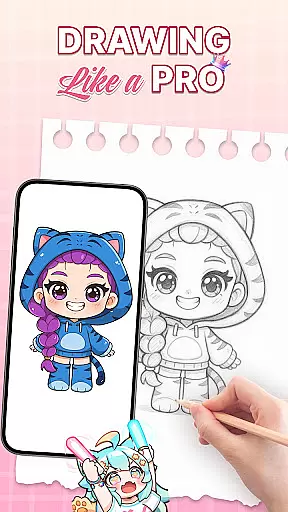
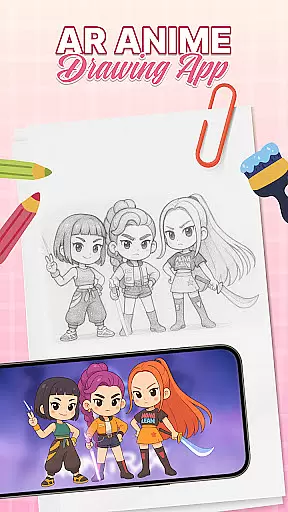
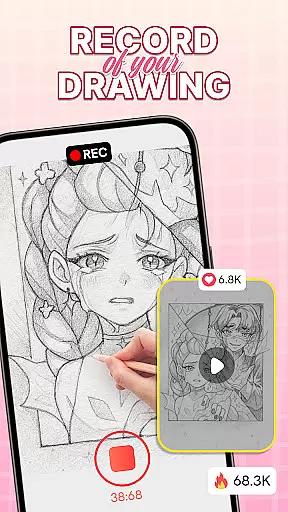
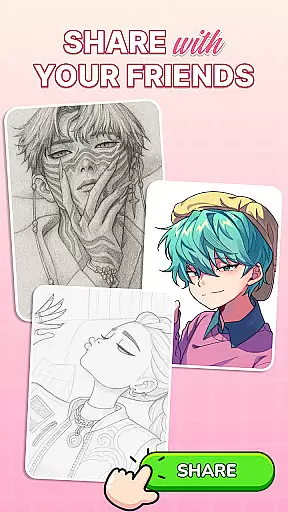
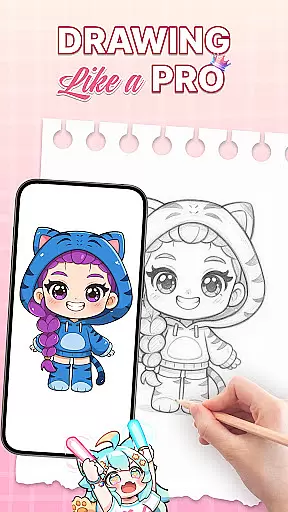
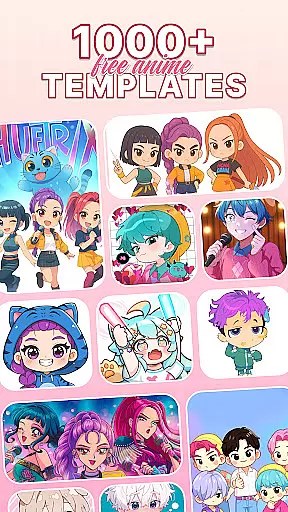
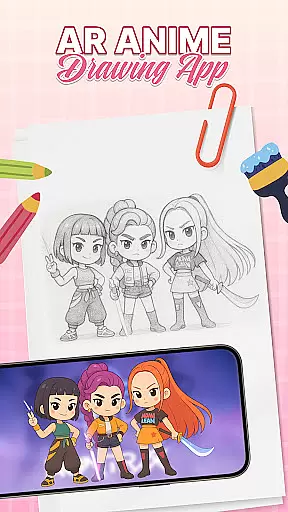
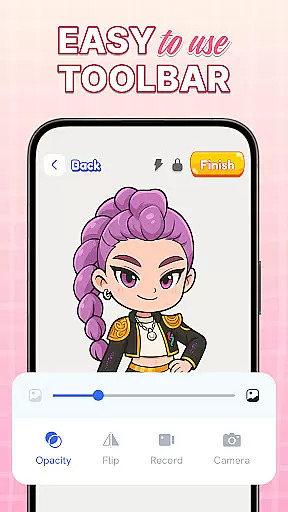
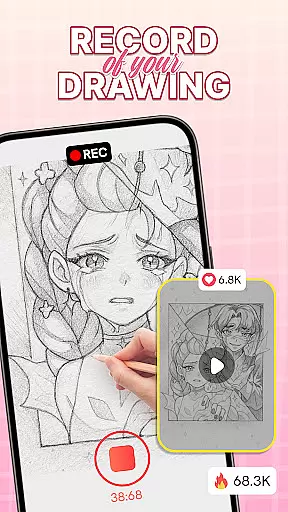
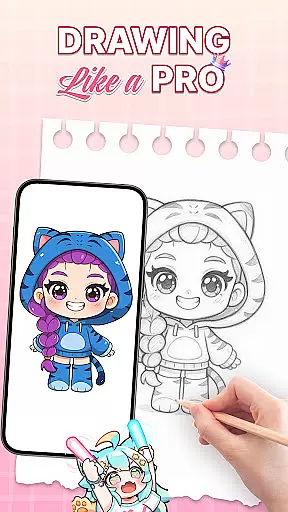
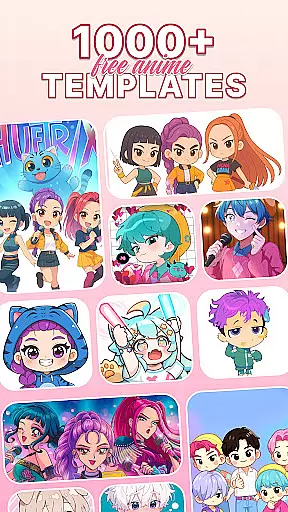
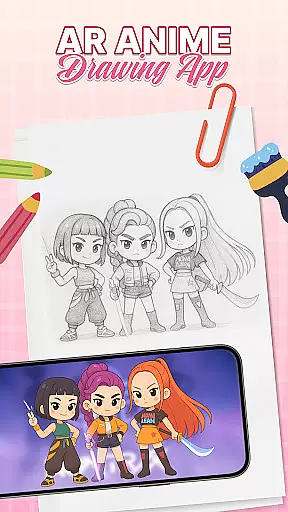
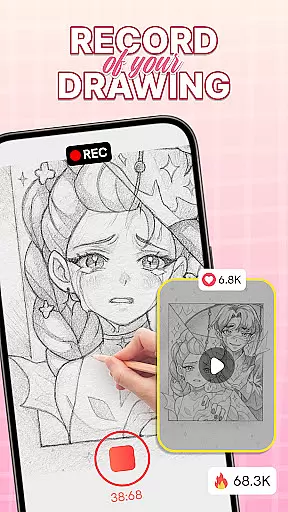
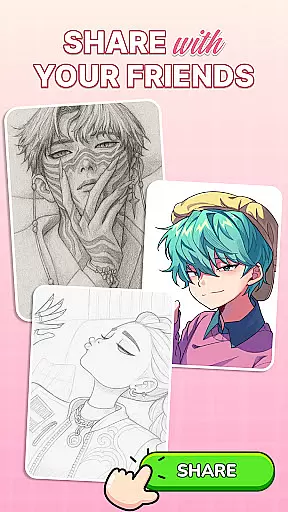
AR Drawing: Sketch & Trace is an innovative art application that combines augmented reality with traditional drawing techniques. The app's core function is to project any digital image onto a physical surface, allowing users to trace and create artwork with precision.
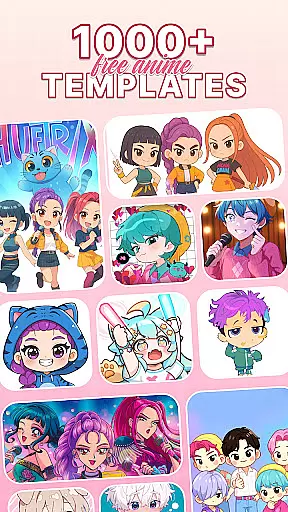
The app offers diverse drawing templates including anime, animals, and nature scenes, catering to various artistic interests. Whether you're a beginner or professional artist, this app provides the tools needed to develop your skills while making drawing accessible and enjoyable.
This application is particularly useful for educational settings, where teachers can use AR technology to guide students in art classes. The combination of traditional sketching with modern AR creates a unique learning experience that enhances creativity and technical drawing abilities.
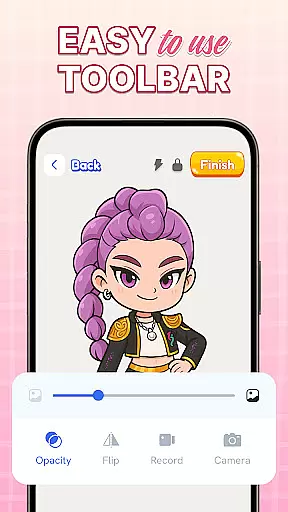
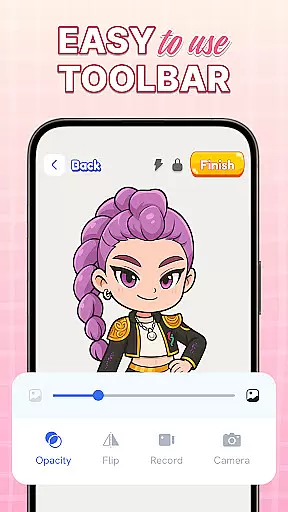
One of the standout features of AR Drawing is its ability to invert images through the device's camera, creating perfect tracing conditions. This functionality is supported by integrated camera controls and flashlight options for optimal visibility in different lighting conditions.
The app includes comprehensive sketch and paint tools, offering users a wide range of artistic possibilities. From basic line work to detailed coloring options, artists can bring their creations to life with vibrant colors and precise brush strokes.
Additional features include regular content updates, family-friendly interface design, and educational resources that help users progressively improve their drawing skills while exploring the innovative world of AR-enhanced art creation.
When it comes to digital art, having a complete set of creative tools is essential for artists to fully express their visions. AR Drawing: Sketch & Trace offers an impressive suite of features that cater to both amateur and professional artists. The app provides diverse drawing templates covering popular subjects like anime, animals, and nature, which serve as excellent starting points for users.
The core of this application lies in its augmented reality (AR) tracing functionality. By projecting images directly onto paper, it allows users to trace sketches with precision, bridging the gap between traditional and digital art forms. Additionally, comprehensive sketch and paint tools enable artists to add vibrant colors and intricate details to their creations, bringing them to life in ways that were previously challenging for beginners.
Moreover, the app doesn't compromise on technical features. It includes practical options such as camera integration for stable AR projection and a built-in flashlight for better visibility in low-light conditions. These thoughtful additions demonstrate the developers' commitment to creating a robust environment where creativity can flourish without technological limitations.
Flexibility in canvas size and format options is crucial for artists who want to work on various projects with different requirements. AR Drawing: Sketch & Trace addresses this need by offering versatile solutions that adapt to multiple artistic scenarios. Whether you're working on small sketches or planning large-scale artworks, the app's AR projection system can accommodate your preferred dimensions.
One of the standout features is its ability to invert images on the phone screen, making it easier for artists to trace their work while maintaining proper proportions. This function works seamlessly across different paper sizes and orientations, giving users the freedom to choose their preferred working format without compromising accuracy or convenience.
The application also supports various drawing styles, from quick sketches to detailed paintings. Artists can experiment with different techniques knowing that the app will maintain consistent projection quality regardless of their chosen approach. Furthermore, regular updates promise continued improvements and new features, ensuring that the canvas and format options will expand alongside users' evolving artistic needs.
User-friendly interface
Wide template selection
Augmented reality support
Regular feature updates
Educational benefits
Requires stable surface
Limited free content
Device compatibility issues
Occasional glitches
Premium subscription needed

Download now for a stylish and functional timepiece
 4.5
4.5
Transform photos into amazing monochrome dither art with professional algorithms
4.2
Custom Character Creator & PFP Maker!
4.20
AI Face Swap, Video Effects Editor, Realtime Morph, Funny Video FX,AI Filters
3.70
Art of Combination Wear OS Watch Faces
4.2
Make your phone cooler and have a fantastic experience
4.80
Create stunning video, photo & magic from text with FlixAI GPT video generator.
3.10
Design unique, funny and adorable cat stickers that reflect your own style!
3.80
Multiplayer Drawing game, Coloring, Painting・Sketch, Handwriting・Paint, draw
4.30
See Color, Paint Color
4.90
Draw, make movies & animate cartoons easily with our 2D animation maker app
4.40
Bring One UI 8.5 Icons to life -elegant dark icons with a modern, premium touch.
4.30
Sketch and paint on your device with the feel and freedom of drawing on paper
4.00
Paint with oils and sketch with natural tools on a realistic virtual canvas.
3.80
Art of Combination Wear OS Watch faces
4.5


User Reviews