
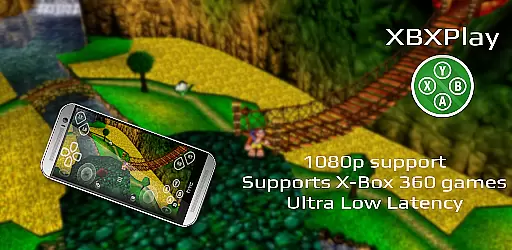
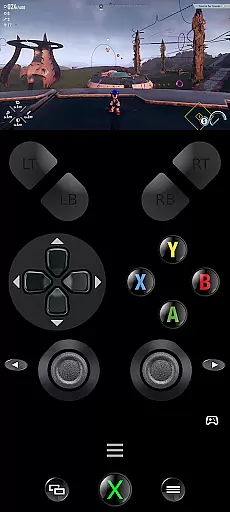
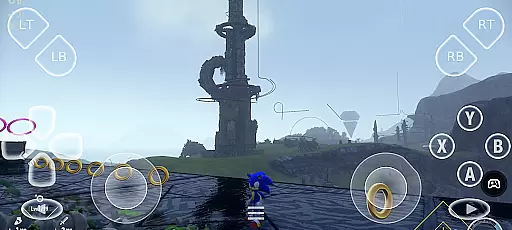
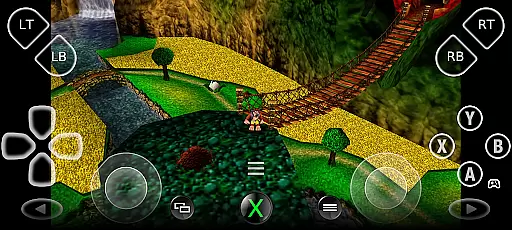
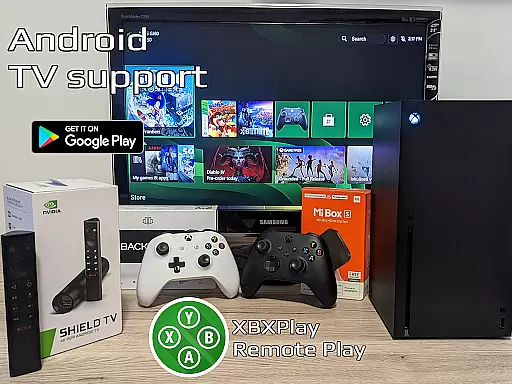

XBXPlay is a powerful remote control application designed for X-Box Series X/S, X-Box One (X/S), and even X-Box 360 consoles. It allows users to stream games in 1080p resolution while away from their gaming setup, providing an optimized streaming experience with minimal latency. The app supports third-party controllers, mobile data connections, and features customizable onscreen gamepad layouts.
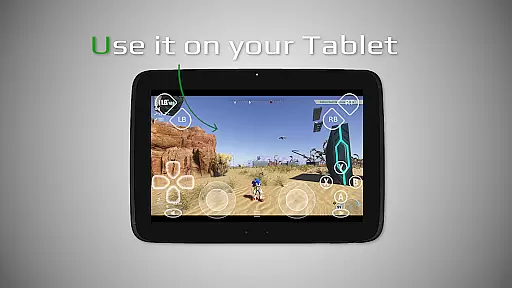
One of the standout capabilities of XBXPlay is its compatibility with a wide range of devices and network conditions. Whether you're using a smartphone or tablet, the app ensures smooth gameplay through features like manual bitrate adjustments, fullscreen support, and USB-OTG connectivity. This makes it possible for gamers to enjoy their favorite titles without being tied to their home console setup.
The practical applications of XBXPlay extend beyond just remote gaming. For instance, users can employ the app as a virtual gamepad for their X-Box console, offering flexibility in how they interact with their games. Additionally, advanced functionalities such as Picture-In-Picture mode and Multi-Window support enhance the overall user experience, making it ideal for those who wish to multitask while gaming or need to monitor other apps simultaneously.
XBXPlay stands out due to its comprehensive feature set tailored specifically for remote gaming enthusiasts. Among its most notable attributes is the ability to stream games in full 1080p resolution, which sets it apart from the official X-Box Remote Play app. This high-definition streaming capability ensures that users do not have to compromise on visual quality when playing remotely.
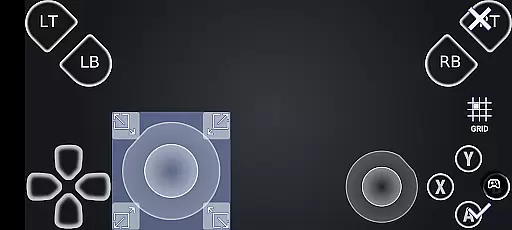
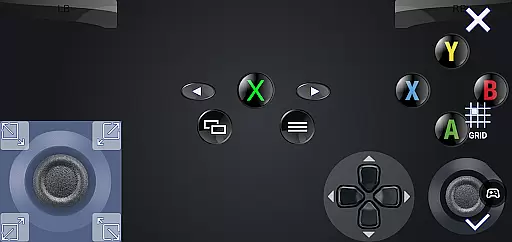
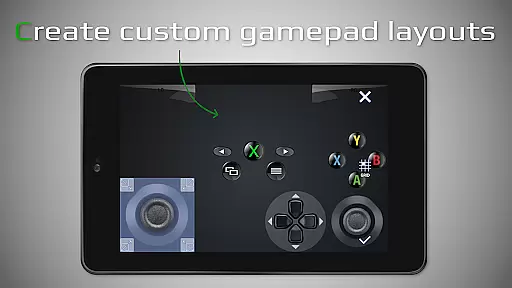
In addition to superior video quality, XBXPlay offers extensive customization options. Users can create personalized onscreen gamepad layouts that cater to the specific needs of different games. The app also supports gamepad button mapping, allowing for a more intuitive control scheme. Furthermore, features like native USB-OTG support and optimized low-latency streaming make it versatile enough to accommodate various hardware configurations and network environments.
Another significant advantage of XBXPlay is its compatibility with older X-Box 360 games. This backward compatibility feature broadens the range of playable titles, giving users access to a larger library of games. Moreover, the inclusion of Picture-In-Picture mode and Multi-Window support enhances usability, particularly for users running Android 7.0 or newer. These innovations collectively contribute to a seamless and immersive remote gaming experience.
XBXPlay excels in delivering core functionalities with precision and effectiveness, particularly in the realm of remote gaming. The app supports 1080p streaming for X-Box Series X/S, X-Box One, and even X-Box 360 games, ensuring that users can enjoy their favorite titles without limitations on visual quality.
One of the standout features is the ability to manually adjust the bitrate, allowing users to optimize their streaming experience based on their internet connection. This flexibility ensures minimal latency and a smooth gameplay experience, which is crucial for maintaining immersion and responsiveness during gaming sessions.
In addition to supporting third-party controllers and mobile data connections, XBXPlay offers an innovative onscreen gamepad layout. This customizable feature enables gamers to create personalized control schemes that cater to the specific needs of different games, enhancing both comfort and performance.
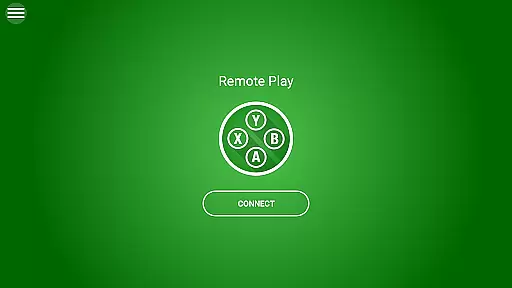
The interface of XBXPlay has been thoughtfully designed to offer simplicity and intuitiveness, making it accessible for users of all technical backgrounds. Upon launching the app, users are greeted with a clean layout that emphasizes ease of navigation and quick access to essential features, such as game streaming and controller settings.
A key aspect of its intuitive design is the Picture-In-Picture mode and Multi-Window support, available on Android 8.0 and newer versions. These features allow users to multitask efficiently, whether they need to look up walkthroughs or communicate with friends while gaming. Such functionality enriches the overall user experience by providing flexibility in how users interact with their devices.
Furthermore, XBXPlay's support for gamepad button mapping and native USB-OTG connectivity simplifies the setup process for various controllers. By prioritizing user-friendly interactions and minimizing the learning curve, XBXPlay ensures that gamers can focus more on enjoying their games rather than troubleshooting technical issues.
User-friendly interface
Low latency streaming
Customizable controls
Wide device compatibility
Supports X-Box 360 games
No microphone support
Limited to compatible networks
Requires stable internet
Occasional firmware issues
Premium features may cost extra

Quickly switch to an encrypted DNS server on Android TV
 4.50
4.50
card-reader app
2.20
Best leveling tool for your Android device. Hang paintings like a pro.
4.90
Effortlessly run ADB commands directly on your device without a PC.
4.20
Smart and comfortable browsing experience.
3.80
The Ultimate Bluetooth Keyboard & Mouse. Securely control your PC, Mac, and more
4.50
Screen Mirroring with sound for Samsung TV, LG TV, Sony TV, Smart TV and Browser
4.20
Pro Emulator is an easy to use game console emulator for a range of consoles.
4.40
Screen recorder with audio to record high-quality videos and take screenshots.
4.40
Mirror your screen to Chromecast and Android TV - Super fast and simple
4.60
Screen Mirroring for Roku Sticks, Roku TCL TV and Roku Hisense TV
4.50
A powerful, easy-to-use flight computer on your phone or tablet!
3.80
A non-root local ADB shell client. READ BELOW!
3.40
PDF Reader - Document Viewer: Read, Manage & Organize Your Documents
3.10
Transfer Files, APK from Phone to Watch & Install.
4.0


User Reviews