
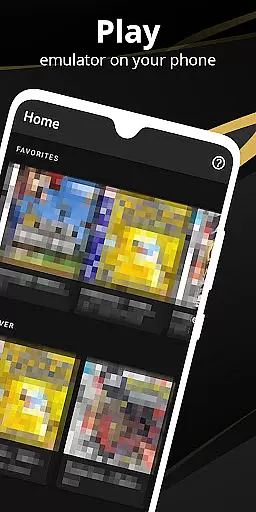

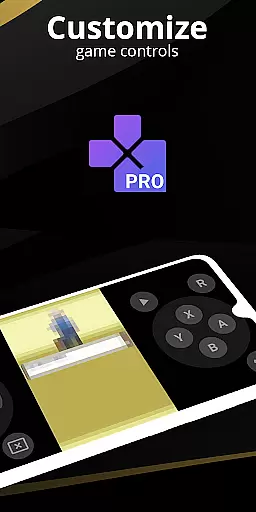
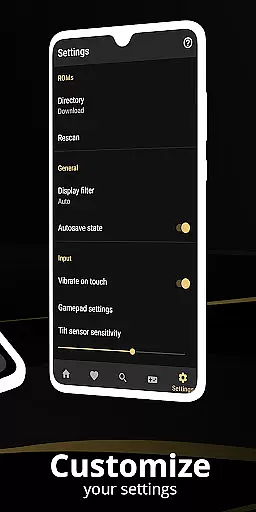
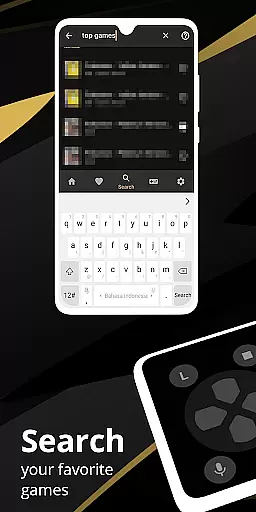
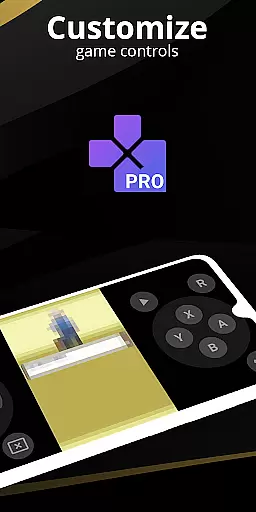
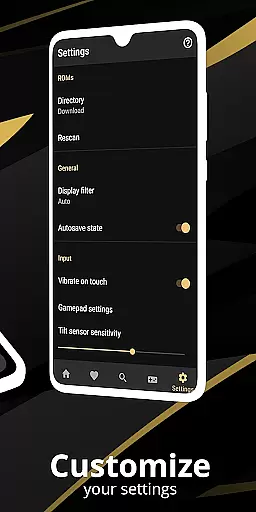
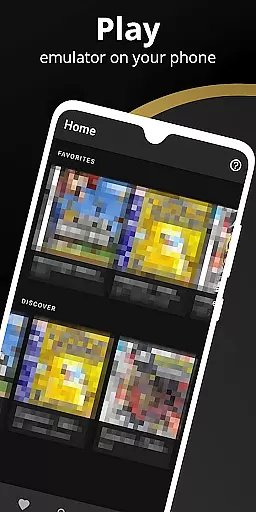
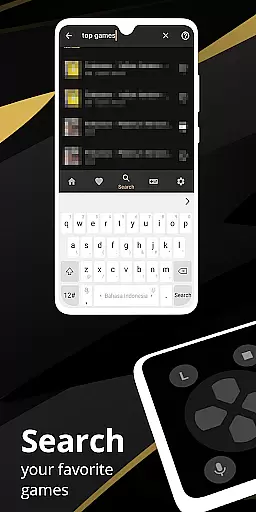
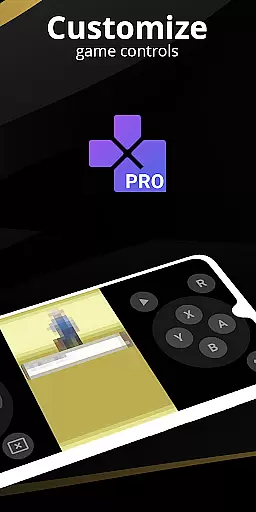
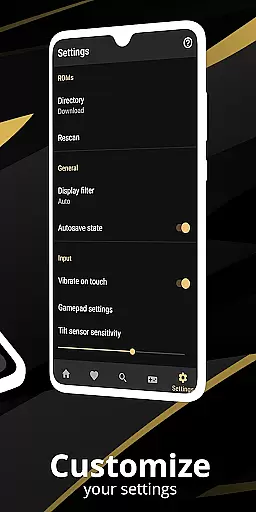
Pro Emulator for Game Consoles is a versatile emulator designed to bring classic gaming experiences to modern Android devices. It supports a wide range of consoles, ensuring compatibility across phones, tablets, and even TVs. The app provides high game compatibility, allowing users to run nearly all games without issues while offering advanced features like automatic save states, quick load/save slots, and link cable emulation.
The emulator also includes optimized touch controls, OpenGL rendering, and video filters through GLSL shaders, enhancing the visual experience. With support for external controllers, cloud save sync, and display simulation, it delivers an authentic retro gaming experience. Whether reliving nostalgia or exploring classic games for the first time, this tool ensures seamless gameplay with modern convenience.
Pro Emulator for Game Consoles stands out with its robust feature set tailored for both casual gamers and enthusiasts. Key highlights include lightning-fast emulation that conserves device battery, high-level BIOS emulation eliminating the need for BIOS files, and ROM scanning with IPS/UPS patching support. These features ensure smooth performance while simplifying access to extensive game libraries.
Advanced customization options allow users to tailor their experience, from adjustable touch controls to a powerful screen layout editor. Multiplayer functionality via local connections and tilt-to-stick support further enhance engagement. Additionally, the clean user interface integrates seamlessly with Android systems, providing intuitive navigation alongside professional tools like key-mapping profiles and desktop shortcuts for favorite games.
When evaluating an emulator's core functions, accuracy and effectiveness are paramount. Pro Emulator for Game Consoles excels in these areas by offering high compatibility with a vast array of games, ensuring that nearly all titles run without issues. This compatibility is crucial as it allows users to enjoy a wide selection of their favorite classic games without worrying about performance glitches.
The emulator also features advanced BIOS emulation, eliminating the need for BIOS files, which simplifies the setup process for users. Additionally, support for IPS/UPS zipped ROM patching means that users can apply updates or modifications to games easily, enhancing both the gaming experience and the longevity of game playability.
Another aspect where this emulator shines is its rendering capabilities. With an OpenGL rendering backend alongside standard rendering options for devices without a GPU, it ensures smooth gameplay across different hardware specifications. The inclusion of GLSL shaders adds cool video filters, enriching the visual experience while maintaining the authenticity of retro gaming graphics.
A user-friendly interface is essential for any software, and emulators are no exception. Pro Emulator for Game Consoles boasts a clean and simple yet well-designed user interface that integrates seamlessly with the latest Android versions. This intuitive design makes navigation straightforward, allowing users to focus more on their gaming experience rather than struggling with complex settings.
The emulator offers a powerful screen layout editor, enabling gamers to customize the position and size of on-screen controls as well as the game video itself. Such customization ensures that each player can tailor their setup to suit personal preferences, enhancing comfort during extended gaming sessions.
Moreover, the emulator supports external controllers like MOGA controllers and provides tilt-to-stick functionality, making gameplay even more accessible and enjoyable. By prioritizing interface simplicity and intuitiveness, Pro Emulator for Game Consoles delivers an engaging and hassle-free retro gaming experience on modern devices.
High game compatibility
Optimized touch controls
Cloud save synchronization
Multiplayer support
Authentic retro experience
Powerful device required
No legal game library included
Complex setup for beginners
Battery consumption on older devices
Limited newer console support

Enjoy smooth gameplay with Game Booster
 4.90
4.90
ADB support Android 4.X-Android 13(Support wireless pair mode).No root required!
4.70
Excellent scientific calculator with symbolic algebra, integrals, derivatives
4.80
View detailed information about your Nissan Leaf the dealer never shows you.
4.10
With videos, electrical calculators, and built-in ebook, Ugly’s has your answer.
4.50
Fast Video Downloader, Movie Downloader, Torrent Downloader & Adblock Browser
4.70
Screen Mirroring for Roku Sticks, Roku TCL TV and Roku Hisense TV
4.50
Clean up large files and similar photos, fast and easy to use
4.40
Mobile Security with Scam Protection | Malware & Virus Cleaner | Safe Browser
4.70
Learn the vast amount of system information about device and monitor it's state
4.70
Optimize your WiFi network, turn your phone into Wifi Analyzer
4.70
HD Camera captures every special moment.
4.60
Canon PRINT is a companion app for your Canon printer.
4.60
Family Locator, Share location, StayConnect with your family in real time
3.90
Clean the junk files on your device
3.40


User Reviews