
Screen Recorder Video Recorder is a versatile screen recording and video editing tool designed for both casual users and content creators. This all-in-one application allows you to capture your device's screen in stunning HD quality, up to 1080P resolution, with options for high frame rates and bitrates. The app supports both internal audio and external microphone inputs, making it ideal for creating tutorials, gameplay videos, and recording video calls.
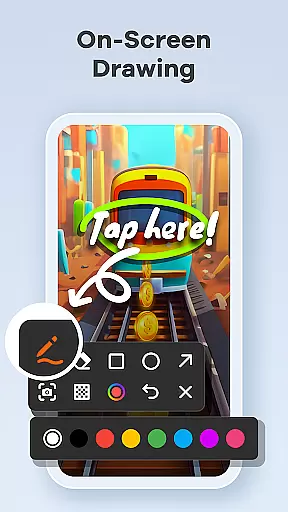
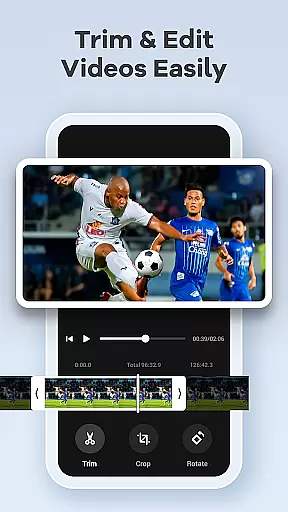
Beyond basic recording, the app offers advanced features such as live drawing and annotation tools, facecam functionality, and a built-in video editor that lets you trim, crop, and rotate footage effortlessly. You can also convert videos into GIFs for easy sharing on social media platforms. With intuitive controls like gesture customization and a floating control ball, managing recordings has never been easier. Whether you're producing educational content or capturing memorable moments, Screen Recorder Video Recorder provides the tools necessary to create professional-quality videos.
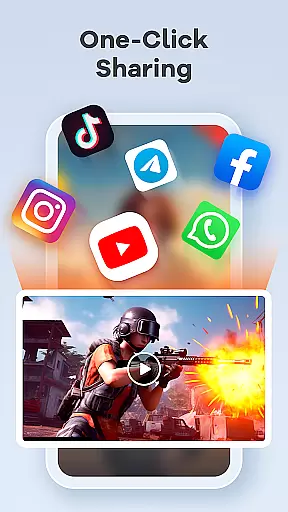
This app is particularly useful for educators, gamers, and social media influencers who need an efficient way to produce engaging multimedia content directly from their mobile devices. By combining powerful editing capabilities with seamless sharing options, Screen Recorder Video Recorder empowers users to tell their stories and connect with audiences worldwide.
Screen Recorder Video Recorder stands out due to its comprehensive feature set tailored for various use cases. One of its key strengths is the ability to record in Full HD with customizable settings for resolution, bitrate, and frame rate, ensuring your videos look crisp and professional. The inclusion of both internal system sounds and external microphone audio makes it suitable for diverse recording scenarios, from voiceovers to live reactions.
The built-in video editor is another highlight, offering essential tools like trimming, cropping, and rotating without needing to switch to another app. Additionally, the unique video-to-GIF conversion feature enables quick creation of shareable content optimized for platforms like Reddit or Twitter. For those who create tutorial videos, the live drawing and annotation tools allow for real-time explanations, while the facecam option adds a personal touch by letting creators engage directly with their audience through webcam footage overlaid on screen recordings.
Usability is further enhanced by innovative control mechanisms such as gesture commands and a one-tap floating ball interface, which streamline the recording process. These features not only save time but also improve workflow efficiency, allowing users to focus more on content creation rather than technicalities. Overall, Screen Recorder Video Recorder combines powerful functionality with user-friendly design, making it an indispensable tool for anyone looking to elevate their mobile video production.
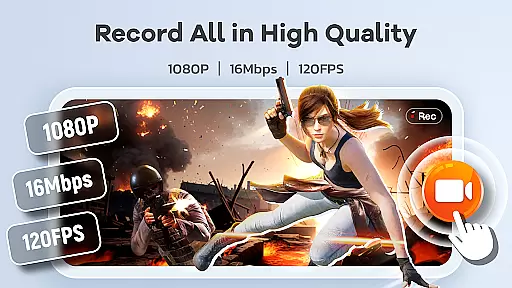
Screen Recorder Video Recorder excels in delivering precise and effective core functionalities that cater to diverse video recording needs. The app supports HD recording at 1080P, with a bitrate of 16Mbps and frame rates up to 120FPS, ensuring every detail is captured in stunning clarity.
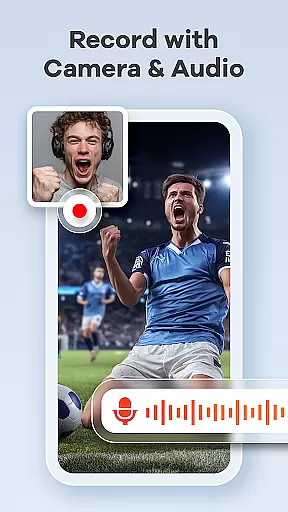
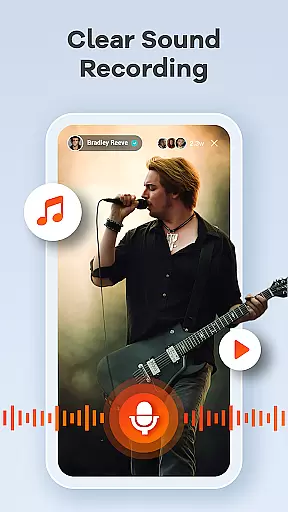
In addition to high-quality video capture, the app offers robust audio recording features. Users can record crystal-clear audio from both internal and external sources, such as the device's system sound or an external microphone, making it ideal for creating content with multiple audio layers.
The built-in video editor enhances the app's effectiveness by allowing users to trim, crop, and rotate videos effortlessly. This feature ensures that the final output is polished and professional, meeting various content creation requirements without needing to switch between multiple applications.
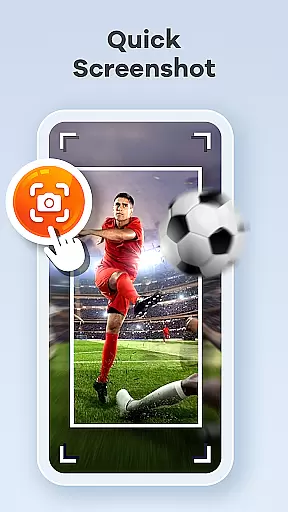
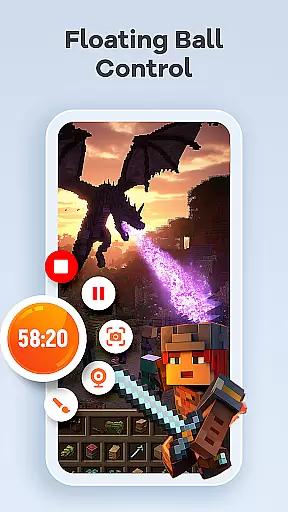
One of Screen Recorder Video Recorder's standout features is its intuitive interface, designed to streamline the video creation process. The one-tap floating ball provides seamless control over recording sessions, enabling users to start, pause, resume, and capture screenshots with minimal disruption.
Gestures play a crucial role in maintaining the app's simplicity and intuitiveness. Customizable gesture controls allow users to perform quick actions, enhancing workflow efficiency and reducing the complexity often associated with video recording and editing software.
Furthermore, the app offers customizable settings that let users adjust recording parameters according to their preferences. This flexibility ensures that both novice and experienced users can operate the app comfortably, focusing on creating engaging content rather than navigating complex menus.
User-friendly interface
High-quality recording
Built-in video editor
Live drawing tools
Facecam functionality
No cloud backup
Limited free features
Ads in free version
Occasional bugs
Heavy on storage

 4.50
4.50
Easily install aab(Android App Bundle) files on your Android device with our app
4.80
Use your phone as a webcam on your computer over WiFi or USB.
4.40
HD Video player and downloader for all formats, fast & smooth 4K video playback.
4.60
Effortlessly run ADB commands directly on your device without a PC.
4.20
The Ultimate Bluetooth Keyboard & Mouse. Securely control your PC, Mac, and more
4.50
The ultimate tool for network analysis, wifi scanning and problem detection.
4.90
Button mapper, mouse toggle, sleep timer and a lot of another features
4.50
A clean app.
4.50
Excellent scientific calculator with symbolic algebra, integrals, derivatives
4.80
The one-and-only remote control for PC, Mac, and Linux
4.70
Canon PRINT is a companion app for your Canon printer.
4.60
Just one-tap to easy translate in any language after calls within seconds.
4.20
An open-source APK explorer for Android!
4.10
Unleash gamepad precision for ultimate mobile gaming dominance.
3.90


User Reviews