
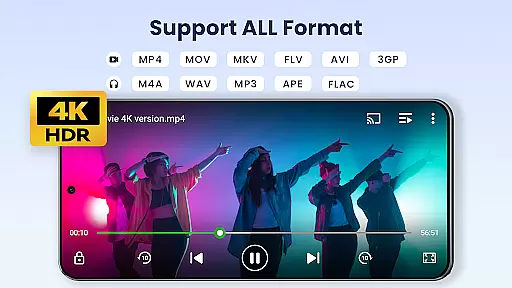

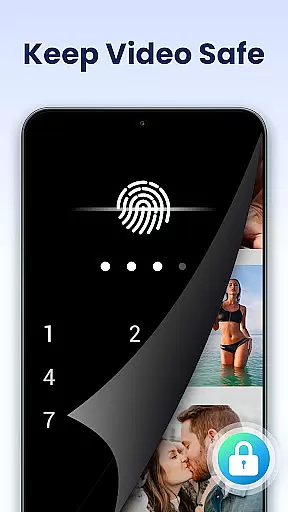
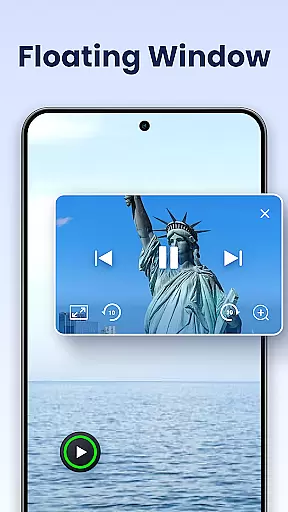
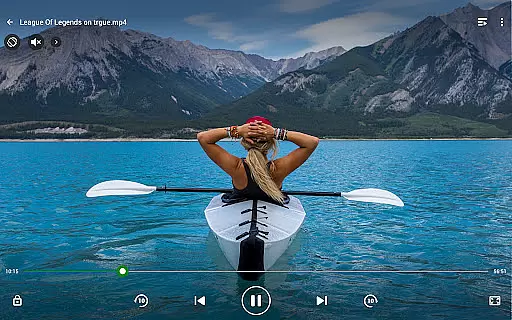
Video Player All Format is a versatile video playback application designed for Android devices. This professional-grade player supports all video formats including MKV, MP4, AVI, and more, with capabilities to handle 4K/Ultra HD content. The app features advanced functionalities such as hardware acceleration, Chromecast support, and pop-up video options, making it one of the best choices for seamless high-definition playback.
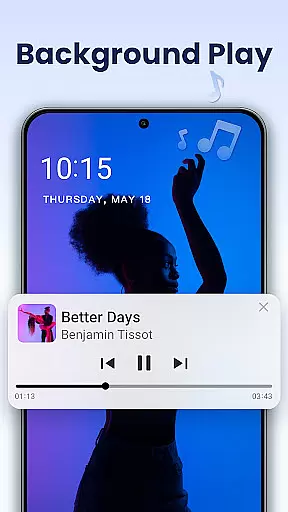
Beyond its core ability to play any video file smoothly, the app provides users with practical tools like private folders for safeguarding personal content, automatic identification of videos on device storage, and multi-playback options. Whether you're watching on an Android phone or tablet, this app ensures a premium viewing experience while offering convenient multitasking features like background playback and floating windows.
The app's user-centric design extends to include night mode, quick mute, and adjustable playback speed, catering to diverse viewing preferences. With its comprehensive feature set, Video Player All Format is ideal for users seeking a secure, flexible, and high-quality media consumption tool that works across various devices and screen sizes.
Video Player All Format stands out due to its extensive range of features tailored for both casual viewers and tech-savvy users. One notable aspect is its full compatibility with virtually every video format available today, ensuring no file goes unsupported. It also excels in performance optimization through hardware acceleration, enabling smooth 4K video rendering without lag or quality loss.
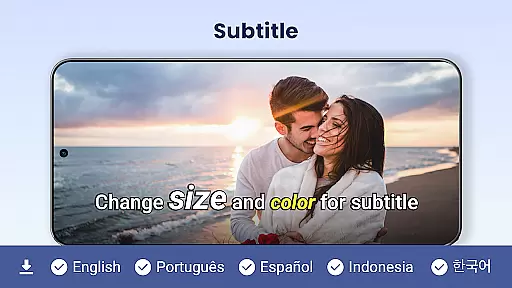
In addition to supporting external subtitles and Chromecast functionality for casting videos to TVs, the app offers innovative display modes such as pop-up windows and split-screen viewing. These features allow users to multitask efficiently by resizing and moving the video interface over other active applications. Background video playback further enhances convenience, letting users listen to video content akin to audio tracks.
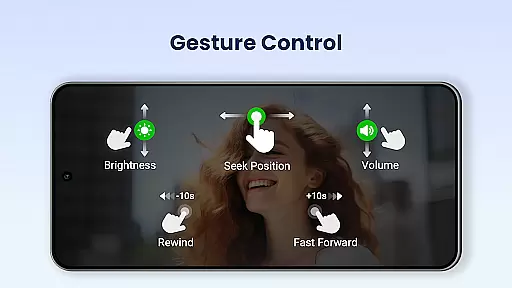
Other highlights include automatic detection of videos stored on internal memory or SD cards, easy management and sharing options, and customizable controls for volume, brightness, and playback speed. Collectively, these attributes make Video Player All Format not just a robust media player but also a highly adaptable utility for modern digital lifestyles.
Video Player All Format stands out as a versatile video playback tool that supports an extensive range of video formats, making it adaptable to various user needs.
The application is designed to handle ALL video formats including MKV, MP4, M4V, AVI, MOV, 3GP, FLV, WMV, RMVB, TS, and more. This ensures that users are not limited by specific file types and can enjoy both standard and high-definition content without conversion hassles.
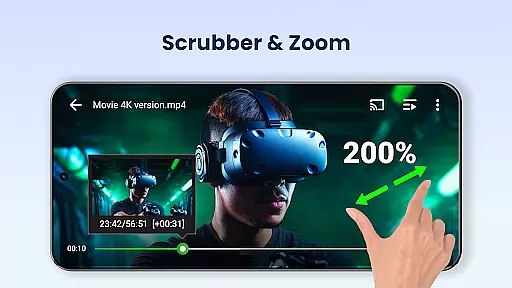
With capabilities extending to Ultra HD and 4K video playback, the app caters to videophiles who demand crisp, clear imagery. The hardware acceleration feature enhances this experience by optimizing performance for smoother playback.
For users with diverse device ecosystems, the Video Player All Format bridges gaps by offering seamless experiences across Android tablets and phones alike. Its comprehensive format support eliminates common playback issues, positioning itself as an essential tool for any multimedia enthusiast.
Beyond its primary function as a video player, Video Player All Format incorporates AI-powered features that enhance the viewing experience through innovative functionalities.
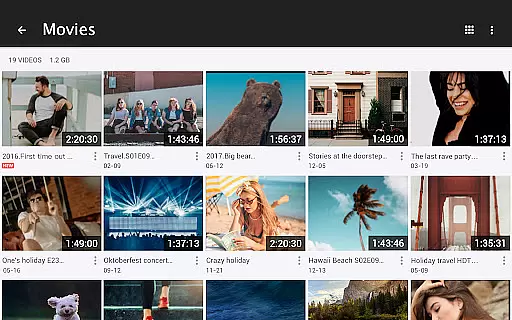
One standout feature is the automatic identification of all video files on both internal storage and SD Cards. This simplifies media management by organizing content efficiently, saving users time when searching for specific videos.
The inclusion of advanced playback options such as speed control from 0.5 to 2.0 allows viewers to customize their experience according to preference or need. Whether watching educational content in slow motion or skimming through footage at accelerated speeds, flexibility is key.
Additionally, the app offers practical tools like pop-up video, split-screen mode, background play, night mode, quick mute, and subtitle downloader. These thoughtful additions reflect a deep understanding of user behavior and contribute significantly to overall usability and convenience.
User-friendly interface
Comprehensive format support
Advanced privacy protection
Smooth 4K playback
Versatile multitasking options
Limited iOS availability
Occasional ads in free version
High system resource usage
No cloud integration
Complex settings for beginners

Fast, private downloading, video saving, social media
 4.50
4.50
HD video maker with no watermark, no ads & vlog maker with music, PIP, text
4.50
Seamlessly connect and control your smart devices, anytime, anywhere with ease.
4.60
Download videos and play them offline
4.70
IPTV Loader, loads your own Playlist. DOES NOT CONTAIN ANY LIST OR CHANNELS
4.60
Flud is a simple and beautiful BitTorrent client for Android.
4.80
Viddo: Generate Action Figure, AI Anime, AI kiss, AI hug Video from image & text
4.40
Video player with 4K & 1080P support, popup play, background play and subtitle.
4.20
Enjoy your favorite videos and channels with the official YouTube app.
3.90
An easy-to-use and all-round screen recorder with audio
4.80
Video Player - Unlimited features, 30 days money back guarantee.
4.60
Snaptubè Video Downloader app allows to download videos and music in Snaptube. .
4.60
Browser for Samsung TV to stream webvideos, online movies and livestreams in HD
4.10
Explore the largest library of free GIFs, Stickers & Memes - or create your own!
3.90
Capture images & record videos for USB Camera, Webcam, Microscopes, Endoscopes
3.80


User Reviews