
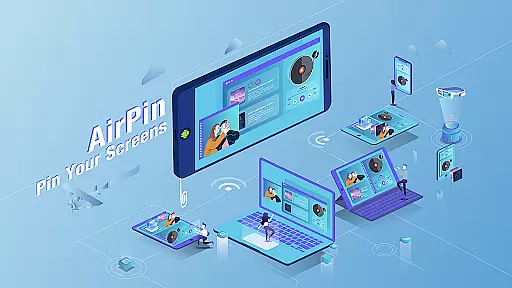


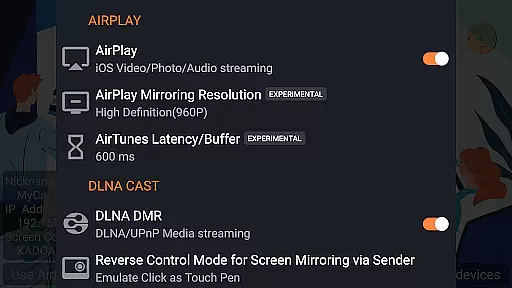

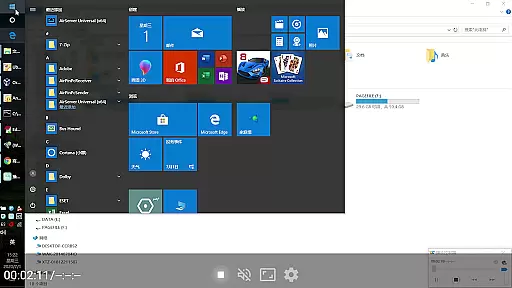

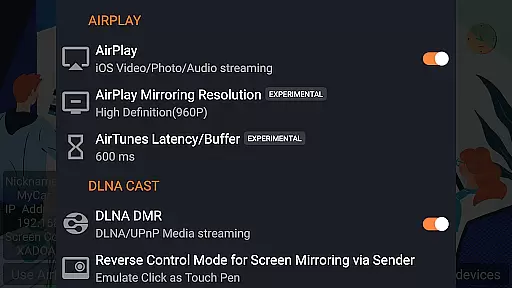

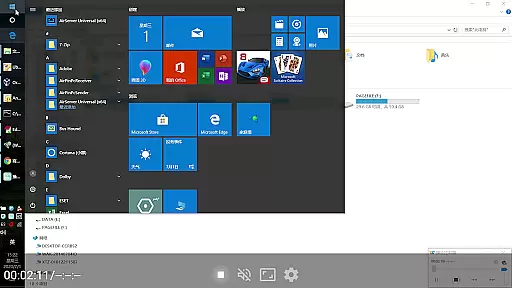

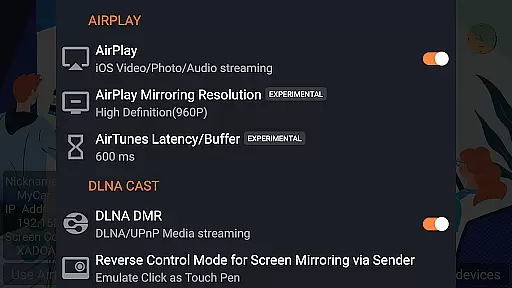

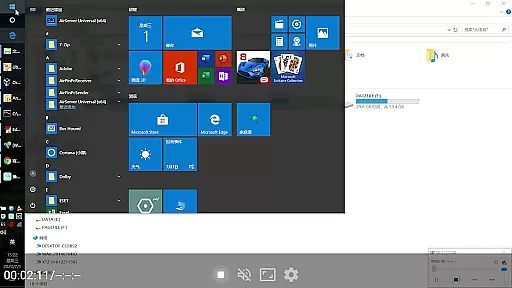

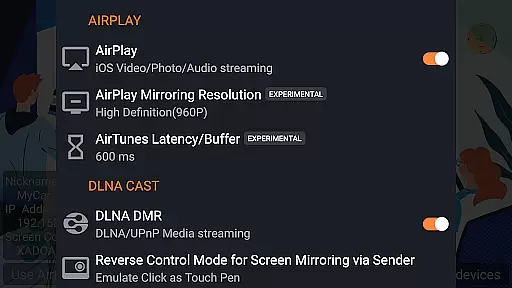
AirPin PRO is a versatile screen mirroring and media streaming receiver app designed for Android devices, including phones, tablets, TVs, set-top boxes, and projectors. As the first Android application to support both AirPlay and DLNA since its initial release in July 2012, it enables users to share media and screens from Apple, Windows, and Android devices onto larger displays.
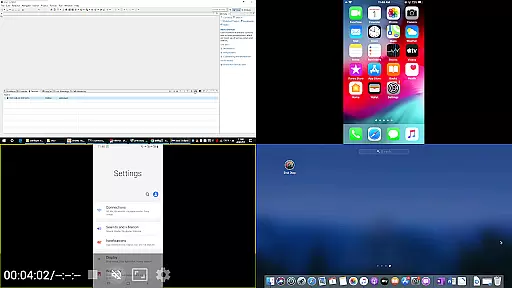
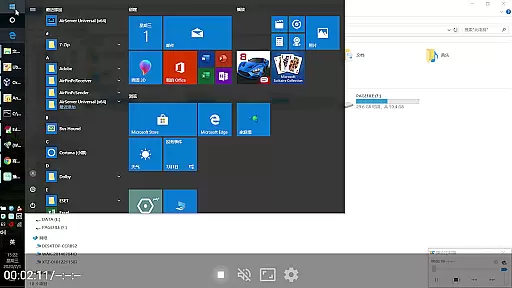
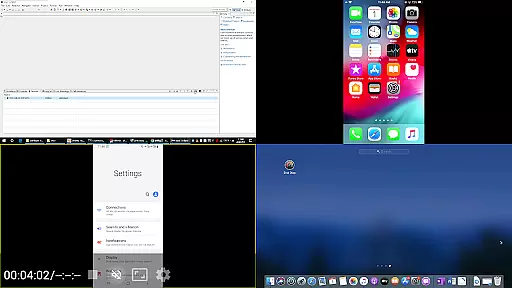
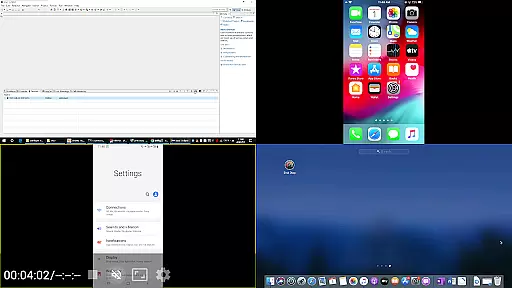
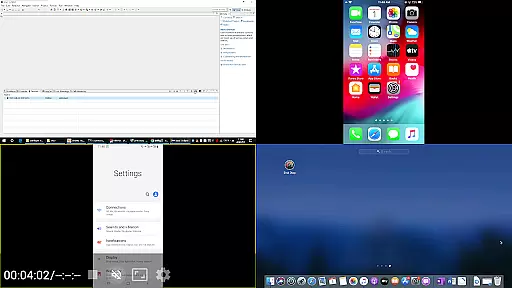
This PRO version allows simultaneous display of up to four device screens, enhancing collaborative and presentation scenarios. With features like AirPlay video/music streaming, screen mirroring across all iOS/MacOS versions, and DLNA/UPnP support, AirPin PRO offers a comprehensive solution for seamless multimedia sharing. Its compatibility with various senders such as AirPinPcSender for Windows and AirPinCast for Android ensures broad usability.
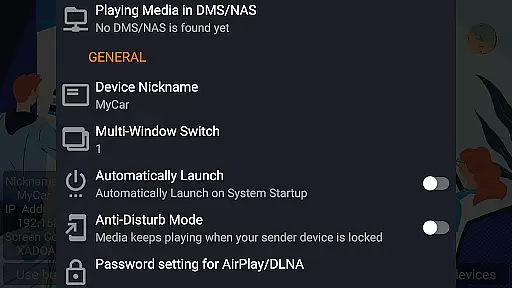
AirPin PRO stands out with its ability to display multiple device screens simultaneously, supporting up to four connections at once. It is the first app to facilitate the latest YouTube AirPlay streaming and slideshow functionality for AirPlay photo streaming, alongside pioneering AirPlay password protection.
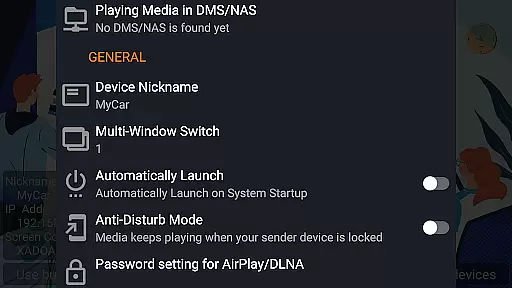
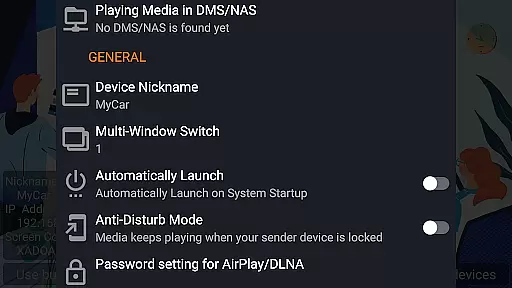
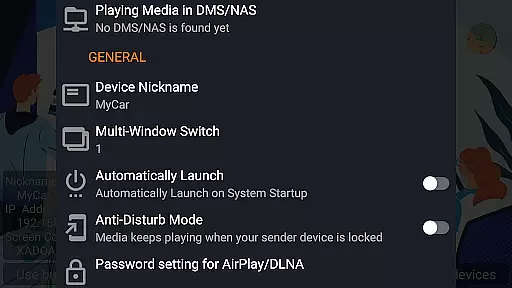
The app uniquely supports both Renderer and Player modes for Android-based TVs, allowing direct pulling of media from DLNA/NAS/Samba servers for playback. Additional features include automatic startup, configurable service shutdown, background audio streaming without delay, anti-disturb mode, and the ability to continue playing from the last pause point. These functionalities ensure a smooth and uninterrupted user experience.
Video format compatibility is a crucial feature for any video player and editor application. AirPin PRO excels in this area by supporting a wide range of video formats, ensuring that users can play virtually any media file they receive.
The app's support extends to both common and high-definition formats, making it versatile for different user needs. Whether you're streaming from an iPhone, iPad, MacBook, Windows PC, or Android device, AirPin PRO ensures seamless playback without the need for prior conversion.
Furthermore, AirPin PRO enhances user experience by integrating with DLNA and NAS servers, allowing direct pulling and playing of media files. This means users can access and stream videos stored on their local network or cloud storage effortlessly.
By offering such comprehensive video format support, AirPin PRO not only saves time but also provides flexibility and convenience, making it an ideal choice for users who work with diverse multimedia content.
AI-powered editing features represent the cutting edge of video editing technology, enabling users to enhance their video projects with minimal effort. AirPin PRO incorporates these advanced capabilities to offer intuitive editing options that simplify complex tasks.
One standout feature is the automatic optimization of video settings based on content analysis. This AI-driven approach ensures optimal brightness, contrast, and color balance, enhancing overall video quality without manual adjustments.
AirPin PRO also includes smart trimming and scene detection functionalities. These tools allow users to quickly edit out unwanted sections or split videos into meaningful segments, streamlining the editing process significantly.
By leveraging AI-powered editing features, AirPin PRO empowers users to produce professional-quality videos efficiently, reducing the learning curve associated with traditional video editing software while delivering impressive results.
Supports multiple device screens
First app with AirPlay innovations
Comprehensive DLNA/UPnP support
Seamless multimedia sharing
Unique Renderer and Player modes
Requires additional software for Windows
Limited free version functionality
May need contact for device issues
Complex setup for beginners
Background play might drain battery

High-Quality USB Camera Viewer & HDMI Display
 4.70
4.70
Seamlessly connect and control your smart devices, anytime, anywhere with ease.
4.60
GENRAL PRO - General Pro is the best video player that fully supports all formats.
4.70
Cast to Smart TV, Fire TV. Cast video, photo - Fast & Stable!
3.90
All in one multi protocols stream receiver for AirPlay, Cast and DLNA.
3.60
Watch IPTV on your Android device
4.60
Download Hub, easy and private way to download and enjoy your videos offline
4.80
Enjoy your favorite videos and channels with the official YouTube app.
3.90
Photo editor & video maker with music and slideshows.
4.10
Watch a large amount of high-definition short drama content
4.60
Cast to Chromecast, Xbox, Fire Stick, Roku, DLNA, Smart TV & No Feature Limited!
4.50
Browser for Samsung TV to stream webvideos, online movies and livestreams in HD
4.10
VLC for Android is the best open source video and music player, fast and easy!
4.10
Live TV, anywhere in your home
3.80
This app is an emulator of some specific IPTV boxes
3.50


User Reviews