
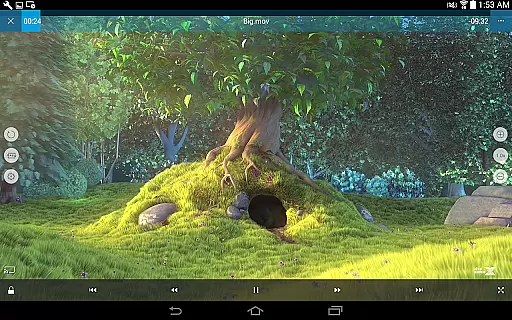
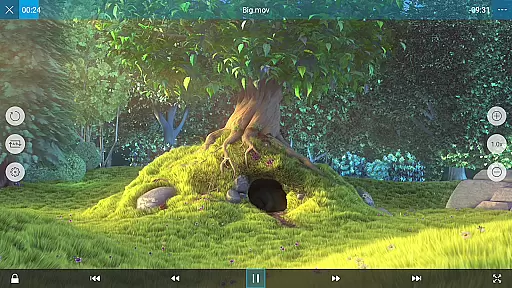
nPlayer is a versatile video player designed for seamless media playback without the hassle of file conversion. Supporting an extensive range of video, audio, and subtitle formats, it ensures compatibility with almost any media file you possess.
With intuitive touch controls, users can effortlessly adjust playback settings, manage subtitles, and control volume and brightness. The app also supports advanced features like DTS audio codec, multi-track audio, and external subtitles, making it ideal for both casual viewers and audiophiles.
Whether you're managing local files or streaming from cloud services, nPlayer provides a comprehensive solution for all your media playback needs on mobile devices.
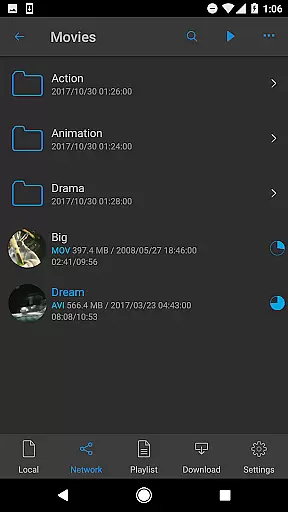
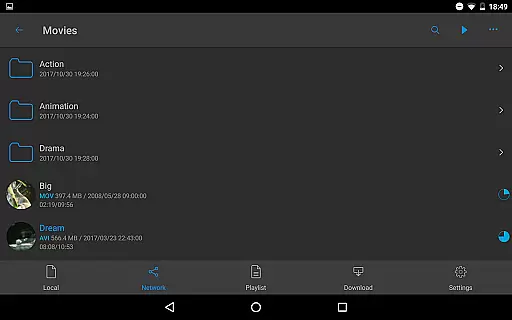
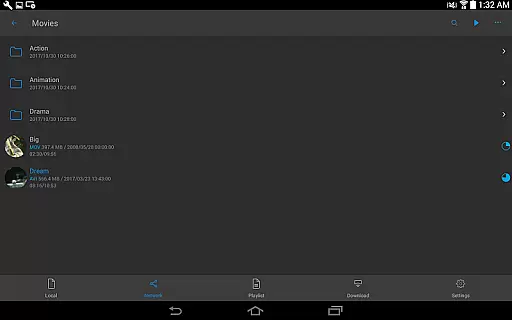
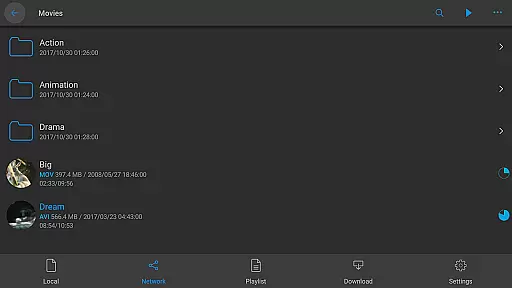
nPlayer stands out with its robust feature set tailored for diverse media consumption. The app supports device file playback and management, allowing users to organize and play media files directly from their device storage.
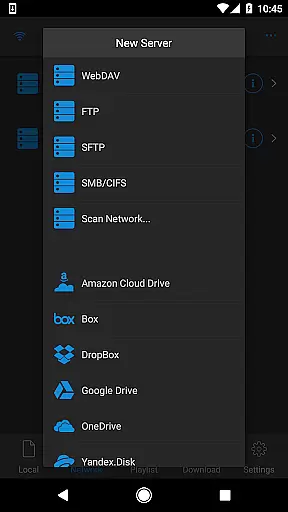
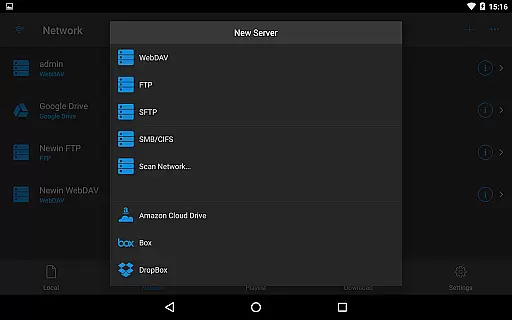
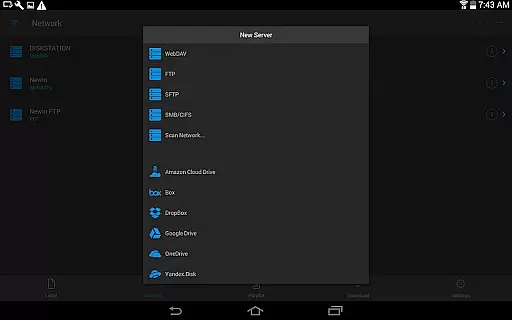
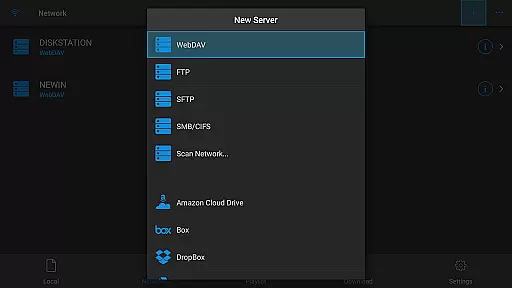
Cloud integration is another highlight, with support for popular services like Google Drive, Dropbox, and OneDrive. Users can stream content directly from these platforms without downloading. Advanced connectivity options include WebDAV, FTP, and SMB protocols.
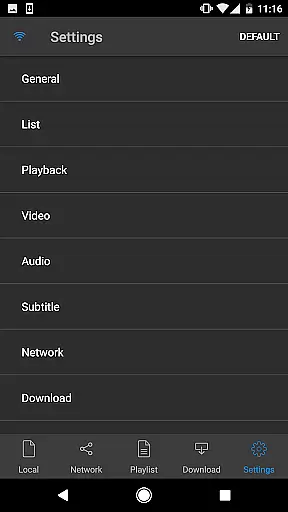
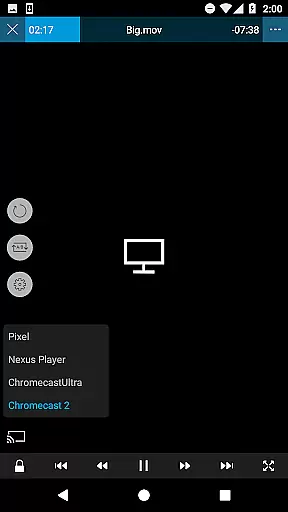
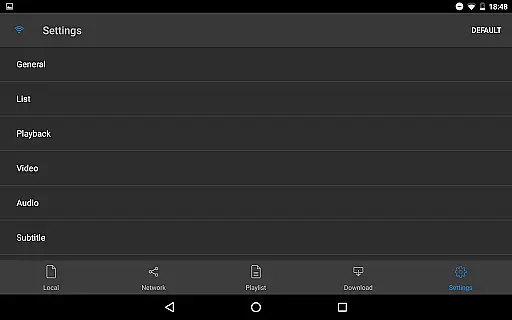
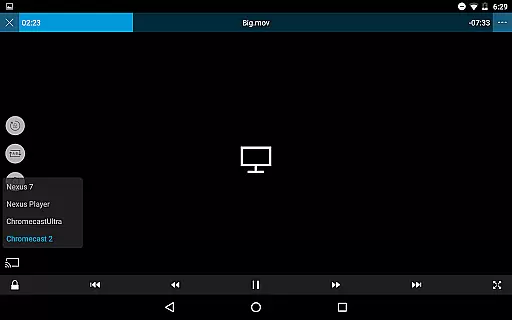
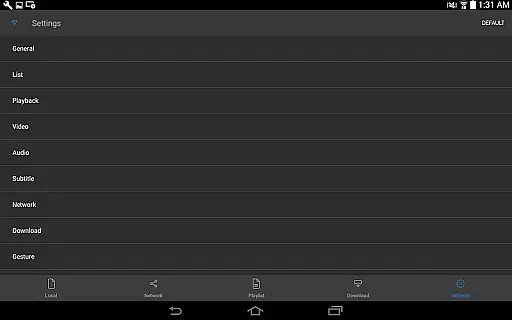
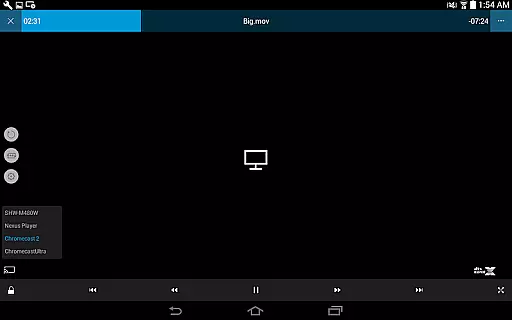
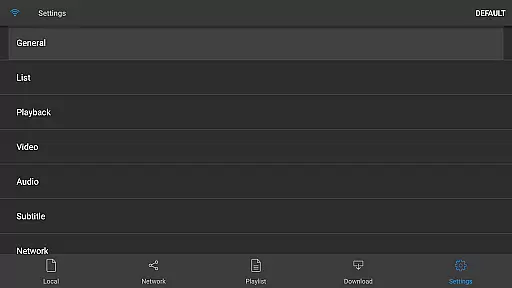
The player's customization capabilities are exceptional, offering precise control over subtitle appearance, audio tracks, and playback settings. Features like pop-up play, video casting, and HDMI output make it suitable for various viewing scenarios.
One of the standout features of nPlayer is its extensive video format compatibility, eliminating the need for users to convert files to MP4 for mobile playback.
This versatile player supports an impressive range of formats including MP4, MOV, MKV, AVI, WMV, ASF, FLV, OGV, RMVB, and TP. Whether you're watching a high-definition movie or a simple home video, nPlayer ensures seamless playback without any prior file conversion efforts.
The application's ability to handle various codecs, including officially supported DTS audio codec (DTS HD), enhances the viewing experience by delivering high-quality audio alongside stunning visuals. This makes nPlayer an ideal choice for users who work with diverse multimedia content.
By supporting such a wide array of video and audio formats, nPlayer provides users with the convenience of accessing their entire media library through a single application, significantly improving both accessibility and user satisfaction.
While nPlayer focuses primarily on video playback, it incorporates several intelligent features that enhance the overall user experience akin to AI-powered editing capabilities.
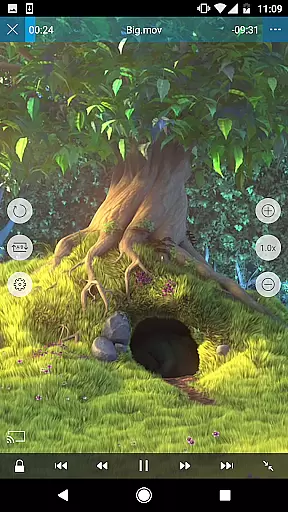
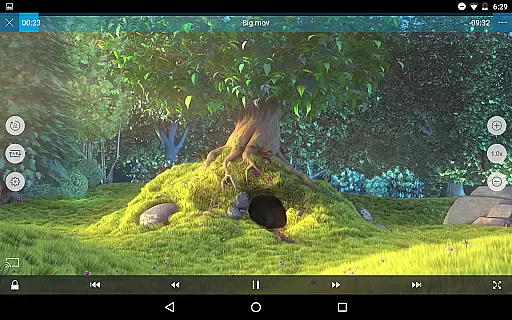
Users can effortlessly adjust playback positions, navigate between subtitles, modify subtitle locations and font sizes, and control volume and brightness with simple finger gestures. These intuitive controls provide a level of customization similar to advanced video editing tools.
The player also supports multi-track audio and subtitles, embedded subtitles, and external subtitle fonts, offering users precise control over their viewing preferences. The inclusion of SAMI(SMI) tags and full SSA/ASS styling support demonstrates the app's commitment to professional-grade features.
These sophisticated functionalities not only improve accessibility but also empower users to personalize their viewing experience according to their specific needs and preferences, setting nPlayer apart from conventional video players.
Wide format support
Intuitive controls
Advanced audio features
Comprehensive cloud integration
Subtitle customization
Premium price point
Complex interface
High system requirements
Limited free features
Occasional bugs

Kodi media center, a free and open source cross-platform entertainment hub
 3.60
3.60
Client application for NextPVR software
3.00
IPTV-Smarters Player Pro M3U - Watch Live Stream TV Channels with Chromecast
4.00
?100% FREE! Download & save videos? safely in this app. All formats supported.
4.60
Snaptubè Video Downloader app allows to download videos and music in Snaptube. .
4.60
All format media Player, no need video converter any more!
4.00
IPTV Player - Watch live TV from m3m & m3u8 playlist, stream IPTV on mobile
3.30
Powerful Video Editor & Photo Editing App —— Quick Edits & Stunning Effects!
4.30
Viddo: Generate Action Figure, AI Anime, AI kiss, AI hug Video from image & text
4.40
High-Quality USB Camera Viewer & HDMI Display
4.70
Screen recorder with audio to take live videos & Screenshot in high quality!
4.70
HD Video player all format, HD Videos, Cast & Subtitle. No annoying ads.
4.60
Web Browser for LG TV to stream webvideos, online movies and livestreams in HD
4.20
Powerful video player with advanced hardware acceleration and subtitle supports
4.20
Live TV, anywhere in your home
3.80


User Reviews