
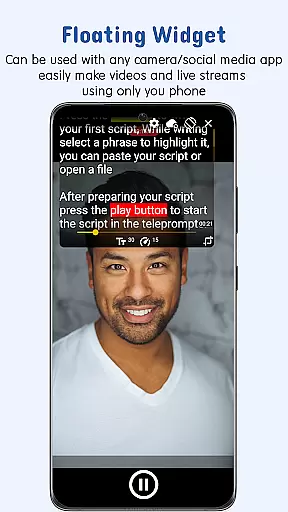
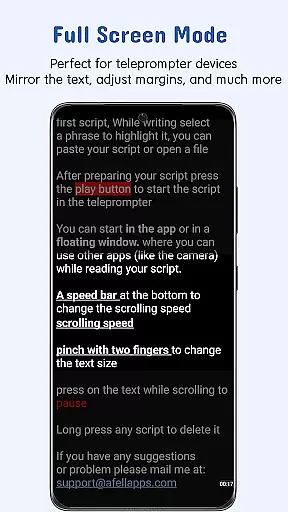
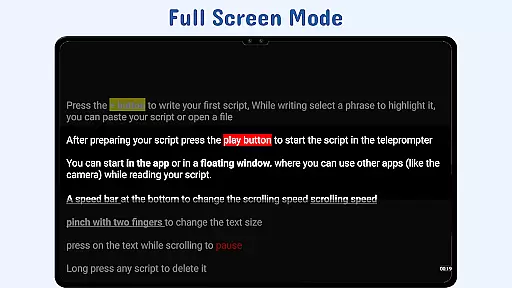
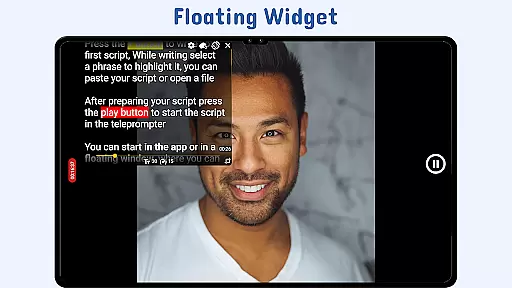
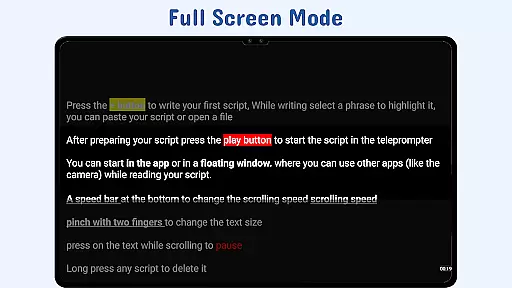
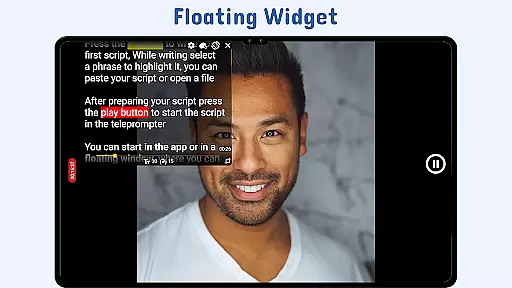
Nano Teleprompter is a versatile productivity tool designed to streamline the process of script reading for video recording, live streaming, and public speaking. The app's standout feature is its floating teleprompter widget that can be freely resized and positioned on-screen while using any camera app in both landscape and portrait orientations. This ensures uninterrupted recording sessions with easy script access.
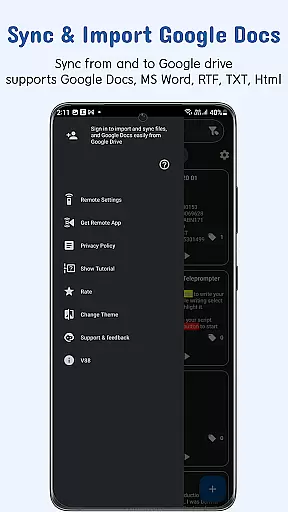
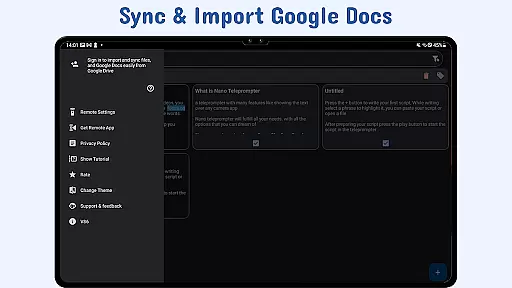
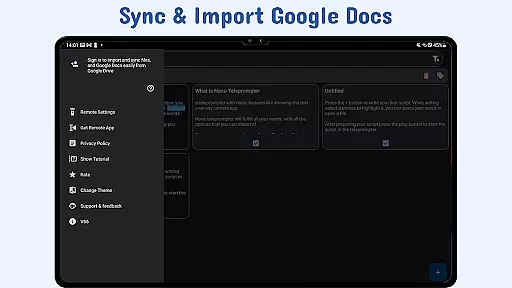
With real-time Google Drive integration, users can create, edit, and manage scripts directly from their cloud storage. Any changes made are automatically synced with the app, providing seamless access across multiple devices. Additionally, Nano Teleprompter supports various file formats including Google Docs, MS Word, RTF, TXT, and HTML, making it adaptable to different workflows.
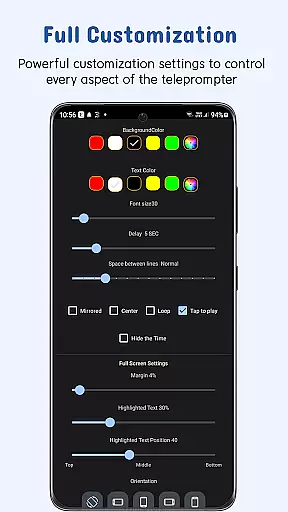
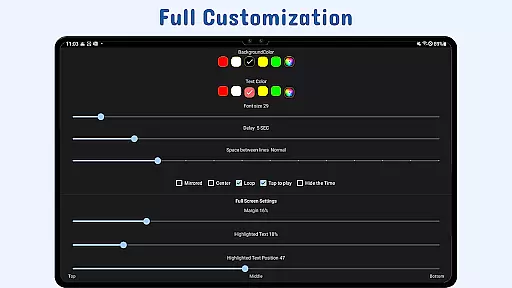
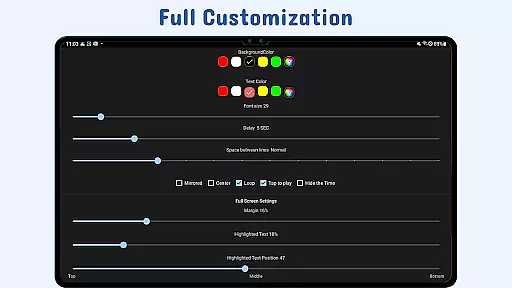
The app also offers customization options such as adjustable text size, color, background opacity, margins, and line spacing, which enhance readability during use. Gesture controls and remote support further empower users to maintain focus without manual intervention. These features make Nano Teleprompter an essential tool for content creators and professionals who require efficient teleprompting solutions.
Nano Teleprompter stands out with its comprehensive set of features tailored for productive script management. One key aspect is the real-time Google Drive sync that allows users to work on their scripts from any device and see updates reflected instantly within the app. This cloud-based approach ensures that all devices are always up-to-date with the latest script versions.
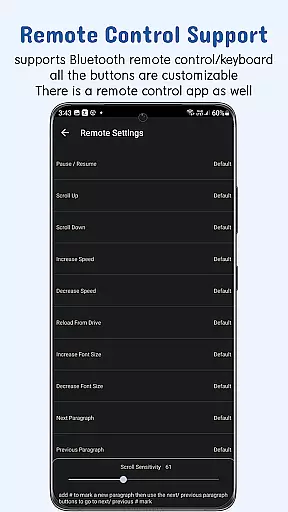
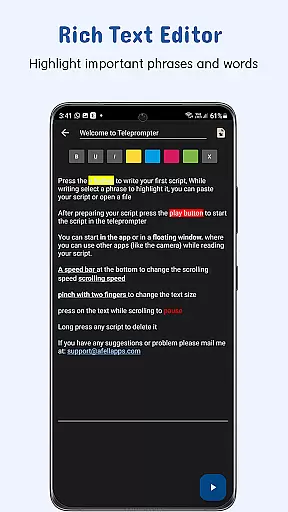
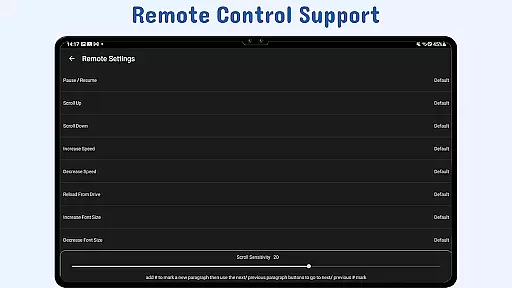
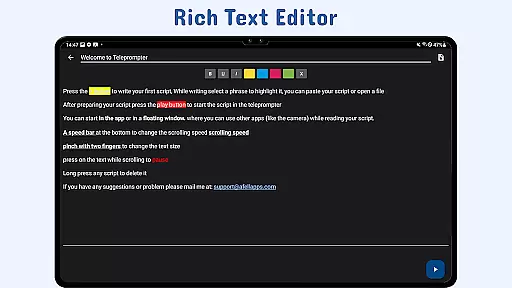
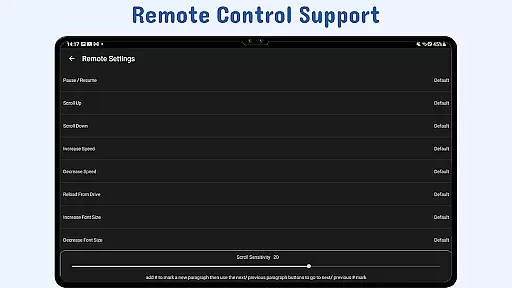
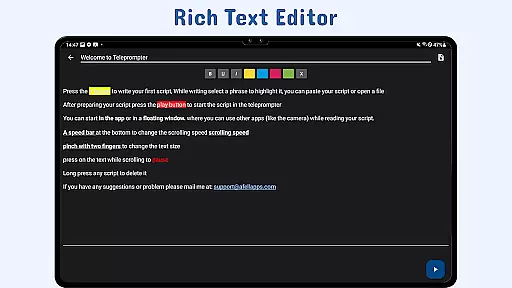
The customizable floating widget provides hands-free operation by allowing users to adjust scroll speed, pause, resume, or navigate through scripts using remote controls. Users can also highlight key phrases within their text for emphasis during presentations or recordings. Furthermore, gesture controls enable intuitive interactions like zooming in on text or resizing the widget by pinching or dragging corners.
Additional functionalities include adjustable scroll delay settings for precise synchronization with speech pace and quick script access via file explorer integration or sharing text from other apps directly into Nano Teleprompter. With these robust capabilities, Nano Teleprompter delivers a flexible yet powerful solution for anyone needing reliable teleprompting assistance.
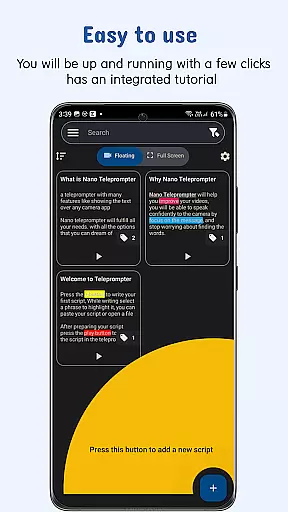
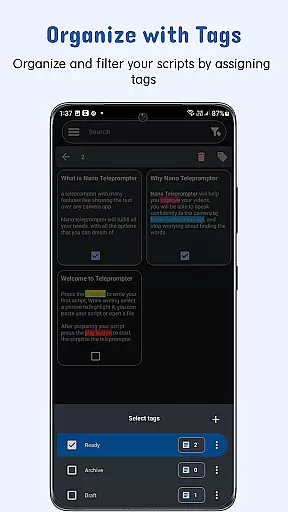
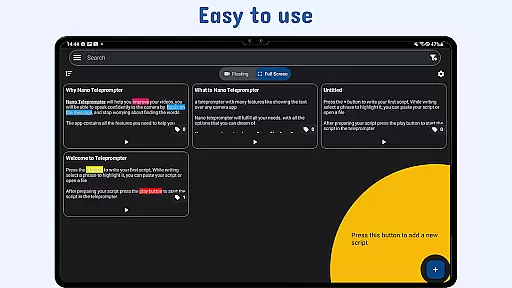
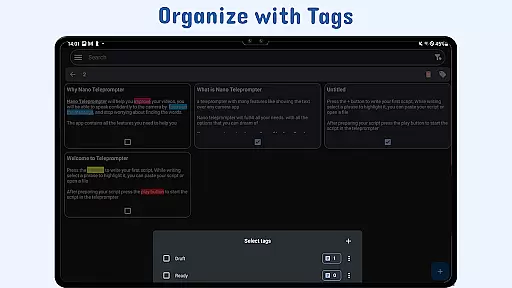
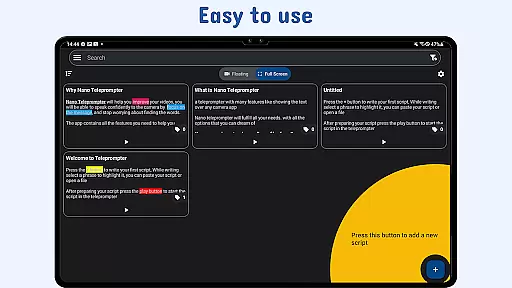
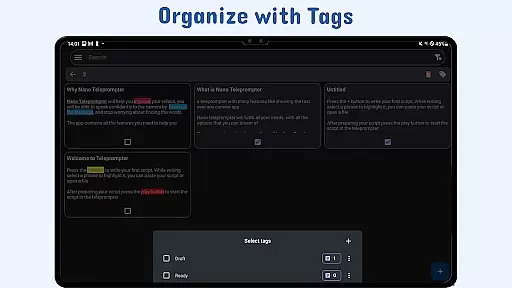
Task management is essential for productivity applications, ensuring users can organize and execute their responsibilities efficiently. Nano Teleprompter excels in this area by providing a seamless experience for managing scripts.
The app offers real-time Google Drive sync, allowing users to create, edit, and manage their scripts directly in Google Drive. Any changes made are automatically imported into the app, ensuring that your scripts are always up-to-date. This feature supports various formats including Google Docs, MS Word, RTF, TXT, and HTML.
Additionally, Nano Teleprompter provides customizable text and background options. Users can adjust text size, color, background opacity, margins, and line spacing to enhance readability and suit their preferences. The ability to highlight key phrases further aids in delivering speeches or recording videos with precision.
With its powerful features, Nano Teleprompter ensures that users can focus on their content without being distracted by the management of their scripts, thus improving overall productivity.
Cross-device synchronization is crucial for users who need access to their data across multiple devices. Nano Teleprompter addresses this need by offering reliable synchronization through Google Drive.
By integrating with Google Drive, Nano Teleprompter allows users to keep their scripts backed up and accessible from any device. Whether you're using a smartphone, tablet, or computer, your scripts will be synchronized in real-time, ensuring that you have the most current version at all times.
The app also supports quick script access, enabling users to open text files directly from their file explorer or share text from any app. This flexibility ensures that no matter where you are or what device you're using, you can easily access and work on your scripts.
This reliable cross-device synchronization not only enhances convenience but also provides peace of mind, knowing that your work is safely stored and readily available whenever you need it.
User-friendly interface
Real-time sync
Customizable widget
Remote control support
Cross-device compatibility
Limited offline functionality
Premium feature lock
Occasional sync delays
Complex setup for beginners
Device compatibility issues

AI Video AI Image Private LLM AI Browser Llama Gemma Ollama Connect LLM Studio
 4.4
4.4
Device's storage information in a simple and clear graphical form (infographics)
4.10
We're working to become the best machining app on the market! www.cncdirt.com
4.80
IP Camera Viewer - Android TV : RTSP Surveillance camera viewer for Android TV
4.2
ID.me Authenticator is a simple and free Two Factor Authentication solution
3.50
Calendar 2023 widget for Android. Appointment scheduler, planner, and reminder
4.60
Tally and goal counter for Wear OS & mobile
4.50
Access your phone's notifications, calls, apps, photos & texts on your PC
3.90
Ultimate Virtual AI Character for immersive Roleplay Chat. Perfect Companion
3.90
Simple notepad & memo. Take notes, to-do list, shopping list with reminders.
4.80
Lightweight PDF, Word, Excel reader.
4.60
This small app MUST BE INSTALLED after purchase, else license won't work
4.40
Secure your apps with lock screens, use custom themes and different features.
4.40 4.20
4.20
Experience real multitasking on your Android!
4.00


User Reviews