
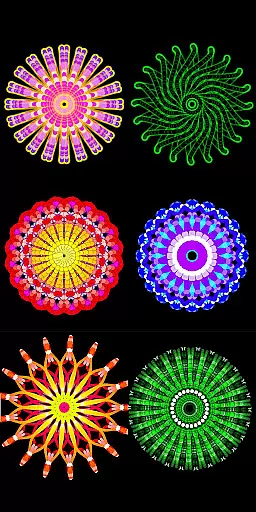
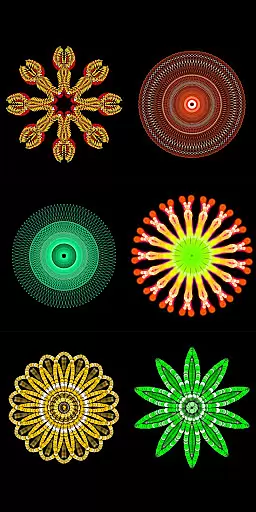
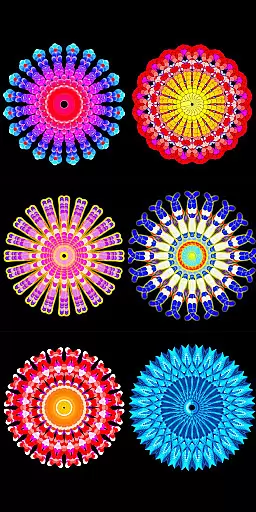
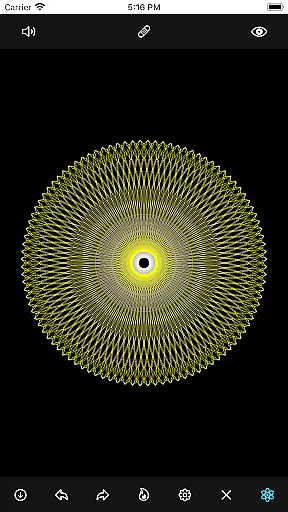
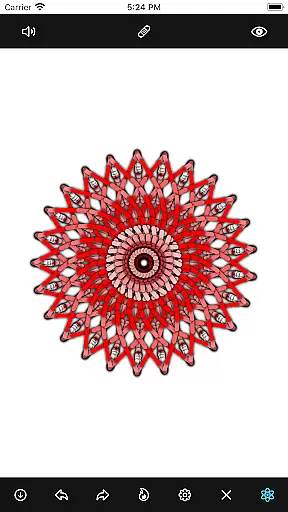
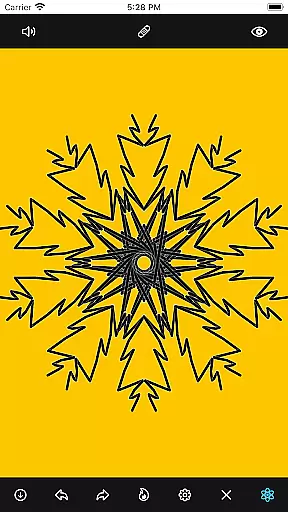
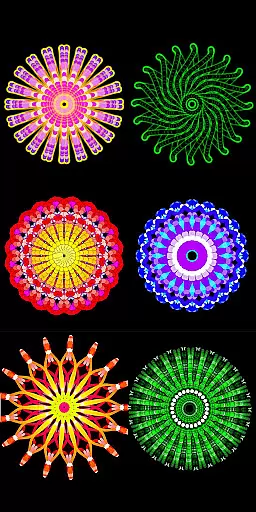
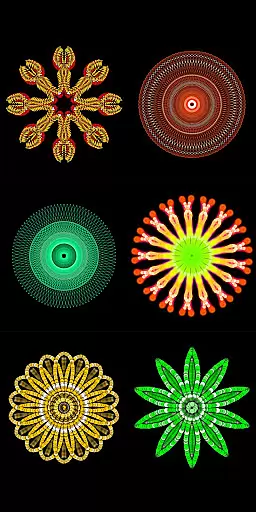
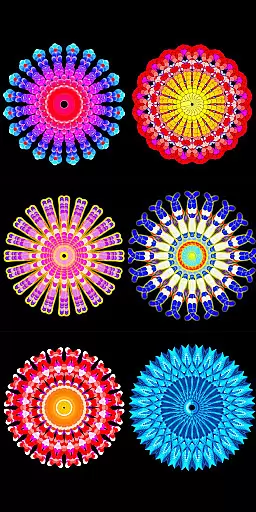
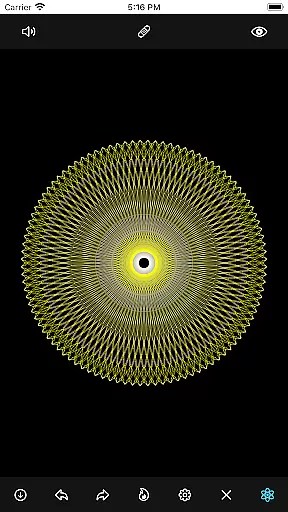
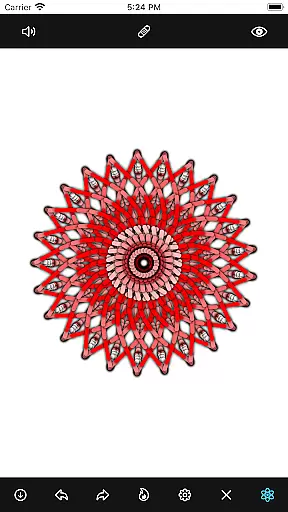
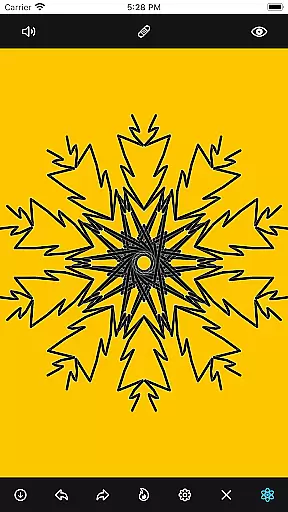
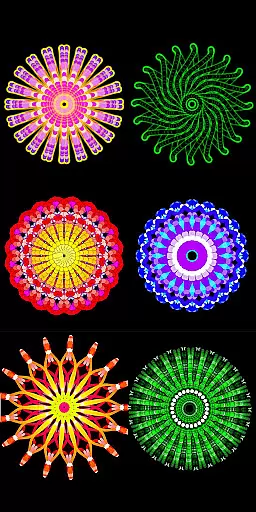
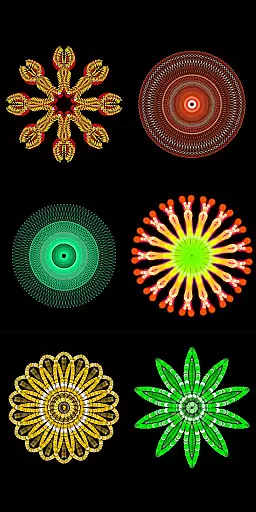
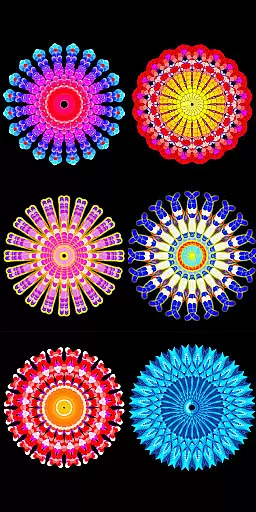
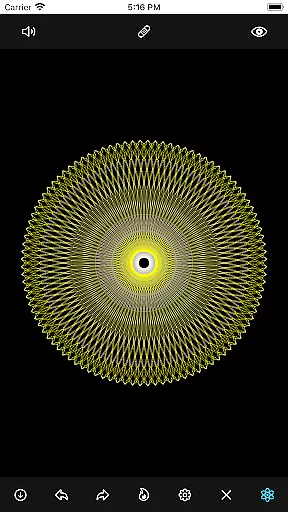
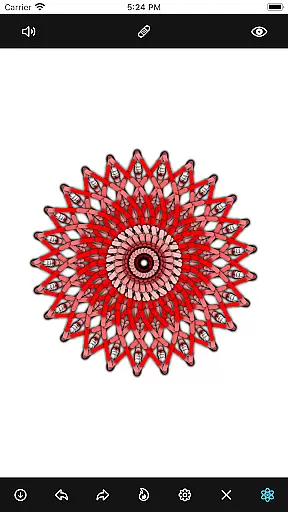
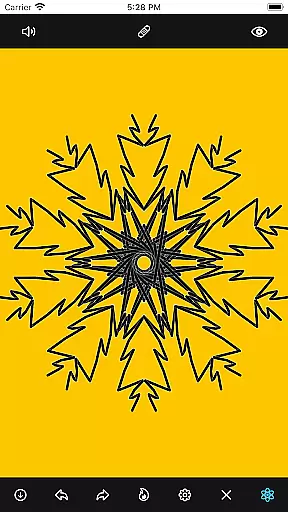
Mandala Maker 360 is a creative tool designed for both beginners and experienced artists to create stunning mandala drawings with ease. The app offers an intuitive interface that allows users to produce intricate designs in just a few steps.
With extensive customization options, users can modify canvas symmetry, background color, brush settings, and even apply shadows. The inclusion of predefined patterns and over 50 images provides additional creative freedom, making it a versatile choice for anyone interested in digital art.
Whether you're looking to enhance your artistic skills or simply enjoy a relaxing creative outlet, Mandala Maker 360 delivers a comprehensive solution for creating beautiful mandala artwork on mobile devices.
The app boasts an impressive array of features that cater to various artistic needs. Canvas Customization allows users to change background colors, adjust canvas centers, enable touch-based centering, and utilize canvas mirroring for symmetrical designs.
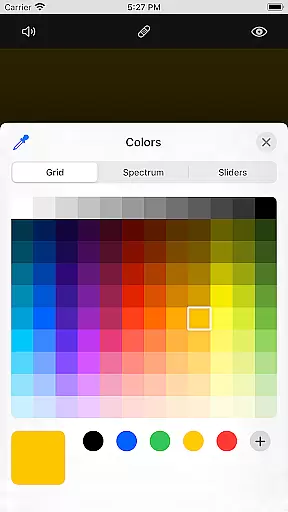
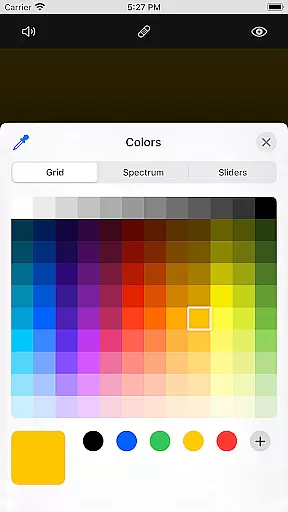
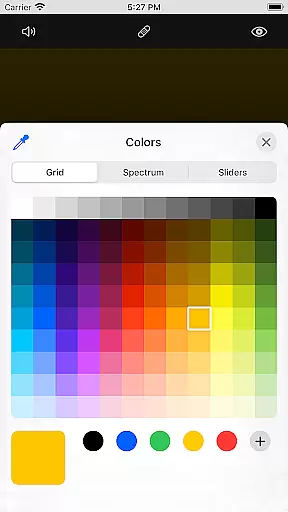
Brush Customization offers multiple brush styles, diverse color options including random selection, and adjustable brush sizes and types. This ensures every stroke can be tailored to the artist's preference.
Image Customization provides over 50 images to incorporate into mandala drawings, with adjustable sizes and dimensions. Shadow Properties add depth with random shadow application and customizable shadow sizes and colors.
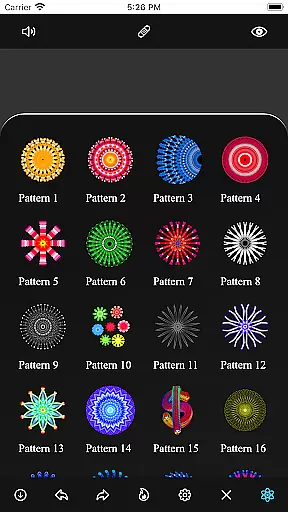
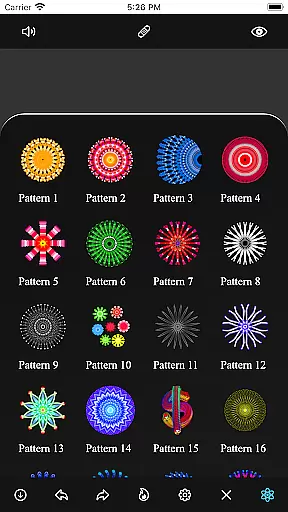
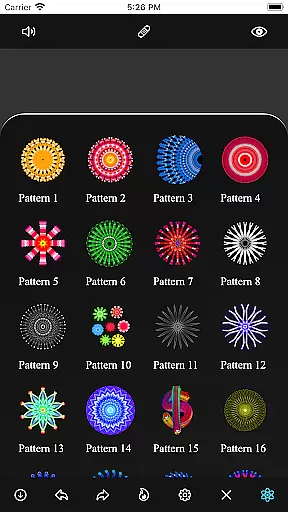
The app also includes predefined Patterns, giving users multiple templates to work with and inspiring new creative possibilities.
When it comes to creating mandalas, having a complete set of creative tools is essential. Mandala Maker 360 offers an extensive range of features that cater to every artist's needs.
The app provides comprehensive canvas customization options, allowing users to change the background color, adjust the canvas center, and even apply mirroring effects. These features ensure that artists can create symmetrical designs with precision.
Brush customization is another strong suit of this application. Users can choose from multiple brush styles, select different color types, and adjust brush sizes and types. This flexibility empowers artists to bring their visions to life with intricate detail.
In addition to brush and canvas settings, the app also includes shadow properties and predefined patterns. With these tools, users can add depth and complexity to their mandalas, making each piece uniquely stunning.
A versatile canvas is crucial for unleashing creativity in mandala drawing. Mandala Maker 360 excels in providing users with remarkable flexibility in canvas and format options.
Artists can customize their workspace by changing the canvas symmetry and center placement. The ability to apply the center at the touch point enhances the drawing experience, especially when working on complex designs.
The app supports image customization as well, offering over 50 images that can be used in mandala creation. Users have the freedom to adjust image sizes and dimensions, ensuring that each element fits perfectly into their artwork.
Furthermore, the inclusion of various patterns adds another layer of versatility. Artists can choose from multiple predefined patterns, expanding their creative possibilities and allowing for diverse artistic expressions.
User-friendly interface
Extensive customization
Versatile drawing tools
Rich pattern library
Intuitive design options
Limited free features
Occasional bugs
Ads between sessions
Steep learning curve
In-app purchases required

Floor Plan Creator lets you create, edit and share floor plans.
 4.00
4.00
Create trending AI photos & videos with powerful effects and 3D styles.
3.20
Meet the magic aı 3d photo generator and smart AI video generator app.
3.20
Unleash your drawing and painting potential
4.50
Nano Banana AI Image Generator, Anime Filter, AI Portrait, AI Photo Generator
4.30
Create stunning art with AI.
4.80
800+ Drawing, Painting Lessons App to Practice, Sketch & Paint Art.
4.30
Your AI soulmate — meaningful chats, and unique emotional moments
4.70
Get creative and make art with your Sesame Friends!
4.00
Painting, drawing, & sketching
4.50
OneUI 8.5 icons ✨ Smooth, modern & based on the latest Play Store design ??
4.10
Easy 3D drawing design maker & creator. Model designing, Sculpting. Create&paint
4.00
Sketch and paint on your device with the feel and freedom of drawing on paper
4.00
Design your dream room with AI. Get decor ideas & plan home interiors
3.90
Retouch photos. Create or edit images. Endless capabilities.
2.70


User Reviews