
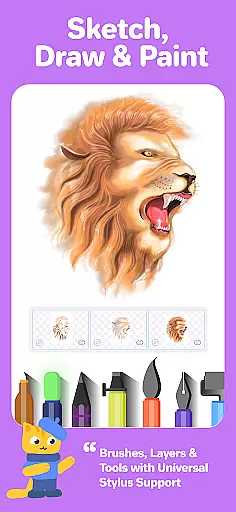
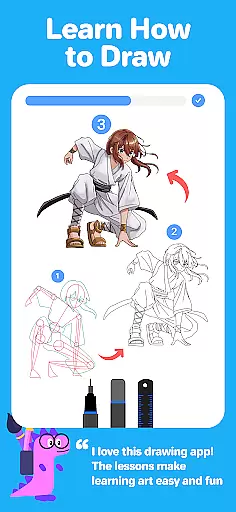
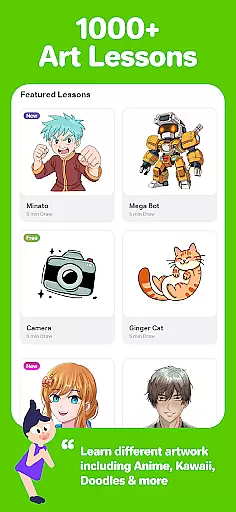
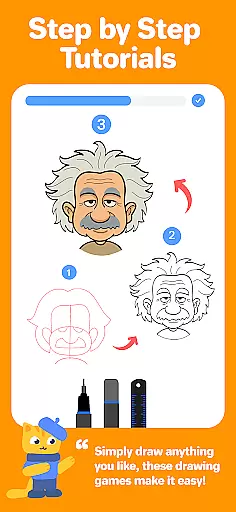
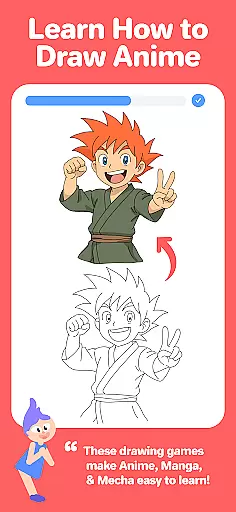
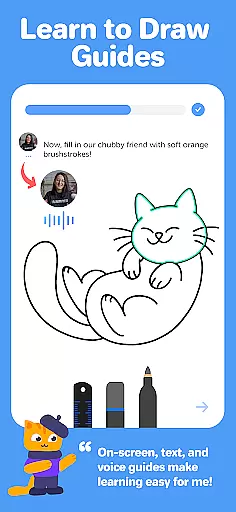
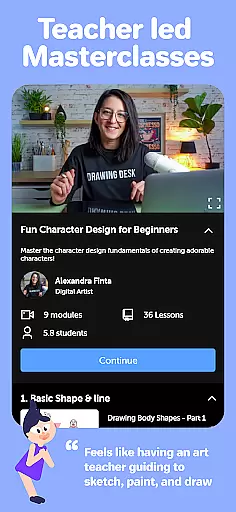
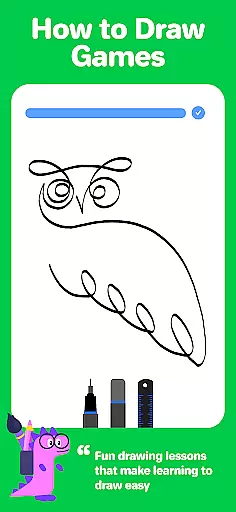
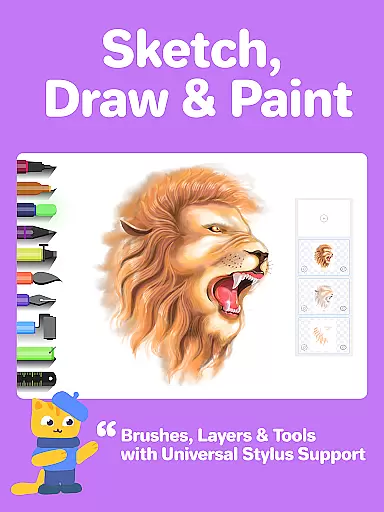
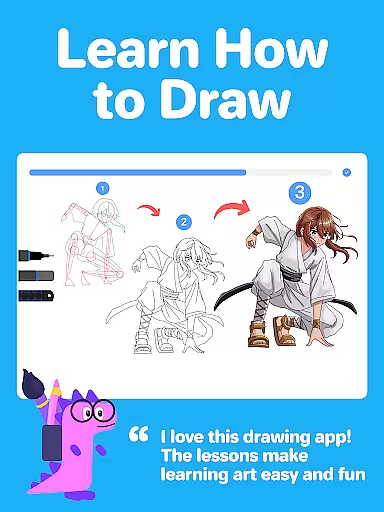
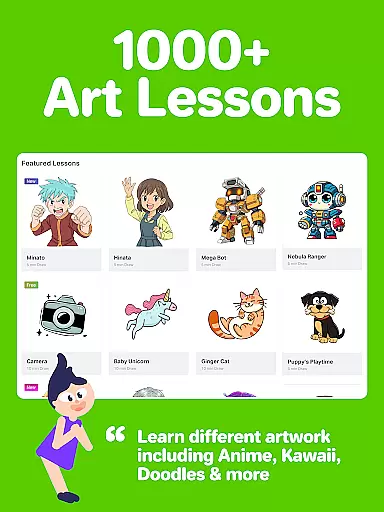
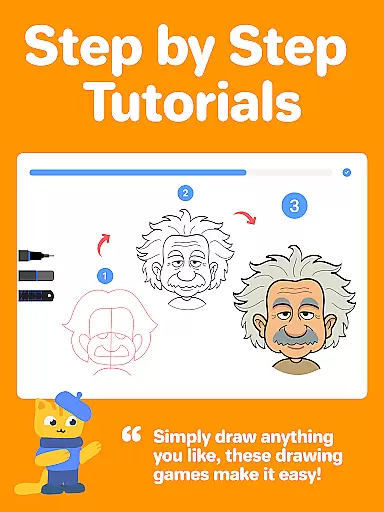
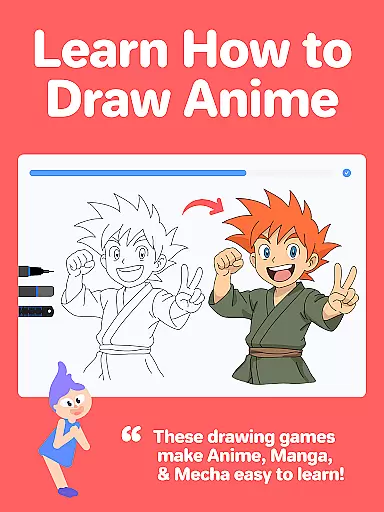
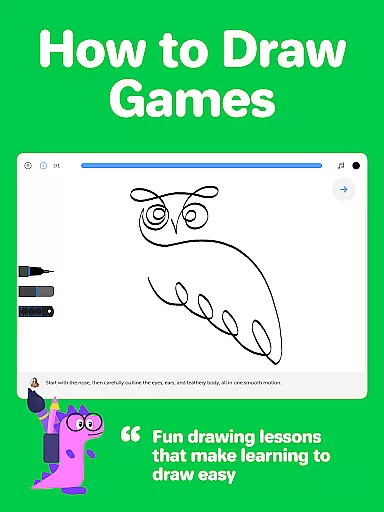
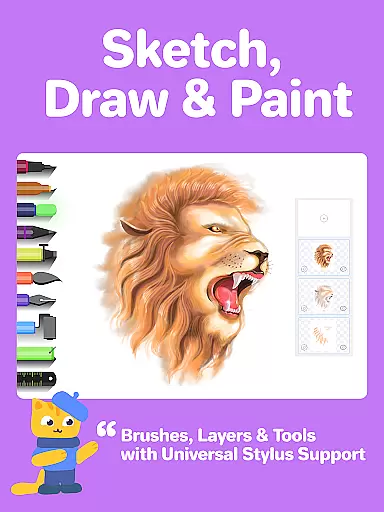
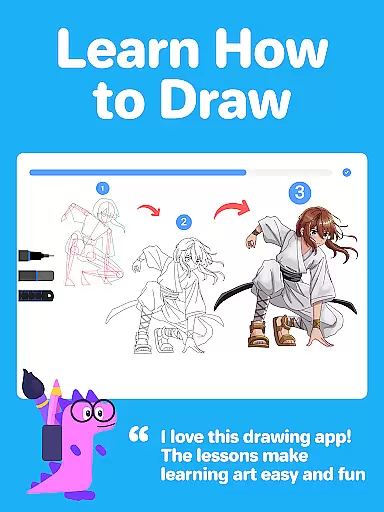
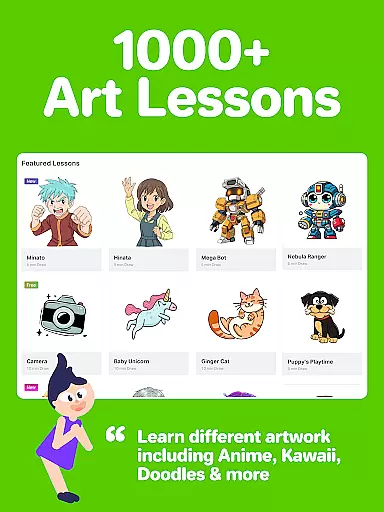
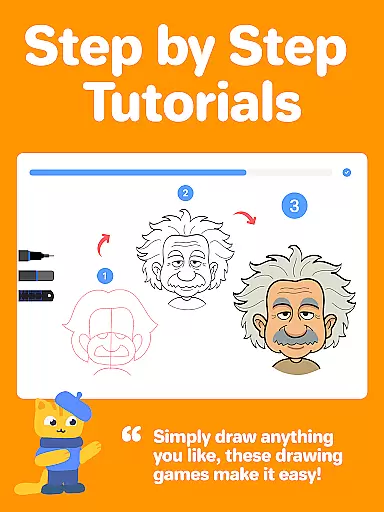
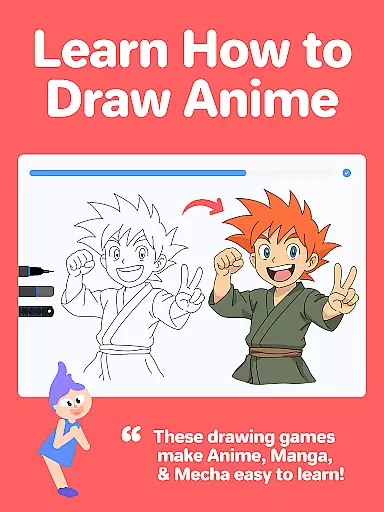
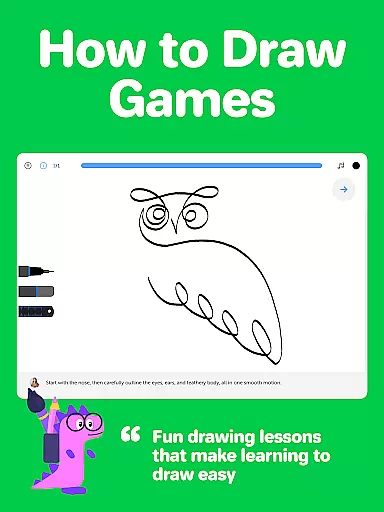
Drawing Desk is a premier digital art application designed for both beginners and advanced artists. With over 70 million users worldwide, this app offers an extensive suite of drawing and painting tools including pencils, crayons, watercolor brushes, and more. It stands out with its structured learning paths, featuring 1000+ step-by-step drawing lessons covering various styles like Anime, Manga, and Kawaii.
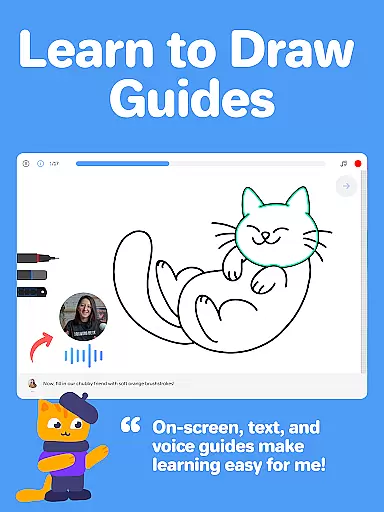
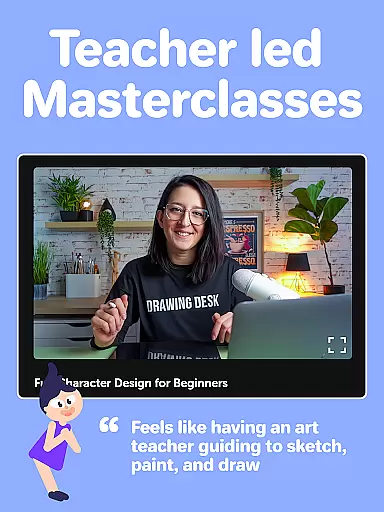
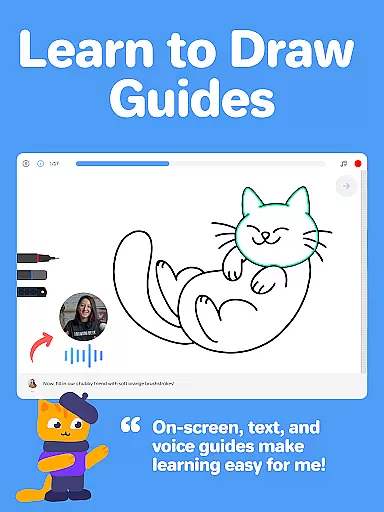
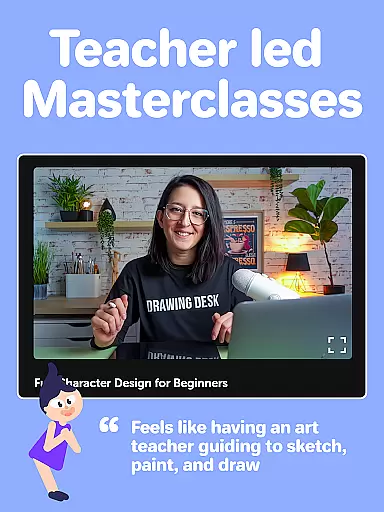
Additionally, Drawing Desk provides Masterclasses conducted by professional artists, offering video explanations, on-screen guides, and voice instructions. The app supports unlimited layers, quick shapes, symmetry tools, and AI-powered features such as Sketch to Art and Auto Colorize, making it a comprehensive platform for honing artistic skills.
Drawing Desk boasts a rich array of features tailored for digital artists. Users can access 25+ sketch tools including pen, pencil, neon, and watercolor brush options. The app supports various canvas sizes and unlimited layers, allowing intricate artwork creation. Unique functionalities like the symmetry tool and instant shapes enhance precision and creativity.
AI-powered tools further elevate the experience; these include Auto Colorize for rapid coloring, background removal, and object elimination from images. Additionally, curated learning paths and Masterclasses provide structured guidance, ensuring users can progress from basic techniques to advanced digital art skills seamlessly.
Creative tools form the backbone of any art and design application, determining its versatility and functionality. Drawing Desk offers an extensive suite of over 25 sketch tools including pen, pencil, crayon, neon, watercolor brush, ink, smudge, eraser, and fill bucket. This comprehensive toolkit allows artists to experiment with different mediums without physical constraints.
In addition to traditional tools, the app provides unique features such as the symmetry tool and instant shapes library containing more than 200 options. These innovative additions expand creative possibilities, enabling users to produce complex designs with ease. The availability of unlimited layers further enhances the creative process, allowing for intricate artwork composition.
For those interested in digital painting, Drawing Desk does not disappoint. It includes color palettes, gradients, and a fill bucket tool with 125+ textures. These features ensure that users can achieve desired visual effects while maintaining creative control. Such a complete set of creative tools empowers both beginners and professionals to bring their artistic visions to life.
The ability to work with different canvas sizes and formats is crucial for digital artists who need to adapt their work for various purposes. Drawing Desk addresses this need by offering multiple canvas sizes, particularly in its Pad app version. This flexibility enables users to create artwork that meets specific dimensional requirements or personal preferences.
Beyond static canvas dimensions, the app supports dynamic drawing features like quick shape creation and symmetry drawing. These functions allow artists to maintain precision and consistency in their work while exploring complex geometric patterns. The combination of fixed canvas sizes with adaptive drawing tools creates a versatile workspace suitable for diverse artistic projects.
Drawing Desk also excels in format compatibility, supporting professional-grade digital artwork creation through its advanced layer system and specialized drawing tools. The app's AI-powered features, including background removal and object elimination, further enhance format flexibility by allowing artists to manipulate their compositions freely. This comprehensive approach to canvas and format management makes Drawing Desk a powerful tool for creating adaptable digital art.
User-friendly interface
Extensive toolset
Structured learning paths
Professional Masterclasses
AI-powered enhancements
Advanced features may overwhelm beginners
Some tools are pad-specific
Premium content requires subscription
Occasional performance lags
Limited offline functionality

Vidu is an AI video generator made for creators and aspiring makers.
 3.30
3.30
Learn how to draw with step-by-step tutorials, fun lessons & multiplayer drawing
4.70
Art of Combination Wear OS Watch faces
4.2
See Color, Paint Color
4.90
Unleash Your Creativity with Draw Cartoon - AR Drawing App
4.10
Create stunning video, photo & magic from text with FlixAI GPT video generator.
3.10
Novices can also easily complete diamond painting masters
4.70
Your homescreen as an elegant glass with customized blur, lighting, and visuals.
3.70
Create cute cat emojis & PFPs! Fun, custom avatars for cat lovers.
3.70
Photo stitcher for automatically screenshot stitching into a long screenshot
4.70
Photo editor for art, avatars, filters & fun transformations.
4.60
Painting, drawing, & sketching
4.50
AR Anime Drawing: How to draw anime with AR drawing & sketching apps!
4.00
AI Face Swap, Video Effects Editor, Realtime Morph, Funny Video FX,AI Filters
3.70
Premium version of Shimeji-ee app with no ads & no limit active shimeji
4.1


User Reviews