
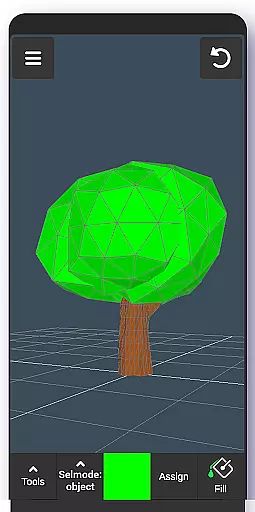
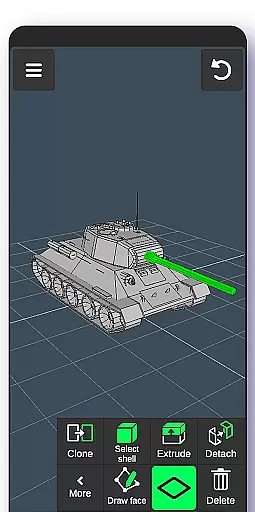
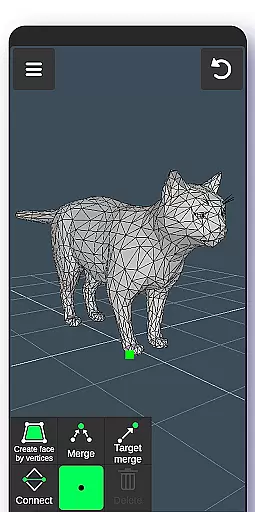
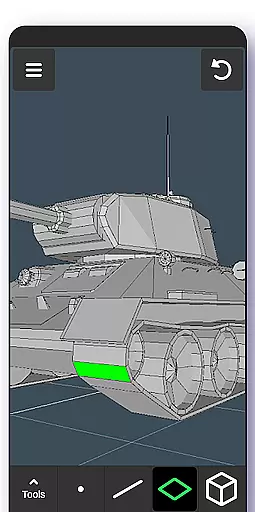
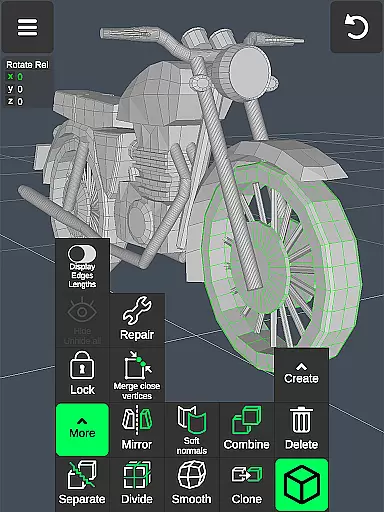
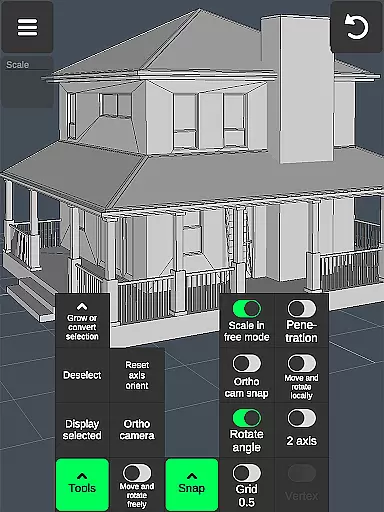
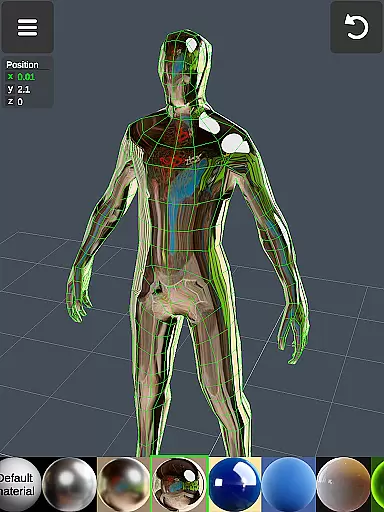
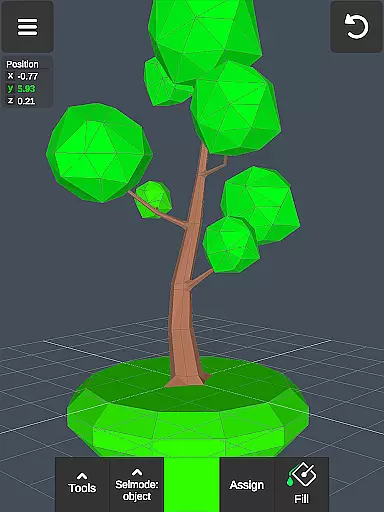
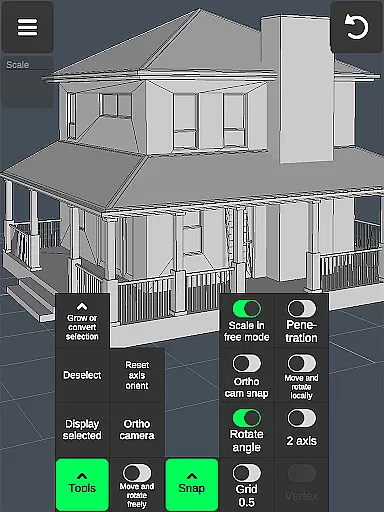

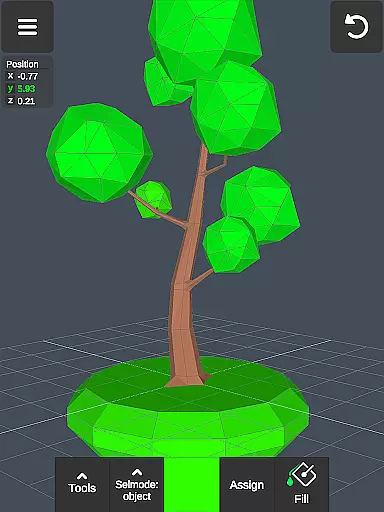
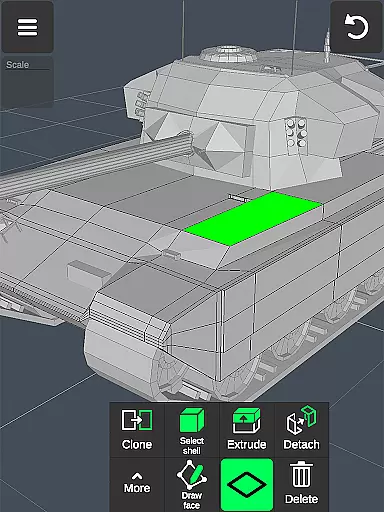
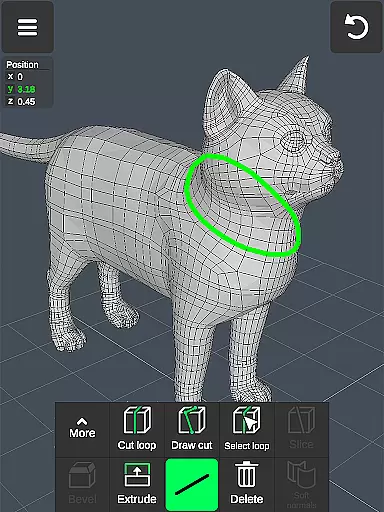
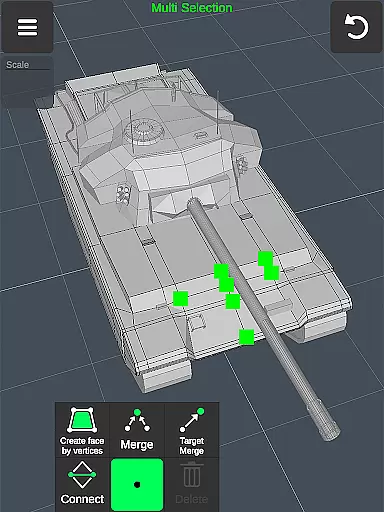
3D Modeling App is a comprehensive mobile solution for 3D creation, enabling users to design models, objects, and characters with intuitive gesture controls. The app caters to a wide range of professionals, from engineers to game developers, by providing specialized tools for tasks like 3D sculpting, painting, and animation. Its versatility allows users to create detailed 3D designs for business purposes or personal projects.
The application stands out through its robust feature set that includes vertex, edge, and face manipulation tools, advanced sculpting options, and precise display controls. With support for importing and exporting .obj files, it integrates seamlessly with professional software like Autodesk Maya and Blender. Whether crafting intricate industrial designs or developing immersive game environments, this app delivers a powerful mobile 3D editing suite.
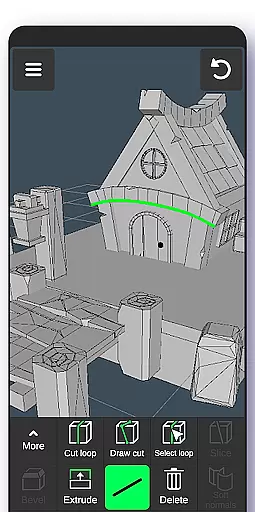
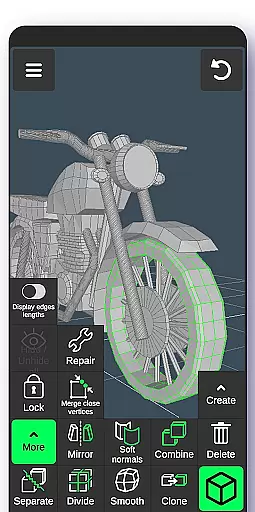
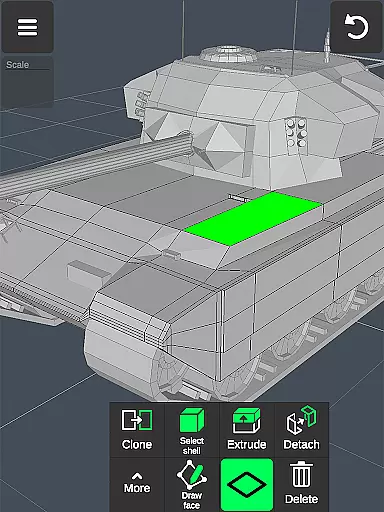
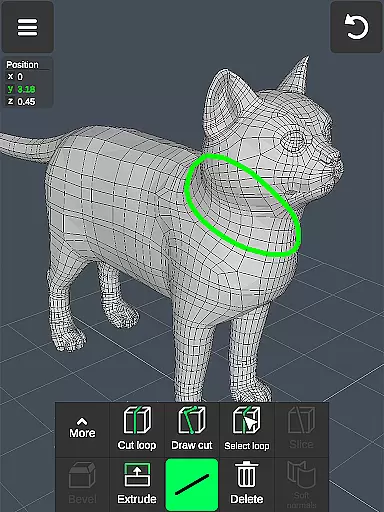
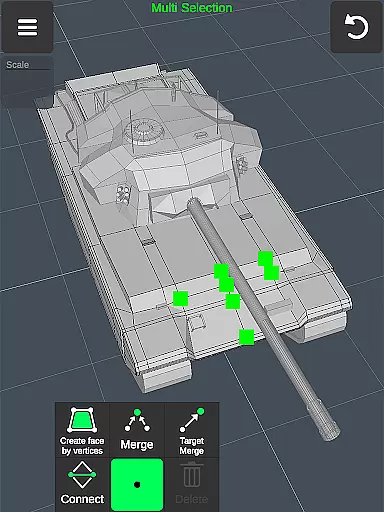
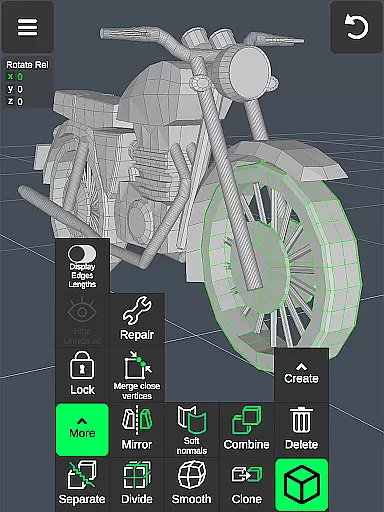
One of the app's most notable features is its efficient workflow system. Users can manipulate 3D images through simple gestures, switch tools quickly, and make multi-selections with ease. Advanced geometry tools allow detailed edits, such as merging vertices, cutting edges, and extruding faces, giving users precise control over their models.
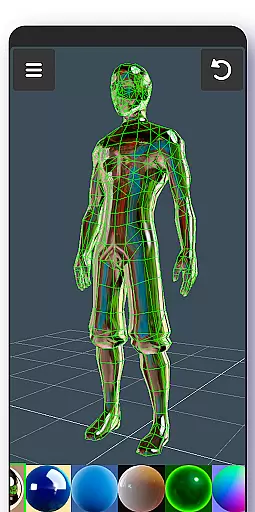
The app also offers specialized sculpting tools with adjustable brush settings, display customization options, and the ability to apply up to 20 materials to objects. Additional functionalities include orthographic camera support, auto-save features, and compatibility with various file formats through .obj import/export capabilities. These features collectively ensure a smooth, professional-grade 3D modeling experience on mobile devices.
In the realm of 3D modeling and design, having a comprehensive suite of creative tools is essential for professionals and hobbyists alike. The 3D Modeling App excels in this area by offering an extensive array of features that cater to various aspects of 3D creation. From vertex, edge, and face tools to object and sculpting tools, users are provided with everything needed to manipulate 3D space effectively.
The app includes advanced options such as merging, connecting, extruding, cloning, and smoothing, which allow for detailed work on 3D models. These tools enable creators to execute complex modifications and refinements with precision. Additionally, display tools give users control over how their projects are visualized, with wireframes, shading, shadows, and axis visibility all customizable to preference.
With support for up to 20 materials and coloring through vertex painting, artists can achieve realistic textures and finishes on their creations. This level of detail ensures that whether you're crafting assets for games or designing industrial prototypes, your work will have the professional touch required in today's competitive markets.
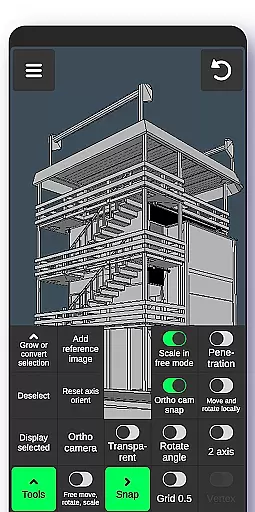
A versatile canvas is crucial for unleashing creativity without constraints within a 3D environment. The 3D Modeling App offers remarkable flexibility when it comes to working with different formats and sizes, making it adaptable to any project requirements. Users can seamlessly switch between orthographic and perspective cameras while setting precise values for movement, rotation, and scaling operations.
This adaptability extends into grid settings where snap values can be adjusted according to specific needs, ensuring accuracy during object placement or alignment tasks. Moreover, the ability to export and import .obj files enhances workflow compatibility across various industry-standard software like 3ds Max, Maya, Blender, AutoCAD, SolidWorks, among others.
By supporting conversion into multiple file formats via third-party converters, including IGS, IGES, STP, STEP, and more, this app bridges gaps between diverse platforms used in CGI production pipelines. Such versatility not only streamlines collaboration but also empowers designers to focus on innovation rather than technical limitations.
User-friendly interface
Wide range of tools
Professional integration
Efficient workflow
High customizability
Steep learning curve
Requires powerful device
Limited free features
Occasional bugs
Subscription costs

Vidu is an AI video generator made for creators and aspiring makers.
 3.30
3.30
Meet the magic aı 3d photo generator and smart AI video generator app.
3.20
Apply cartoon, caricature, and portrait effects to make your photos stand out!
3.60
Digital Drawing: Draw & Paint
4.10
Get creative and make art with your Sesame Friends!
4.00
Art of Combination Wear OS Watch Faces
3.30
Android 14 style widgets and wallpapers app.
4.4
2D animation studio for Android tablets - unlimited layers, infinite timeline
4.70
Kling AI is an image and video generation and editing studio powered by AI.
4.50
Digital illustration drawing & painting pad app to paint Anime and Manga art
4.50
Draw Trace image sketch by, AR art projector app, Easy to trace any image.
4.50
Painting, drawing, & sketching
4.50
Trace, draw, and create art with AR - from memes to masterpieces!
4.30
Turning simple sketches into captivating tales filled with life and motion
3.90
Powerful home decoration & house design that allows you to design dream home.
3.80


User Reviews