
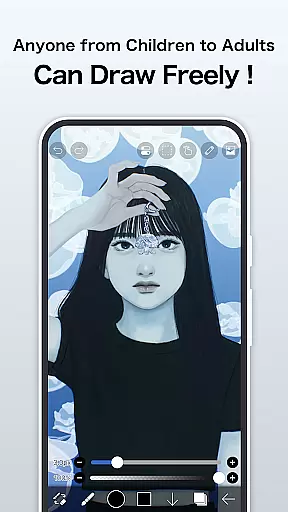
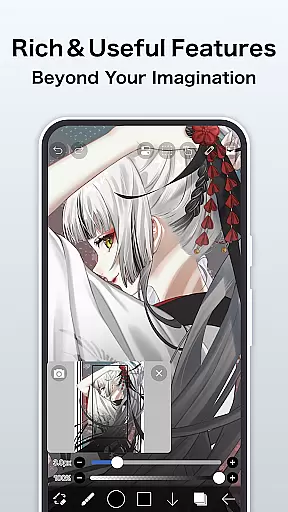
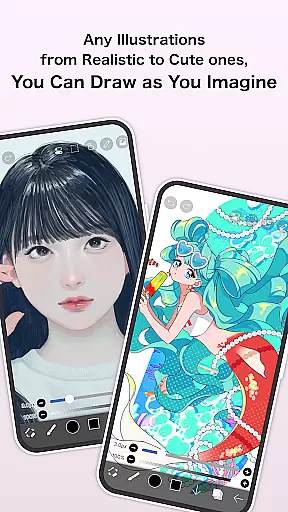
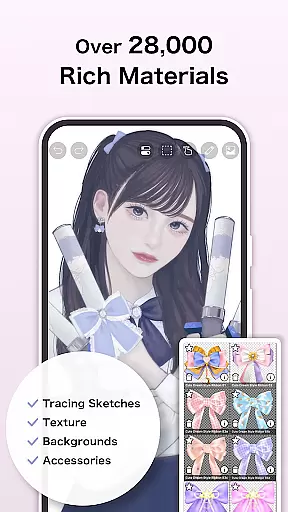
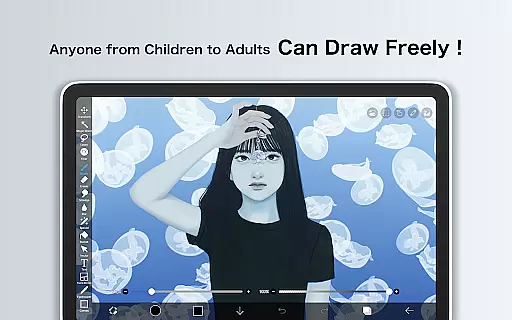
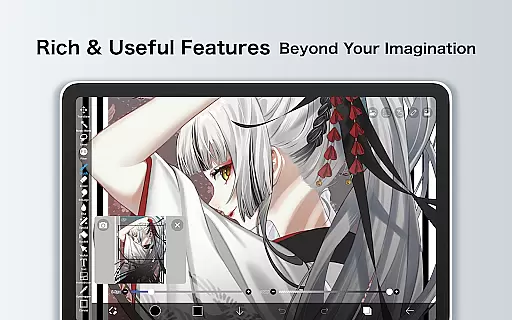
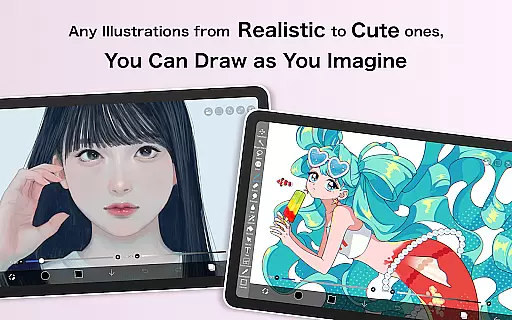
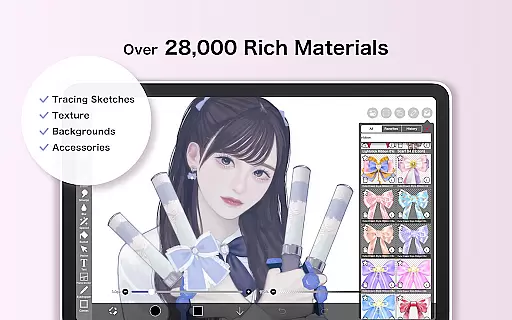
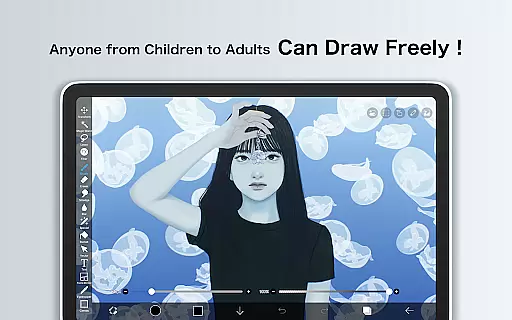
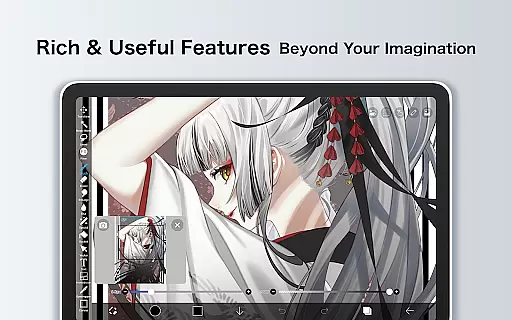
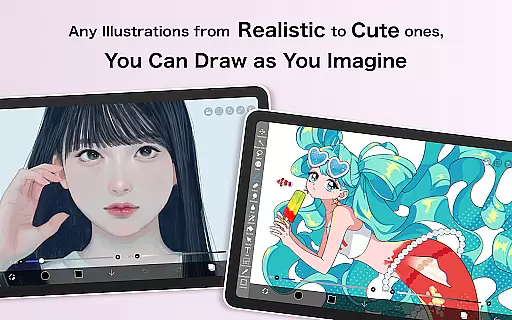
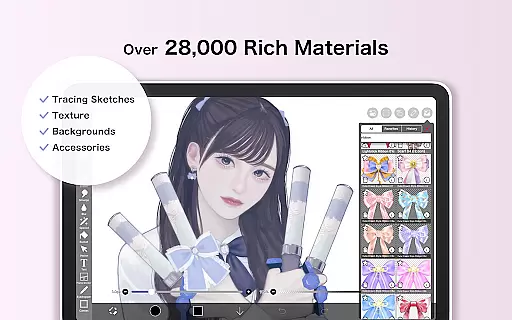
ibis Paint X stands as a versatile drawing app that has achieved over 460 million downloads, offering an extensive suite of artistic tools. With more than 47000 brushes, 27000 materials, and 2100 fonts alongside professional features like stroke stabilization, animation, and AI Disturbance, it caters to both amateur and professional artists. The app provides a smooth drawing experience at up to 60 fps using OpenGL technology, while also allowing users to record their creative processes.
Beyond its standalone capabilities, ibis Paint X fosters a community where users can share and learn from others' drawing process videos via its integrated social networking service (SNS). This feature not only enhances individual skills but also creates a vibrant ecosystem for exchanging artistic techniques. Whether you're sketching, painting, or crafting manga, ibis Paint X delivers a comprehensive toolkit adaptable to various art forms.
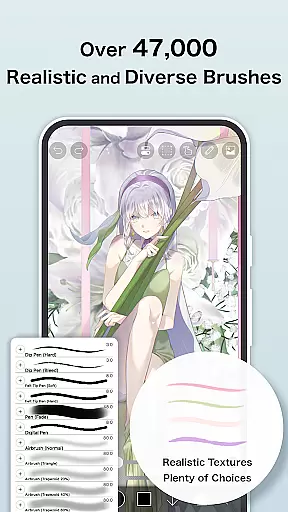
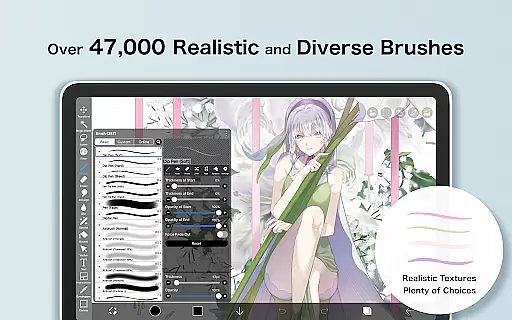
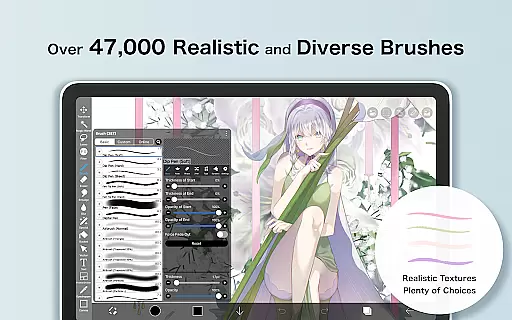
One of the standout aspects of ibis Paint X is its vast array of customization options. Users can choose from over 47000 brushes including dip pens, airbrushes, and oil brushes, each providing a unique texture and style. The layer functionality is equally impressive, allowing unlimited layers with individual settings for opacity, blending modes, and specialized commands such as clipping masks and transformations.
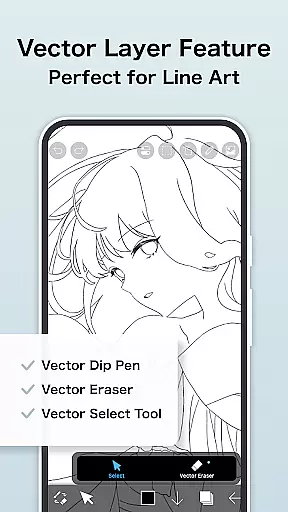
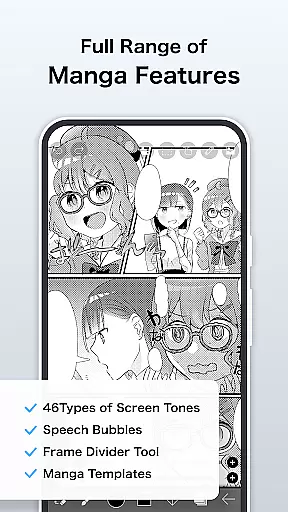
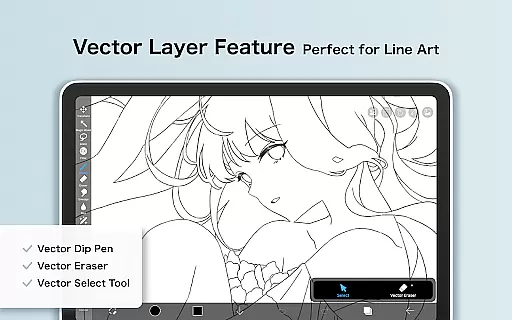
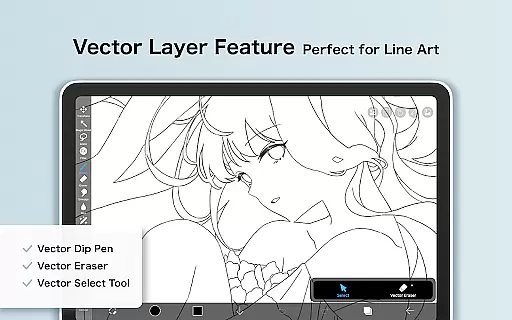
In addition to its robust brush and layer features, ibis Paint X includes advanced manga creation tools. These encompass a sophisticated text tool with vertical, horizontal, and stroke-based writing, along with font selection and multiple text functions. For those interested in animation, the app offers frame-by-frame animation features, while AI Disturbance adds experimental digital effects. Prime Membership unlocks further exclusive features like cloud storage, vector tools, and advanced filters, enhancing productivity and creative possibilities.
In the realm of digital art, having a comprehensive set of creative tools is paramount. ibis Paint X stands out by offering over 47000 brushes, including dip pens, felt tip pens, and oil brushes, ensuring artists can find the perfect tool for their needs. This vast selection allows users to experiment with different styles and techniques without limitation.
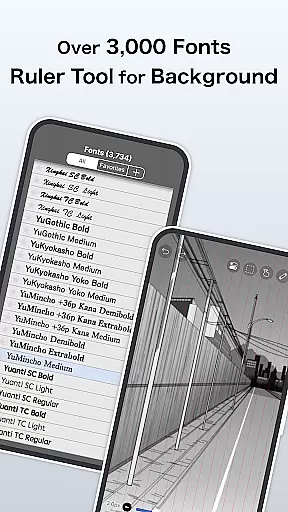
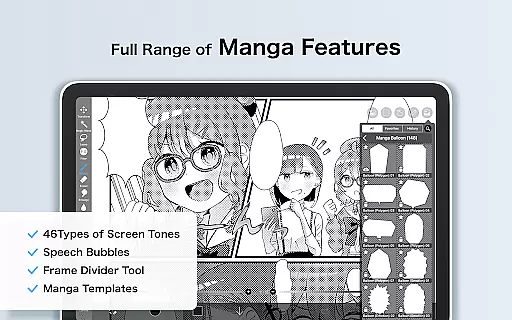
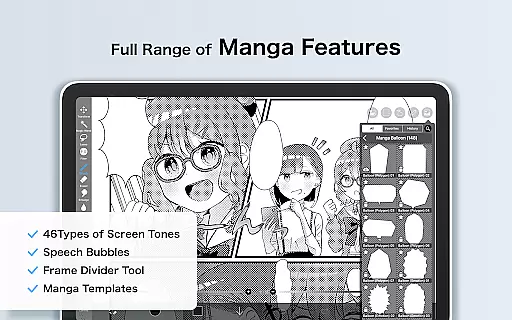
Moreover, the app provides more than 27000 materials and 2100 fonts, alongside 84 filters and 46 screentones, enhancing the creative process. These features enable artists to add unique touches to their work, from intricate line art to complex manga pages, all within a single platform.
The inclusion of professional features such as Vector tools, Animation features, and AI Disturbance further elevates the app's utility. Artists can create everything from simple sketches to detailed animations, making ibis Paint X not just a drawing app but a complete creative suite.
Flexibility in canvas and format options is crucial for artists who demand precision and adaptability in their work. ibis Paint X addresses this need by allowing users to work with unlimited layers, each with customizable parameters like opacity and blending modes. This layering capability ensures that artists can build complex compositions with ease.
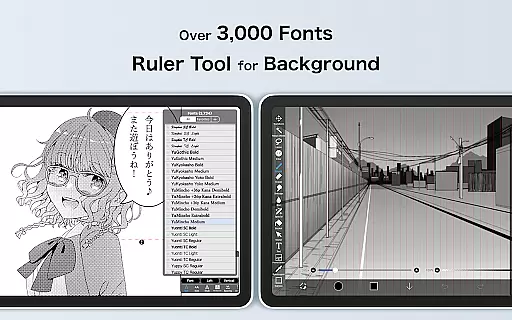
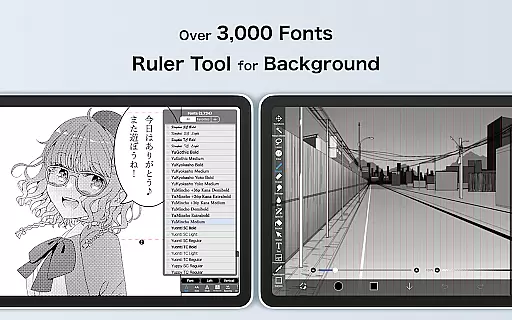
In addition to robust layer features, the app supports various ruler functionalities, including radial line rulers and symmetry rulers. These tools assist in creating precise lines and symmetrical designs, catering to both technical drawings and artistic creations. The ability to import images and adjust them with commands like horizontal inversion or zooming enhances workflow efficiency.
For those focused on manga creation, ibis Paint X offers an advanced text tool with vertical, horizontal, and stroke options. With support for multiple text functions and font selections, it becomes an indispensable tool for crafting engaging narratives. Overall, these flexible canvas and format options empower artists to bring their visions to life without constraints.
User-friendly interface
Extensive brush library
Advanced layer options
Community sharing platform
Professional manga tools
Prime Membership required
Ads in free version
Steep learning curve
High system requirements
Limited offline resources

AI generated images & photos, turn your words into drawing, painting & pictures.
 4.30
4.30
Download now for a stylish and functional timepiece
4.0
Image/ Text to Video Generator
4.40
Apply cartoon, caricature, and portrait effects to make your photos stand out!
3.60
Draw on screen: FP sDraw is a simple and lightweight drawing app
4.70
Make your phone cooler and have a fantastic experience
4.80
Art of Combination Wear OS Watch Faces
3.30
A luxurious gold watch face for an elegant and refined look.
4.3
Turning simple sketches into captivating tales filled with life and motion
3.90
See Color, Paint Color
4.90
Draw anime & manga drawing, art with templates to create stunning picture!
4.50
Unleash your drawing and painting potential
4.50
The perfect place to start sketching! Use Sketchbook to draw and paint sketches.
4.50
Unleash the artist in you with our AR drawing and tracing tool for photo drawing
4.10
Create stunning video, photo & magic from text with FlixAI GPT video generator.
3.10


User Reviews