
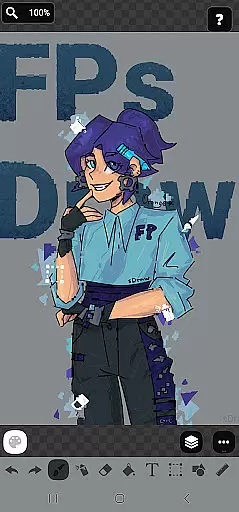
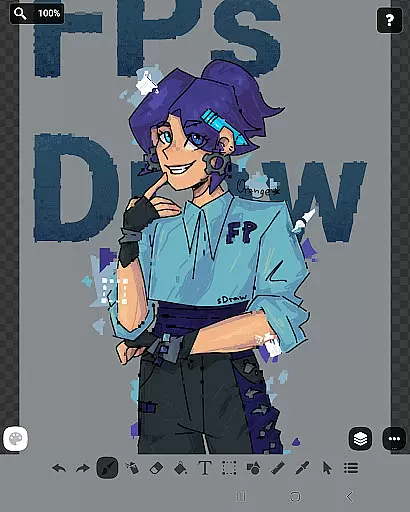
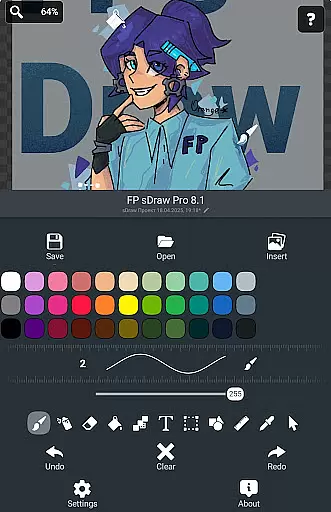
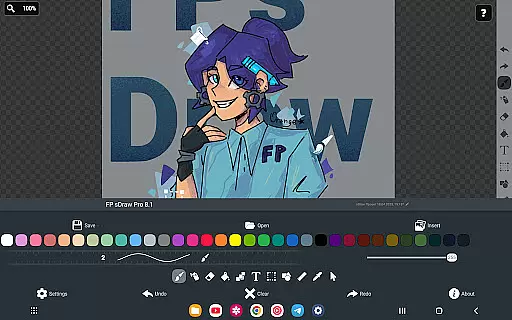
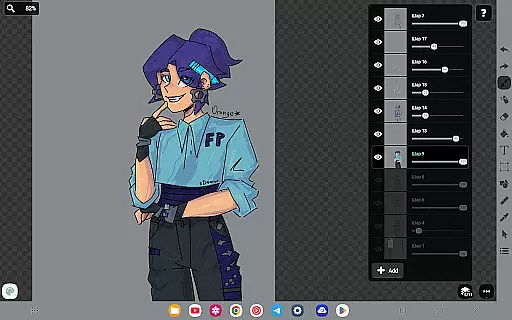
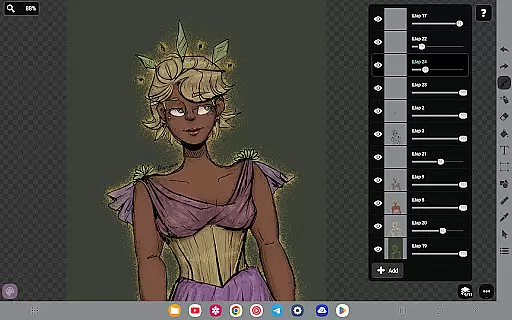
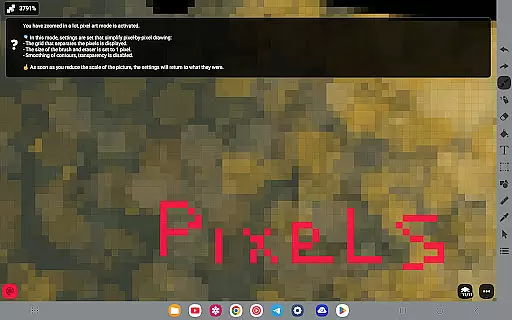
FP sDraw Pro is a streamlined drawing application tailored for users who need a simple yet powerful tool for creative tasks. This app allows you to create memes, sketch diagrams, and experiment with various drawing styles without any distractions.
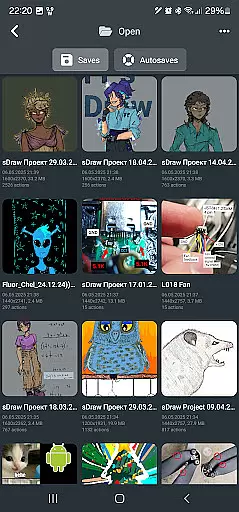
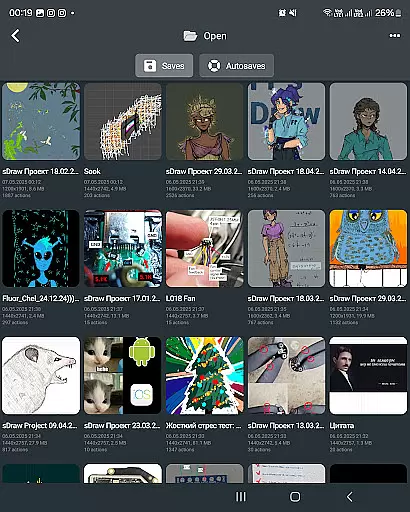
Designed for efficiency, FP sDraw Pro offers a clutter-free experience with no ads and instant startup. It supports stylus input and provides helpful tips only when necessary. The app's automatic backup feature ensures your sketches are always safe, while its flexible UI lets you customize button shapes.
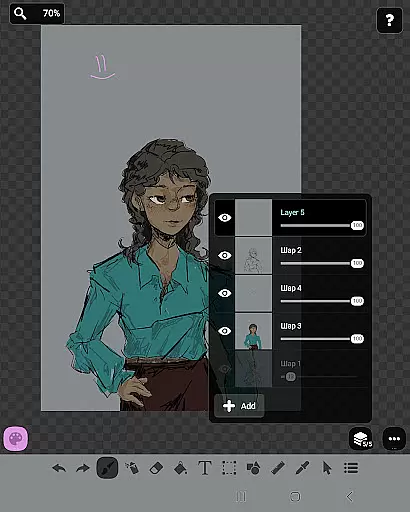
Perfect for both quick edits and detailed artwork, this app works seamlessly even on older devices. With tools like layers, airbrush, text, and shapes, FP sDraw Pro is an essential app for anyone interested in digital art or design.
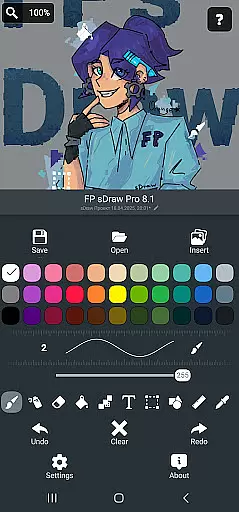
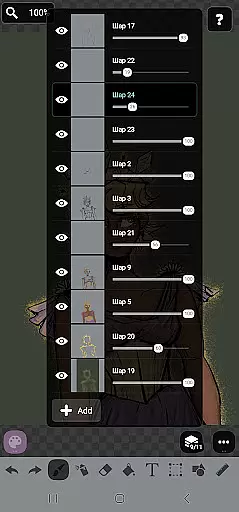
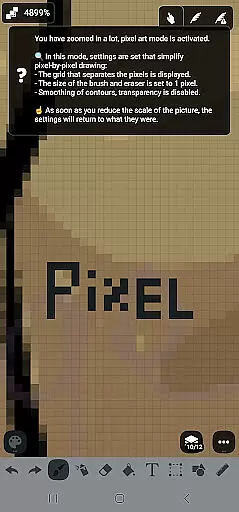
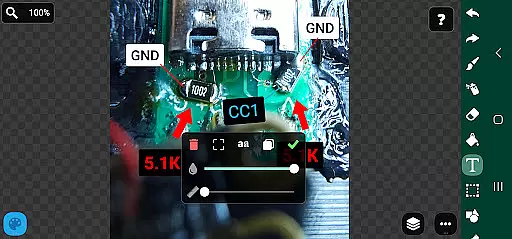
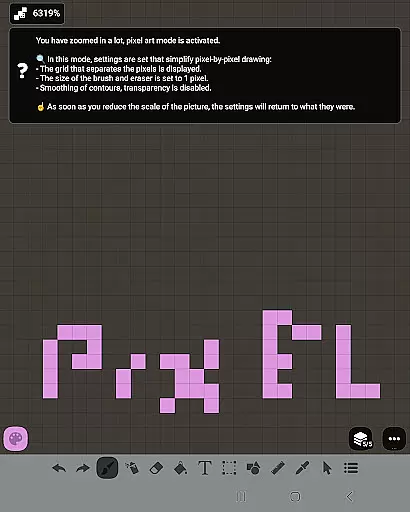
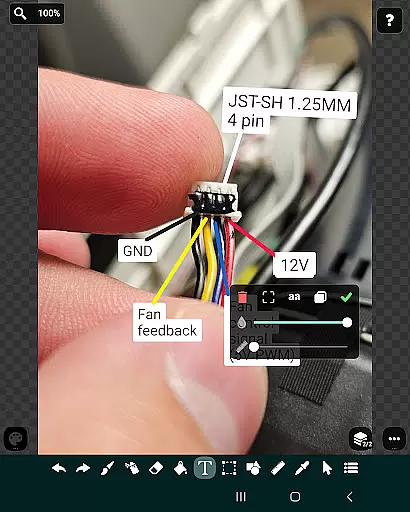
FP sDraw Pro boasts a rich set of features that cater to both casual doodlers and serious artists. The app includes layers for organizing complex sketches, along with tools such as brush, eraser, airbrush, fill, text, selection, shapes, ruler, eyedropper, mosaic, and precision brush.
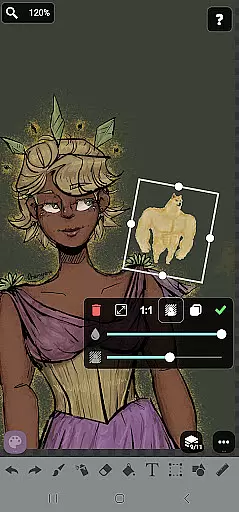
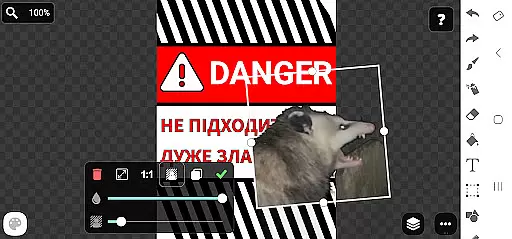
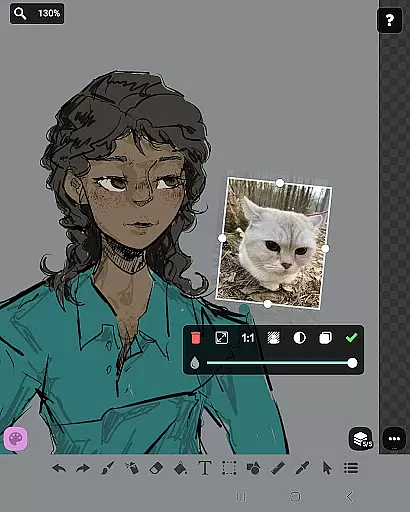
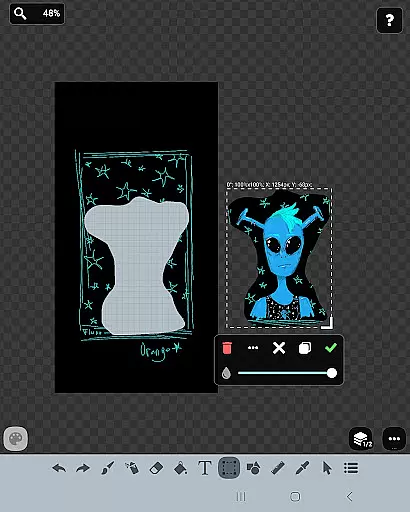
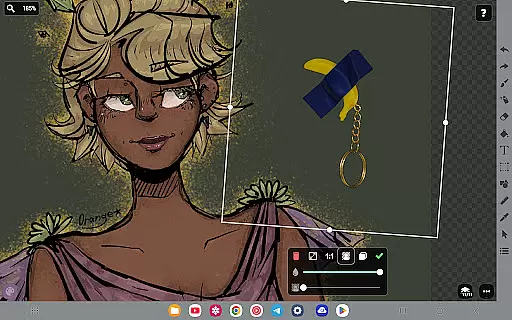
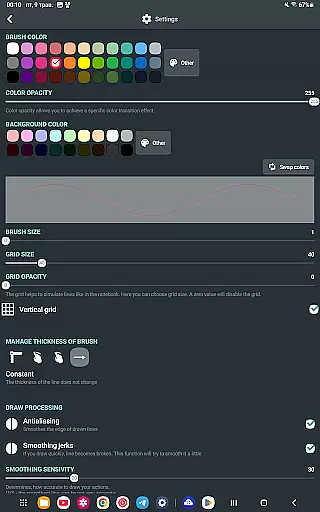
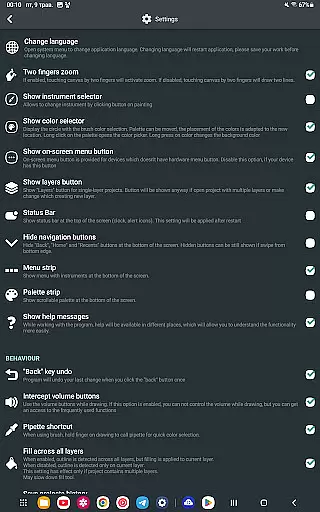
One standout feature is the ability to insert images from the gallery directly into your project. Additionally, the app supports stylus input, making it versatile for different drawing styles. Its user interface is highly customizable, allowing users to adjust button shapes and other UI elements to their preference.
The Pro version enhances the experience by removing the 'sDraw' label from saved images and eliminating promotional messages. It also ensures full compatibility with projects created in the free version, providing a seamless upgrade path for users who want additional functionality.
In the realm of digital art, having a comprehensive set of creative tools is essential for artists to fully express their visions. FP sDraw Pro stands out by offering an extensive array of features that cater to both amateur doodlers and professional designers alike.
The application includes fundamental drawing tools such as brush and eraser, alongside more sophisticated options like airbrush, fill, text insertion, and even a precision brush for meticulous detailing. This diversity ensures that users can execute everything from simple sketches to complex artworks with finesse.
Moreover, FP sDraw Pro supports layers, allowing artists to organize their work efficiently and make non-destructive editsu2014a feature typically found in high-end graphic design software. With additional functionalities such as shape drawing, ruler guidance, eyedropper for color selection, and mosaic effects, this app truly provides a complete toolkit for creativity.
By providing these robust capabilities without taking up much space or system resources, FP sDraw Pro empowers users to experiment with different styles and techniques on-the-go, making it an indispensable companion for spontaneous artistic expression.
Flexibility in canvas size and format is crucial for artists who need to adapt their work across various mediums and platforms. FP sDraw Pro recognizes this need and offers unparalleled adaptability to its users.
Artists using FP sDraw Pro can customize their canvas not only in terms of dimensions but also through flexible UI elements that allow personalization of the interface itselfu2014including button shapesu2014ensuring a comfortable and intuitive workspace tailored to individual preferences.
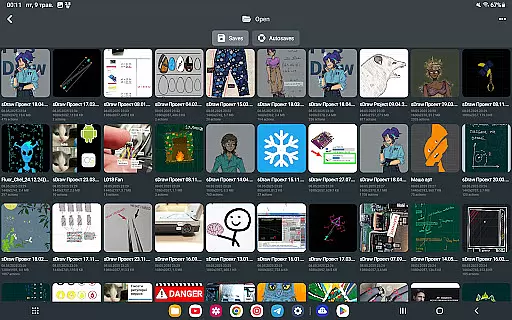
This application enables importing images directly from the gallery, which means you can start working on existing projects or incorporate new elements into your art seamlessly. The ability to insert images and draw over them expands creative possibilities significantly.
Furthermore, compatibility with stylus devices such as sPen and Active Pen enhances control precision when creating intricate designs. By supporting automatic backups and ensuring full project compatibility between free and pro versions, FP sDraw Pro secures user investments in their artwork while maintaining flexibility throughout the creative process.
User-friendly interface
No ads or distractions
Lightweight and fast
Customizable UI elements
Automatic backup feature
Limited advanced tools
Basic UI design
Fewer filters compared to competitors
No cloud sync option
Small user community

Transform photos into amazing monochrome dither art with professional algorithms
 4.4
4.4
Image/ Text to Video Generator
4.40
AI Assistant, powered by ChatGPT GPT-4 & GPT-4o. Your intelligent companion.
3.50
Logo Generator powered by AI: Create stunning logos effortlessly!
4.70
Unleash your drawing and painting potential
4.50
Draw beautiful mandala's very easily
4.60
Art of Combination Wear OS Watch Faces
3.30
Get an overview over all your embroidery threads, projects and more.
4.60
Create Logos, Tattoos, AI Art & more with our AI Photo Generator & Design Editor
4.20
Turn your drawings into flipbook-style animations with simple creative tools
4.60
Discover Cartoon Dream : Unleash Your Creativity with CuttingEdge AI
4.50
Create neon drawing with magic doodle and fun doodle art effects!
4.50
Digital Drawing: Draw & Paint
4.10
Art of Combination Wear OS Watch faces (for Wear OS 5+ devices)
3.00
Art of Combination Wear OS Watch faces
4.4


User Reviews