
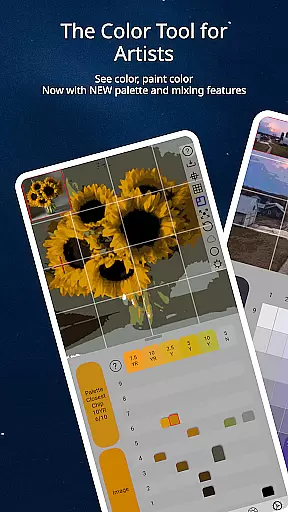
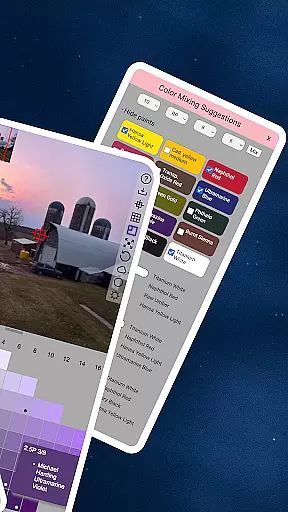
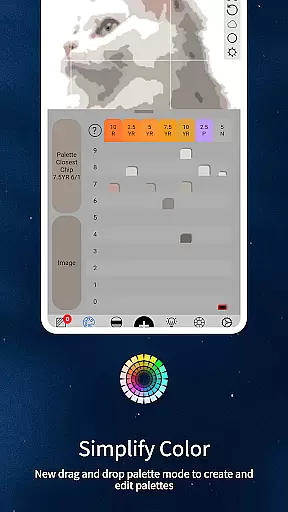
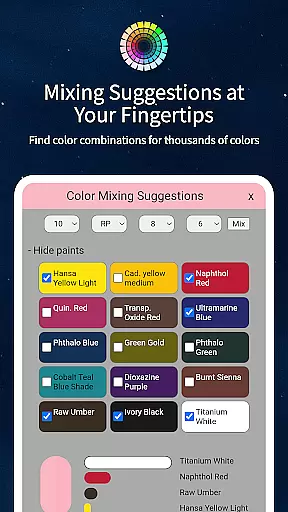
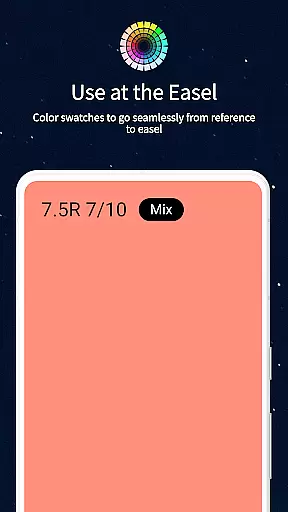
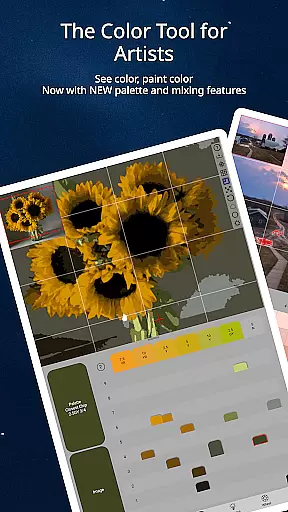
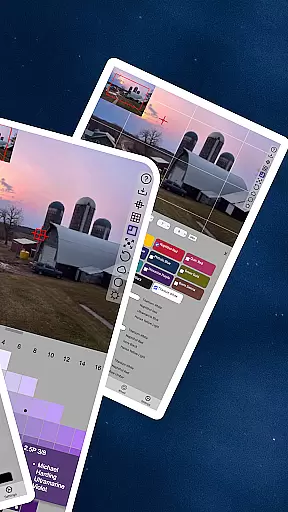
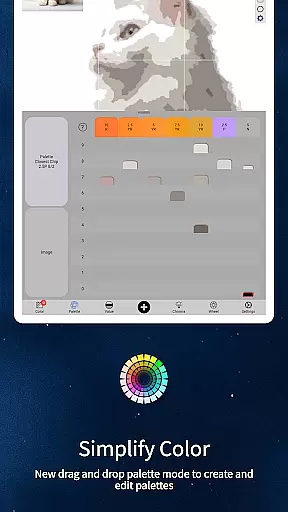
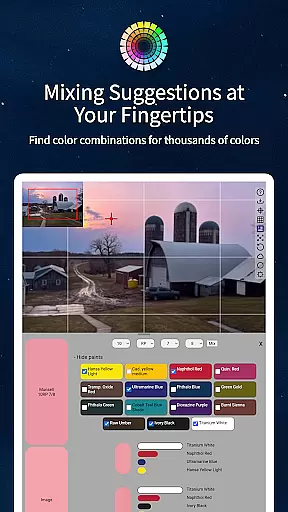
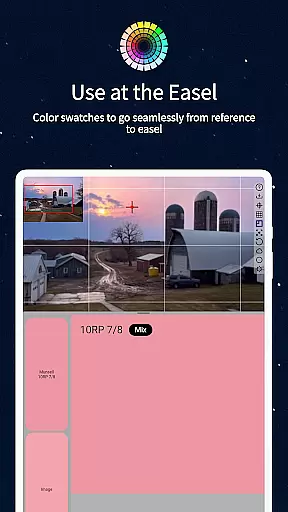
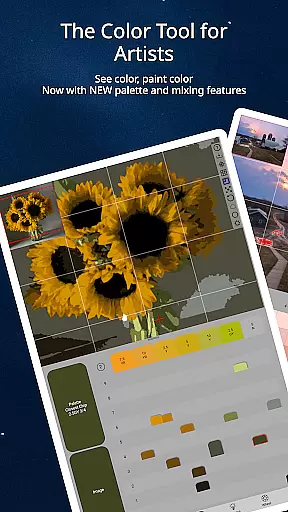
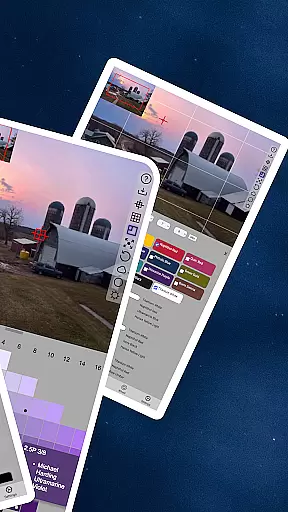
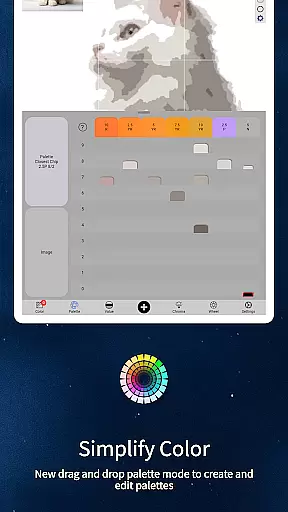
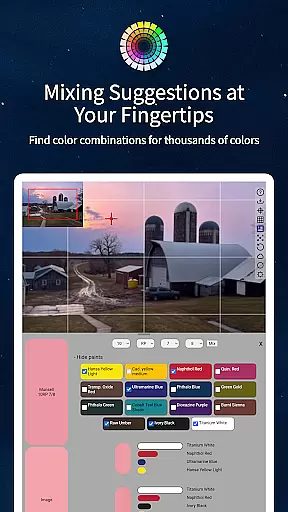
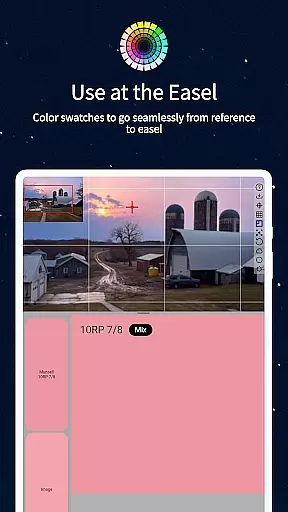
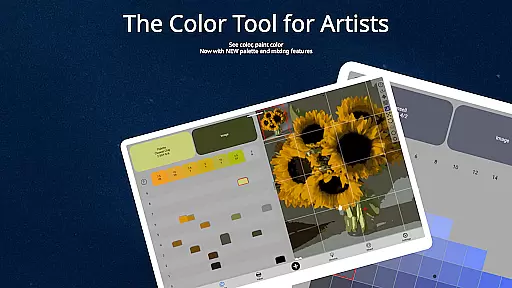
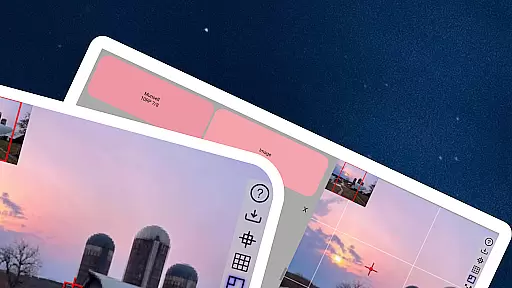
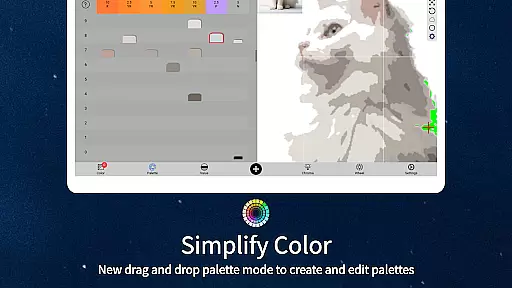
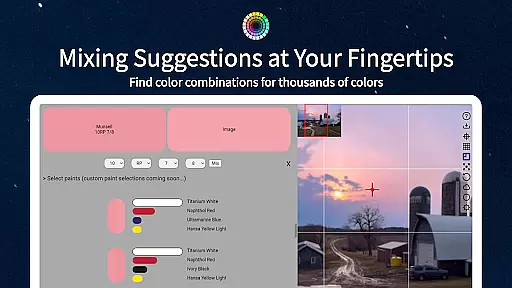
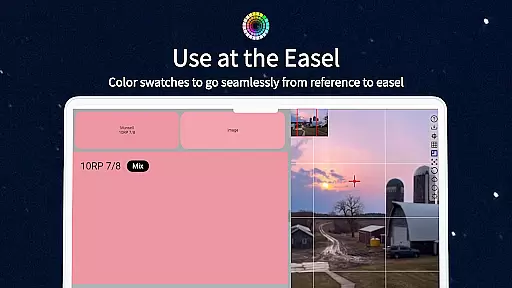
ChromaMagic is a revolutionary color analysis tool designed specifically for artists. This application allows users to load any photo or reference image and instantly identify the exact color properties using the Munsell color system. The app provides detailed breakdowns of hue, value, and chroma, enabling artists to understand and replicate colors accurately.
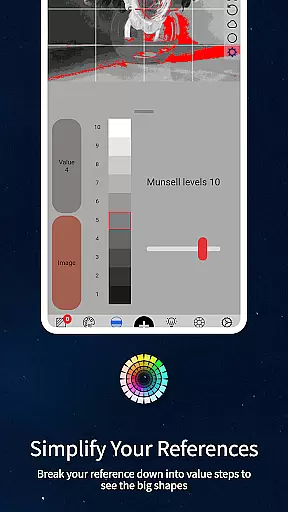
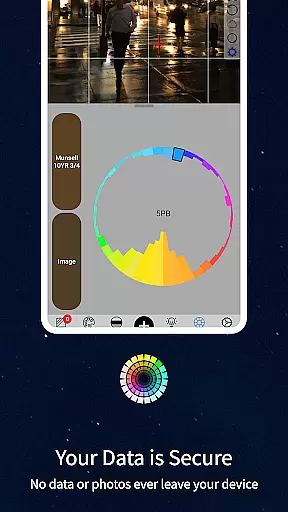
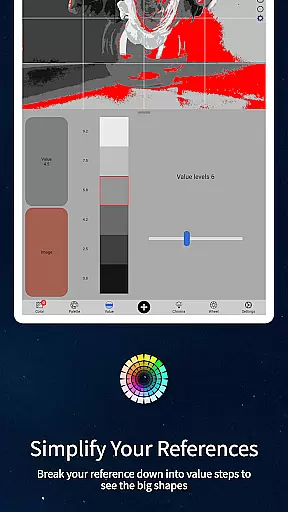
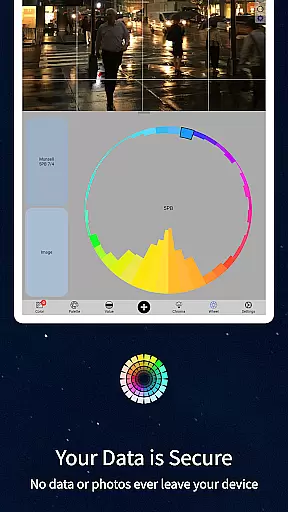
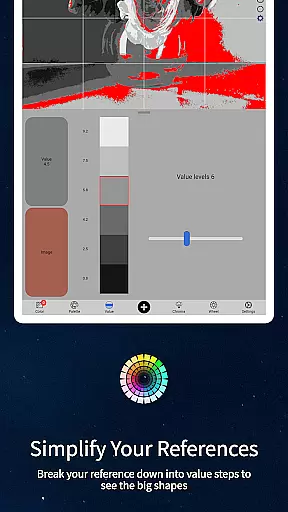
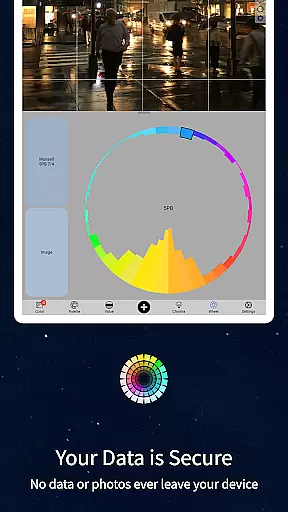
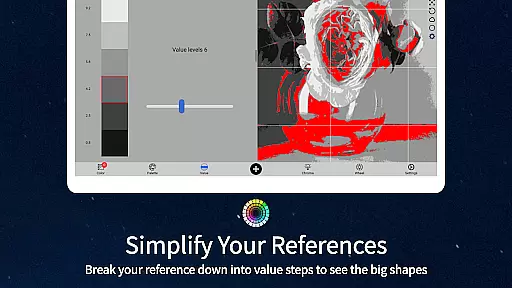
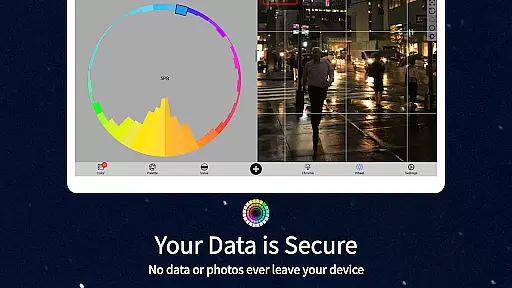
Beyond basic color identification, ChromaMagic offers four additional visualization modes. Artists can analyze their references through value shapes, grayscale conversion, chroma mapping, and color wheel distribution. These features help users develop better color perception and painting skills. The application's intuitive interface supports smooth zooming and panning, making it perfect for studio use or plein air painting sessions.
The app's offline functionality and cross-device compatibility make it an essential companion for artists everywhere. Whether you're working in your studio, commuting, or painting outdoors, ChromaMagic provides consistent support for your artistic journey.
ChromaMagic distinguishes itself through its comprehensive approach to color analysis. The application's core feature is its implementation of the Munsell color system, which breaks down colors into scientifically accurate measurements of hue, value, and chroma. This method surpasses traditional artist color wheels and primary/secondary color theories, offering a more precise way to understand color relationships.
The application includes several specialized viewing modes that enhance artistic understanding. Value mode helps artists identify major shapes and forms in their references, while grayscale mode reveals subtle value differences. Chroma mapping visualizes color saturation levels, and color wheel distribution shows relationships between different hues. These tools work together to improve overall color perception.
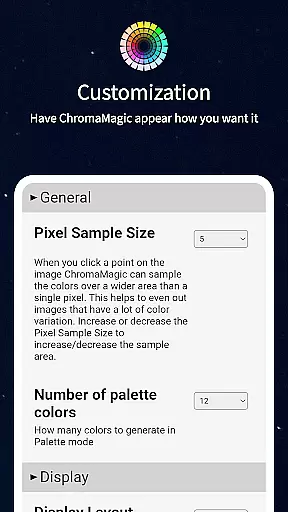
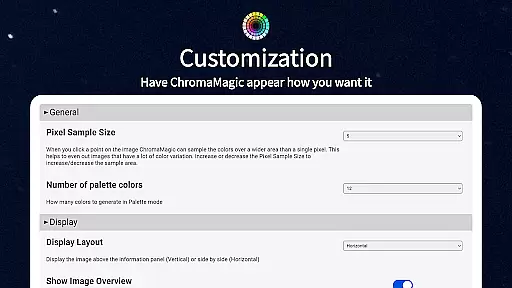
Practical features include buttery-smooth zoomable interfaces, drag-and-drop functionality for desktop users, and offline capabilities for field work. The app also provides paint recommendations from hundreds of professional-grade oil paints, helping artists find exact matches for their identified colors. Its ability to average colors across multiple pixels proves particularly useful when dealing with complex references.
In the realm of digital artistry, having a comprehensive suite of creative tools is paramount. ChromaMagic stands out by offering artists an extensive array of functionalities designed to enhance their color perception and usage. The application provides five distinct modes, including the Munsell color mode, which allows users to understand colors through hue, value, and chroma, aligning with artistic intuition.
Additionally, ChromaMagic supports various methods for analyzing references, such as breaking down images into major value shapes or reducing them to grayscale for better comprehension of tonal values. This versatility ensures that artists can approach their work from multiple angles, gaining deeper insights into color relationships and distributions.
The app also features practical tools like zoomable and pannable interfaces, making navigation seamless and efficient. With capabilities such as averaging colors over multiple pixels and linking to high-quality oil paints, ChromaMagic empowers artists to refine their craft without limitations, whether they're in the studio or painting en plein air.
Flexibility in canvas and format options is crucial for artists who demand precision and adaptability in their work. ChromaMagic addresses this need by providing a dynamic platform where users can manipulate their workspace with ease. Its interface boasts buttery smooth zoom and pan functions, enabling artists to focus on minute details or view the bigger picture effortlessly.
Moreover, ChromaMagic breaks free from traditional constraints by allowing drag-and-drop functionality for file loading, streamlining the workflow significantly. Artists are no longer bound by location either; the app's offline capabilities mean that inspiration can strike anywhereu2014even atop a mountain.
For those dealing with complex references, ChromaMagic offers the ability to average colors across thousands of pixels, simplifying intricate palettes. Furthermore, its compatibility with both desktop and mobile devices ensures that artists can maintain consistent quality and style regardless of the medium they choose to work on, enhancing both productivity and creativity.
Accurate color analysis
Multiple viewing modes
Offline functionality
Cross-device compatibility
Professional paint database
Steep learning curve
Advanced features only
No beginner tutorials
Premium price point
Complex interface

Download now for a stylish and functional timepiece
 4.2
4.2
Create sweet, cool and unique couple avatars easily, in just a few steps!
3.40
Digital Drawing: Draw & Paint
4.10
Paint with oils and sketch with natural tools on a realistic virtual canvas.
3.80
AR Anime Drawing: How to draw anime with AR drawing & sketching apps!
4.00
Image resizer to resize, crop, rotate, flip, change dpi photo or picture in bulk
4.60
Beauty Camera - Selfie Camera is the ultimate beauty camera and selfie app
4.30
Kling AI is an image and video generation and editing studio powered by AI.
4.50
AI Tattoo Generator: Create Tattoo Designs & Get Ideas! Ink & Stencil Maker
4.50
Turn your drawings into flipbook-style animations with simple creative tools
4.60
Create neon drawing with magic doodle and fun doodle art effects!
4.50
Painting, drawing, & sketching
4.50
Stylish letters, Stylish Keyboard, Symbols, Emojis, Cool nickname
4.40
AI generated images & photos, turn your words into drawing, painting & pictures.
4.30
Text to Image, Image to Video & AI Chat
4.20


User Reviews