
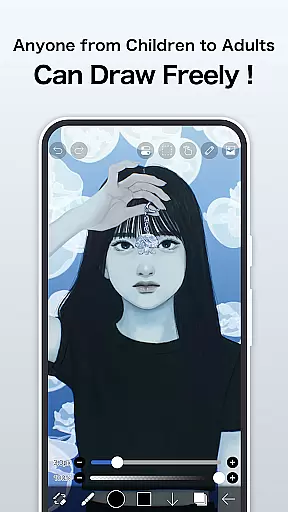
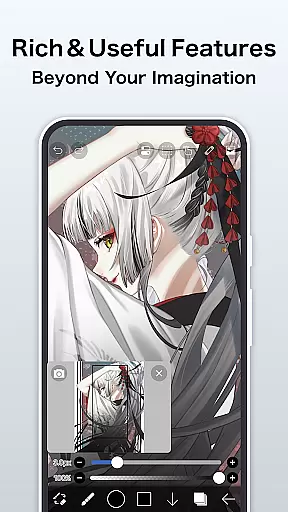
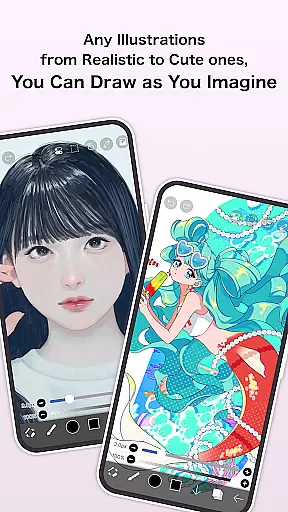
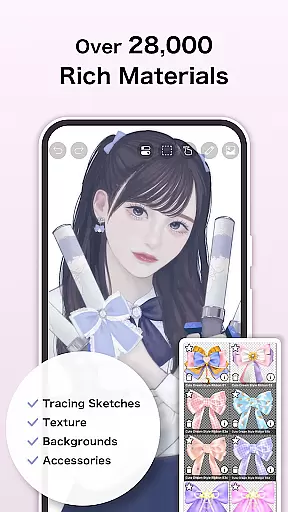
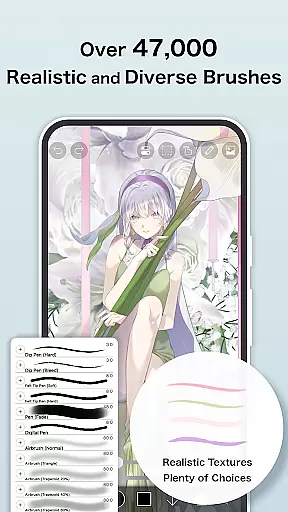
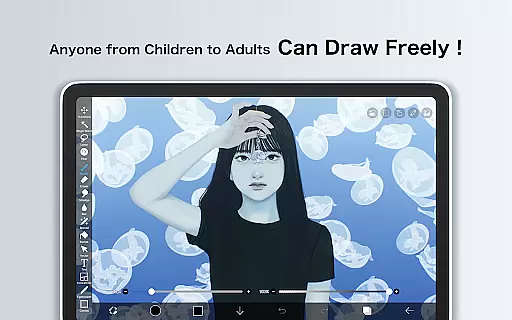
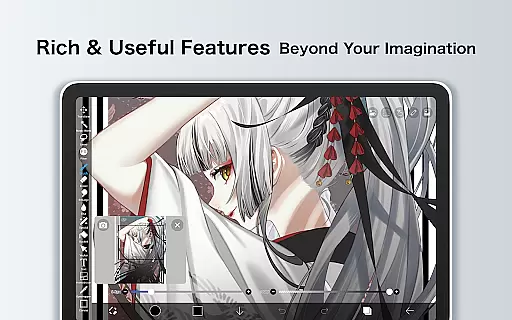
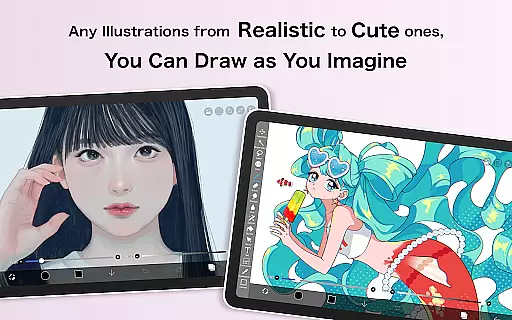
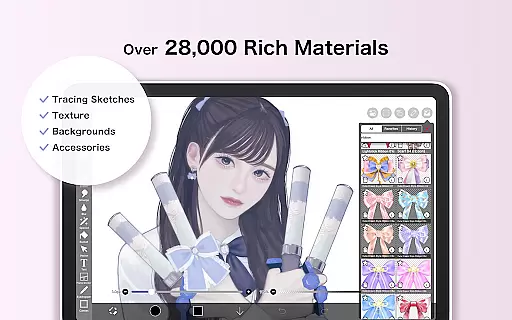
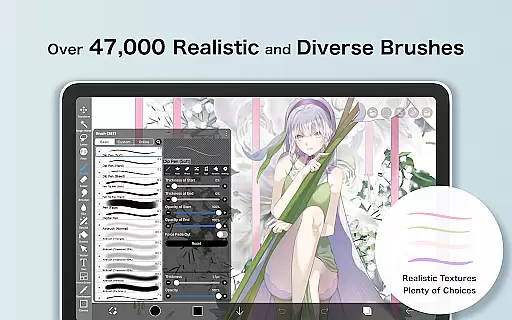
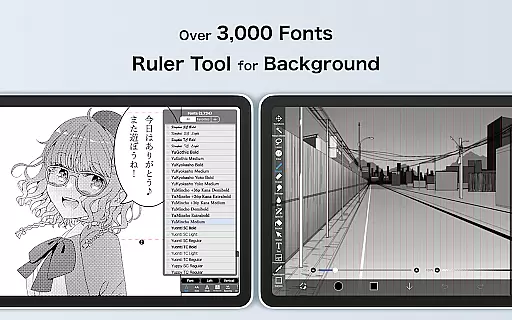
ibis Paint is a premier digital art studio designed for both amateur and professional artists. This app offers an extensive suite of creative tools including over 47000 brushes, 27000 materials, and 2100 fonts, enabling users to produce highly detailed artwork directly on their mobile devices. The app supports advanced features such as stroke stabilization, various rulers, and blending modes, making it suitable for creating complex illustrations and manga.
In addition to its robust drawing capabilities, ibis Paint allows users to record their creative processes, which can be shared with a community of like-minded artists. With functions like layer management, customizable screentones, and specialized filters, the app provides a comprehensive environment for digital painting and illustration. Its versatility makes it ideal for anyone looking to explore digital art or enhance their artistic skills.
One of the standout features of ibis Paint is its vast array of customization options. Users can choose from thousands of brushes that mimic traditional media such as oil paints, charcoal, and crayons, or experiment with unique digital effects. The app's layer functionality is equally impressive, allowing unlimited layers and offering individual parameter settings for opacity, blending, and more.
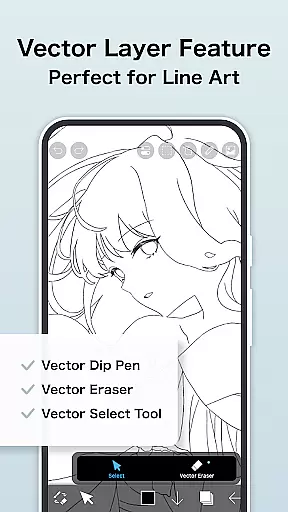
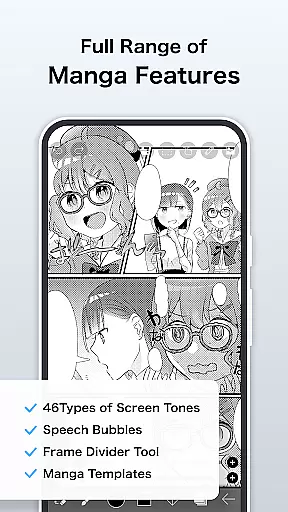
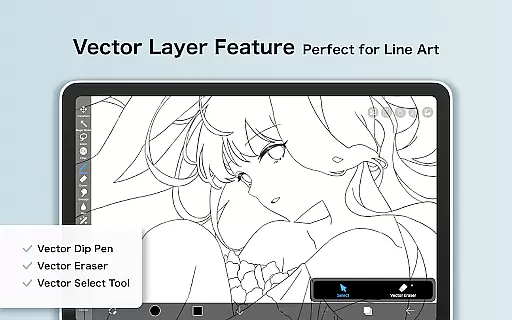
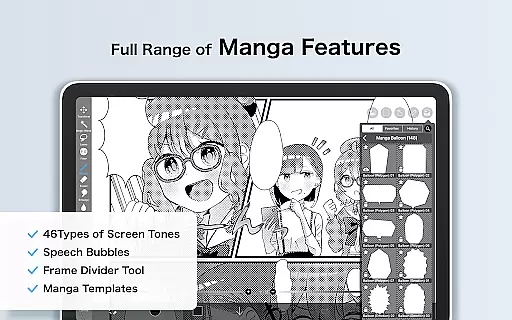
For manga creators, ibis Paint includes an advanced text tool with vertical and horizontal writing options, font selection, and multiple text functions. Prime Membership unlocks additional premium features such as vector tools, cloud storage, and exclusive materials. These features ensure that artists have all the necessary tools at their disposal to create professional-quality work while enjoying the flexibility of mobile creation.
In the realm of digital art, having access to a comprehensive suite of creative tools is paramount. ibis Paint excels in this area by offering over 47000 brushes, which include everything from dip pens to oil brushes, catering to a myriad of artistic styles and preferences.
Layer functionality is another cornerstone of ibis Paint's creative arsenal. Artists can work with unlimited layers, each equipped with individual parameters such as opacity and blending modes. This flexibility allows for complex compositions and detailed editing, empowering artists to bring their visions to life without constraints.
The app also provides manga creators with advanced text tools that support vertical, horizontal, stroke, and font selection features. These are complemented by an array of filters and screentones, enabling users to add professional touches to their work while maintaining creative control.
For those seeking even more advanced capabilities, Prime Membership unlocks vector tools, AI disturbance features, and adjustment layers among others. This ensures that whether you're sketching casually or crafting intricate designs, ibis Paint has the tools necessary to meet your artistic demands.
Flexibility in canvas and format options is crucial for digital artists who need to adapt their work to various mediums and sizes. ibis Paint addresses this need by providing a versatile platform where users can customize their canvas settings extensively.
Artists have access to prime canvas papers through Prime Membership, allowing them to choose textures and dimensions that best suit their projects. This level of customization ensures that every piece created within ibis Paint can be tailored precisely to the artistu2019s vision.
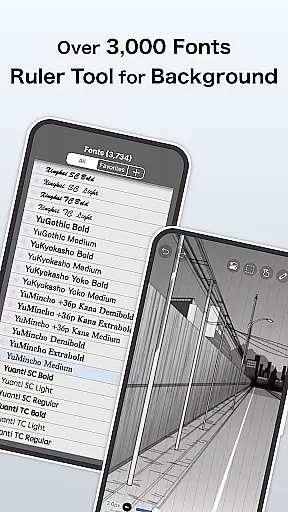
In addition to customizable canvases, ibis Paint supports importing original brush patterns and offers a wide range of fonts, including exclusive prime fonts. Such diversity in formats empowers creators to experiment with unique styles and techniques without being limited by predefined settings.
Furthermore, the ability to export works in multiple formats enhances workflow efficiency. Users can save their creations in formats compatible with other software or optimized for specific platforms, ensuring seamless integration into broader creative processes.
User-friendly interface
Extensive brush library
Advanced layer options
Community sharing platform
Regular feature updates
Prime Membership required
Initial learning curve
Large app size
Limited free version
Occasional bugs

The ultimate tool for creating animations
 4.60
4.60
Learn how to draw with step-by-step tutorials, fun lessons & multiplayer drawing
4.70
Stylish letters, Stylish Keyboard, Symbols, Emojis, Cool nickname
4.40
Convert image to JPG PNG HEIC PDF, support almost all kinds of image formats
4.70
Draw anime easily with AR guidance, sketch templates & trace tools!
3.10
Photo editor for art, avatars, filters & fun transformations.
4.60
Draw glowing spinners, relax, and spin your creative art
4.60
Just trace a projected picture on paper and color! Draw & Paint with AR drawing
4.40
Explore future self face age filter & remove background image for a unique look.
3.50
Discover Cartoon Dream : Unleash Your Creativity with CuttingEdge AI
4.50
Create color palette from Image, RGB & RYB Color wheel harmonies, Color Scheme
4.50
Kling AI is an image and video generation and editing studio powered by AI.
4.50
Draw, make movies & animate cartoons easily with our 2D animation maker app
4.40
Easy 3D drawing design maker & creator. Model designing, Sculpting. Create&paint
4.00
Experience next-gen icons with a modern liquid glass look.
3.60


User Reviews