
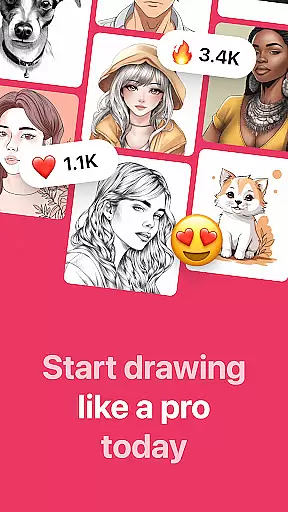
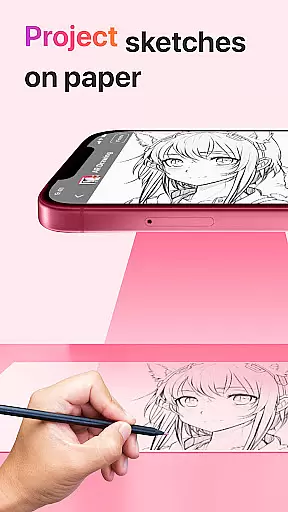
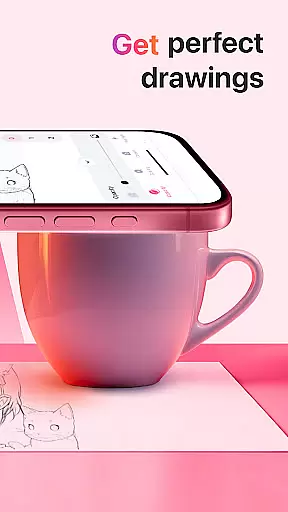
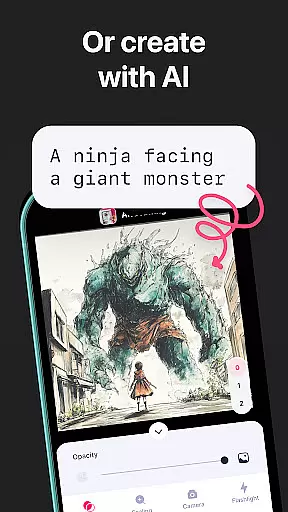
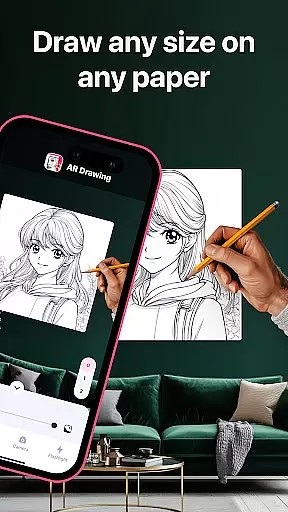
AR Drawing: Sketch & Paint is an innovative mobile application designed to help users learn drawing and create impressive artworks using augmented reality technology. The app allows you to project any image onto paper via your phone's camera, enabling you to trace and color it with ease. Whether you're a beginner or an experienced artist, this app provides the perfect platform to unleash your creativity.
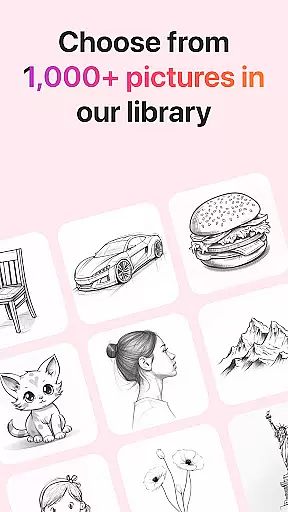
The core feature of AR Drawing is its extensive library of tracing templates that cover various categories such as Animals, Cars, Nature, Food, and Anime. Additionally, the app includes practical tools like a built-in flashlight for better visibility, video recording of your creative process, and a gallery to save and showcase your finished drawings. These features make it an ideal tool for both learning and professional use.
This app is particularly useful for art students and hobbyists who want to improve their skills quickly. With AR Drawing, users can learn how to draw in just three days by following the guided templates. The ability to share your creations with friends adds a social element, making it not only a learning tool but also a medium for artistic expression.
AR Drawing stands out with its rich set of features tailored for artists of all levels. One of the main highlights is the augmented reality projection feature, which uses your phone's camera to project images onto any surface, allowing for precise tracing. This functionality bridges the gap between traditional drawing methods and modern technology, offering a unique user experience.
In addition to the projection feature, the app offers a diverse range of tracing templates across multiple categories including Animals, Cars, Nature, Food, and Anime. Each template is crafted to guide users through the drawing process step-by-step. The built-in flashlight enhances visibility in low-light conditions, while the video recording feature captures every stroke, providing valuable feedback on your technique.
Another significant advantage is the integrated gallery where users can store and manage their artwork. The app also supports sharing capabilities, allowing you to showcase your masterpieces on social media platforms. These comprehensive features collectively contribute to a robust platform that fosters creativity and skill development.
In the realm of digital art, having a comprehensive set of creative tools is essential for artists to fully express their visions. AR Drawing: Sketch & Paint offers an impressive suite of features that cater to both novice and experienced artists. The app provides various tracing templates including Animals, Cars, Nature, Food, and Anime, which serve as a starting point for users who may not be confident in their drawing skills.
Additionally, the built-in flashlight feature enhances visibility, ensuring that every detail can be captured with precision. Artists can also record videos of their creative process, allowing them to review their work, share techniques, or create content for social media platforms. This functionality enriches the user experience by adding an educational and community-building aspect to the app.
The ability to save drawings in a gallery within the app ensures that artists can build a portfolio of their work over time. This encourages continuous learning and improvement, as users can look back at their previous sketches and see their progress. With these robust tools, AR Drawing empowers users to unleash their creativity without limitations.
Flexibility in canvas and format options is crucial for artists who wish to explore different styles and mediums. AR Drawing: Sketch & Paint excels in this area by enabling users to draw anything they want on any surface using augmented reality technology. This innovative approach breaks free from the constraints of traditional digital art apps, offering unparalleled freedom and versatility in artistic expression.
Artists are not limited to standard paper sizes or orientations; instead, they can utilize their phone cameras to project images onto any physical space. Whether it's a large wall or a small notebook, the app adapts to the artist's needs, providing limitless possibilities for creation. This adaptability makes the app suitable for a wide range of projects, from quick sketches to elaborate murals.
Moreover, the app supports sharing finished works with friends, expanding the reach of the artist's creations beyond the confines of the app itself. By combining flexible canvas options with social sharing capabilities, AR Drawing fosters a dynamic environment where creativity thrives and artwork gains wider recognition.
User-friendly interface
Wide range of templates
Built-in flashlight
Video recording feature
Social sharing options
Limited free templates
Requires good lighting
Occasional app crashes
Subscription fees
Learning curve for beginners

Customizable Outlined Fonts. Watch Face Format. Battery friendly Digital Clock.
 4.20
4.20
Stylish letters, Stylish Keyboard, Symbols, Emojis, Cool nickname
4.40
Passport size photo maker, create ID photo and visa photo in seconds
4.80
Draw anime easily with AR guidance, sketch templates & trace tools!
3.10
The perfect place to start sketching! Use Sketchbook to draw and paint sketches.
4.50
Draw glowing spinners, relax, and spin your creative art
4.60
2D animation studio for Android tablets - unlimited layers, infinite timeline
4.70
Art of Combination Wear OS Watch faces (for Wear OS 5+ devices)
3.90
Sketch and paint on your device with the feel and freedom of drawing on paper
4.00
Draw on screen: FP sDraw is a simple and lightweight drawing app
4.70
Novices can also easily complete diamond painting masters
4.70
Your AI soulmate — meaningful chats, and unique emotional moments
4.70
Painting, drawing, & sketching
4.50
Create stylish invitation cards using templates for weddings, birthdays & RSVP.
4.20
Digital Drawing: Draw & Paint
4.10


User Reviews