
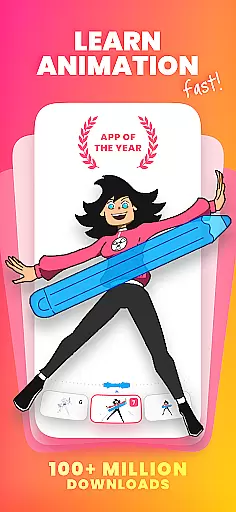
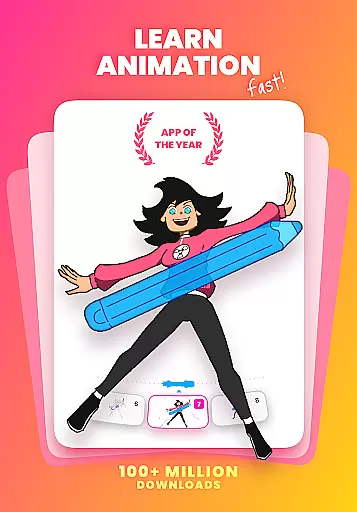
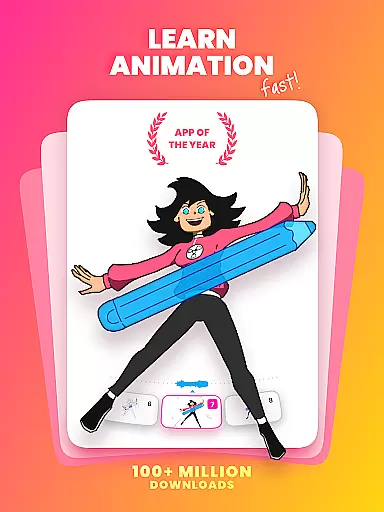
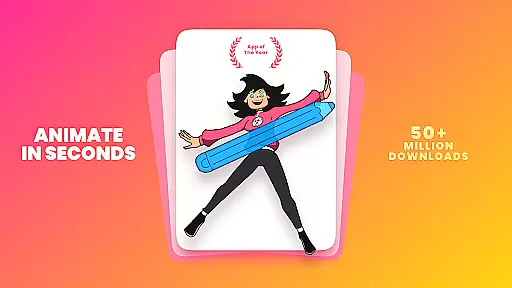
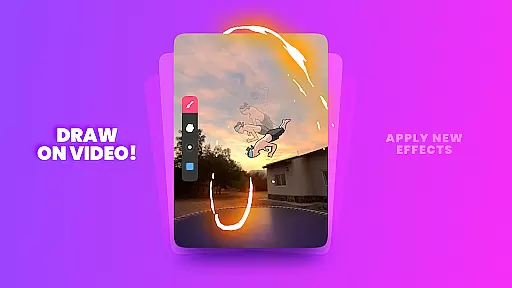
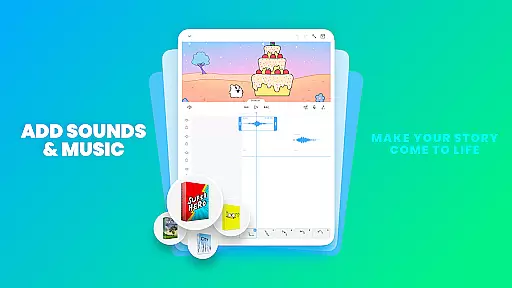
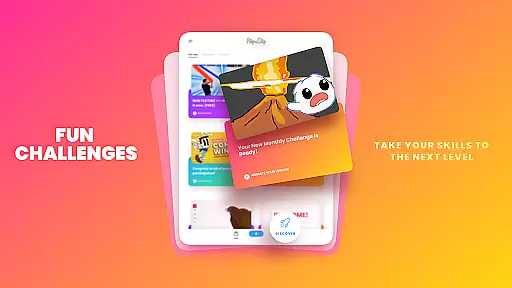
FlipaClip is a premier 2D animation app designed for artists and creators who want to bring their drawings to life. This application offers an intuitive interface that combines the simplicity of flipbook animation with professional-grade tools, making it accessible for both beginners and seasoned animators. Users can create frame-by-frame animations using a variety of drawing tools such as brushes, fill, lasso, and eraser.
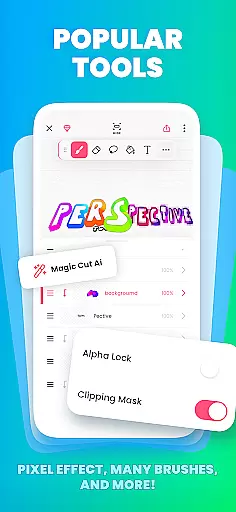
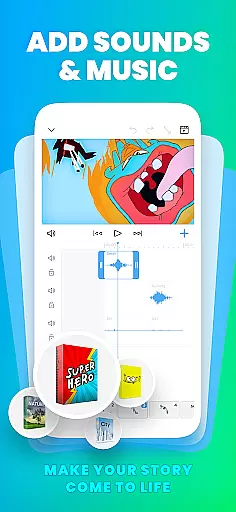
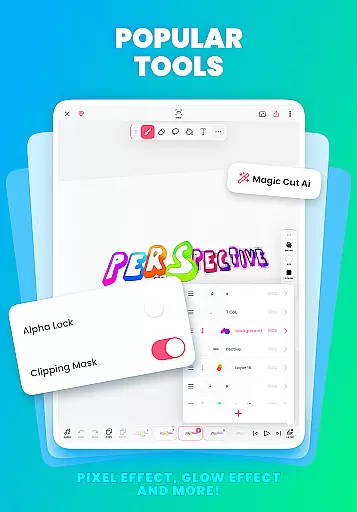
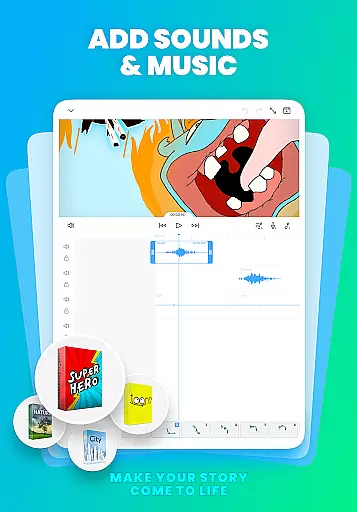
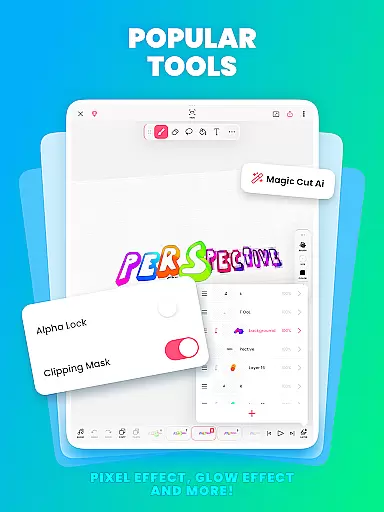
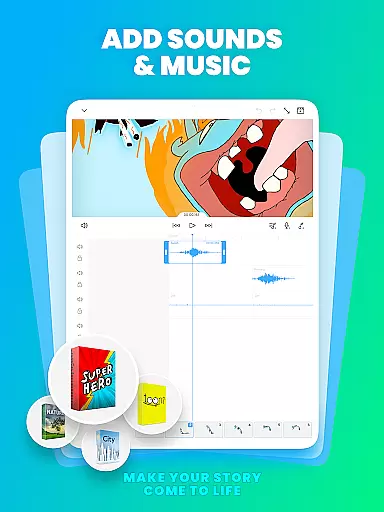
The app stands out with its robust animation features including onion skinning for smooth transitions, up to 10 layers for complex drawings, and AI-powered tools like Magic Cut for instant object slicing. FlipaClip also allows creators to add music, voice, and sound effects, syncing every beat perfectly with the animation timeline. Whether you're into cartoon making, anime drawing, or stop motion animation, FlipaClip provides everything needed to animate your world.
FlipaClip boasts a comprehensive suite of features tailored for animation enthusiasts. The app includes a frame-by-frame animation timeline for precise control over each frame, ensuring smooth and professional-quality animations. With onion skin capabilities, users can see previous and next frames as a reference, allowing for seamless transitions between frames.
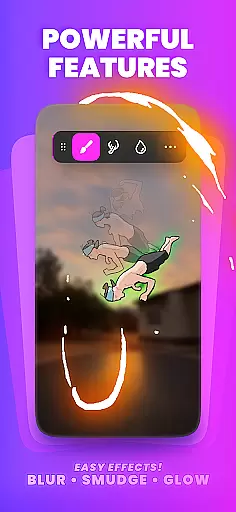
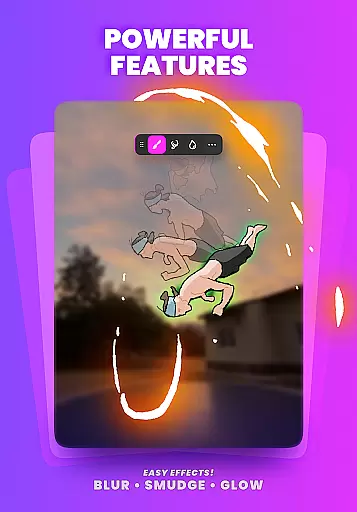
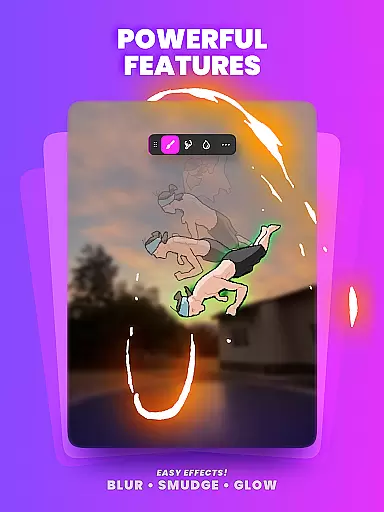
Additionally, FlipaClip supports up to 10 layers, three of which are free, enabling intricate and detailed artwork. The app also offers glow effects and blending modes at no extra cost, enhancing visual creativity. Importing photos or videos for rotoscope animations and exporting projects in MP4, GIF, or PNG formats with transparency are among the advanced functionalities available. These features collectively empower users to produce high-quality animations efficiently.
FlipaClip stands out as a comprehensive creative suite for both budding and professional artists. The app offers a full range of drawing tools including brushes, fill, lasso, eraser, ruler, text, and shape tools that cater to various artistic needs. These instruments allow users to sketch their ideas with precision and detail, making it possible to create frame-by-frame animations that breathe life into every drawing.
One of the key features is its support for pressure-sensitive styluses like the Samsung S Pen and SonarPen, which enhances the drawing experience by providing natural and accurate input. This makes FlipaClip an ideal choice for those who are serious about their craft and require exactness in their work. Additionally, the ability to customize canvas sizes ensures that creators have the flexibility they need to bring their visions to life.
For users looking to add complexity to their animations, FlipaClip allows up to 10 layers (with 3 free), glow effects, blending modes, and even the import of photos or videos for rotoscope animations. With these robust features, animators can produce high-quality content that rivals professional standards. The inclusion of AI-powered tools such as Magic Cut further simplifies the process by enabling quick extraction of images and objects from frames.
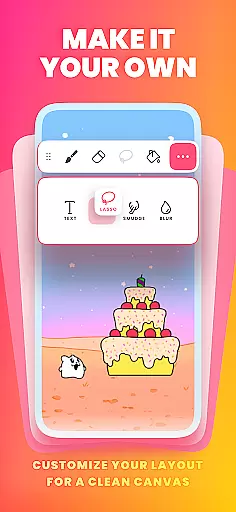
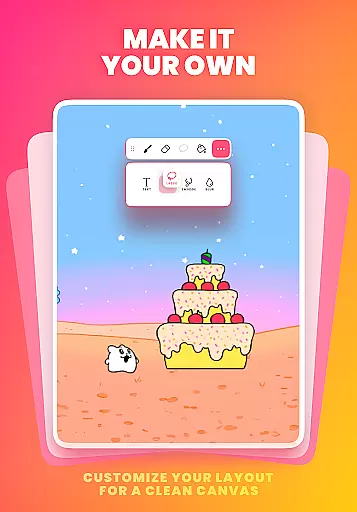
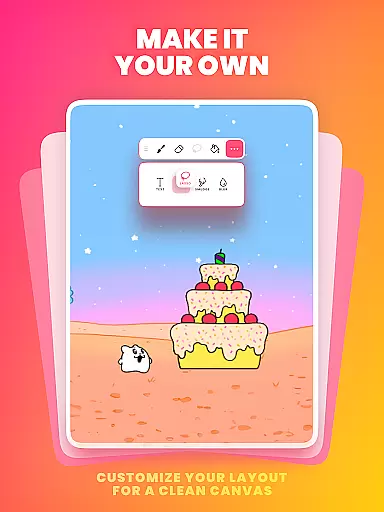
Flexibility in canvas and format options is crucial for unleashing creativity without constraints. FlipaClip addresses this need by offering customizable canvas sizes, empowering artists to define their workspace according to the specific requirements of each project. Whether creating simple doodles or intricate scenes, users can adjust their canvas to suit their vision, ensuring that their artwork is not limited by predefined dimensions.
In addition to versatile canvas settings, FlipaClip supports exporting animations in multiple formats including MP4, GIF, or PNG sequences with transparency. This variety in export options enables creators to share their work across different platforms such as TikTok, YouTube, Instagram, Twitter, Facebook, or Discord without worrying about compatibility issues. By providing these flexible output choices, FlipaClip ensures that your creations reach the widest possible audience.
The combination of adaptable canvas sizes and diverse export formats makes FlipaClip an indispensable tool for anyone involved in animation. From beginners learning how to animate to professionals crafting storyboards, the app's canvas and format flexibility accommodate all levels of expertise. This adaptability not only enhances the creative process but also streamlines the workflow, allowing artists to focus on what truly mattersu2014their art.
User-friendly interface
Extensive drawing tools
Advanced animation features
AI-powered enhancements
Vibrant community support
Limited free layers
Premium features costly
Steep learning curve
Occasional bugs
Heavy on resources

Stylish letters, Stylish Keyboard, Symbols, Emojis, Cool nickname
 4.40
4.40
AI Face Swap, Video Effects Editor, Realtime Morph, Funny Video FX,AI Filters
3.70
Create color palette from Image, RGB & RYB Color wheel harmonies, Color Scheme
4.50
Convert image to JPG PNG HEIC PDF, support almost all kinds of image formats
4.70
Make your phone cooler and have a fantastic experience
4.80
2D animation studio for Android tablets - unlimited layers, infinite timeline
4.70
Art of Combination Wear OS Watch faces (for Wear OS 5+ devices)
3.90
Share the joy of painting with ibis Paint! Drawing anime and manga art.
4.50
Kling AI is an image and video generation and editing studio powered by AI.
4.50
Novices can also easily complete diamond painting masters
4.70
The perfect place to start sketching! Use Sketchbook to draw and paint sketches.
4.50
Draw Trace image sketch by, AR art projector app, Easy to trace any image.
4.50
AI Tattoo Generator: Create Tattoo Designs & Get Ideas! Ink & Stencil Maker
4.50
Sketch, plan, take notes and illustrate on an infinite canvas.
4.20
Create stylish invitation cards using templates for weddings, birthdays & RSVP.
4.20


User Reviews