
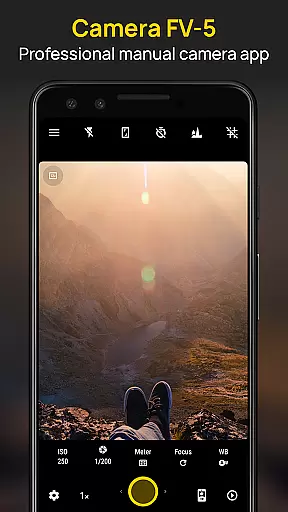
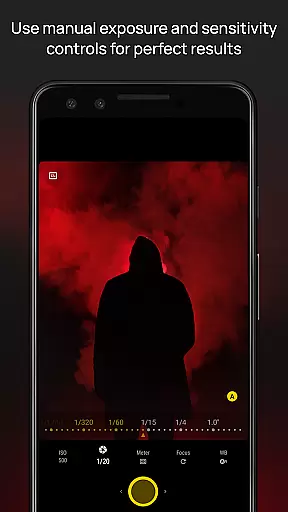
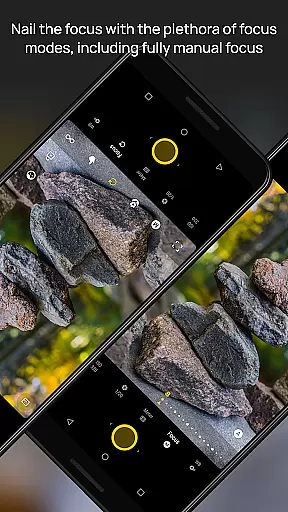
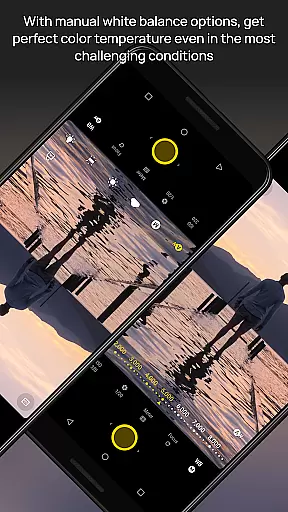
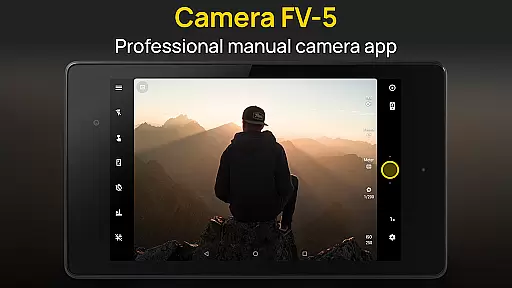
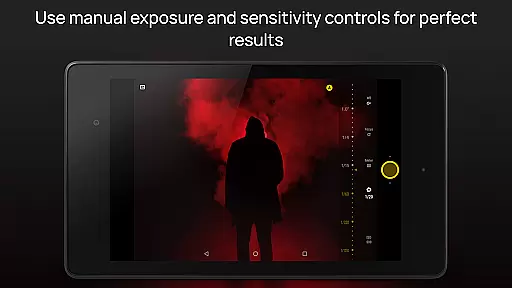
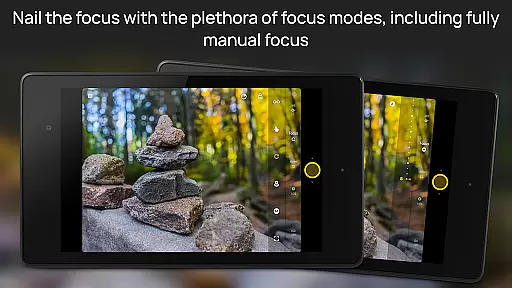
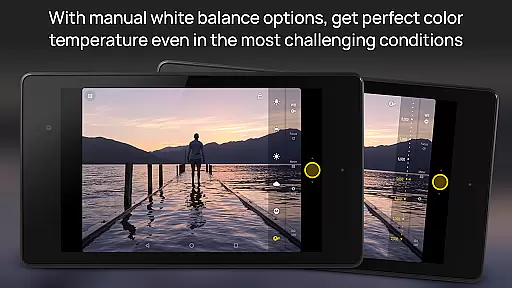
Camera FV-5 is a professional-grade camera application designed for mobile devices, offering DSLR-like manual controls that empower photographers to capture stunning raw photographs. Tailored specifically for photography enthusiasts and professionals, this app provides users with the ability to adjust all photographic parameters including exposure compensation, ISO, light metering modes, focus settings, white balance, and more. With its advanced features, Camera FV-5 allows users to unleash their creativity and achieve exceptional results through precise control over every aspect of their photos.
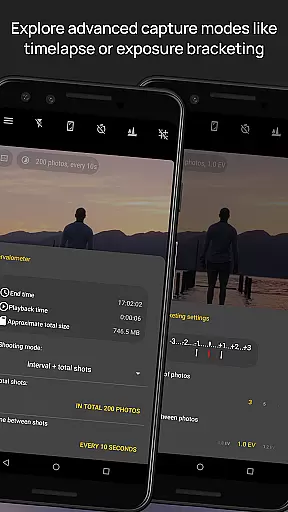
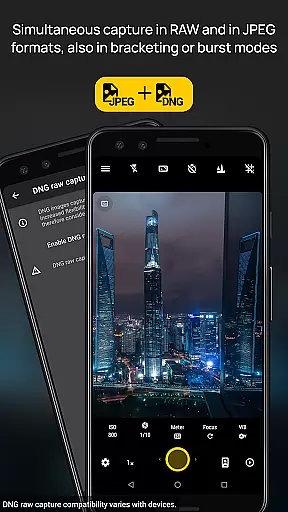
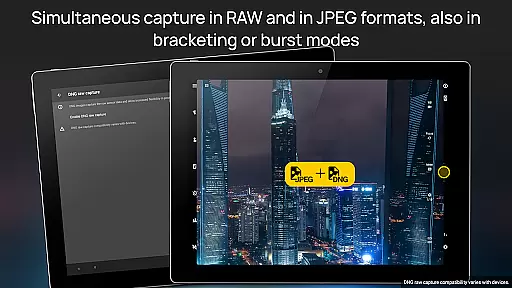
The app's standout feature is its DSLR-like viewfinder display, which shows real-time exposure information such as aperture, exposure time, and EV settings. Additionally, it supports various shooting modes like long exposure, intervalometer for timelapses, and multiple photo formats including JPEG, true 16-bit RAW in DNG format, and lossless PNG. These capabilities make it an ideal tool for capturing high-quality images under diverse conditions, whether you're shooting daytime landscapes or nighttime light trails.
Camera FV-5 bridges the gap between mobile photography and professional-grade equipment by providing features typically found only in DSLR cameras. Its intuitive interface, available in over 30 languages, ensures accessibility for a global audience. Whether you're an amateur looking to explore manual photography or a professional needing a reliable backup camera, Camera FV-5 offers the functionality and flexibility needed to produce outstanding images worthy of post-processing on a computer.
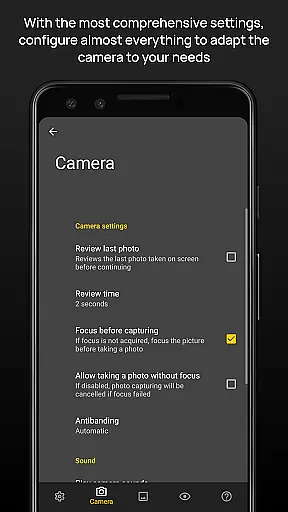
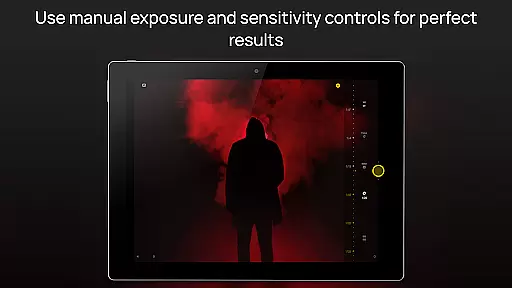
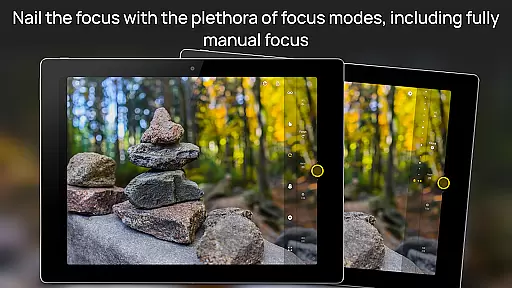
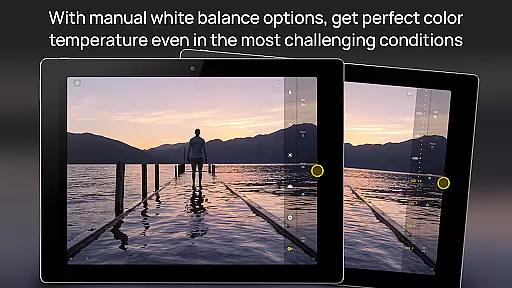
Camera FV-5 stands out with its comprehensive set of features tailored for professional photographers. One of its most notable aspects is the full manual control it offers over all photographic parameters. Users can adjust exposure compensation, ISO sensitivity, light metering modes, focus settings, white balance, and even program mode directly from their mobile device. This level of control mirrors what one would expect from a DSLR camera, allowing photographers to fine-tune each shot according to their creative vision.
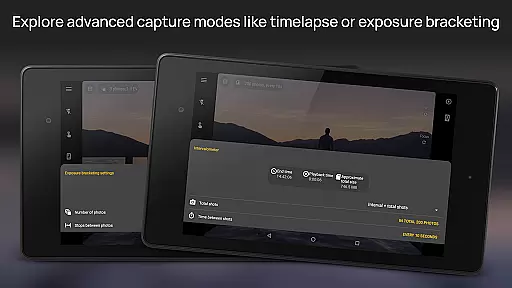
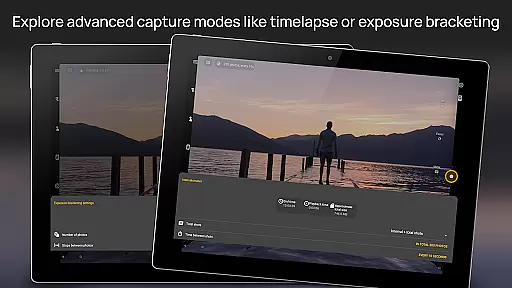
In addition to manual controls, Camera FV-5 includes advanced functionalities such as exposure bracketing, which supports 3 to 7 frames with customizable EV spacing, and an intervalometer for creating stunning timelapses. The app also supports long exposure photography, enabling beautiful night shots and light trail effects with exposure times up to 30 seconds. Furthermore, it offers various photo formats including JPEG, true 16-bit RAW in DNG format, and lossless PNG, catering to different post-processing needs.
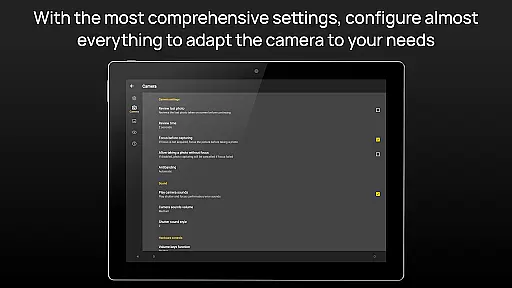
Another key feature is the app's sophisticated electronic viewfinder, which displays live RGB histograms, composition grid overlays, and crop guides. This aids in achieving perfectly composed shots. The user interface is highly customizable, supporting different storage locations and fully adjustable file names. With compatibility across a range of Android devices and an active support system, Camera FV-5 ensures that photographers have the tools they need to capture exceptional images regardless of their location or subject matter.
Real-time capture and preview functionality is essential for photographers who need precise control over their shots. Camera FV-5 excels in this area by providing a DSLR-like viewfinder display. This feature allows users to see exposure time, aperture, and stops with EV and bracketing settings in real-time.
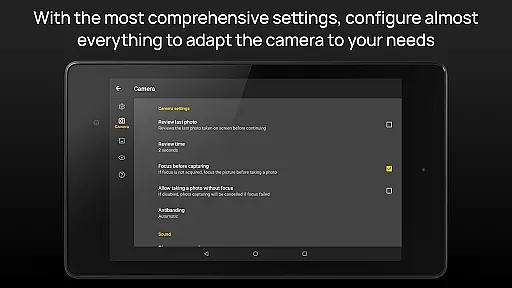
The application supports full manual control over all photographic parameters. Users can adjust exposure compensation, ISO, light metering mode, focus mode, white balance, and program mode directly from the interface. This immediate access ensures that photographers can make quick adjustments without missing crucial moments.
One of the standout features is the electronic viewfinder, which includes live RGB histograms, composition grid overlays, and crop guides. These tools help photographers frame their shots accurately and ensure proper exposure and composition before capturing the image. The ability to visualize these elements in real-time significantly enhances the overall photography experience.
By offering such comprehensive real-time capture and preview capabilities, Camera FV-5 empowers photographers to take high-quality photos with confidence. Whether shooting in daylight or low-light conditions, users can rely on the app's advanced functionalities to achieve professional-grade results every time.
While Camera FV-5 focuses primarily on manual controls and professional features, it also offers enhancements that improve photo quality naturally. The app provides various tools that ensure images retain their authenticity while benefiting from subtle enhancements. This approach maintains the natural beauty of photographs without over-processing.
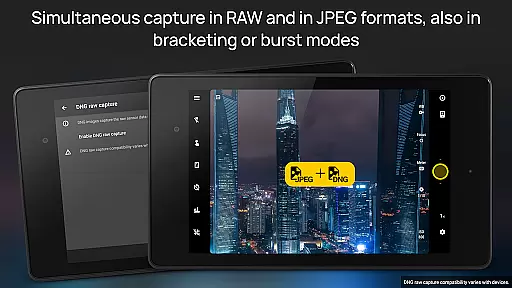
One key aspect is the support for true 16-bit RAW in DNG format, along with lossless PNG photo capturing formats. These options allow photographers to capture images with minimal processing, preserving the original details and colors. Post-processing can then be done on a computer, ensuring that any enhancements are made with precision and care.
Additionally, the app includes an advanced electronic viewfinder with live RGB histograms and composition aids. These features help photographers achieve balanced exposures and well-composed shots, reducing the need for heavy post-processing. The emphasis on manual controls means users have the freedom to create images that reflect their vision without relying on automated enhancements.
Overall, Camera FV-5 strikes a balance between offering powerful tools and maintaining the natural essence of photographs. By focusing on authentic captures and providing options for careful post-processing, the app ensures that each image retains its unique character and quality.
DSLR-like controls
RAW photo support
Advanced viewfinder
Customizable UI
Wide language support
Limited device compatibility
Complex for beginners
No automatic scene modes
Requires technical knowledge
Premium price point

Pet Camera
 3.70
3.70
Be your best in every shot! Fix, edit and retouch your face in selfies & photos.
3.70
Photo editor & gallery. Crop pictures & edit photos offline, no wifi!
4.50
Professional quality photo edits with the new Snapseed.
4.00
Fit multiple photos on one post. Create carousels & scroll layouts for Instagram
4.50
Hair color changer, AI haircut app, fun hair editor and buzz cut filter for all!
3.80
Your personal guide to the sun and moon. Plan ahead, visualize and predict!
4.70
Catch sunlight, sunrise sunset times and sun phases with the AR sun tracker.
4.10
Discover How to Plan any Sun, Moon and Milky Way Photo You Imagine in Seconds
4.70
Viewfinder, Light meter, Reciprocity failure time, DOF & Bellows Extension
4.60
Add Watermark - Sign your pictures with a text or logo. Effective, quick, easy!
4.50
All-in-One Editor & AI Photo Enhancer, Beautify & Retouch, Collage, Cartoonify
4.20
USB Storage Access for Photos, Videos, Music and Documents
3.80
Remote control of the phone camera from your Wear OS smartwatch
3.70
Photo Album Watch Face shows your favorite pictures as a Watchface.
1.90


User Reviews