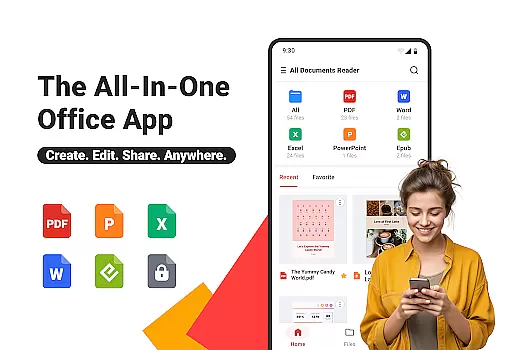
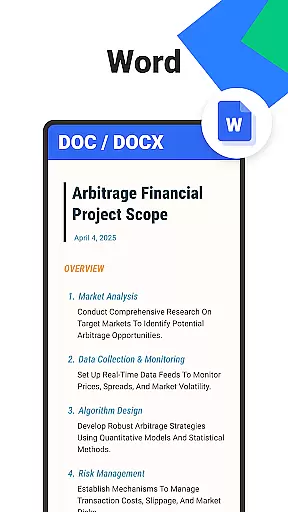
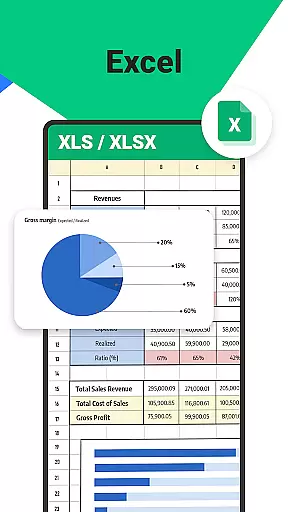
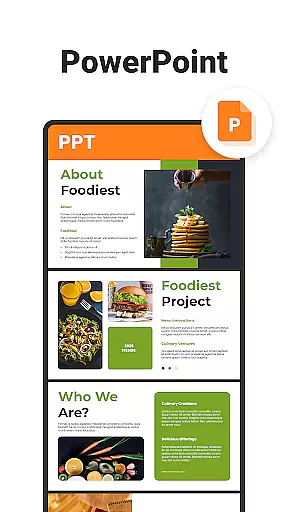
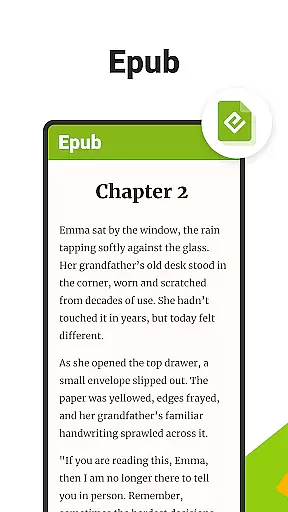
All Documents Reader is a versatile document management tool designed to streamline the way you handle digital files. This comprehensive app supports multiple formats including PDF, Word, Excel, PowerPoint, and EPUB, making it an essential utility for both professional and personal use.
With its powerful features, users can view, edit, organize, and convert documents effortlessly. The app's intuitive interface allows for seamless navigation and quick access to files, while advanced functionalities like AI summarization and PDF encryption ensure that your documents are both accessible and secure.
Ideal for students, professionals, and everyday users, All Documents Reader provides a centralized solution for all your document needs, enhancing productivity and simplifying file management across various platforms.
All Documents Reader stands out with its extensive range of features tailored for efficient document handling. One of its core strengths is the multi-format support, enabling users to open and manage PDFs, Word documents, Excel sheets, presentations, and eBooks without needing multiple apps.
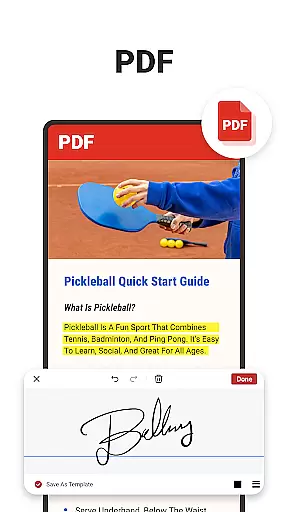
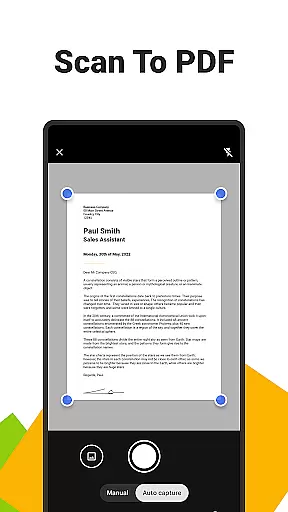
The app includes a robust set of PDF tools, allowing users to read, annotate, merge, split, fill forms, and even sign documents. Additionally, the built-in scanner converts images to PDFs, while AI-powered summarization extracts key points from lengthy texts, saving valuable time.
Organization is made simple with automatic categorization and smart search functions. Users benefit from customizable viewing options and offline functionality, ensuring accessibility and convenience regardless of internet availability.
Ora All Documents Reader excels in delivering accurate and effective core functionalities that cater to diverse document management needs. The application supports an extensive range of file formats including PDF, Word, Excel, PowerPoint, and EPUB, ensuring that users can open and work with virtually any digital document they encounter.
One of the standout features is its comprehensive PDF tools suite. Users can read, highlight, annotate, merge, split, fill forms, and even sign documents, all within a single platform. This eliminates the need for multiple specialized apps and streamlines workflows significantly. Additionally, the built-in pdf scanner app allows for quick conversion of photos into high-quality PDFs, further enhancing its utility as a versatile document manager.
The inclusion of AI summarization technology sets Ora apart from conventional readers. By extracting and summarizing key points from complex documents, it saves users valuable time and boosts productivity. Whether you're dealing with detailed reports or lengthy articles, this feature ensures you never miss critical information.
A hallmark of Ora All Documents Reader is its commitment to providing a simple yet intuitive user interface that enhances overall usability. Upon launching the app, users are greeted with centralized access to all their files, making it easy to browse and preview documents instantly without navigating through complicated menus.
The smart search functionality exemplifies this dedication to ease-of-use. With just a few taps, users can locate any document by name or type, drastically reducing the time spent searching for specific files. Furthermore, automatic categorization organizes documents by format, presenting an effortless way to manage large collections of digital files.
To optimize the reading experience, Ora offers customizable viewing options such as horizontal and vertical modes. These settings allow users to tailor the display according to their preferences, whether they're reviewing detailed PDF reports or enjoying an EPUB novel. Such thoughtful design elements ensure that both work-related tasks and leisure reading are conducted smoothly and comfortably.
User-friendly interface
Multi-format support
Advanced PDF tools
AI-powered summarization
Offline functionality
Limited cloud integration
Occasional performance lags
Ads in free version
Premium features locked
Large app size

Change your GPS location instantly. Simulate routes anywhere in the world.
 4.90
4.90
pdf merge, word to pdf, jpg to pdf, edit pdf, convert to pdf and much more!
4.20
Clean the junk files on your device
3.40
Create your own live wallpaper or check out thousands already made presets
3.90
Signal Strength, Mobile, Wifi, Speed Test, Bad Signals, Cellular, 5G, LTE, 4G
4.20
With videos, electrical calculators, and built-in ebook, Ugly’s has your answer.
4.50
Create your own custom widget with endless possibilities
3.90
Remote Play with FSR upscaling, low latency & full controller support
4.80
Fast VPN USA for any country. Super secure VPN for calls, streaming, games, TV.
4.40
Creation, Learning, Entertainment & More — The All-in-One AI Search Engine
4.70
Keep track of your Palia friendships, tasks, and inventory with Palia Notebook
4.60 4.50
4.50
Fluid navigation gestures for all of us!
4.30
Quickly check the frequency of the Earth
4.30
Effortlessly run ADB commands directly on your device without a PC.
4.20


User Reviews