
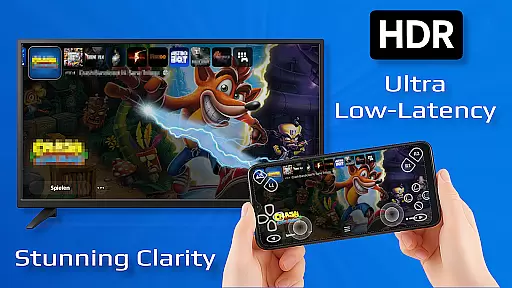
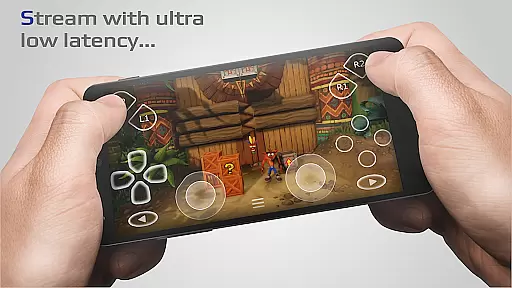
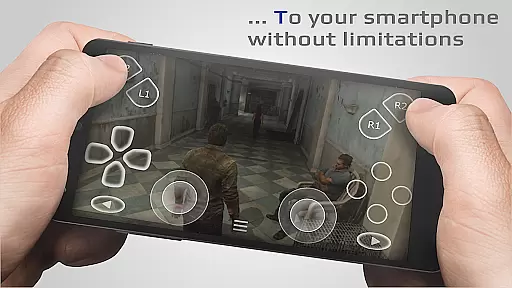
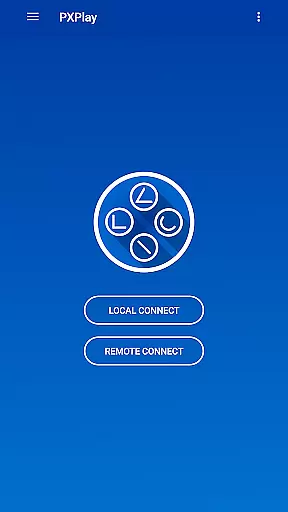
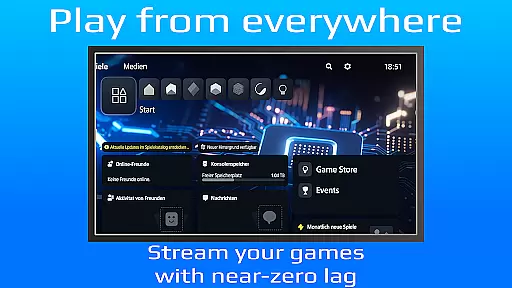
PXPlay is a powerful remote control application designed for gaming enthusiasts who wish to access their gaming devices without limitations. This tool allows users to play their favorite games remotely, offering an optimized streaming experience with minimal latency. PXPlay supports third-party controllers and mobile data connections, making it versatile for various gaming setups.
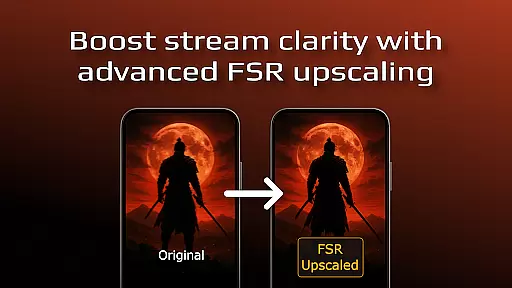
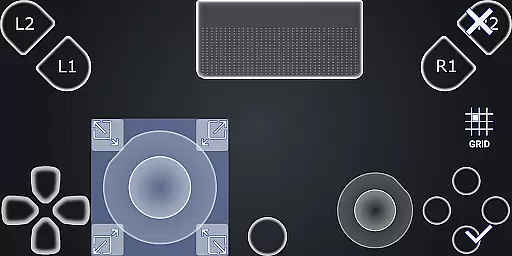
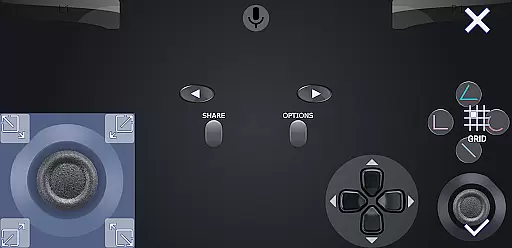
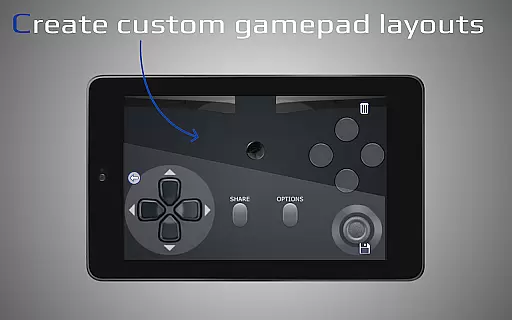
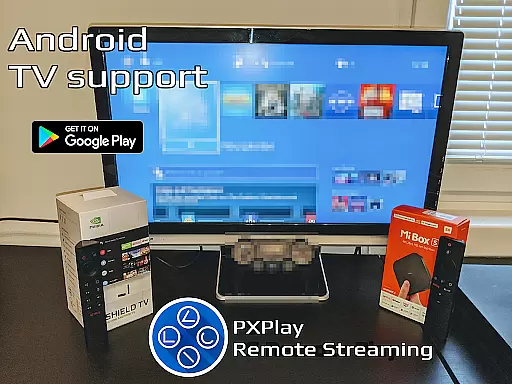
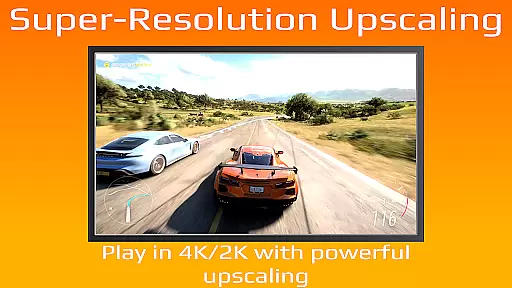
Key features include FSR upscaling and sharpening for enhanced video quality, support for Android TV devices, gamepad button mapping, and customization of onscreen gamepad layouts. Additionally, PXPlay can function as a virtual controller and supports older firmware from 5.05 and newer. With Picture-In-Picture mode and Multi-Window support, PXPlay ensures a seamless user experience across different Android versions.
This app is ideal for gamers looking to enjoy high-quality remote play sessions on the go or from the comfort of their home. By providing low-latency streaming and extensive compatibility options, PXPlay delivers significant value to users seeking flexible gaming solutions.
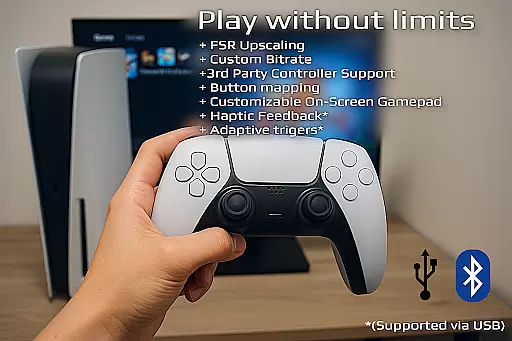
PXPlay stands out with its comprehensive feature set tailored for remote gaming. The app supports third-party controllers across all Android devices, allowing gamers to use their preferred hardware. It also enables the use of mobile data, expanding the possibilities for remote play beyond Wi-Fi networks. PXPlay's ability to register multiple profiles caters to users with diverse gaming preferences.
The app includes advanced functionalities such as gamepad button mapping and customizable onscreen gamepad layouts, enhancing user control and comfort. Supporting rooted devices and functioning as a virtual controller, PXPlay offers flexibility for various device configurations. With Picture-In-Picture mode and Multi-Window support, users can multitask efficiently while gaming.
PXPlay's optimization for low-latency streaming ensures that gamers experience minimal delay during their remote play sessions. The app's compatibility with older firmware versions and its robust connection setup process make it accessible to a wide range of users. These features collectively contribute to an immersive and uninterrupted gaming experience.
PXPlay is designed to provide an exceptional remote gaming experience by ensuring core functions are both accurate and effective. The application supports low-latency streaming, which is crucial for real-time gameplay without noticeable delays. This feature is particularly important for gamers who require instant feedback from their actions.
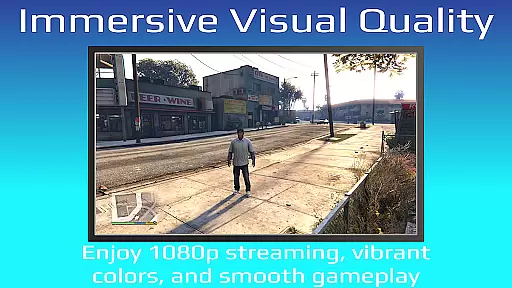
The app's support for third-party controllers across all Android devices enhances its functionality, allowing users to choose their preferred input method. PXPlay also offers advanced features like FSR upscaling and sharpening, which improve video quality during gameplay sessions. These capabilities ensure that users can enjoy high-definition visuals even on less powerful hardware setups.
For users with specific customization needs, PXPlay allows the creation of multiple profiles and personalized onscreen gamepad layouts. This level of personalization ensures that each user's experience is tailored to their preferences, enhancing overall satisfaction. Additionally, compatibility with rooted devices and older firmware versions demonstrates the app's commitment to inclusivity and broad device support.
A user-friendly interface is essential for any tool-based application, and PXPlay excels in providing an intuitive experience. The easy connection setup process allows users to quickly establish a link between their gaming device and the PXPlay application. This streamlined approach reduces potential frustration and enables gamers to start playing faster.
The inclusion of Picture-In-Picture mode and Multi-Window support showcases PXPlay's dedication to modern Android features. These functionalities allow users to multitask effectively while maintaining control over their gaming sessions. Such features are particularly beneficial for power users who need to manage multiple tasks simultaneously.
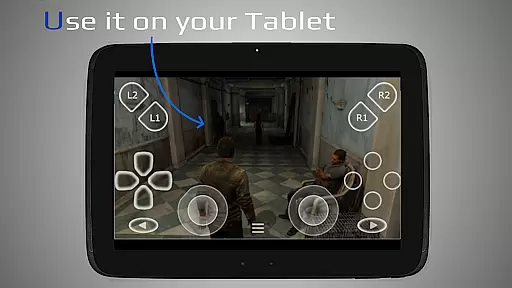
Furthermore, PXPlay's support for gamepad button mapping and virtual controller functionality demonstrates its focus on providing flexible control options. Users can adapt the interface to match their preferred playstyle, whether they're using physical controllers or touchscreen inputs. This adaptability contributes significantly to the overall intuitiveness of the application's interface.
User-friendly interface
Low latency streaming
Wide device compatibility
Customizable controls
Supports mobile data
Requires stable internet
Limited firmware support
Third-party app dependency
Controller compatibility issues
Complex setup for beginners

 4.50
4.50
Quickly switch to an encrypted DNS server on Android TV
4.50
A recovery soft,it features photo recovery, video recovery, file recovery.
3.40
Safely recover deleted photos, videos, and files with a single easy tap.
3.70
Keep track of your Palia friendships, tasks, and inventory with Palia Notebook
4.60
Small and simple app to Verify Root Access and BusyBox Install!
4.70
A non-root local ADB shell client. READ BELOW!
3.40
View detailed information about your Nissan Leaf the dealer never shows you.
4.10
Fast VPN USA for any country. Super secure VPN for calls, streaming, games, TV.
4.40
Support Fossify apps with a warm thank you!
5.00
Navigate with Ease and Style
4.90
Mirror your screen to Chromecast and Android TV - Super fast and simple
4.60
Remote for Roku, Fire TV, Samsung TV, LG TV, Android TV, Chromecast and VIZIO TV
4.20 4.10
4.10
Unlock your Essential Key. Create custom shortcuts to your favorite apps!
4.3


User Reviews