
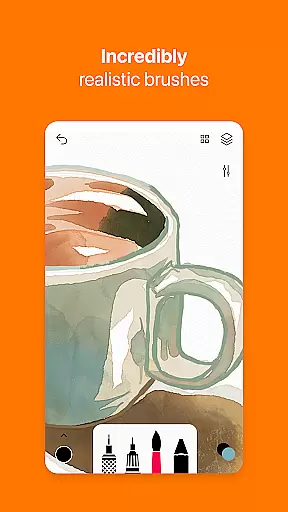
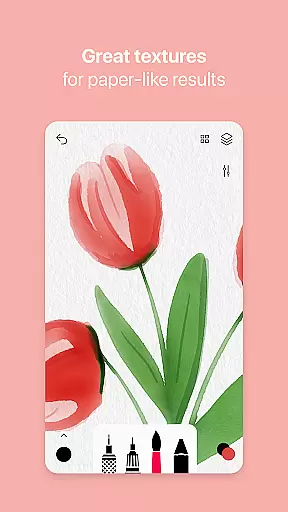
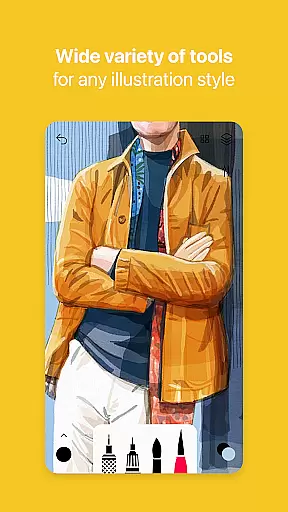
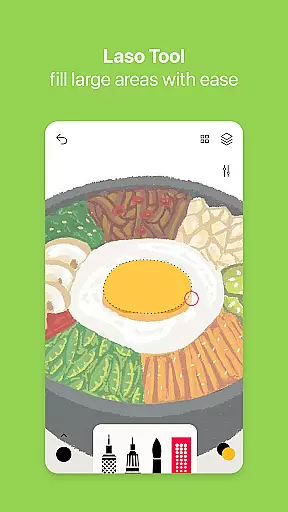
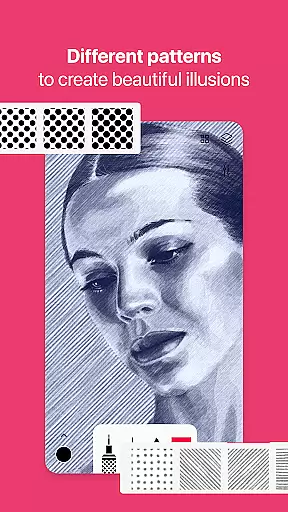
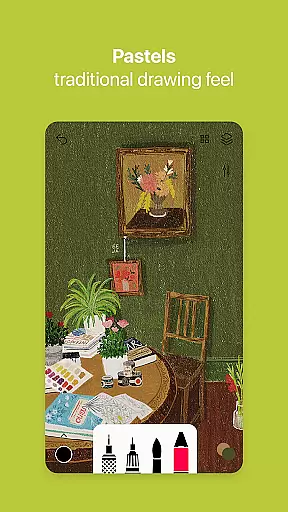

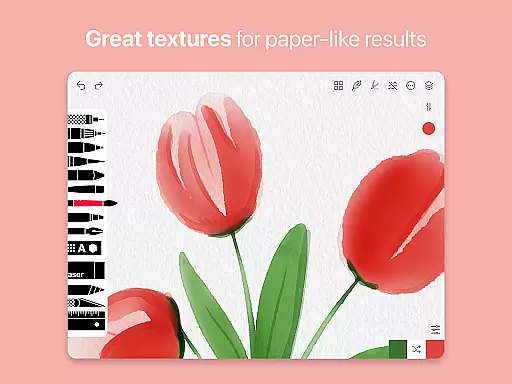
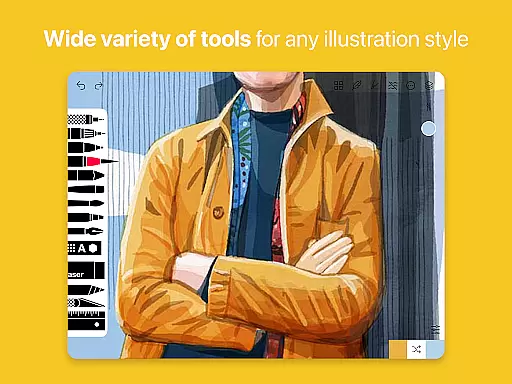
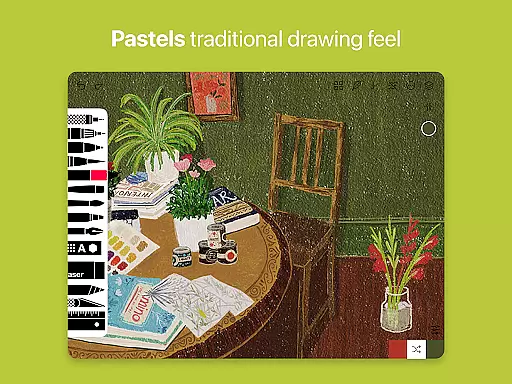
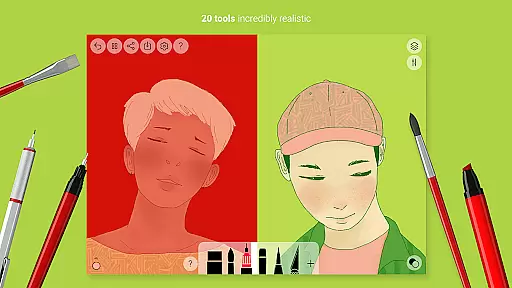
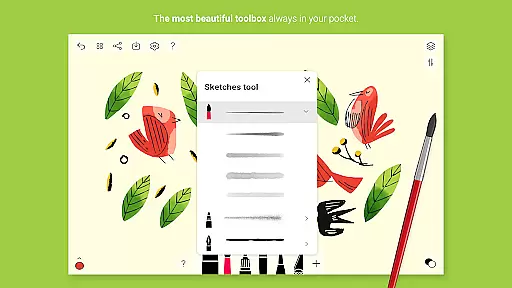
Tayasui Sketches is a premier drawing application designed for artists and creatives who value precision and beauty in their work. This app offers an impressive collection of over 20 ultra-realistic tools, including watercolor, oil pastel, and acrylic brushes that mimic the behavior of real-world mediums. Each brushstroke adapts to pressure, angle, and width, providing a vivid and true-to-life drawing experience.
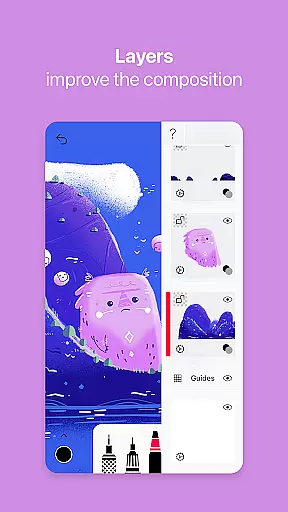
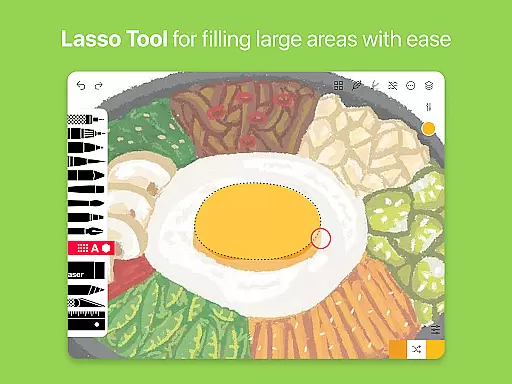
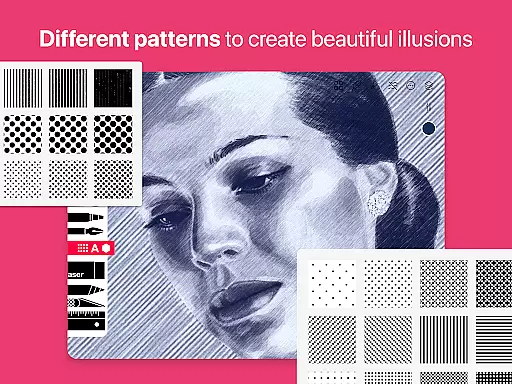
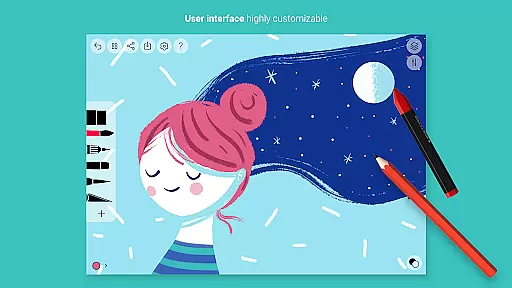
With its minimalist and intuitive interface, Tayasui Sketches caters to both amateur and professional artists. The app includes advanced features such as layers, a Brushes Editor, and Color Eyedropper, which enhance the creative process. Users can import photos, utilize patterns and shapes, and employ various erasers and smudge tools to refine their artwork. Available Pro options extend functionality with additional tool variants and sharing capabilities.
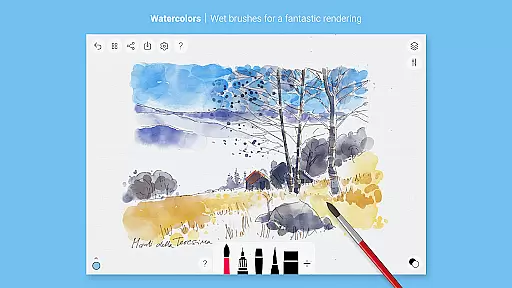
Tayasui Sketches stands out with its highly realistic drawing tools and sophisticated features tailored for digital artists. The app's standout feature is its collection of beautifully crafted brushes, each offering unique textures and effects. Notably, the watercolor wet brush provides an incredibly lifelike painting experience, while the Pen and Rotring tools deliver sharp, clean lines ideal for detailed work.
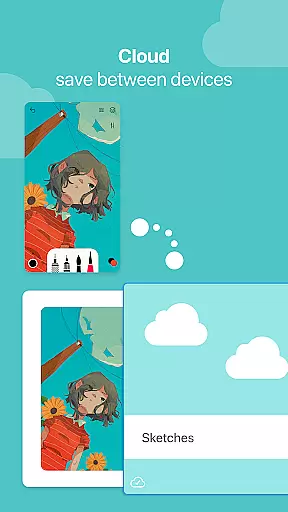
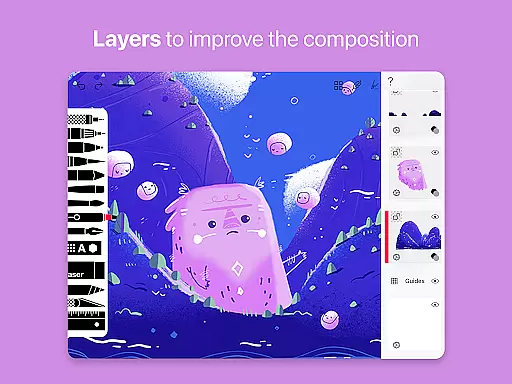
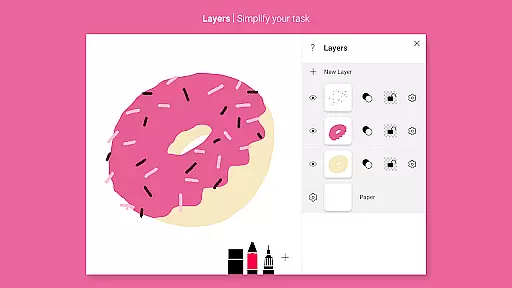
Beyond its brush selection, Tayasui Sketches supports layers, enabling artists to work on different elements of their composition independently. The app also includes advanced sharing and export functions, allowing users to easily distribute their creations. Stylus support enhances precision, making it an excellent choice for tablet users seeking a natural drawing feel. With subscription-based Pro options, users gain access to even more powerful features like dozens of additional tools and enhanced layer management.
In the realm of digital art, having a comprehensive set of creative tools is paramount. Tayasui Sketches offers an impressive array of over 20 ultra-realistic instruments, ranging from pens and brushes to advanced features like layers and a brush editor.
Each tool within the application has been meticulously crafted to emulate real-world counterparts. The watercolor brushes, for instance, behave as if truly wet, interacting with the digital canvas in a manner that mirrors traditional media.
Users benefit from this extensive toolkit by gaining the ability to execute their artistic visions with precision. Whether it's through the fine lines of a Rotring pen or the broad strokes of an acrylic brush, artists can explore various styles and techniques.
The true value lies in the app's dedication to providing tools that adapt to the user's movements, offering variations in pressure, angle, and width. This dynamic responsiveness enriches the drawing experience, making it not just a software feature but an artist's reliable companion.
A versatile canvas is essential for digital artists who require both expansive spaces for detailed work and smaller formats for quick sketches. Tayasui Sketches addresses this need by allowing users to import photos and use them as backgrounds or references, thus expanding the creative possibilities.
The app supports stylus input, which enhances control and accuracy when working on different canvas sizes. This compatibility ensures that whether you're using a phone or tablet, your experience remains precise and tactile.
Artists can also take advantage of advanced sharing and export functions, facilitating seamless transitions from creation to publication across various platforms without being hindered by format restrictions.
By focusing on these aspects, Tayasui Sketches empowers creators with a flexible workspace that adapts to their workflow. From intricate designs demanding attention to detail to spontaneous bursts of creativity, the app provides a supportive environment where ideas can flourish unrestricted by technical limitations.
User-friendly interface
Realistic brush effects
Extensive tool variety
Advanced layer support
Professional-grade results
Subscription fees apply
Limited free features
Shapes iPad only
No desktop version
Learning curve present

Art of Combination Wear OS Watch faces
 4.5
4.5
Image/ Text to Video Generator
4.40
AI Assistant, powered by ChatGPT GPT-4 & GPT-4o. Your intelligent companion.
3.50
Remove Background, Magic Eraser, Photo Enhancer, Story Templates, Collage Maker
4.30
Paint with oils and sketch with natural tools on a realistic virtual canvas.
3.80
AR Anime Drawing: How to draw anime with AR drawing & sketching apps!
4.00
Android 14 style widgets and wallpapers app.
4.0
Everything you need to create hand drawn animation, anywhere you go!
4.40
Draw, fidget, and spin glow art! Relax and express your creativity with a finger
4.60
Draw glowing spinners, relax, and spin your creative art
4.60
Create color palette from Image, RGB & RYB Color wheel harmonies, Color Scheme
4.50
Create and Design Custom Logos in Seconds with AI-Powered Tools!
4.40
Trace, draw, and create art with AR - from memes to masterpieces!
4.30
Unleash Your Creativity with Draw Cartoon - AR Drawing App
4.10
Create cute cat emojis & PFPs! Fun, custom avatars for cat lovers.
3.70


User Reviews