
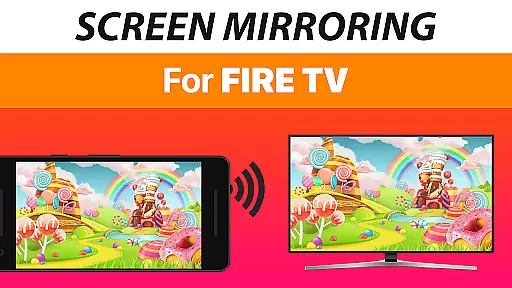
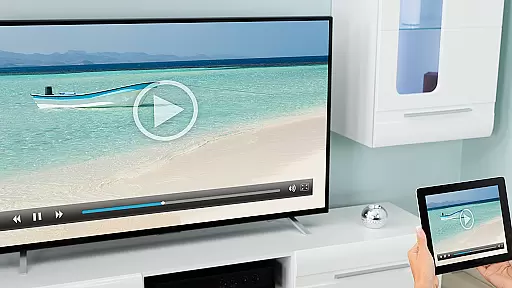
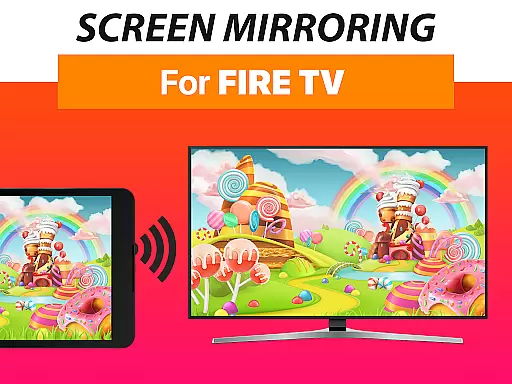
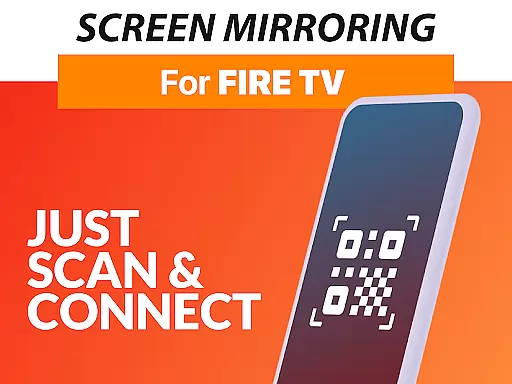
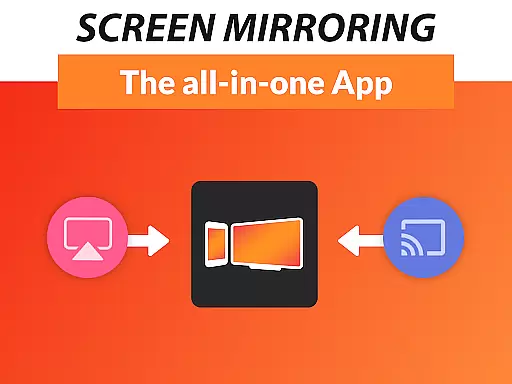
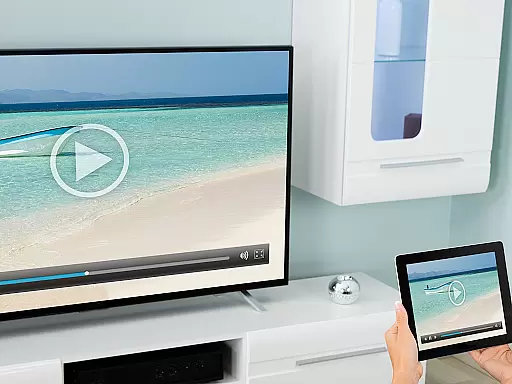

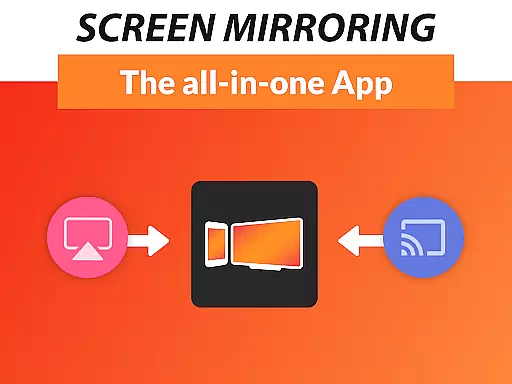
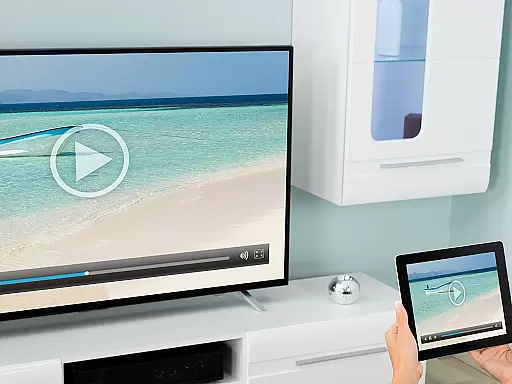
Screen Mirroring + for Fire TV is a powerful tool designed to mirror your screen in real-time with HD quality to Fire TV devices. This includes any Fire TV Stick, Box, Cube, or compatible Smart TVs such as Insignia and Toshiba TVs. The app allows users to share photos, videos, games, websites, apps, presentations, and documents effortlessly with friends and family.
Unlike the built-in Fire TV Screen Mirroring based on Miracast, this application offers superior device support and performance. It supports all Android devices running Android 5.0 and above, ensuring a seamless experience across various platforms. With an easy and unified setup process, users can connect without changing Android settings or Wi-Fi options, making it accessible even for non-technical users.
The app performs best under good Wi-Fi network conditions, recommending a 5GHz Wi-Fi connection for optimal results. Additionally, sound support is available for devices running Android 10 and above. Developed by the creators of VIDEO & TV CAST, a globally recognized casting app, Screen Mirroring + for Fire TV ensures reliability and high-quality performance for sharing content on larger screens.
Screen Mirroring + for Fire TV stands out due to its extensive feature set tailored for seamless screen sharing. One of its key features is the broad device compatibility, supporting all Android devices with Android 5.0+ and all Fire TV devices, including Sticks, Boxes, and TVs. This wide-ranging support ensures that users with different devices can utilize the app without compatibility issues.
Another significant feature is the simplified setup process. Unlike other screen mirroring solutions, this app does not require changes to Android settings or Wi-Fi configurations, offering a hassle-free experience. The performance of the app is optimized for environments with strong Wi-Fi signals, particularly recommending a 5GHz Wi-Fi network for the best results. Furthermore, sound support is available for Android 10+, enhancing the multimedia sharing experience.
Developed by the team behind VIDEO & TV CAST, which boasts over 100 million downloads worldwide, Screen Mirroring + leverages proven technology to deliver reliable and high-quality screen mirroring. Users benefit from continuous support and updates, ensuring the app remains compatible with new devices and maintains optimal performance. These features collectively make Screen Mirroring + for Fire TV a top choice for anyone looking to share their screen content on larger displays.
Screen Mirroring + for Fire TV offers a highly accurate and effective core functionality that allows users to mirror their screens in real-time with HD quality directly to Fire TV devices. This includes any Fire TV Stick, Box, Cube, or compatible Smart TVs such as Insignia and Toshiba TVs.
The app stands out by supporting all Android devices with Android 5.0 and above, ensuring broad compatibility. Its performance is optimized under good Wi-Fi network conditions, with a recommendation for 5GHz Wi-Fi to ensure the best experience. Additionally, sound support is available for devices running Android 10 and higher, enhancing the multimedia sharing experience.
Users benefit from an easy and unified setup process across all Android devices, eliminating the need to adjust Android settings or Wi-Fi options. This ease of use, combined with the app's powerful screen sharing capabilities, makes it a superior alternative to the built-in Screen Mirroring feature based on Miracast, providing a seamless way to share photos, videos, games, websites, apps, presentations, and documents.
The interface design of Screen Mirroring + for Fire TV emphasizes simplicity and intuitiveness, making it accessible for users of all technical backgrounds. The developers have streamlined the setup process, allowing users to start screen mirroring without needing to navigate through complex settings or options.
With a focus on user experience, the app provides clear instructions and feedback throughout the screen mirroring process. Users can easily connect their Android devices to Fire TV, enjoying a hassle-free experience that doesn't require prior technical knowledge or adjustments to network settings.
This intuitive approach extends to troubleshooting and support, where users can quickly reach out via email for assistance. By prioritizing an easy-to-use interface and offering comprehensive support, Screen Mirroring + ensures that users can focus on sharing content with friends and family rather than getting bogged down by technical details.
User-friendly interface
Wide device compatibility
Optimized for 5GHz Wi-Fi
Sound support on Android 10+
Reliable performance
No iOS device support
Requires good Wi-Fi
Premium version needed
Limited offline functionality
Occasional connectivity issues

 4.50
4.50
A convenient photo, video, and file recovery tool.
4.00
Complete kernel toolbox with features to manage and tweak your rooted device
4.30
Unlock your Essential Key. Create custom shortcuts to your favorite apps!
4.5
HD Video player and downloader for all formats, fast & smooth 4K video playback.
4.60
Enjoy smooth gameplay with Game Booster
4.90
Mirror your screen to Chromecast and Android TV - Super fast and simple
4.60
Screen Mirroring for Roku Sticks, Roku TCL TV and Roku Hisense TV
4.50
Play your X-Box games remotely in 1080p with any controller and zero latency
4.60
Navigate with Ease and Style
4.90
Powerful collection of electronics tools and reference.A must for any enthusiast
4.90
App to pay for FUTO Keyboard
4.60
1-Click close all background apps on Android TV
3.90
A recovery soft,it features photo recovery, video recovery, file recovery.
3.40
Download any file easily and quickly with Downloader
4.0


User Reviews