
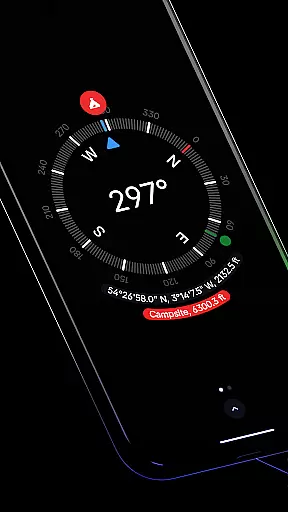
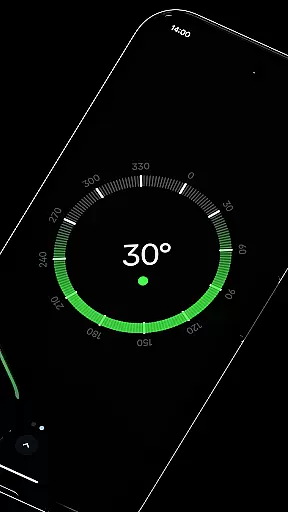
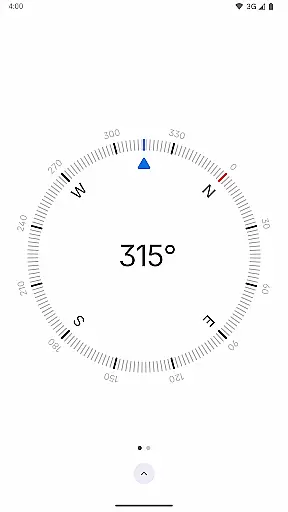
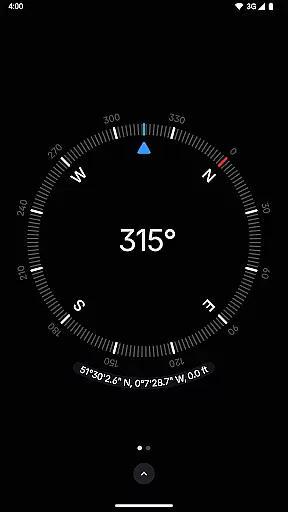
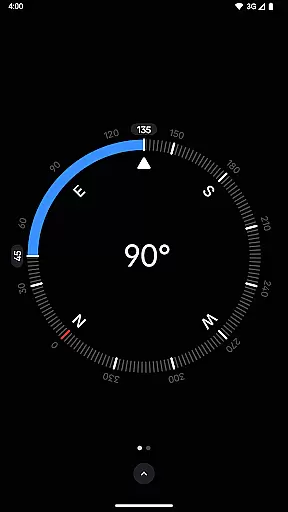
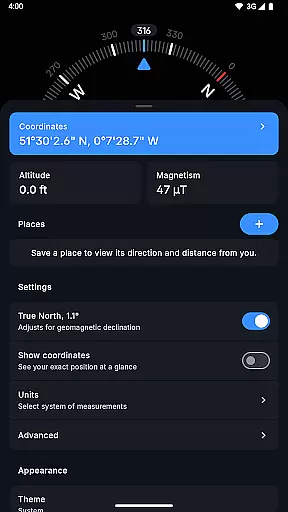
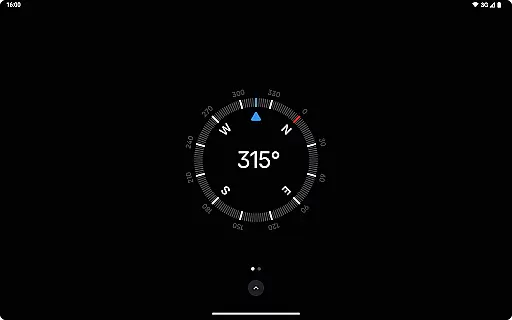
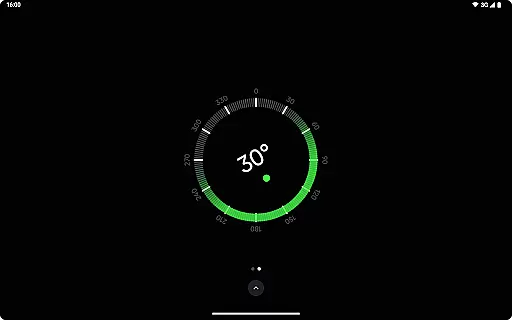
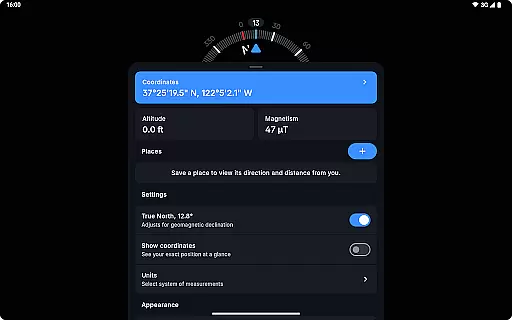
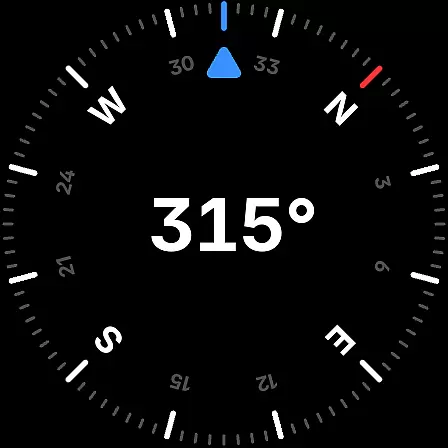
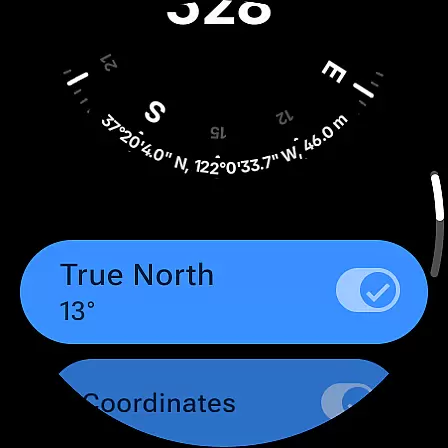
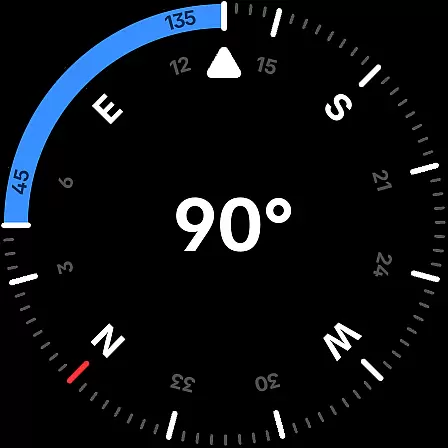
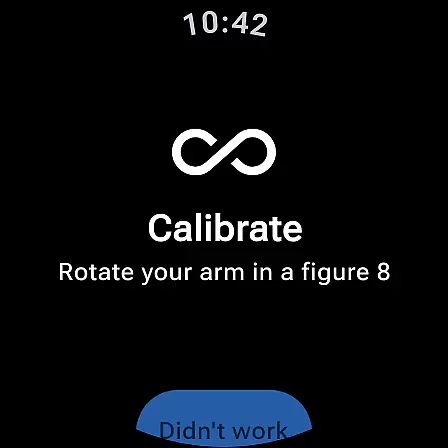
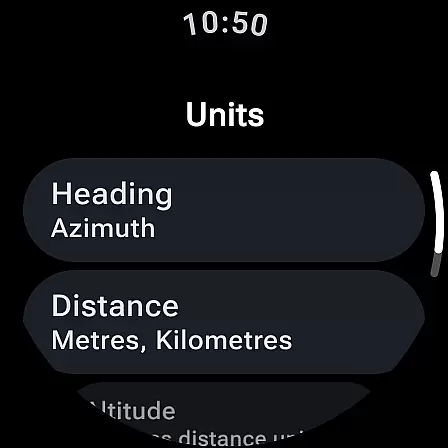
Compass is a sleek and minimalistic navigation app that combines simplicity with elegance, offering users precise and effortless guidance. Designed with a modern dark-themed interface, it ensures an intuitive and clear display for seamless use. Available on Android phones and select Wear OS smartwatches, Compass provides flexible navigation options wherever you go.
The app goes beyond basic direction-finding by including advanced features such as altitude tracking, geomagnetic declination adjustment, and angle measurement between orientations. Its ability to function offline, coupled with a strict no-ad and no-analytics policy, makes it an ideal tool for explorers, hikers, travelers, and DIY enthusiasts who prioritize both functionality and privacy.
Whether you're navigating through remote terrains or working on a home improvement project, Compass delivers accurate readings and customizable settings, ensuring it adapts to your specific needs while maintaining a stylish and user-friendly design.
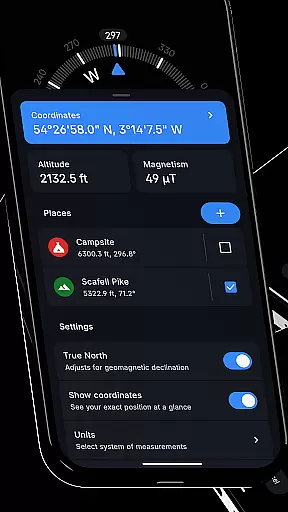
Compass stands out with its rich feature set tailored for both casual users and professionals. The app supports multiple coordinate formats like DMS, UTM, and MGRS, along with altitude tracking, making it versatile for various navigation needs. Users can save specific places and view their direction and distance relative to their current location, enhancing convenience during travel or outdoor activities.
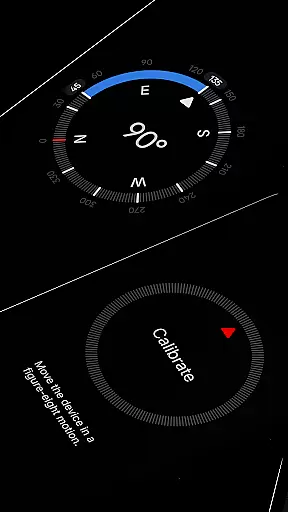
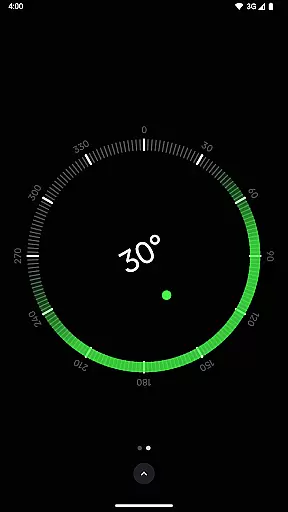
One of the app's notable innovations is its calibration guide, which ensures consistently accurate readings. Additionally, the inclusion of practical tools such as a bubble level, magnetic field magnitude display, and anomaly detector caters to specialized tasks like carpentry or equipment setup. With adjustable units for angles, distances, and coordinates, Compass offers flexibility in how data is displayed, accommodating both metric and imperial systems.
Customization is another key highlight, allowing users to switch between dark and light themes, apply dynamic color schemes based on wallpapers, and enable a red screen filter for better nighttime visibility. These thoughtful features, combined with rich haptic feedback and high-contrast display options, create an engaging and accessible experience across different environments.
Compass stands out for its precision and reliability in delivering navigation data. The app provides users with exact location coordinates, supporting multiple formats such as DMS, DDM, DD, UTM, MGRS, and OLC (Plus Codes). This ensures that regardless of the user's preference or required standards, the information is both accurate and adaptable.
In addition to location tracking, Compass offers features like altitude measurement, geomagnetic declination adjustment, and an integrated bubble level. These functions are crucial for explorers, hikers, and DIY enthusiasts who require precise measurements and orientations. The app's ability to measure the angle difference between two orientations further enhances its utility in various practical scenarios.
The effectiveness of Compass is also evident in its calibration guide, which ensures users can maintain accuracy in their readings. With added functionalities such as a high contrast display and magnetic field magnitude viewer, users receive comprehensive support for all their navigational needs. These core functions collectively ensure that Compass is not just a tool, but a reliable companion for precise navigation.
The interface design of Compass emphasizes simplicity and ease of use, featuring a sleek, minimalistic, and modern dark-themed layout. This design choice not only enhances aesthetic appeal but also ensures clarity and intuitive interaction, making it accessible even for those who may not be tech-savvy.
Users benefit from customizable features such as dynamic colours and theme switching options, allowing them to personalize the app's appearance according to their preferences or lighting conditions. The red screen filter option further demonstrates attention to usability by reducing light pollution, thus improving visibility during nighttime use.
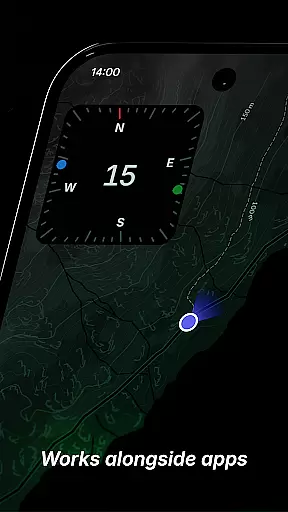
Moreover, Compass includes rich haptic feedback and a dockable feature that allows the compass to remain accessible while using other apps. These elements contribute to an intuitive user experience, ensuring that individuals can navigate effortlessly without unnecessary distractions or complications. Such thoughtful design makes Compass an essential tool for anyone valuing functionality paired with straightforward usability.
User-friendly interface
Offline functionality
Privacy-focused design
Customizable display options
Versatile measurement tools
Limited Wear OS compatibility
No voice-guided navigation
Advanced features may overwhelm beginners
Occasional sensor interference alerts
Redundant for urban-only users

 4.50
4.50
Connect instantly to a fast, encrypted VPN with one tap
4.60
Complete kernel toolbox with features to manage and tweak your rooted device
4.30
Amateur Radio app for APRS: Track friends, exchange messages, get tactical info.
3.90
VESC Tool can monitor and configure VESC-compatible devices over BLE and Wifi
4.20
Create your own live wallpaper or check out thousands already made presets
3.90
Bedrock Together: Join any bedrock server on Xbox/PS
4.80
Support Fossify apps with a warm thank you!
5.00
Mobile Security with Scam Protection | Malware & Virus Cleaner | Safe Browser
4.70
Change your GPS location instantly. Simulate routes anywhere in the world.
4.90
Excellent scientific calculator with symbolic algebra, integrals, derivatives
4.80
NFC Tools can read and write NFC tags.
4.70
Mirror your screen to Chromecast and Android TV - Super fast and simple
4.60
Head tracking for PC sim games such as MSFS 2024 or Elite:Dangerous. No headset!
4.50
pdf merge, word to pdf, jpg to pdf, edit pdf, convert to pdf and much more!
4.20


User Reviews