
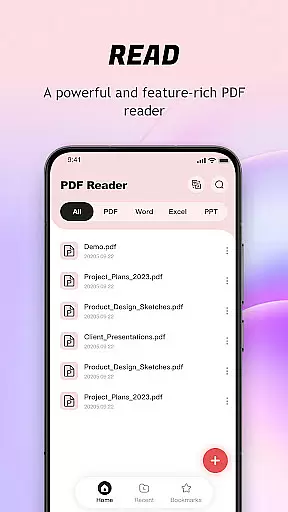
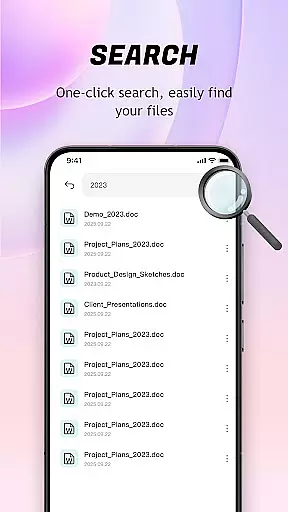
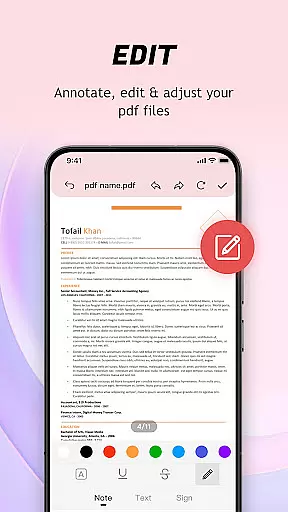
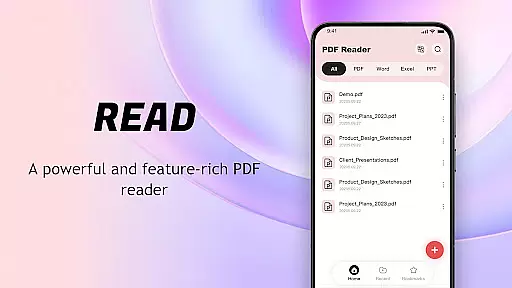
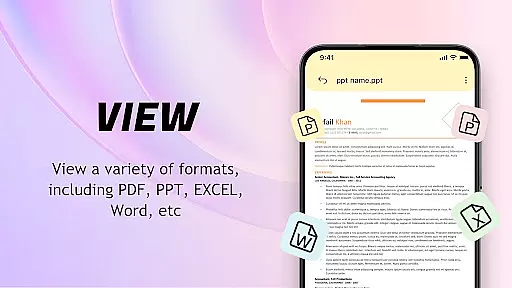
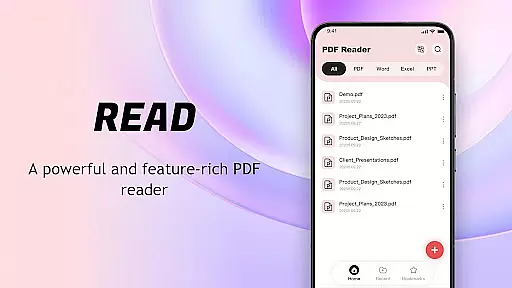
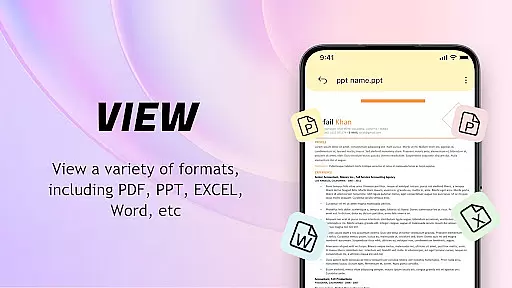
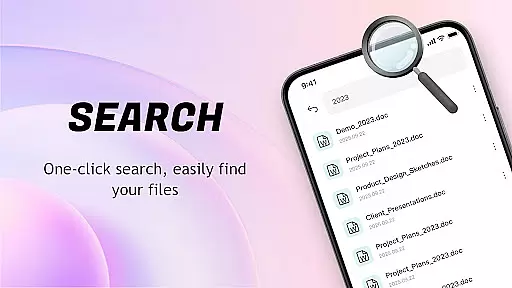
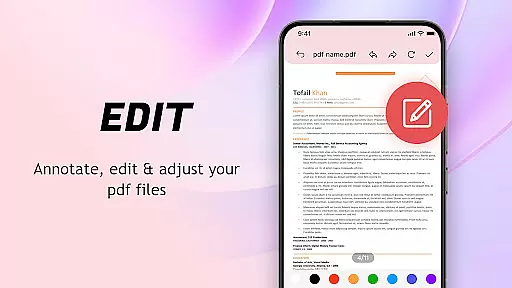
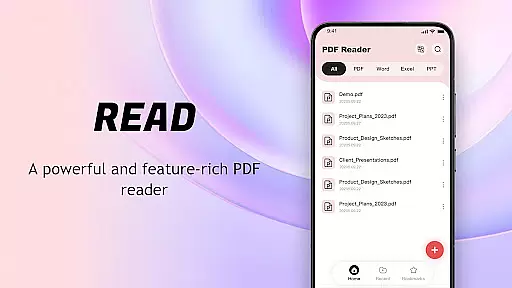
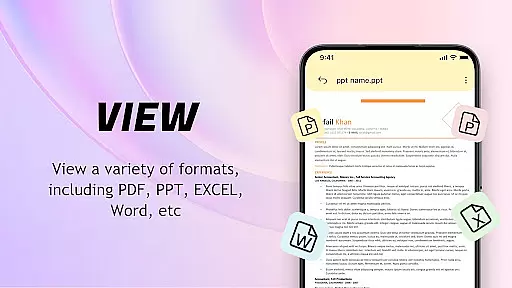
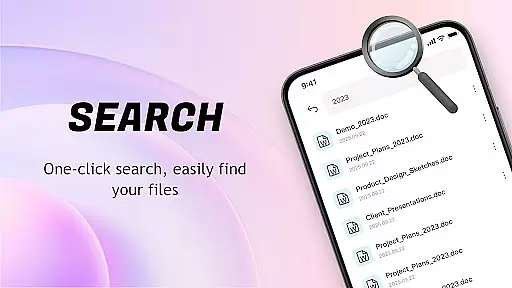
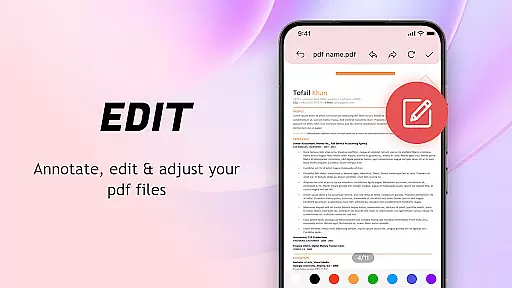
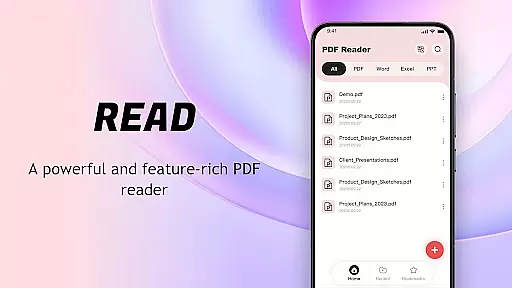
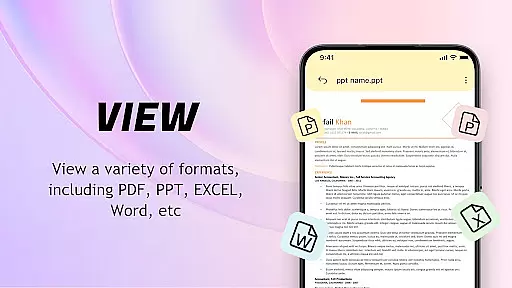
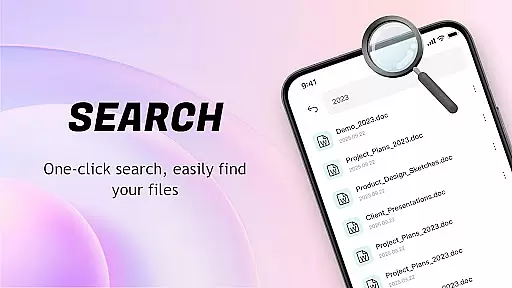
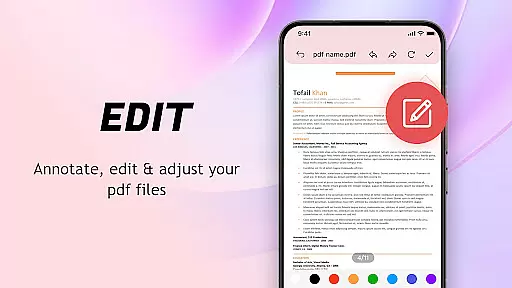
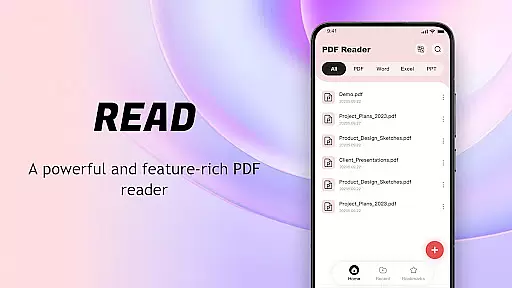
PDF Reader: Easy Fast Viewer is a versatile tool designed for efficient document management and reading. This application allows users to effortlessly search, open, and read PDF files on their mobile devices. With its intuitive interface and powerful features, it ensures a seamless experience for both casual readers and professionals who regularly handle multiple documents.
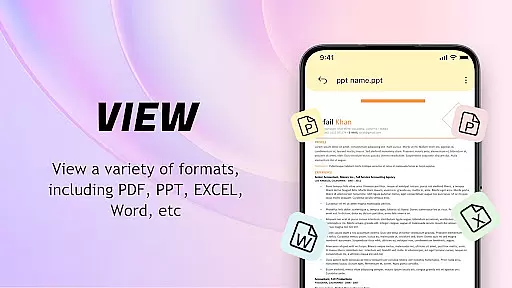
The app stands out with its automatic document detection system that organizes all PDFs on your device, presenting them in an easily accessible format. It supports various scrolling modes, smooth page transitions, and clear rendering of text and images, making reading comfortable and efficient. Additionally, the app offers advanced functionalities such as image-to-PDF conversion and quick printing options, enhancing productivity and convenience.
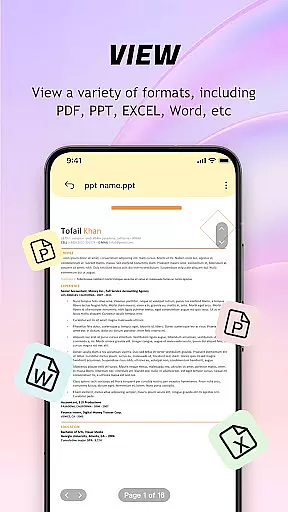
Whether you're a student managing lecture notes or a professional handling reports, this PDF reader provides a reliable solution for all your document needs. Its compatibility with multiple file formats and user-friendly design makes it an essential tool for anyone looking to streamline their document management process.
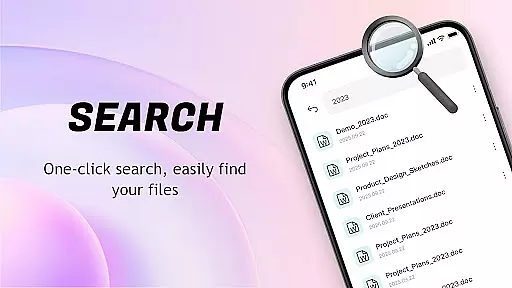
PDF Reader: Easy Fast Viewer boasts an array of features that cater to diverse user requirements. One of its key strengths is the automatic identification and display of all PDF documents stored on the device. This feature not only simplifies document management but also enhances accessibility by organizing files based on recent usage and relevance.
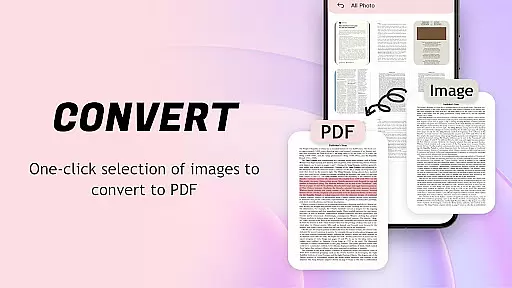
The app supports multiple scrolling modes, allowing users to choose between continuous, page-by-page, or horizontal scrolling. This flexibility ensures that users can customize their reading experience according to their preferences. The smooth page turning and high-quality rendering of text and images make reading lengthy documents a pleasant experience. Moreover, the app's ability to convert images to PDF format with optimized layouts adds another layer of utility, especially for users who need to create and share documents frequently.
Additional features include a powerful file management system that displays recently opened files, allows deletion, and enables users to mark files as favorites for quick access. Sharing documents with others is straightforward, thanks to integrated collaboration tools. The app also facilitates quick printing directly from mobile devices, adding to its practicality in professional settings.
PDF Reader: Easy Fast Viewer excels in delivering core functionalities with precision and effectiveness, ensuring users can manage and read PDF files seamlessly. The app automatically searches for PDF files on mobile devices, presenting them in an organized manner that facilitates easy access and quick opening for reading.
The application supports multiple scrolling modes, allowing users to switch between different viewing preferences while maintaining smooth page transitions. This ensures that text and images are displayed clearly, providing an optimal reading experience without disruptions or delays.
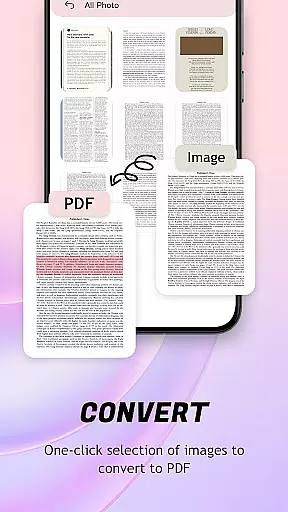
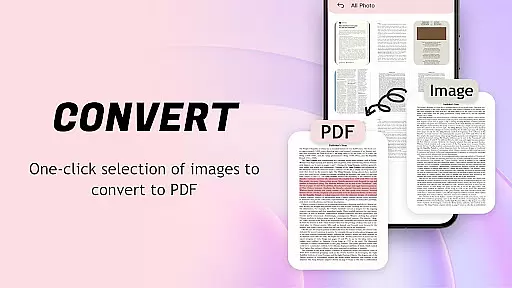
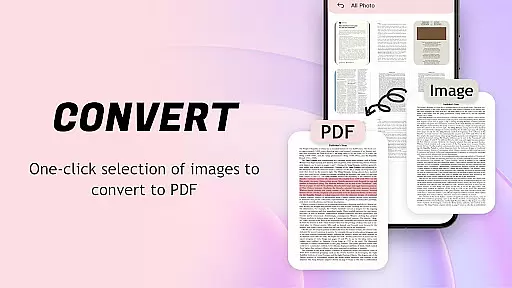
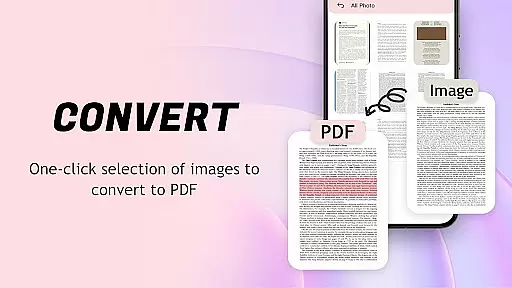
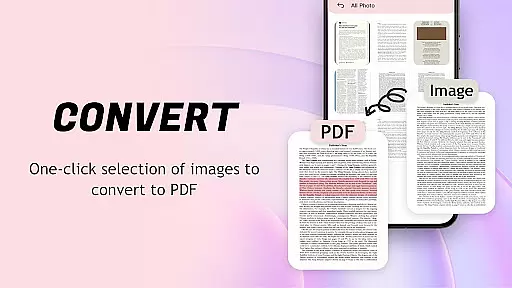
One of the standout features is its ability to convert images into PDF format with a single click. This functionality not only optimizes layouts automatically but also simplifies file management and sharing processes, making it highly convenient for users who need to handle various document types regularly.
The interface design of PDF Reader: Easy Fast Viewer emphasizes simplicity and intuitiveness, ensuring that even first-time users can easily navigate through the app's features without a steep learning curve. With straightforward operations and clear instructions, getting started with this lightweight application becomes effortless.
All documents are displayed smoothly within the appu2019s environment, thanks to its automatic identification system which presents recently opened files in order for quick access. Users can efficiently manage their documents by deleting unnecessary ones or marking important files as favorites for future reference.
Sharing collaborative files is made convenient through intuitive options provided within the interface. Additionally, printing PDFs directly from mobile phones adds another layer of practicality, enhancing user engagement by streamlining essential tasks related to document handling.
User-friendly interface
Automatic document detection
Multiple scrolling modes
Image-to-PDF conversion
Quick printing options
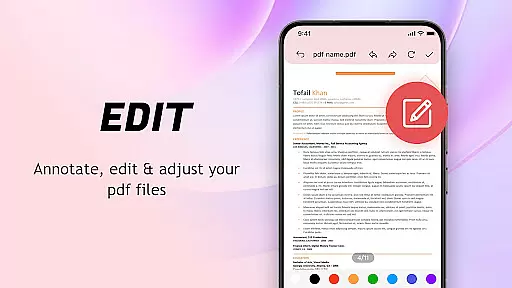
Limited advanced editing tools
Occasional performance lags
Requires storage permissions
No cloud integration
Basic sharing capabilities

This app unlocks the Pro features of the Central for DayZ app
 3.60
3.60
Remote for Roku, Fire TV, Samsung TV, LG TV, Android TV, Chromecast and VIZIO TV
4.20
Canon PRINT is a companion app for your Canon printer.
4.60
Quickly & easily calculate the spacing of handrail balusters
4.20
An open-source APK explorer for Android!
4.10
Screen Mirroring for Roku Sticks, Roku TCL TV and Roku Hisense TV
4.50
The Ultimate Flex Drivers Utility App - Convenient Tapping & Block Filters
4.70
NFC Tools can read and write NFC tags.
4.70
Protect your device with antivirus, storage cleanup, and system monitoring
4.70
Enjoy smooth gameplay with Game Booster
4.90
Extremely fast, secure, and protects your privacy
4.80
Planner and Tracker for Stardew Valley
4.60
The Ultimate Bluetooth Keyboard & Mouse. Securely control your PC, Mac, and more
4.50
Unleash gamepad precision for ultimate mobile gaming dominance.
3.90
Save any video in HD - paste the link, download fast and watch offline.
4.1


User Reviews