
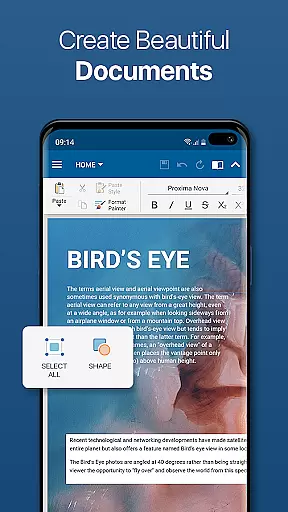
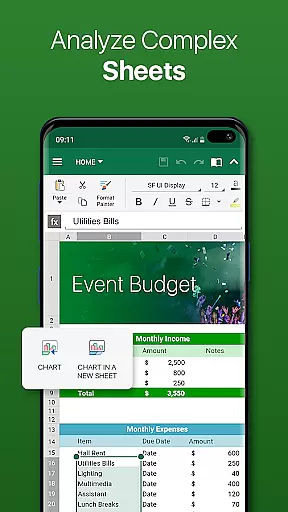
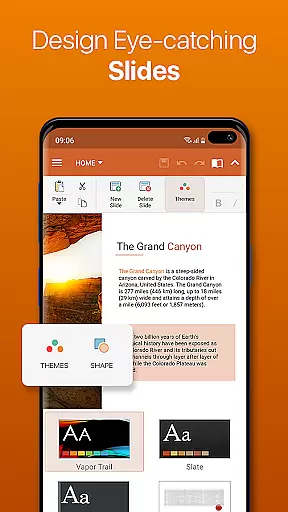
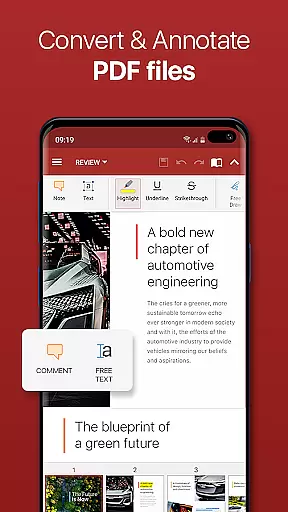

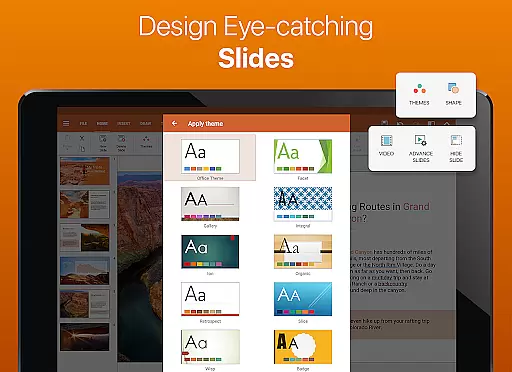
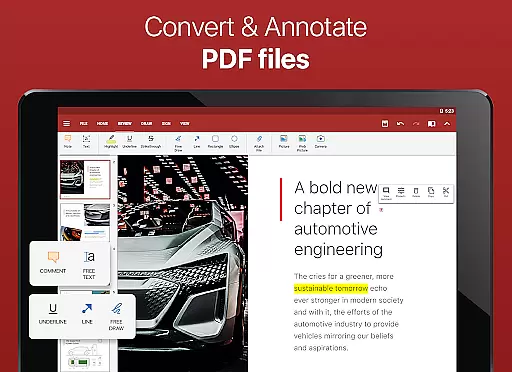

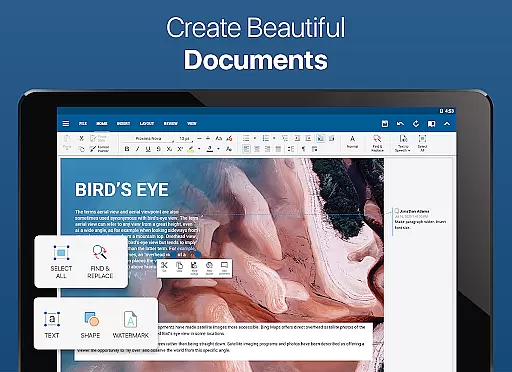
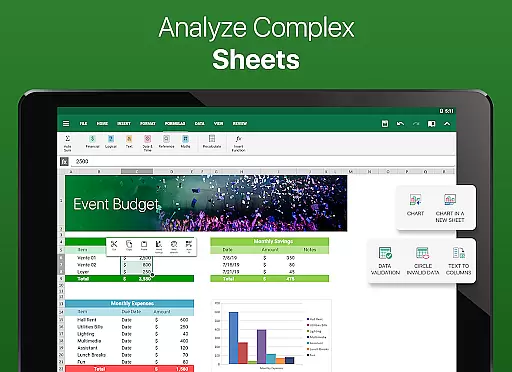
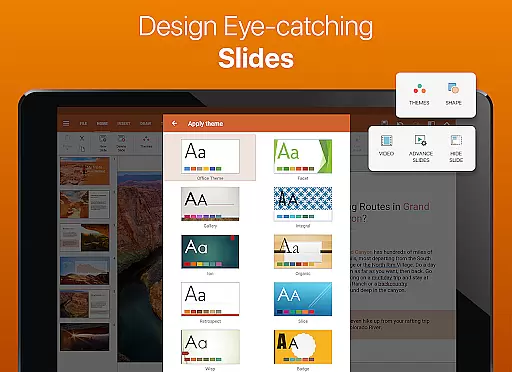
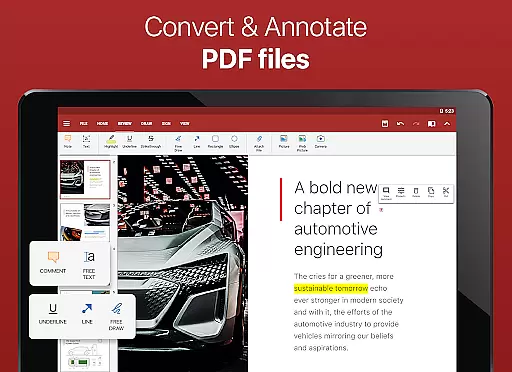

OfficeSuite Pro + PDF is a comprehensive business application designed for seamless document management on Android devices. This professional-grade office suite allows users to view, edit, and create Word, Excel, and PowerPoint documents with ease. The app stands out with its full compatibility with Microsoft Office formats and advanced PDF handling capabilities, including PDF conversion and digital signatures.
Beyond basic document editing, OfficeSuite Pro offers exclusive features such as integrated cloud storage (MobiSystems Drive), text-to-speech functionality, and support for 56 languages. Its desktop-style interface ensures smooth adoption for users familiar with traditional office software. The application's value extends to business professionals who need secure, efficient document management while working remotely or in the office.
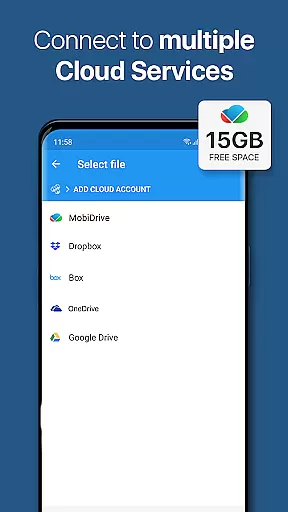
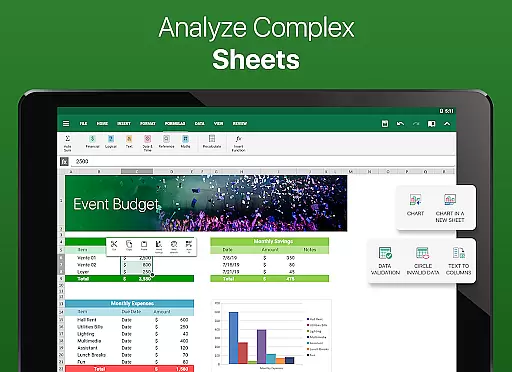
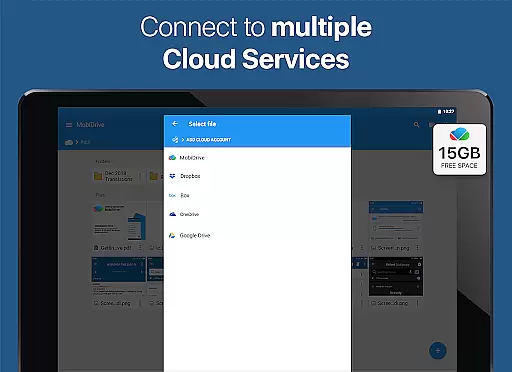
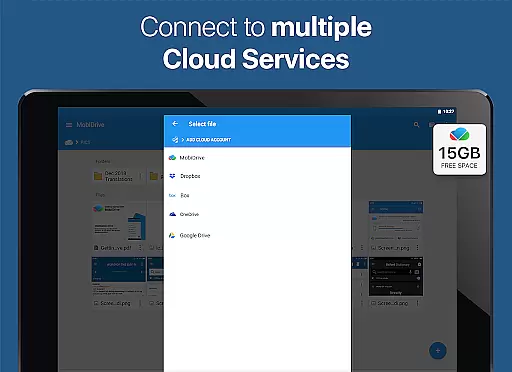
OfficeSuite Pro distinguishes itself through its robust feature set tailored for business users. The application provides complete support for Microsoft Office formats (DOCX, XLSX, PPTX) along with advanced PDF functionalities like security permissions and form filling. Its integration with cloud services including Google Drive, Dropbox, and OneDrive enables seamless file synchronization across devices.
The app incorporates innovative tools such as OfficeSuite Chats for document collaboration, Text-to-Speech for accessibility, and Chromecast support for presentations. Additional premium features include track changes, format painter, and sheet protection in spreadsheets. These capabilities, combined with its user-friendly interface and cross-platform availability, make OfficeSuite Pro a versatile solution for modern business environments.
Collaborative work features are essential for modern business applications, enabling teams to work together efficiently regardless of their physical locations. OfficeSuite Pro + PDF excels in this area by offering multiple advanced functionalities that facilitate seamless collaboration.
The application provides real-time document sharing and editing capabilities through its integration with various cloud services such as Google Drive, Dropbox, and OneDrive. This ensures that all team members have access to the most updated version of a document, promoting consistency and reducing the risk of errors.
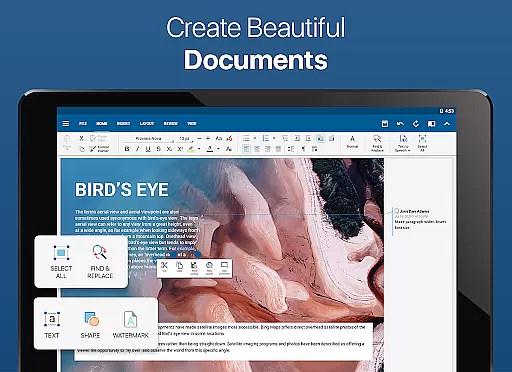
OfficeSuite Pro also includes track changes and multiple author support, allowing users to monitor edits and contributions from different team members. This feature is particularly beneficial for projects requiring input from various stakeholders, ensuring transparency and accountability in the collaborative process.
Additionally, the newly introduced OfficeSuite Chats enhances communication among colleagues, enabling them to exchange documents and ideas instantly. This chat functionality fosters a dynamic work environment where feedback and discussions can occur naturally within the app, streamlining workflows and boosting productivity.
Effective task management is crucial for maintaining productivity and meeting deadlines in any business setting. OfficeSuite Pro + PDF offers several features that significantly aid in organizing and managing tasks efficiently.
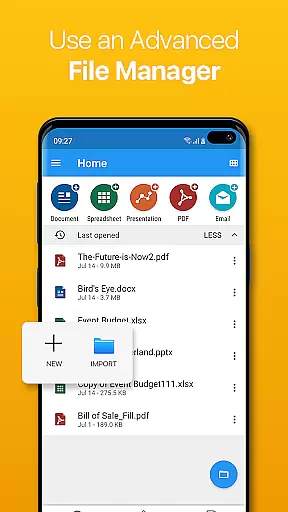
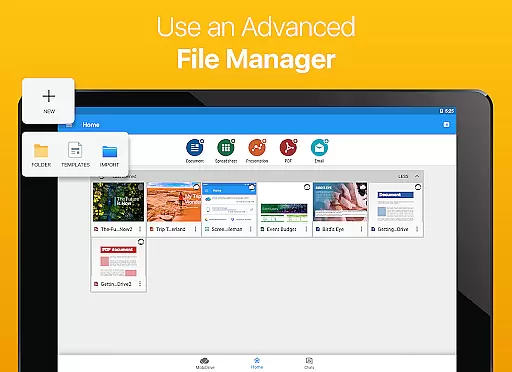
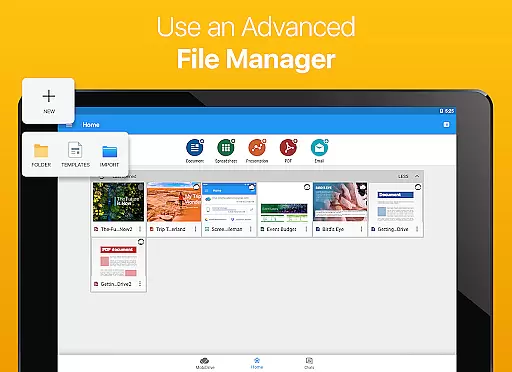
One standout feature is the ability to create, edit, and manage complex office documents using a familiar desktop-style interface. This ease of use extends to task management, where users can easily navigate through their documents and organize them into categories or folders, ensuring that everything is systematically arranged.
The application also supports a wide range of file formats, including Microsoft Office and PDF, which means users can handle all their task-related documents within a single platform. This versatility eliminates the need to switch between different apps, saving time and reducing complexity.
Moreover, OfficeSuite Pro's integrated spell checker and text-to-speech support enhance accuracy and accessibility, allowing users to focus on their tasks without being hindered by language barriers or typographical errors. These features collectively contribute to a more streamlined and efficient task management experience.
Full MS Office compatibility
Advanced PDF features
Cloud integration
Text-to-speech support
Multi-language support
Subscription required
Complex interface
Limited free features
High system requirements
Additional cost for add-ons

AI-powered document scanner with auto enhance for perfect PDFs.
 4.60
4.60
The revolutionary flexible staffing platform
4.40
VSD Viewer - Visio Drawings Viewer for Android Preview VSD, VDX, VSDX drawings
4.10
Create curriculum vitae, a professional cover letter creator and resume designer
4.80
FaxCover - Create fax cover pages. Works with any app or fax machine.
4.90
The All-in-One File Manager for Phone, TV, Watch, Cars, XR / VR, Chromebook
4.10
BuildCalc - the easiest AND the most advanced construction calculator app.
4.80
All document reader, pdf viewer app, read docs & excel files
3.80
Mobile POS for any business: sales, invoices, retail, restaurants & appointments
4.60
Make invoices, bills, receipts & estimates on the go with Invoice Generator.
4.70
Ship, Track, Find a Location or Get a Quote with UPS. Anytime. Anywhere.
4.60
A secure, all-in-one team collaboration app
4.30
Make money as a delivery driver with DoorDash and work when you want as a Dasher
4.30
Smarter career moves start here. AI job alerts, insights & the right tools.
4.20
view, manage, and share every PDF file you have
3.60


User Reviews