
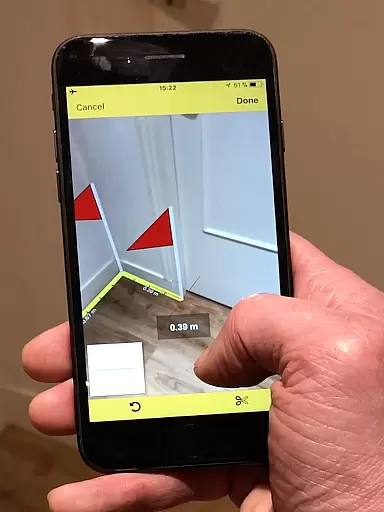
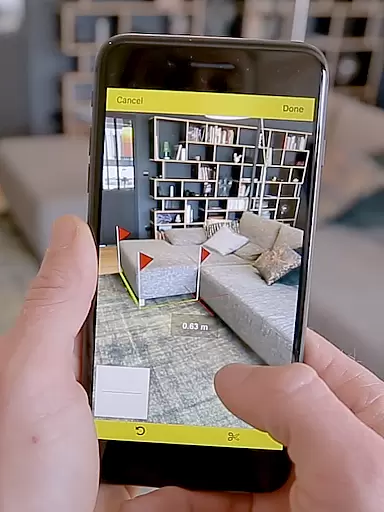
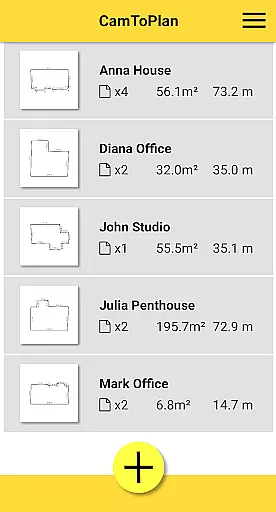
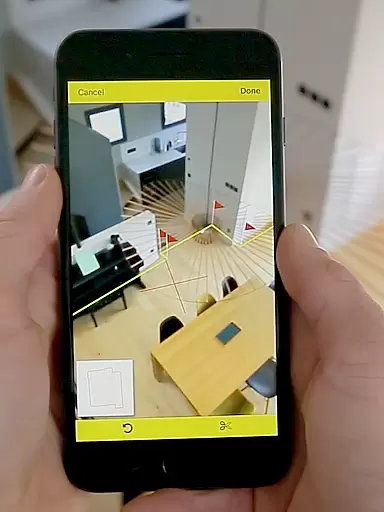
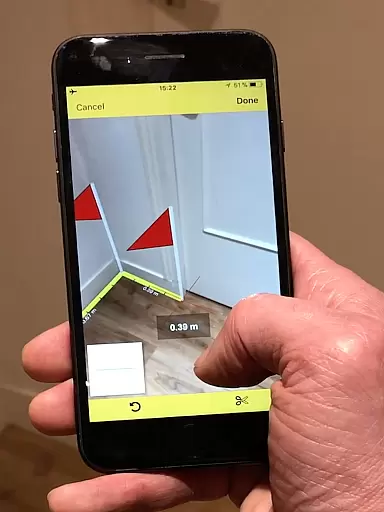
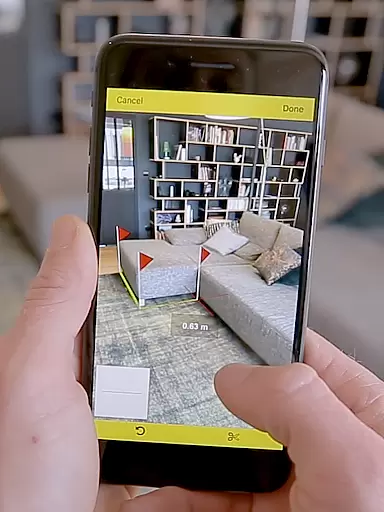
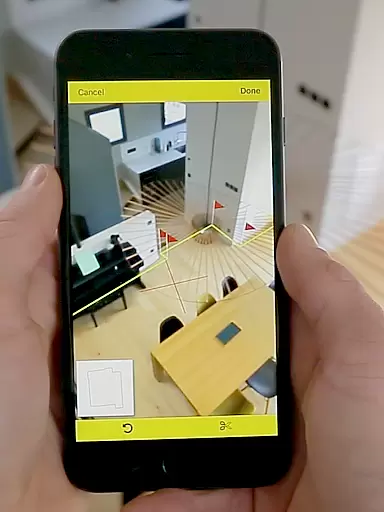
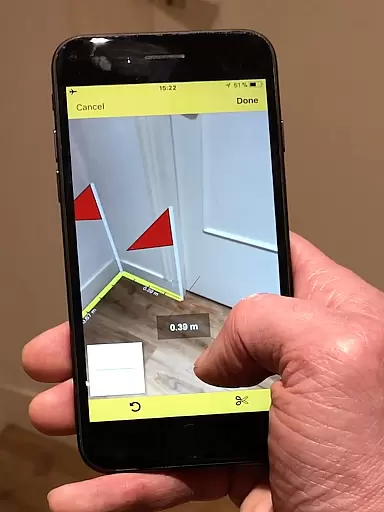
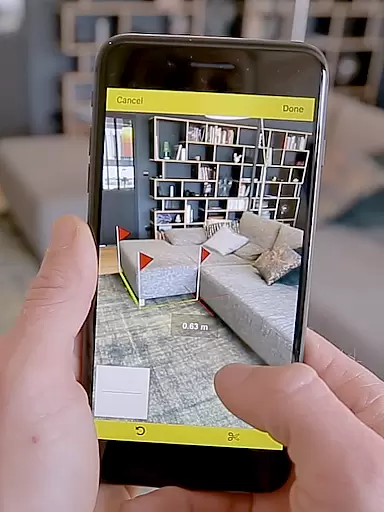
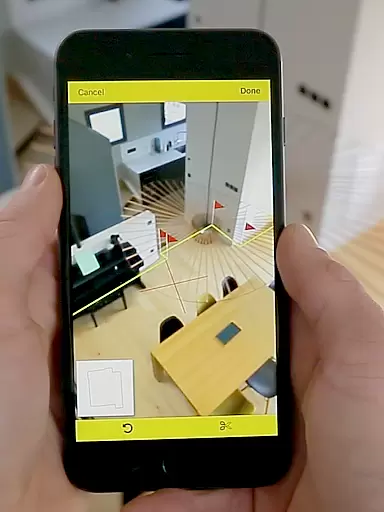
CamToPlan is a revolutionary business application that leverages augmented reality to measure distances and surfaces, both horizontally and vertically. With this app, users can effortlessly draw plans in seconds using their device's video capability. The measurements are displayed on the screen as if using a real 3D tape measure, eliminating the need for traditional tools like rulers or laser rangefinders.
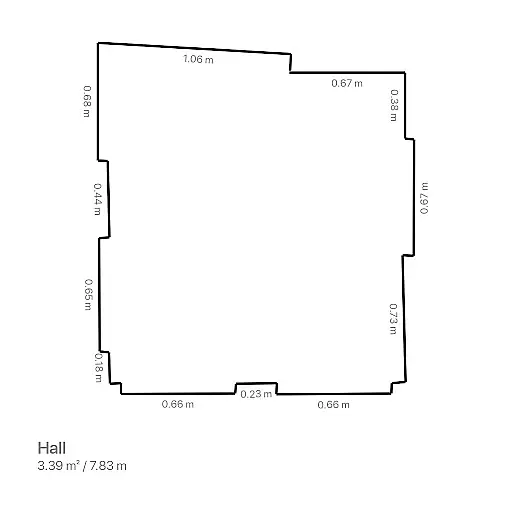
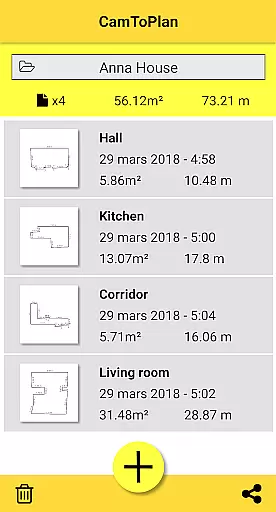
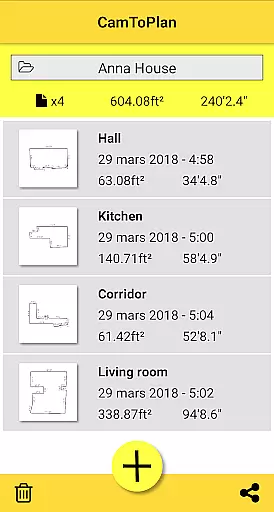
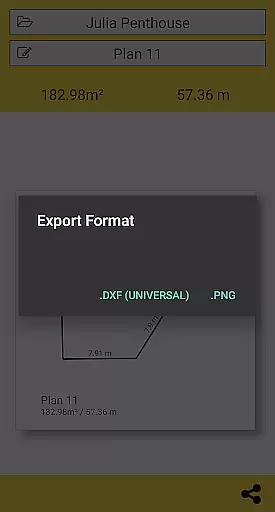
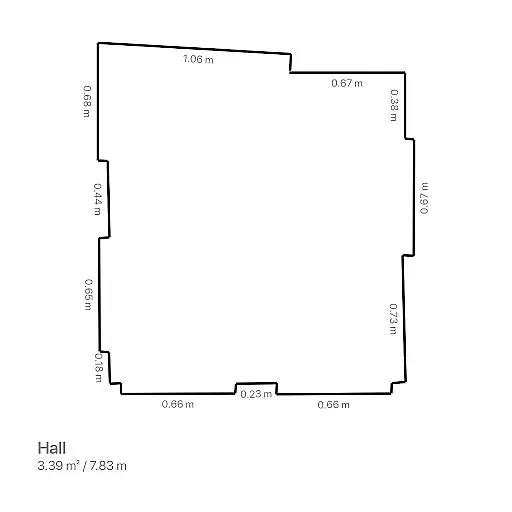
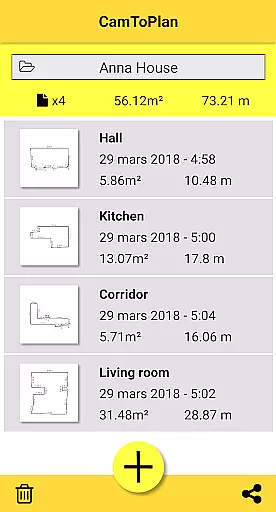
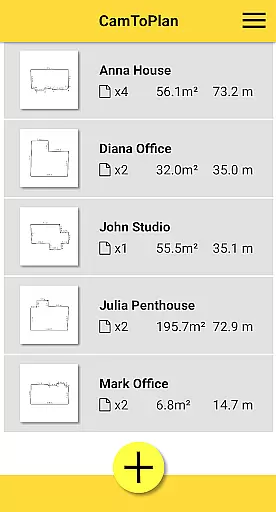
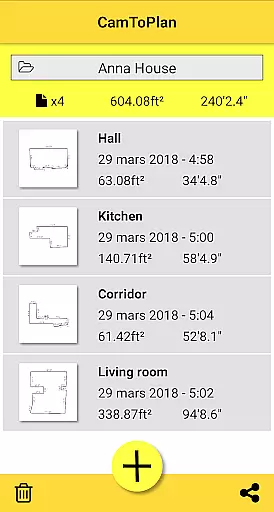
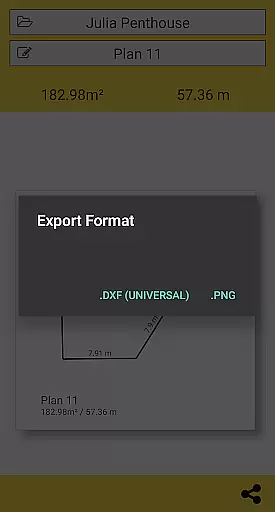
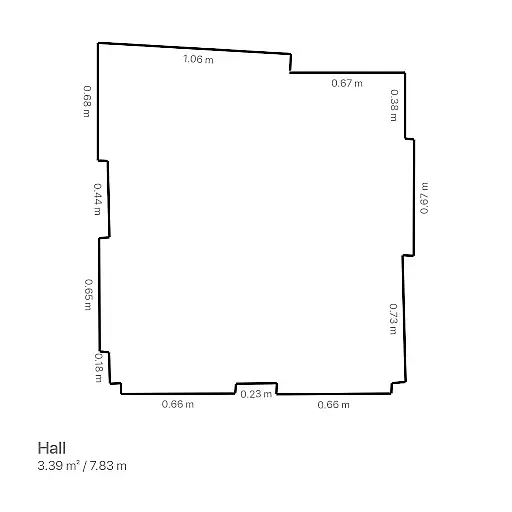
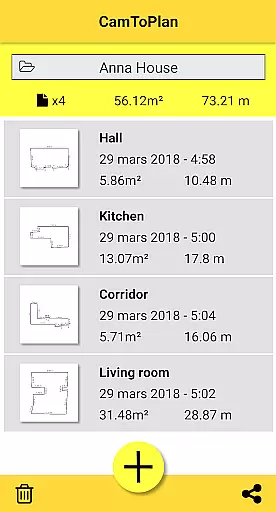
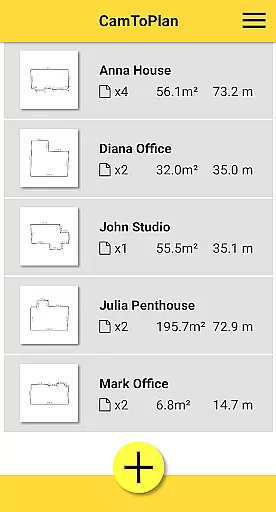
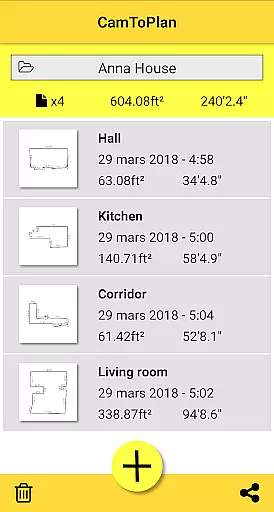
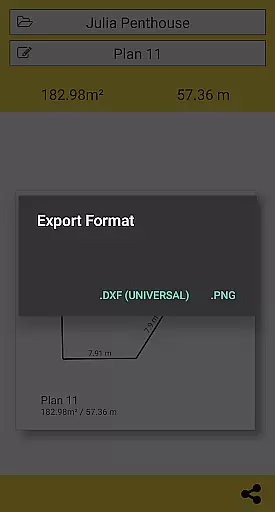
The app allows exporting data in PNG or DXF formats and provides functionalities to manage folders efficiently. It instantly calculates areas and generates room plans with all measured dimensions, which can be shared via email, message, or social media with just one click. CamToPlan is an essential tool for professionals such as architects and decorators, as well as for handy individuals seeking precision and efficiency in their projects.
CamToPlan stands out with its innovative use of augmented reality, providing users with a virtual tape measure directly on their screens. This feature allows effortless measurement of baseboards, walls, furniture dimensions, and carpets without kneeling or removing furniture from the room. The app automatically determines intersection points between the floor and target points, even if hidden behind objects.
Users can select Metric or Imperial units based on their preference. The app performs optimally under good lighting conditions and textured floors, relying on visual details identified automatically on video images. While accuracy isn't guaranteed due to potential difficulties with certain floor types, users can move closer to target points for maximum precision. CamToPlan offers professionals and handymen an efficient way to take measurements and create detailed plans with ease.
CamToPlan revolutionizes collaborative work in the field of architecture and interior design by offering seamless measurement functionalities. The app allows multiple users to contribute to a project by providing accurate measurements that can be instantly shared across teams.
The application's ability to export data in PNG or DXF formats ensures that all team members have access to the most recent project details, facilitating efficient communication and coordination. This feature is crucial for professionals who need to make quick decisions based on precise spatial data.
Moreover, CamToPlan's innovative augmented reality interface enables users to visualize measurements in real-time, enhancing the collaborative process. Teams can now effortlessly draw up plans and calculate areas without the need for physical presence, thus saving time and resources.
By integrating with various messaging platforms, CamToPlan ensures that sharing measurements and plans is as simple as sending a message. This ease of sharing promotes better collaboration among architects, decorators, and other stakeholders involved in a project.
Task management within CamToPlan is designed to streamline the workflow of professionals in the construction and design industries. The app provides an intuitive platform for organizing measurement tasks, ensuring that every aspect of a project is accounted for.
With CamToPlan, users can efficiently manage their folders and categorize different projects, making it easy to retrieve information when needed. This organizational structure supports better task tracking and prioritization, which is essential for meeting project deadlines.
The app's capability to instantly calculate areas and draw room plans with all measured dimensions significantly enhances task efficiency. By automating these processes, CamToPlan allows users to focus on more critical aspects of their projects, such as design and client communication.
Additionally, CamToPlan's flexibility in selecting Metric or Imperial units caters to a global audience, accommodating diverse task management preferences. This adaptability ensures that users from different regions can utilize the app according to their specific needs and standards.
Augmented reality
Effortless measurements
Instant area calculations
Export options
User-friendly interface
Accuracy not guaranteed
Dependent on lighting
Floor type limitations
Requires learning
Premium features cost

ANDROID'S TOP MOBILE OFFICE - Word, Excel, PowerPoint and PDF at your fingertips
 4.50
4.50
The Penny Puss app with DG penny finder
4.10
Convert Your Lovable.dev Website into a Mobile App Instantly!
4.2
One marketplace. Hundreds of services. Unlimited possibilities. All on Fiverr.
4.40
We are a dynamic team of creatives people of design, marketing, web & apps
3.00
Start earning fast. Apply Today.
4.80
All-in-one Mobile solutions for employees & managers to succeed at work
4.30
Say hello to the mobile work experience built to help you thrive at work.
4.30
The app that lets you deliver with Amazon.
4.50
Earn free swag, G-Cards & food • Enter sweepstakes • Find stores • So much more.
4.70
Get instant construction estimates: accurate home repair & material calculator.
4.70
All your team communication in one place
4.70
Drive and earn extra money
4.50
viewing and sharing of PDFs
3.60
viewing and sharing PDFs and other files—anytime, anywhere!
4.5


User Reviews