
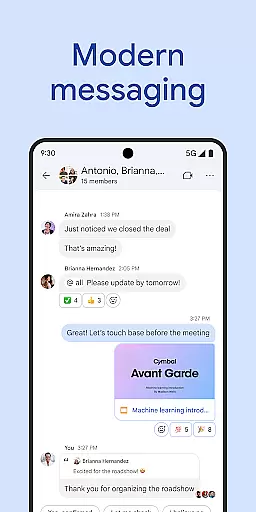
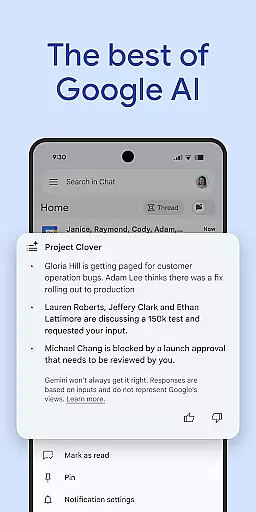
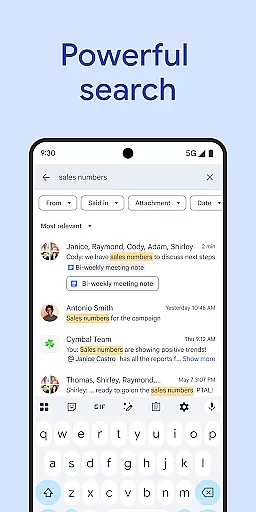
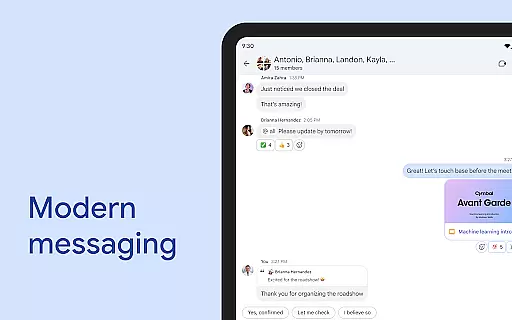
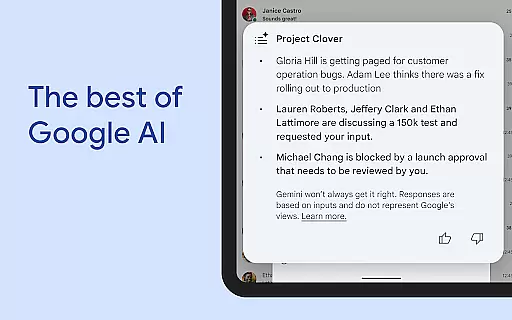
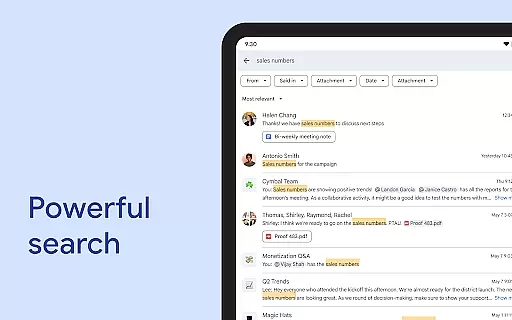
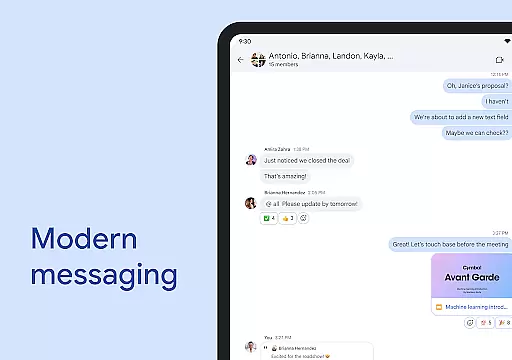
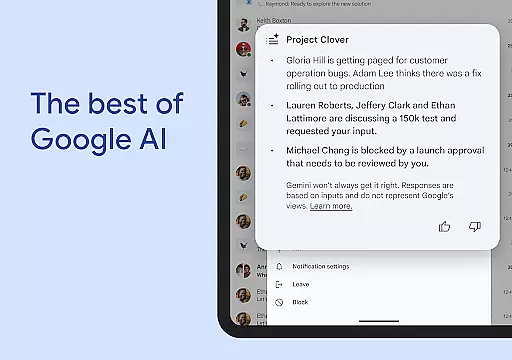
Google Chat is a premier communication and collaboration tool designed specifically for teams using Google Workspace. This AI-first messaging platform, enhanced by Gemini, offers features like automatic message translation across 120+ languages, AI-powered search, and conversation summaries to keep users informed and efficient.
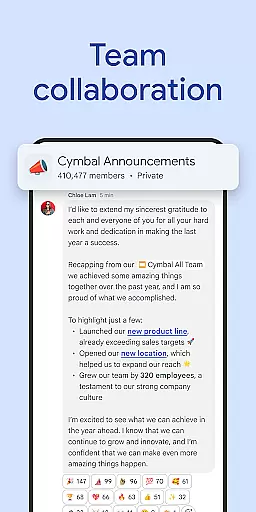
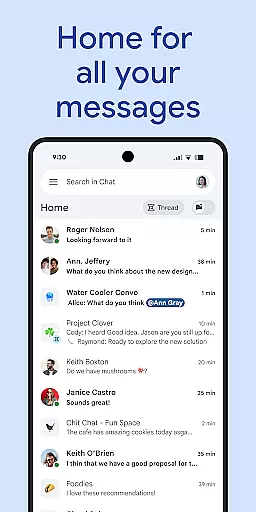
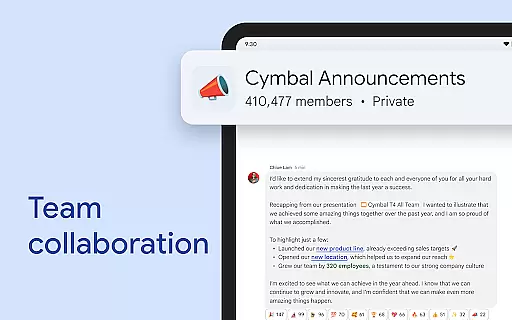
The app provides comprehensive solutions for team connectivity and productivity. Users can initiate chats with individuals or groups, share updates via audio and video messages, and engage in real-time discussions through huddles. Integrated seamlessly with Workspace apps such as Gmail, Calendar, Drive, and Meet, it transforms teamwork by streamlining tasks and enhancing collaboration.
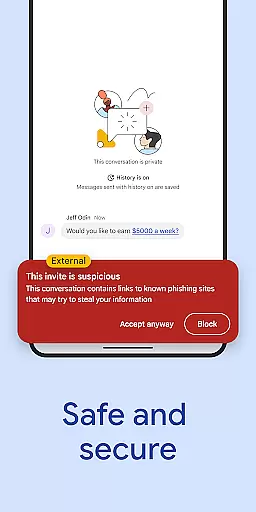
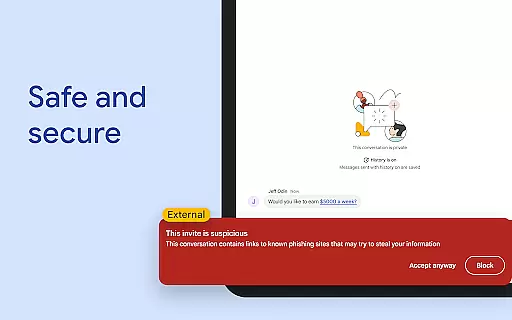
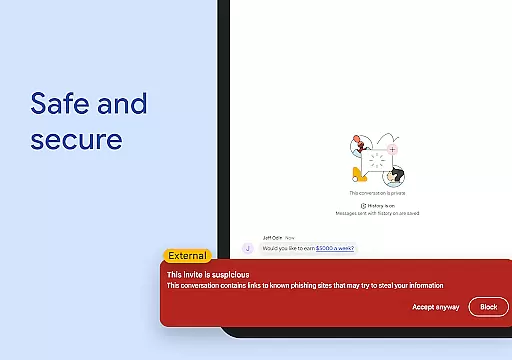
Security is a top priority, with protection from Google's cloud-native, zero-trust architecture ensuring data safety. Google Chat is suitable for consumers, educational institutions, and businesses, although some advanced features necessitate a paid subscription. Its robust capabilities make it an ideal choice for modern teams aiming to enhance their collaborative efforts securely and efficiently.
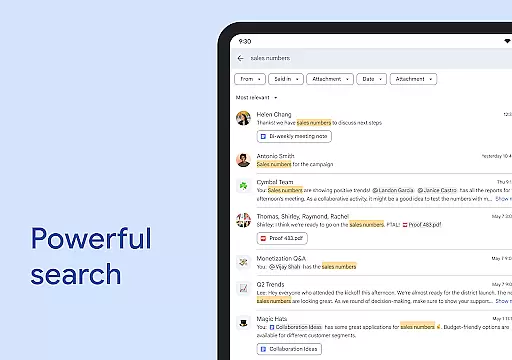
Google Chat stands out with its innovative features tailored to improve team collaboration. The AI-driven functionalities include automatic translations in over 120 languages, enabling global communication without language barriers. Additionally, the AI-powered search helps users quickly locate important information, while conversation summaries ensure everyone stays updated on ongoing discussions.
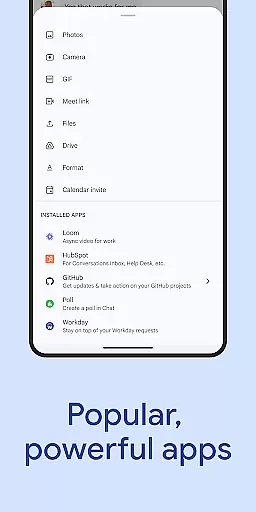
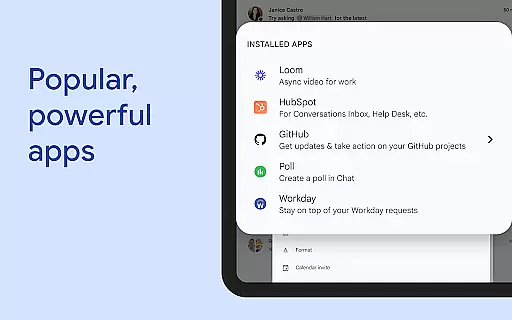
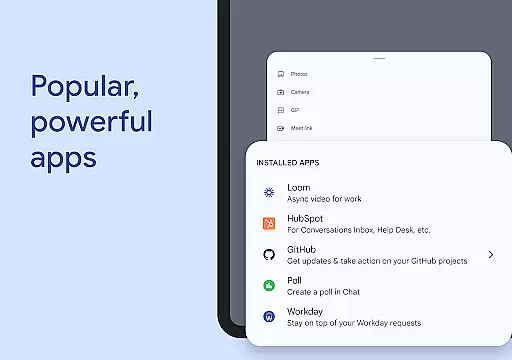
Beyond messaging, Google Chat integrates with essential Workspace applications like Gmail, Calendar, Drive, and Meet, providing a unified platform for all professional needs. Smart chips further enhance this integration by linking files, people, and spaces directly within conversations. The inclusion of powerful third-party apps such as PagerDuty, Jira, GitHub, and Workday extends its utility, allowing teams to customize workflows according to their specific requirements.
For developers, Google Chat offers APIs that support no-code, low-code, and pro-code app development, fostering innovation and flexibility. These extensive features collectively empower teams to work smarter, not harder, by consolidating tools and resources into one secure, accessible environment.
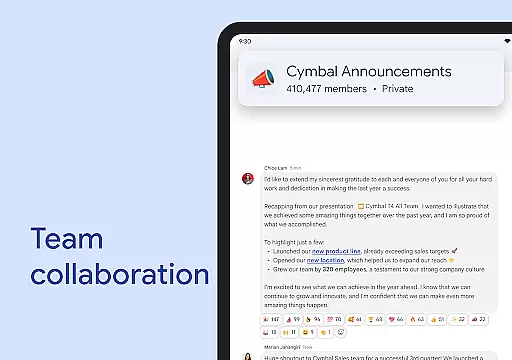
Google Chat revolutionizes collaborative work by integrating seamlessly with Workspace apps like Gmail, Calendar, and Drive. This integration allows teams to connect and collaborate efficiently without switching between multiple platforms.
The application supports smart chips that link files, people, and spaces, streamlining teamwork and ensuring everyone has access to necessary resources. These smart chips help in organizing workflows and making collaboration more intuitive.
Real-time communication is enhanced through features like huddles, enabling instant connections anytime. Teams can also share detailed updates using audio and video messages, ensuring comprehensive and clear communication.
With personalized status updates, team members can inform others when they are focused or available for interaction, thus improving coordination and productivity within the team environment.
Task management in Google Chat is transformed with AI-powered tools that capture action items, ensuring the entire team stays aligned and informed. This feature helps in maintaining clarity on responsibilities and deadlines, which is crucial for project success.
The application provides AI-powered search capabilities, allowing users to quickly find specific tasks, conversations, or documents. This ensures that important information is always at hand, reducing time spent searching through chats.
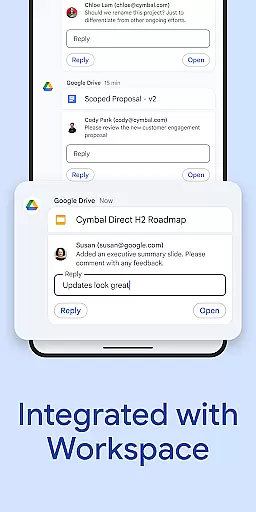
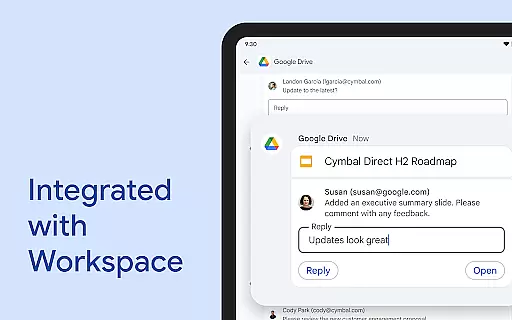
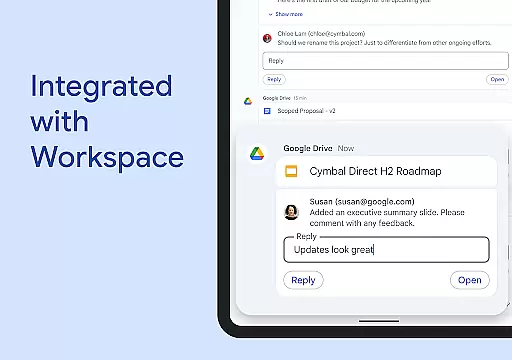
Integration with Google Drive app for Chat keeps users updated on requests, comments, and approvals. This seamless connection ensures that task-related communications are centralized and easily accessible.
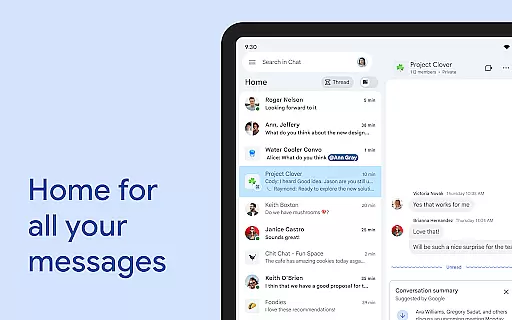
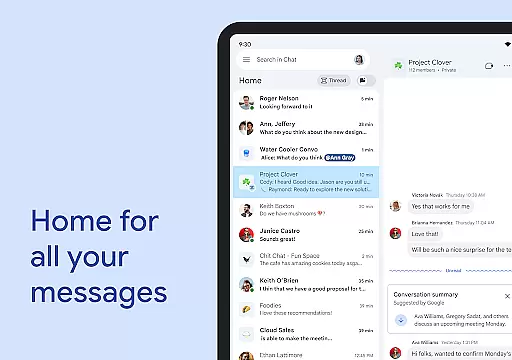
Additionally, conversation summaries help teams stay on top of discussions, providing concise overviews of ongoing projects and tasks. This ensures that no critical details are missed, even when team members join the conversation at different times.
AI-powered features
Seamless Workspace integration
Robust security measures
Extensive language support
Customizable workflows
Paid premium features
Limited offline functionality
Dependent on internet connection
Steep learning curve
Subscription required for full access

 4.70
4.70
Formerly Facebook Ads Manager. Manage and create ads on the go.
4.20
The revolutionary flexible staffing platform
4.40
Paychex Flex - Save Time and Stay Connected
4.60
Grow your business and connect with more people with Meta Business Suite.
4.60
USPS Mobile®Access USPS.com’s most popular tools on-the-go.
4.70
All-in-one Mobile solutions for employees & managers to succeed at work
4.30
ADP Mobile Solutions is an employee self service app
4.50
Make money as a delivery driver with DoorDash and work when you want as a Dasher
4.30
FaxCover - Create fax cover pages. Works with any app or fax machine.
4.90
Deliver and earn money
4.30
Smarter career moves start here. AI job alerts, insights & the right tools.
4.20
Get your benefits on-the-go.
3.80
Windows App allows you to connect to remote PCs and virtual apps.
3.70
viewing and sharing of PDFs
3.60


User Reviews