
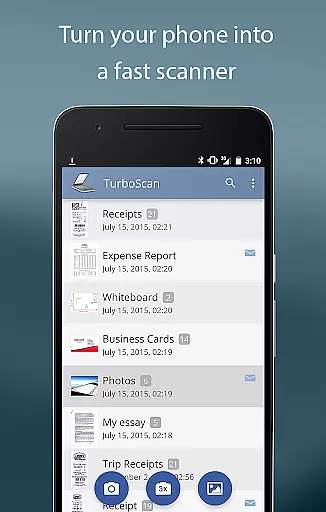
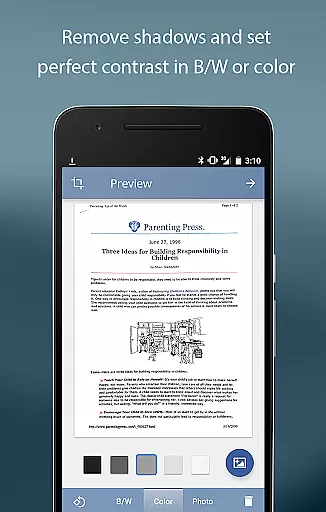
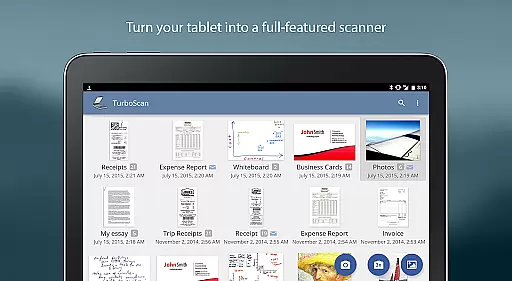
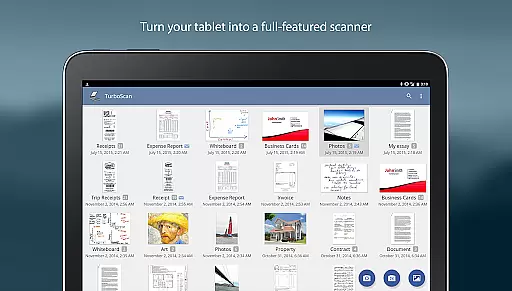
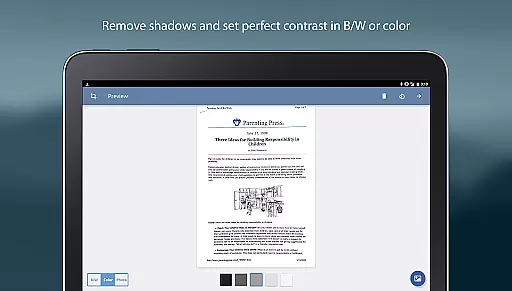
TurboScan Pro is a premier mobile scanning solution that transforms your smartphone into a versatile, high-performance document scanner. Designed for professionals and everyday users alike, this app excels in capturing sharp scans of documents, receipts, notes, whiteboards, and photos with remarkable clarity. Its advanced algorithms ensure precise edge detection, perspective correction, and optimal contrast, delivering professional-grade scans every time.
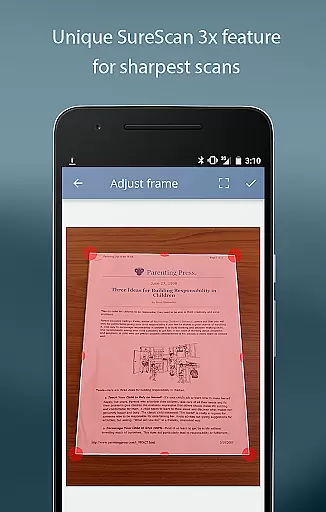
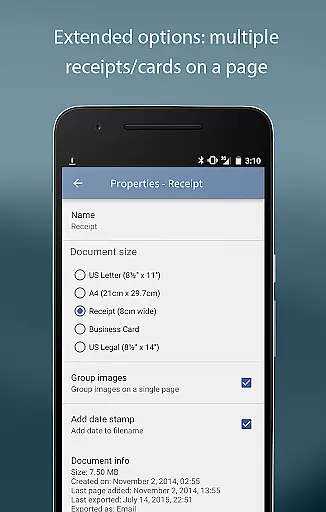
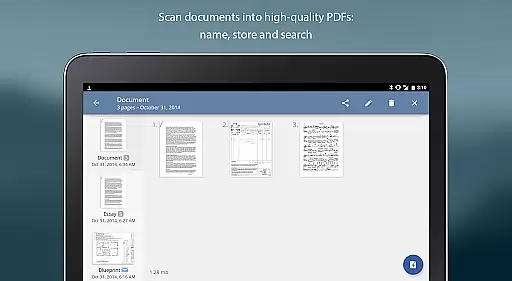
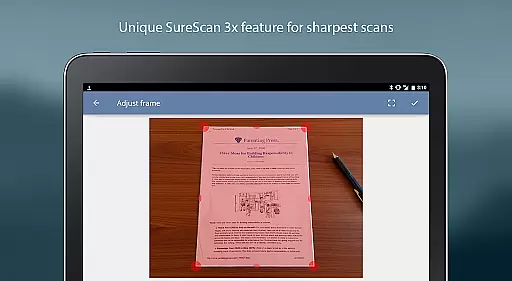
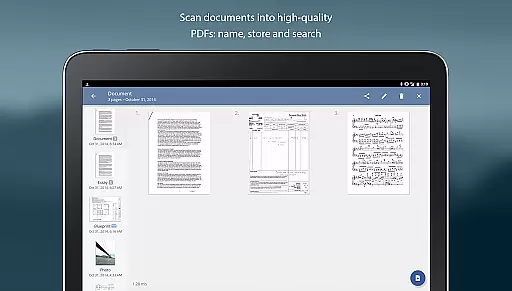
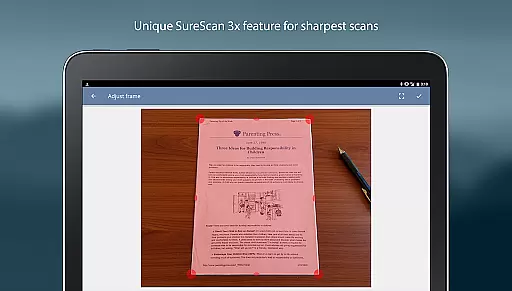
What sets TurboScan Pro apart is its proprietary SureScan mode, which captures exceptionally sharp images even in challenging lighting conditions by taking three consecutive shots of the same document. The app also offers ultra-fast processing, completing scans in under three seconds per page, making it ideal for busy work environments. With robust features like multipage editing, document naming, and search capabilities, TurboScan Pro ensures efficient document management while maintaining strict data confidentiality as all processing occurs directly on your device.
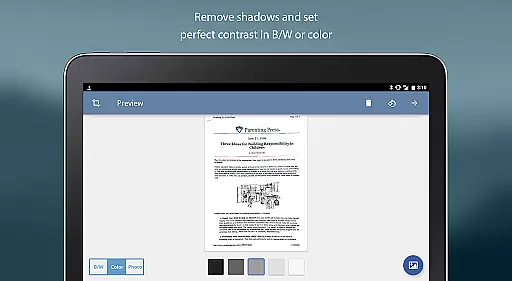
TurboScan Pro stands out with its comprehensive feature set tailored for seamless document scanning and management. One of its key highlights is the automatic document edge detection and perspective correction, which ensures perfectly aligned scans regardless of the shooting angle. The SureScan mode further enhances scan quality, especially in low-light environments, by combining three images to produce a single, ultra-sharp result. Additionally, the app provides instant one-tap controls for brightness, rotation, and color adjustments, streamlining the editing process.
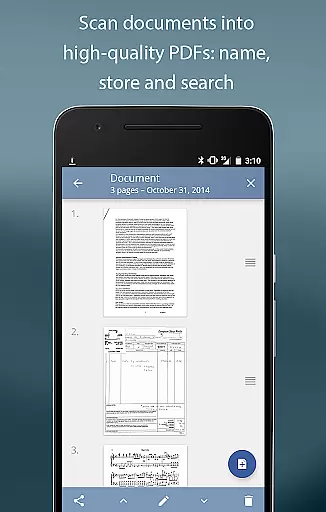
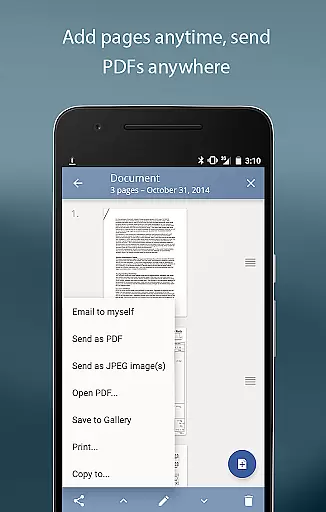
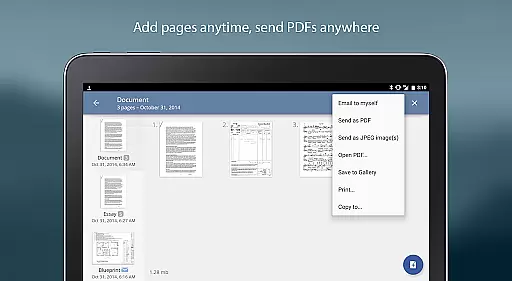
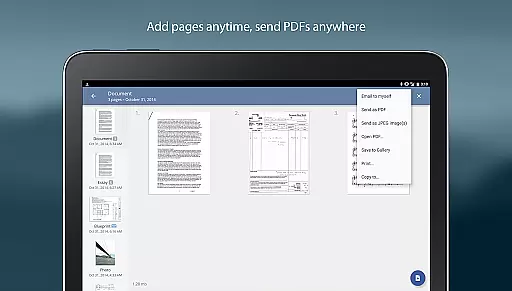
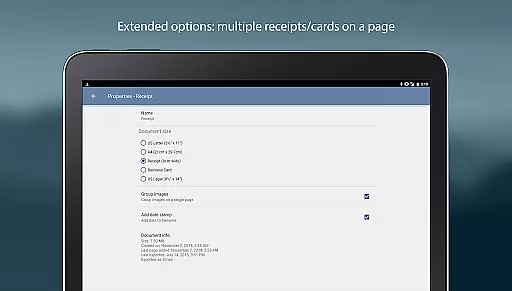
The app supports multipage PDF and JPEG exports, allowing users to compile multiple scans into a single file. It also includes practical tools such as document naming, internal storage with search functionality, and the ability to copy pages between scans. TurboScan Pro facilitates effortless sharing through its 'Email to Myself' feature, enabling quick dispatch to predefined email addresses or cloud services like Evernote. Furthermore, integration with third-party apps such as Dropbox and Google Drive extends its utility, ensuring compatibility with various workflows.
Fast scanning speed
Excellent edge detection
Secure offline processing
User-friendly interface
Versatile file export options
Premium price point
Occasional flash issues
Limited free features
Requires careful lighting
No OCR functionality

viewing and sharing of PDFs
 3.60
3.60
Find jobs and make money fast with JobStack.
4.60
Scan Business Cards & Conference Badges - Capture Leads at Events & Tradeshows
4.20
Earn crypto with secure cloud mining. Monitor, track & withdraw easily
4.40
All your team communication in one place
4.70
Access to Paylocity, empowering employees with information they need 24/7.
4.70
Access All PDF Files
3.40
Collaborate seamlessly with Google Chat, part of Google Workspace
4.50
No more passwords, easier sign-in, and greater protection for your accounts.
4.60
Create curriculum vitae, a professional cover letter creator and resume designer
4.80 4.70
4.70
Earn free swag, G-Cards & food • Enter sweepstakes • Find stores • So much more.
4.70
Work happy with AI Companion
4.10
Roadie connects people with stuff to send with drivers already going that way.
3.50
Find part-time earning opportunities near you that pay within days.
3.20


User Reviews