








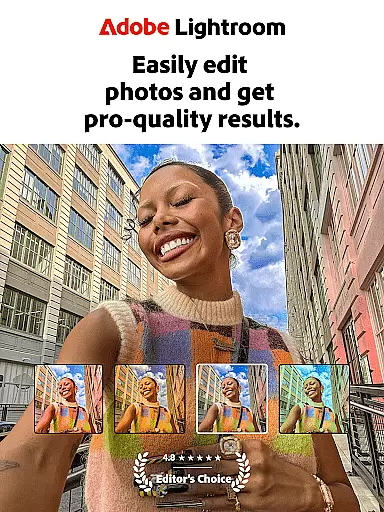

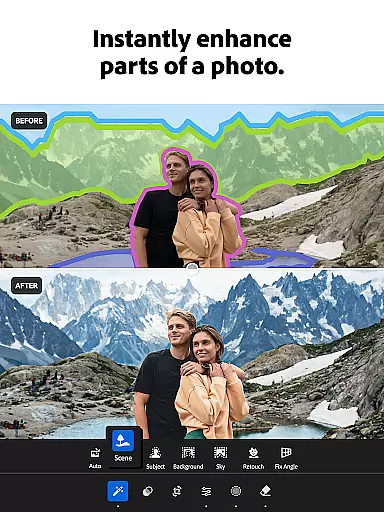

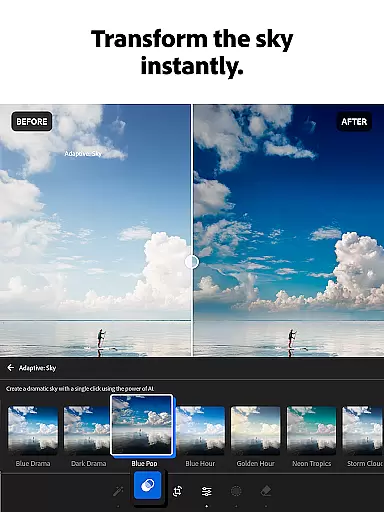
Adobe Lightroom is a sophisticated photo and video editing application designed for both amateur and professional photographers. This mobile photo editor allows users to enhance their images with minimal effort, offering powerful retouching tools that ensure photos are ready to be shared on social media or stored as cherished memories. Whether capturing sunsets, family moments, or culinary adventures, Lightroom provides the necessary features to make every photo special.
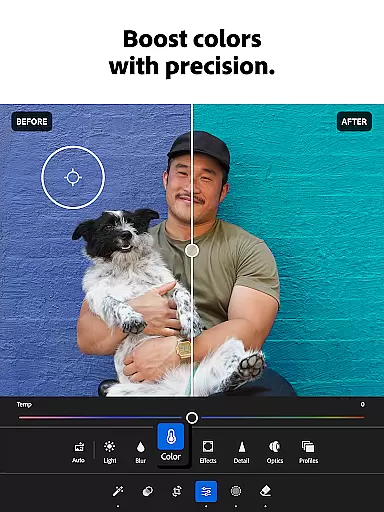
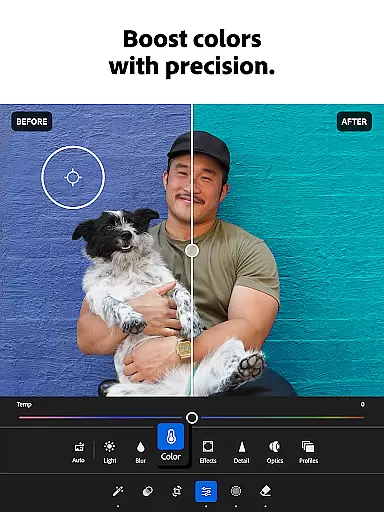
The app includes advanced editing capabilities such as adjusting exposure, highlights, and shadows, along with color grading and bokeh effects. It also supports video editing, enabling users to apply similar enhancements to their video content. With AI-powered suggestions and one-tap presets, even beginners can achieve professional-quality edits without prior experience.
Lightroom's versatility extends to its community-driven features, where users can browse and apply filters and presets created by other photography enthusiasts worldwide. This collaborative environment fosters creativity and helps users develop their unique style. Additionally, batch editing functionality ensures consistency across multiple photos, making it an invaluable tool for curating a cohesive social media feed or portfolio.
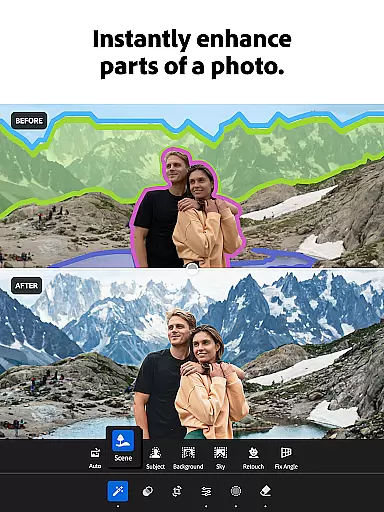
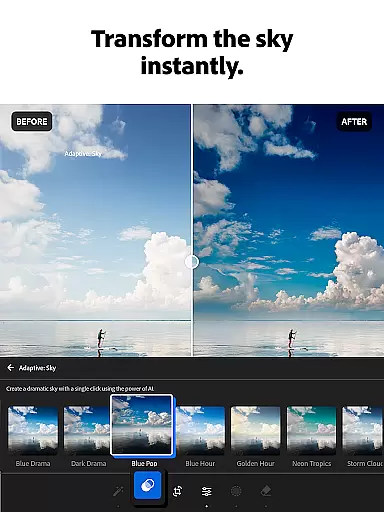
Adobe Lightroom offers a comprehensive suite of photo editing tools that cater to various skill levels. Its standout feature is the AI-powered photo editor, which suggests optimal enhancements for each image, allowing users to quickly touch up photos or add personalized touches. The app's Quick Actions and Adaptive Presets enable users to enhance photo quality in seconds, while customizable presets let them create signature looks that match their aesthetic preferences.
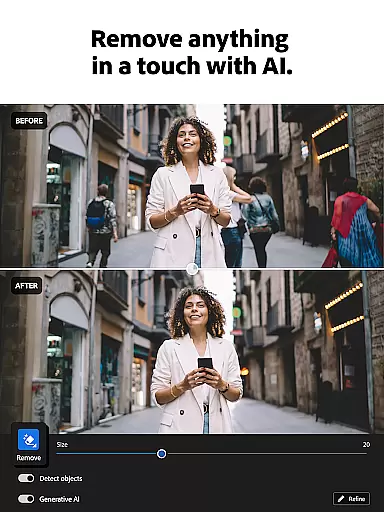
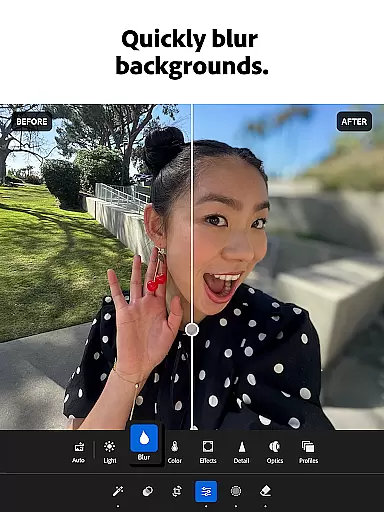
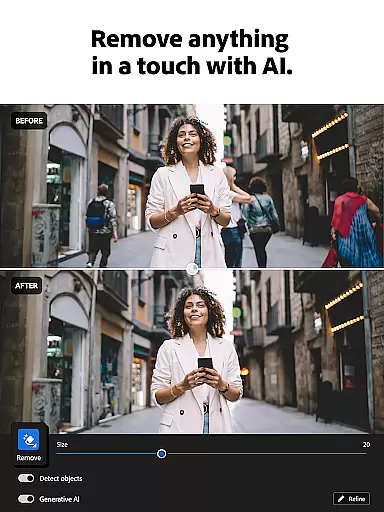
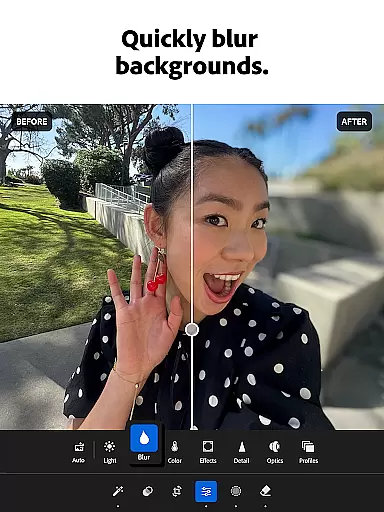
One of the key innovations in Lightroom is the Generative Remove tool, which allows users to erase unwanted objects or people from photos seamlessly. This feature, combined with background blurring and distraction removal tools, ensures that every image has a polished, professional appearance. Furthermore, the app's video editing capabilities extend these benefits to moving pictures, providing consistent enhancements across all visual content.
For those who value efficiency, Lightroom's batch editing functionality is a game-changer. Users can apply the same set of edits to multiple photos simultaneously, ensuring uniformity in their work. This feature is particularly useful for photographers managing large volumes of images. Additionally, the app's integration with a global community of photo enthusiasts offers endless inspiration and learning opportunities, making it more than just an editing tool—it's a platform for creative growth.
Real-time capture and preview functionality is essential for photographers who need to ensure their images are correctly composed and exposed before taking the final shot. With Lightroom Photo & Video Editor, users can leverage this feature to make immediate adjustments to their photos and videos.
The application provides a live view of your camera's output, allowing you to tweak settings such as exposure, white balance, and focus directly on the screen. This real-time feedback empowers photographers to experiment with different settings and instantly see the results, which is particularly useful when shooting in challenging lighting conditions.
Users benefit from the ability to visualize changes without committing to them, thus saving time during post-processing. The instant preview ensures that the final image matches the photographer's vision, reducing the likelihood of reshoots and enhancing overall productivity.
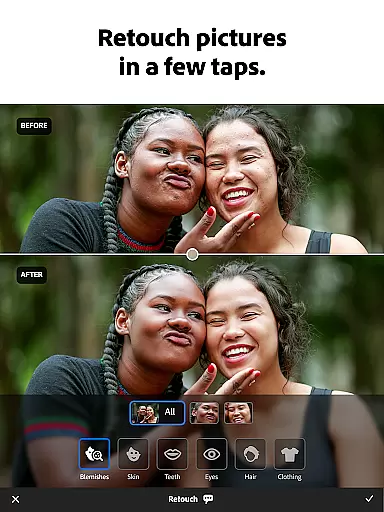
AI beauty and enhancement features have become increasingly popular in photo editing applications, offering users the ability to refine and perfect their images with minimal effort. Lightroom Photo & Video Editor stands out by providing enhancements that maintain a natural look, avoiding the over-processed appearance that can detract from a photograph's authenticity.
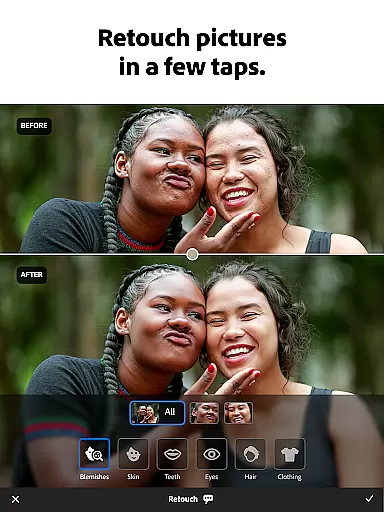
This app employs advanced algorithms to intelligently smooth skin, remove blemishes, and enhance facial features while preserving the unique characteristics of the subject. Users can adjust the intensity of these effects, ensuring that the final result aligns with their personal style and the original essence of the photo.
By prioritizing natural-looking enhancements, Lightroom caters to both amateur and professional photographers who seek to elevate their work without compromising on genuineness. This approach not only improves the aesthetic appeal of photos but also respects the integrity of the captured moment.
User-friendly interface
Powerful AI suggestions
Extensive preset library
Professional-grade tools
Active user community
Subscription fees apply
Advanced features complex
Occasional performance lag
Limited free version
Requires cloud storage

AI portrait generator and polaroid AI selfie, fun AI generated AI photo creator!
 4.30
4.30
Cut and paste photo editor & eraser to customize photos easy and swap faces fun
4.50
Create collages easily! Nice pic collage maker & background eraser for Instagram
4.50
The #1 app for B&W film developing featuring an advanced darkroom timer.
4.10
Gallery Slideshow is slideshow maker app for slideshow from your gallery photos.
3.90
Photo editor & gallery. Crop pictures & edit photos offline, no wifi!
4.50
A reflected light meter with spot metering and incident light metering.
4.40
Collage your moments in one tap: 1000+ layouts, filters, stickers, and texts.
4.90
Enhance, retouch & create your story - Share the moment with Photoshop Express.
4.60
Create funny photos and videos with the popular Time Warp Scan filter.
4.90
A collection of tools and reference tables for DPs, ACs, DITs and Operators.
4.70
Unblur, enhance & restore photos with powerful AI photo enhancer tools.
4.60
Create AI Photos, Improve and restore quality of blurry, old or damaged pics.
4.20
Catch sunlight, sunrise sunset times and sun phases with the AR sun tracker.
4.10
Snap photos remotely using your Garmin watch as the camera trigger
4.5


User Reviews