
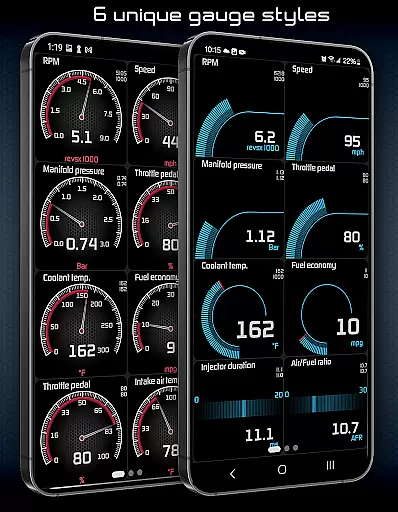
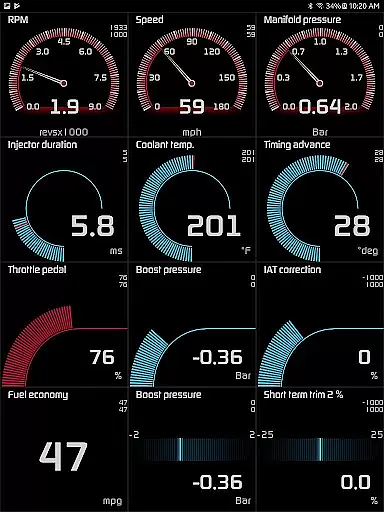
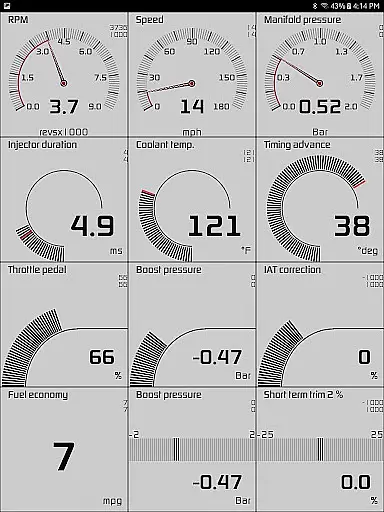
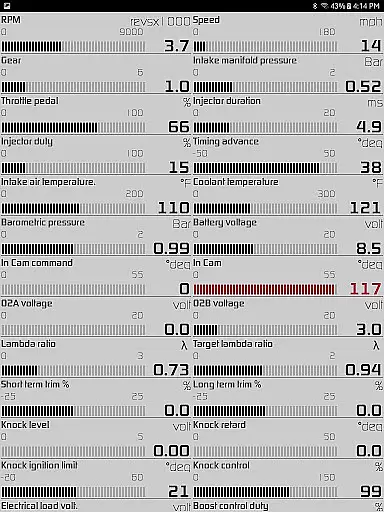
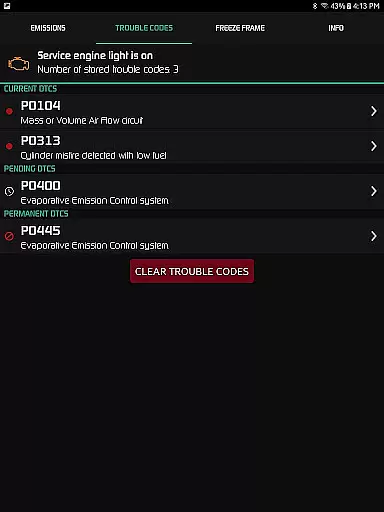
Hondata is a comprehensive performance tracking and troubleshooting tool designed specifically for Honda vehicles. This app transforms your Android device into an advanced automotive diagnostic system, allowing you to monitor real-time vehicle performance through customizable gauges and interactive graphs. With the ability to access the onboard ECU, users can troubleshoot malfunctions and understand potential issues before visiting a mechanic.
The application supports tracking of up to 80 sensors in real time, including fuel economy, boost pressure, battery voltage, and G-force measurements. Additionally, Hondata offers advanced features such as reading and clearing vehicle trouble codes, fuel economy tracking over multiple time intervals, and even drag race timing capabilities. Compatible with Flashpro, Kpro4, and 300v3 systems, this app is ideal for car enthusiasts looking to maximize their Honda's performance while saving on fuel costs.
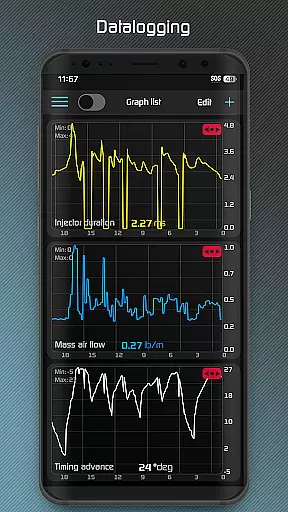
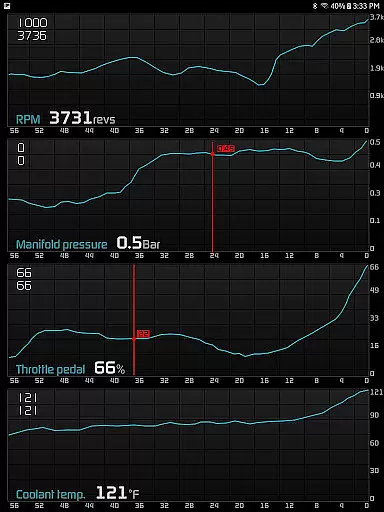
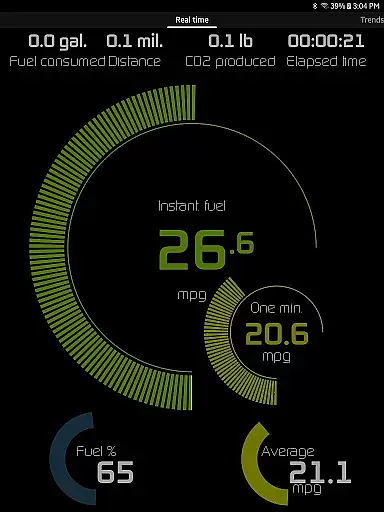
Hondata stands out with its extensive feature set tailored for both casual drivers and automotive enthusiasts. The app provides highly customizable gauges that allow users to track up to 80 real-time sensors, including essential metrics like fuel economy, turbo boost pressure, and battery voltage. Users can plot this sensor data onto interactive graphs, recording information from up to four sensors simultaneously and exporting it as CSV files for further analysis.
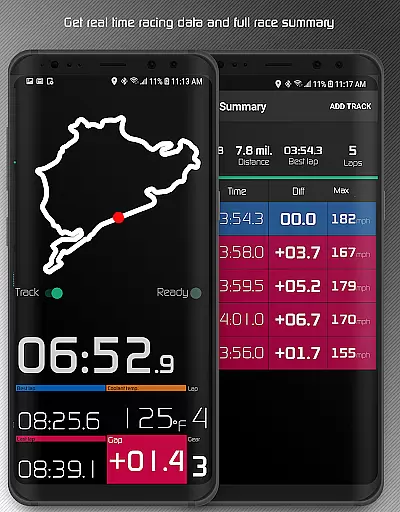
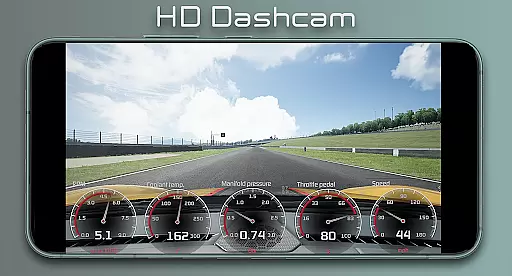
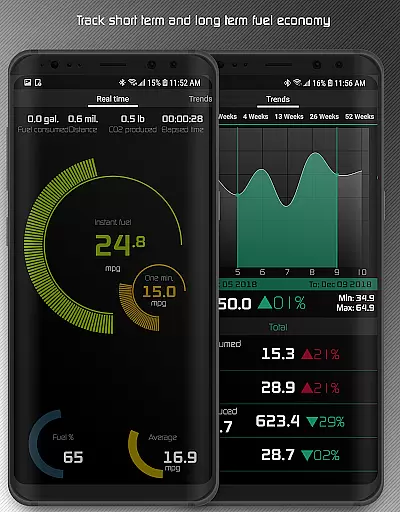
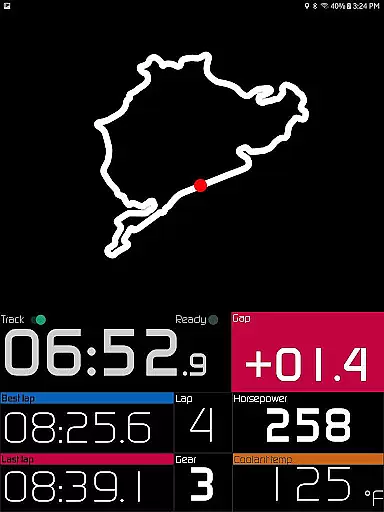
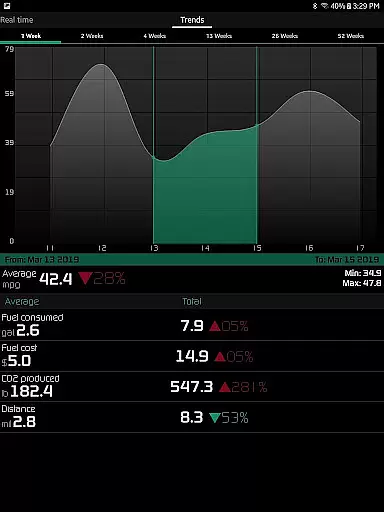
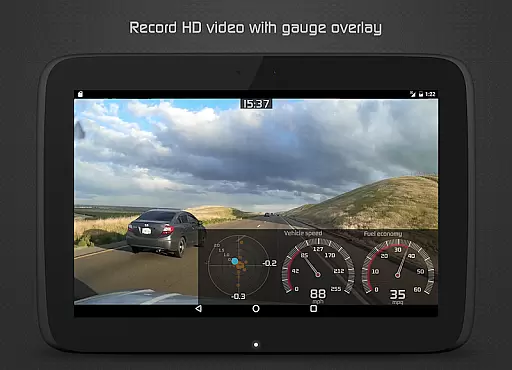
One of the key highlights is the racetrack feature, which delivers detailed performance metrics such as 0-60 mph times, quarter-mile results, lap times, and real-time GPS-based circuit tracking. Additionally, the app includes long-term fuel economy tracking across five different time intervals, complete with interactive graphs that can be cropped and scrolled. Other notable features include speed limit warnings, HUD gauges for night driving, and the ability to record HD videos with superimposed gauges, making it a versatile tool for performance monitoring and diagnostics.
The Hondata app excels in providing accurate and effective core functions that are essential for monitoring and troubleshooting your Honda vehicle. With the ability to track up to 80 sensors in real time, it offers users detailed insights into their car's performance through customizable gauges. These include critical metrics such as fuel economy, boost pressure, battery voltage, and even G force measurements.
One of the standout features is its capability to plot sensor data onto interactive graphs, allowing for a visual analysis of up to four sensors simultaneously. This functionality not only aids in immediate diagnostics but also supports long-term tracking by saving recorded data to CSV files for further scrutiny. The app's provision for both metric and imperial units ensures universal usability, catering to a global audience.
For those interested in the economic aspect of vehicle maintenance, the app provides comprehensive fuel economy tracking over various intervals, with data available in multiple units. Additionally, the alert system notifies users via visual and sound cues when sensor readings hit user-defined thresholds, ensuring proactive vehicle care.
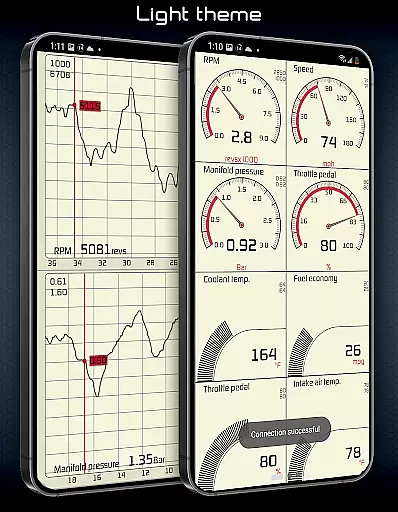
Hondata app stands out for its intuitive interface that simplifies complex automotive data into an accessible format. Users can easily navigate through different views thanks to the app's two themes and landscape mode availability, which caters to personal preferences and enhances readability during day or night driving conditions.
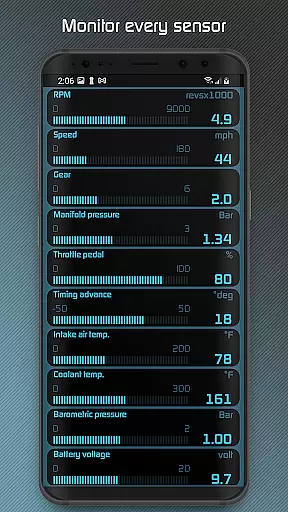
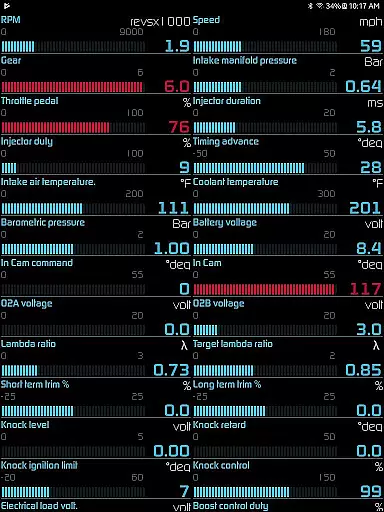
A key feature contributing to the app's intuitiveness is the gauge list functionality, enabling simultaneous tracking of all available sensors. This eliminates the need for cumbersome navigation and allows users to maintain a holistic view of their vehicle's status at all times. Moreover, the inclusion of HUD (Heads-Up Display) gauges specifically designed for night driving adds an extra layer of convenience and safety.
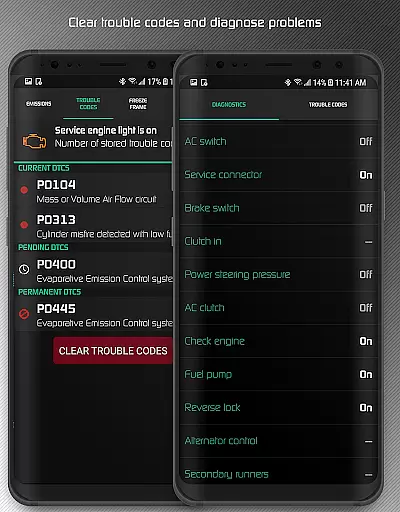
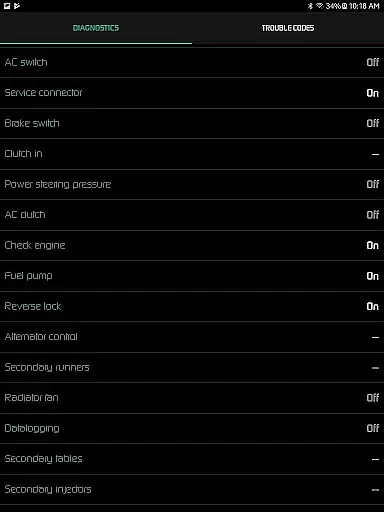
Further enhancing its user-friendly design, the app provides straightforward methods for reading and clearing vehicle trouble codes, resetting service engine lights, and accessing diagnostic parameters. These capabilities ensure that users, regardless of their technical expertise, can effectively troubleshoot issues and potentially save on mechanic costs by identifying problems early.
User-friendly interface
Real-time performance tracking
Comprehensive diagnostic tools
Customizable gauge options
Advanced racetrack features
No Android Auto support
Limited head unit compatibility
Requires specific hardware
Complex for beginners
Potential sensor limitations

 4.50
4.50
Save any video in HD - paste the link, download fast and watch offline.
4.3
Family Locator, Share location, StayConnect with your family in real time
3.90
App that Recover your pictures, videos or files after you delete them.
4.20
WiFi Signal Strength Meter help you detect WiFi Signal Strength in real time.
4.80
Mirror your screen to Fire TV - Super fast and simple
4.40
Fast Video Downloader, Movie Downloader, Torrent Downloader & Adblock Browser
4.70
Fun lie-detection pranks for friends and parties.
3.80
A clean app.
4.50
Navigate with Ease and Style
4.90
Easily install aab(Android App Bundle) files on your Android device with our app
4.80
The Ultimate Flex Drivers Utility App - Convenient Tapping & Block Filters
4.70
HD Video player and downloader for all formats, fast & smooth 4K video playback.
4.60
pdf merge, word to pdf, jpg to pdf, edit pdf, convert to pdf and much more!
4.20
A recovery soft,it features photo recovery, video recovery, file recovery.
3.40


User Reviews