
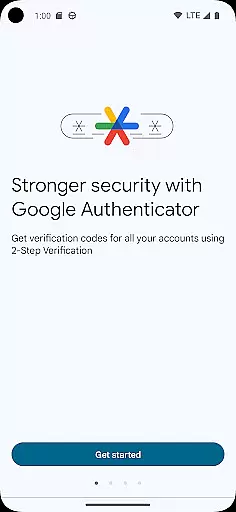
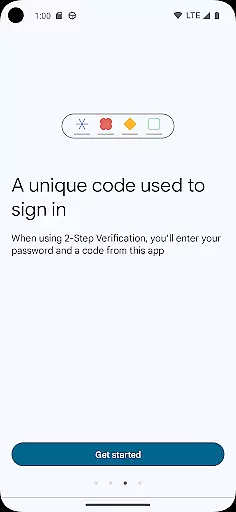
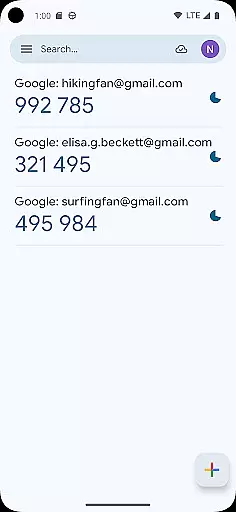
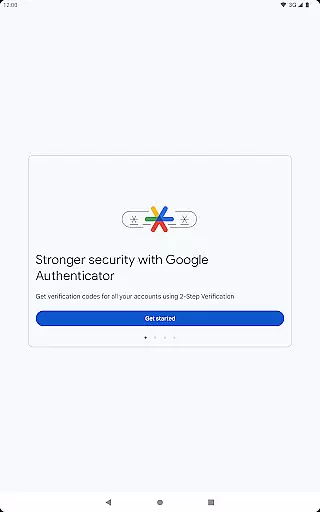
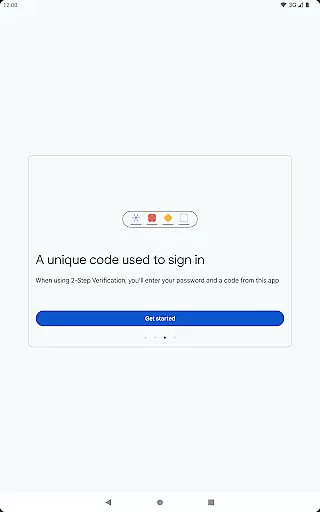
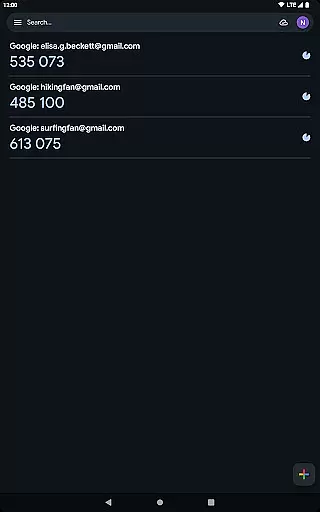
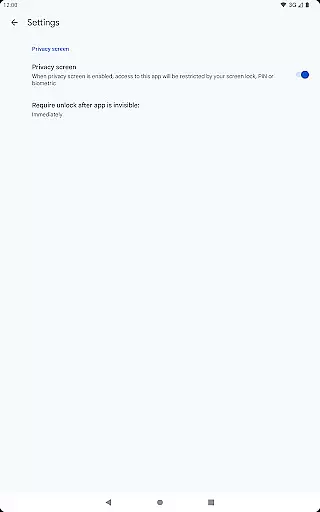
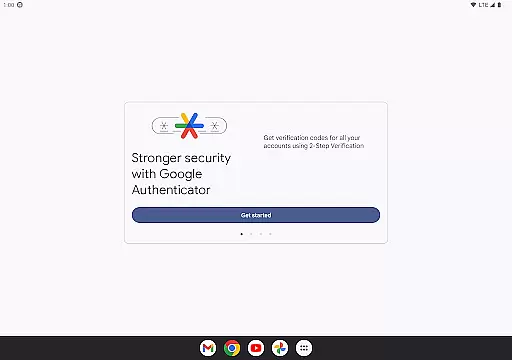
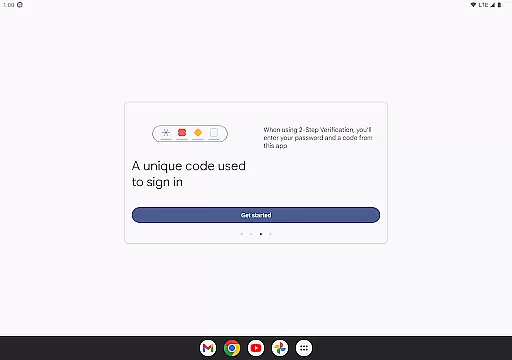
Google Authenticator is a security tool designed to protect your online accounts through two-factor authentication. When signing in, users must provide their password and a unique code generated by the app on their mobile device. This additional layer of security ensures that even if someone knows your password, they cannot access your account without the second verification step.
The app operates independently of network or cellular connections, generating time-based or counter-based codes directly on your phone. It supports syncing across devices via your Google Account, automatic setup using QR codes, and management of multiple accounts. These features make it an essential tool for anyone looking to enhance their online security while maintaining ease of access.
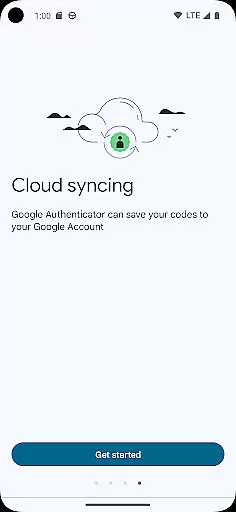
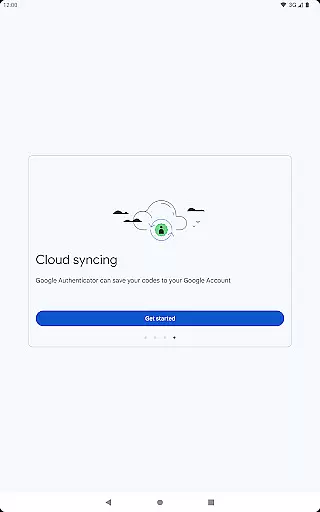
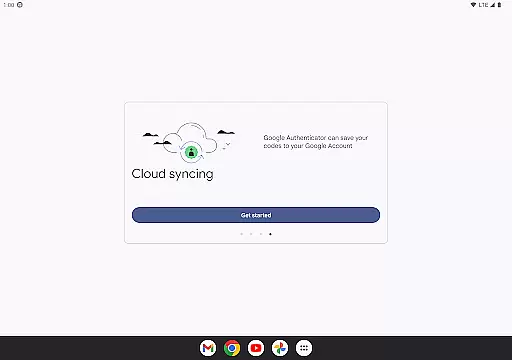
Google Authenticator offers several key features that set it apart from other security apps. First, it allows users to sync their authentication codes with their Google Account, ensuring they can always access their codes even if they lose their phone. This cloud-based backup provides peace of mind and continuity in security practices.
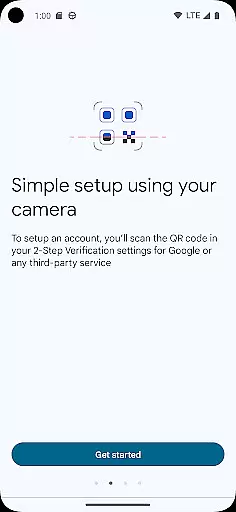
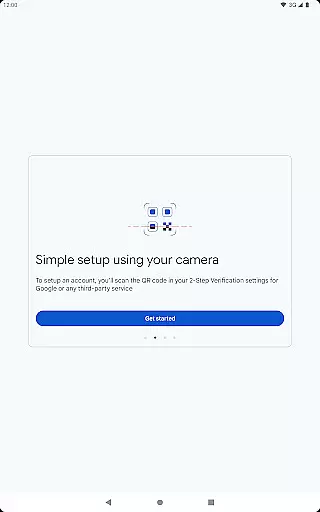
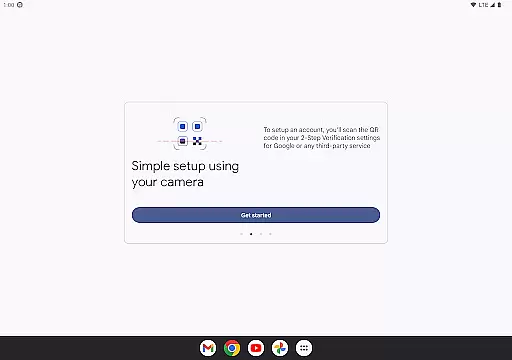
Another standout feature is the ability to set up accounts automatically using QR codes. This simplifies the process of adding new accounts and minimizes errors during setup. Additionally, the app supports both time-based and counter-based code generation, catering to different user preferences and requirements. Users can also transfer accounts between devices seamlessly using QR codes, making device upgrades hassle-free.
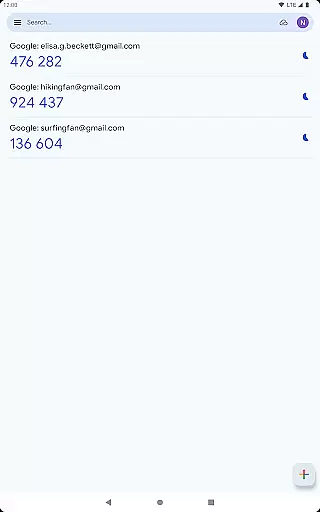
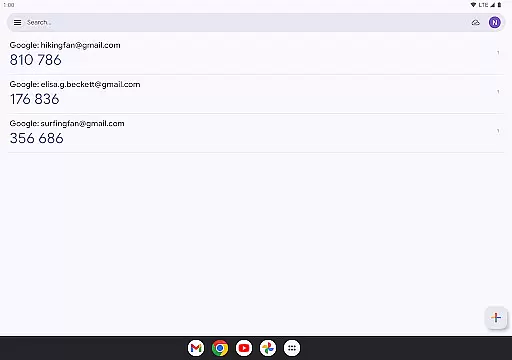
Finally, the app's support for multiple accounts means users can manage all their two-factor authentications in one place, eliminating the need to switch between different apps. This comprehensive approach to security and convenience makes Google Authenticator a top choice for securing online accounts.
Google Authenticator excels in providing precise and effective two-factor authentication. The app generates time-based or counter-based codes that serve as the second verification step for user accounts, significantly enhancing security beyond just passwords.
The core functionality is designed to work seamlessly even without an internet connection, ensuring users can always access their verification codes. This reliability is crucial for maintaining account security across various platforms and services.
By supporting multiple account management and automatic setup through QR codes, the app streamlines the process of adding and managing different services. This makes it not only secure but also convenient for users who manage several online accounts.
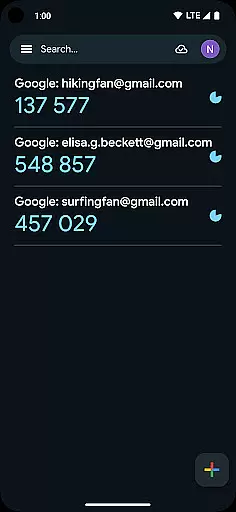
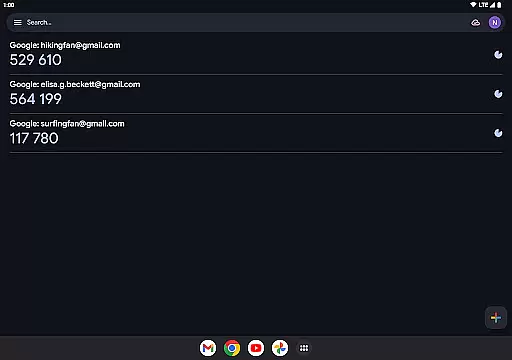
The interface of Google Authenticator is crafted to offer a straightforward and intuitive user experience. With a clean design focused on functionality, users can easily navigate through their different accounts and quickly find the necessary verification codes.
Adding new accounts is simplified through QR code scanning, which minimizes manual input errors and expedites the setup process. This ease of use ensures that even those unfamiliar with two-factor authentication can adopt this security measure without difficulty.
Despite its simplicity, the app does not compromise on essential features. It offers options like syncing codes to your Google Account and transferring accounts between devices using QR codes, all while maintaining an accessible and user-friendly interface.
Enhanced Security
Offline Code Generation
Easy Account Setup
Multiple Account Support
Cloud Sync Backup
No Built-in Recovery
Limited Customization
QR Code Dependency
No Desktop Version
Occasional Sync Issues

Unit and currency converter with easy and simple UI.
 4.80
4.80
Save any video in HD - paste the link, download fast and watch offline.
4.1
Universal TV remote control all TVs, Roku, LG, Samsung, Fire, Vizio, Sony, TCL.
4.40
Enjoy smooth gameplay with Game Booster
4.90
ADB support Android 4.X-Android 13(Support wireless pair mode).No root required!
4.70
Navigate with Ease and Style
4.90
Support Fossify apps with a warm thank you!
5.00
Planner and Tracker for Stardew Valley
4.60
Screen Mirroring for Roku Sticks, Roku TCL TV and Roku Hisense TV
4.50 4.50
4.50
Pro Emulator is an easy to use game console emulator for a range of consoles.
4.40
Just one-tap to easy translate in any language after calls within seconds.
4.20
Effortlessly run ADB commands directly on your device without a PC.
4.20
1-Click close all background apps on Android TV
3.90
A powerful, easy-to-use flight computer on your phone or tablet!
3.80


User Reviews