
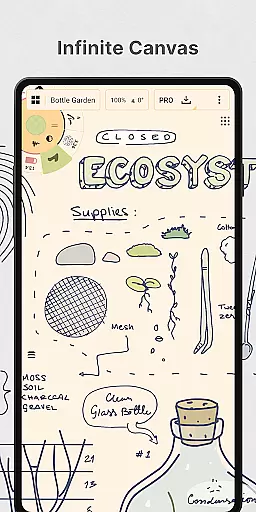
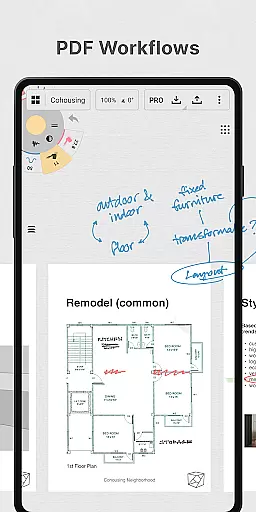
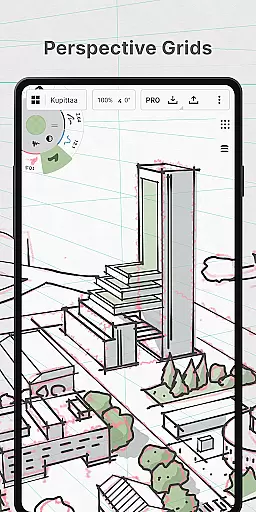
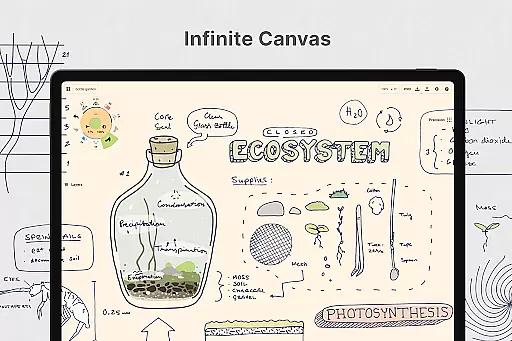
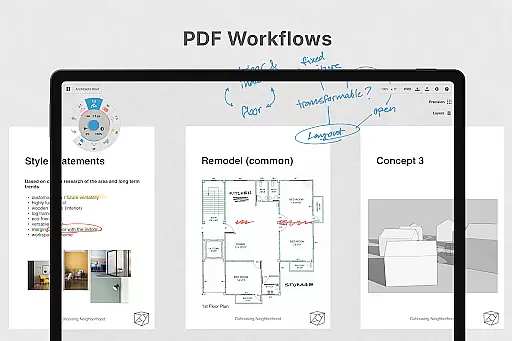
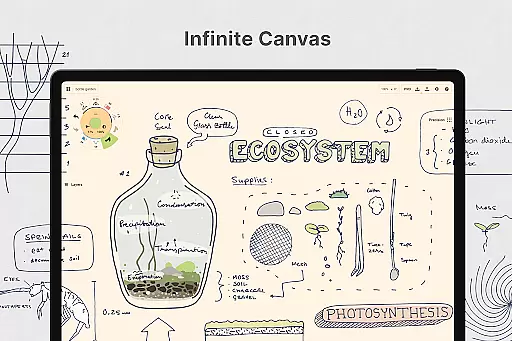
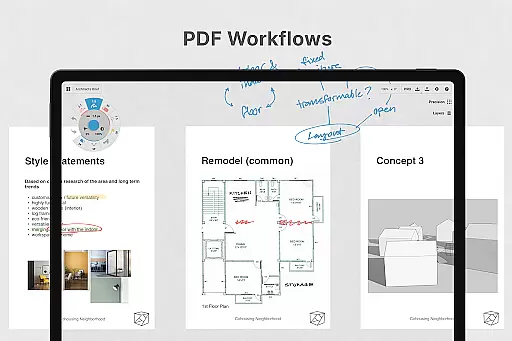
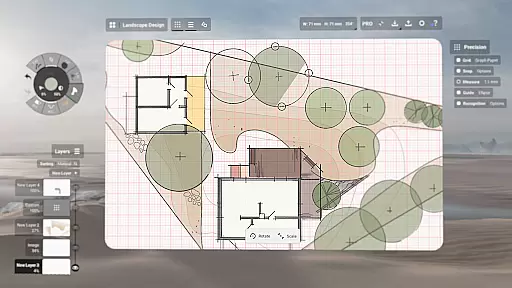
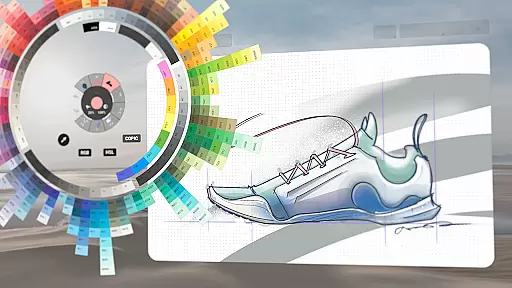
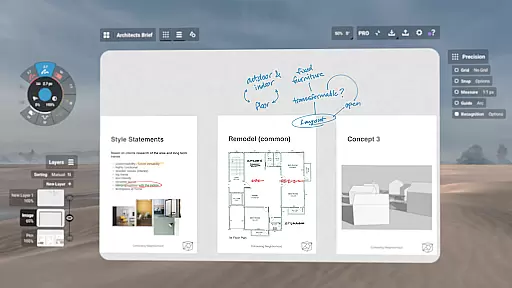
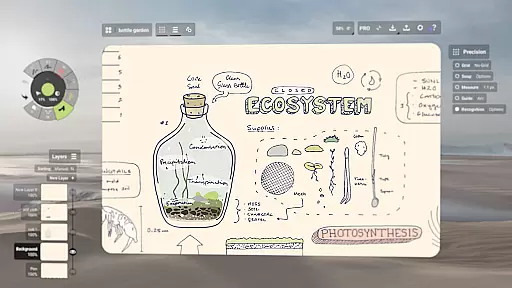
Concepts is a versatile vector-based creative workspace designed for artists, designers, and creators to bring their ideas to life. This digital sketchpad offers an infinite canvas where users can sketch plans, create storyboards, draw product designs, and even make mind maps. The app's flexibility allows every stroke to be editable and scalable, making it ideal for both quick sketches and detailed design work.
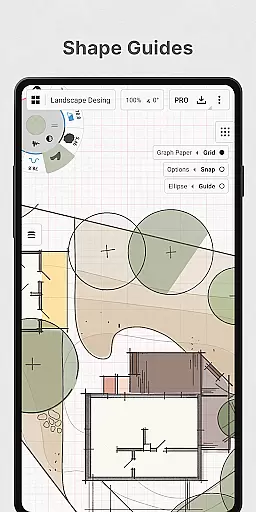
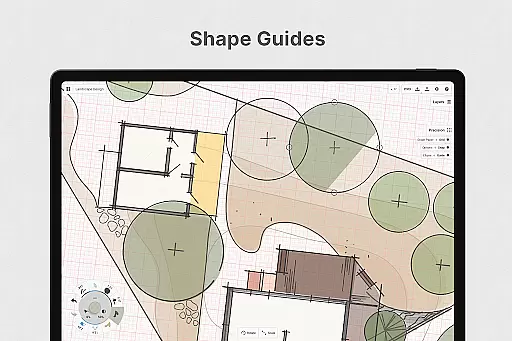
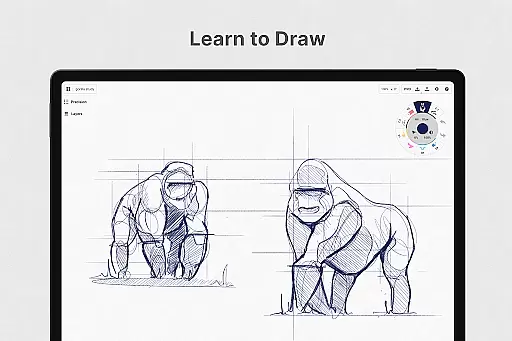
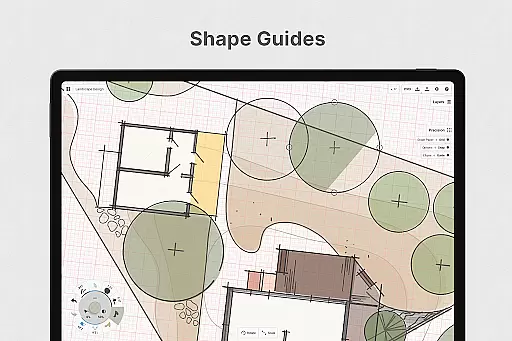
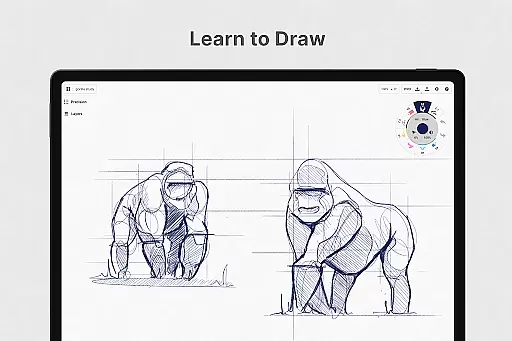
The platform provides realistic drawing tools that respond to pressure, tilt, and velocity, with adjustable live smoothing. It also features advanced functionalities like shape guides, live snap, and measurement tools for precision work. Concepts is optimized for the latest pen-enabled devices and Chrome OS™, ensuring a smooth and responsive experience. Whether you're a professional designer or a hobbyist, Concepts offers the tools needed to develop extraordinary ideas.
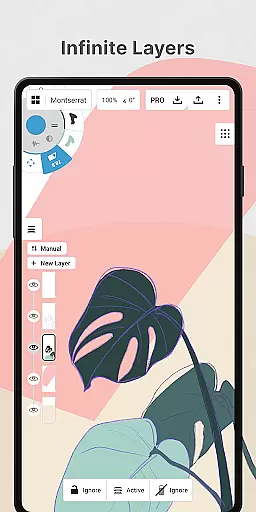
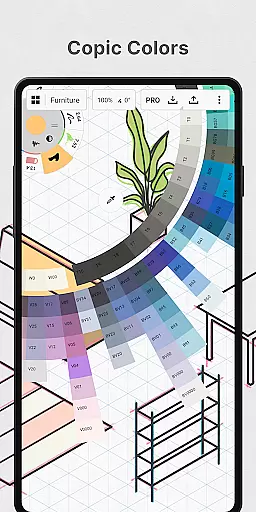
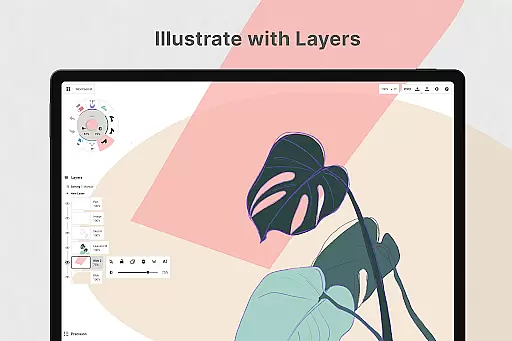
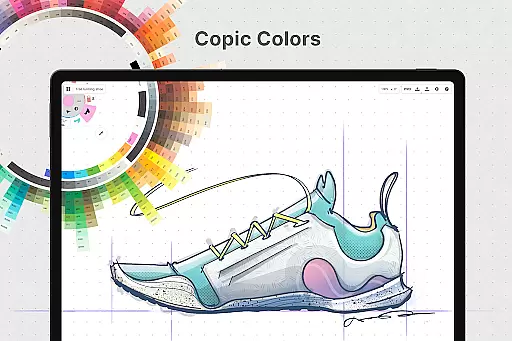
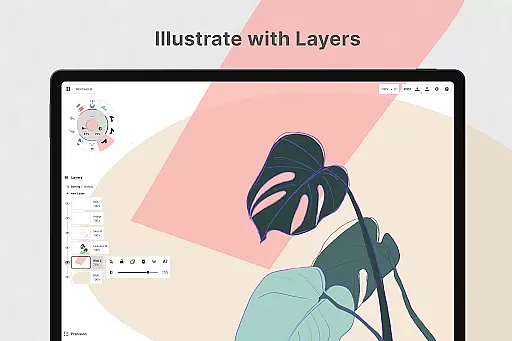
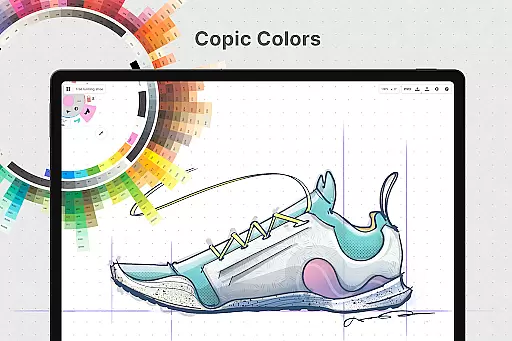
Concepts stands out with its powerful feature set tailored for creative professionals. The app includes an infinite layering system with automatic sorting and adjustable opacity, giving users complete control over their projects. Its customizable tool wheel or bar allows users to personalize their workspace with favorite tools and presets, while the HSL, RGB, and COPIC color wheels help in selecting harmonious color schemes.
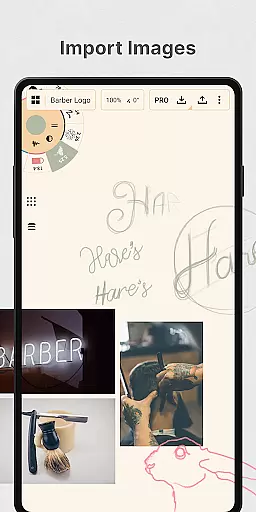
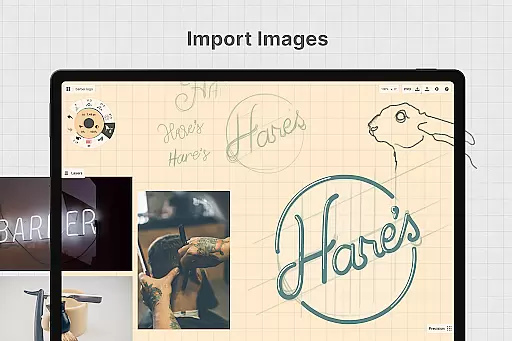
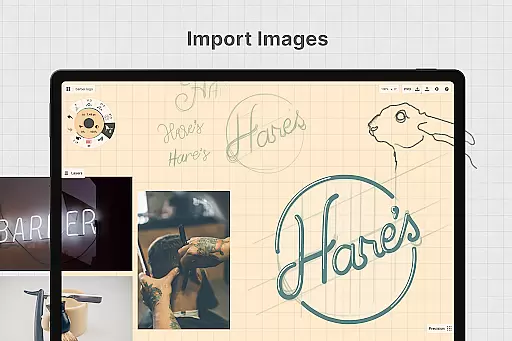
One of the key highlights is its flexible vector-based sketching capability. Users can easily adjust any element by tool, color, size, smoothing, and scale without redrawing. The app also supports importing images via drag-and-drop for tracing or reference, and exporting in various formats like PNG, PDF, SVG, and DXF for seamless collaboration. With both free and premium features, Concepts caters to a wide range of creative needs.
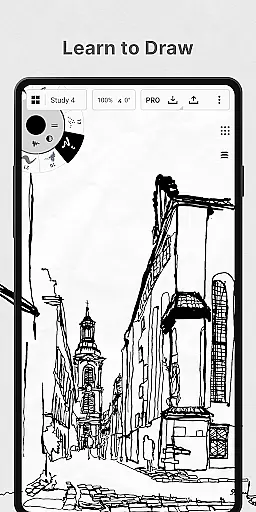
In the realm of digital art and design, having a comprehensive set of creative tools is paramount. Concepts offers an extensive array of instruments that cater to every artist's needs. The app provides realistic pencils, pens, and brushes that respond to pressure, tilt, and velocity, with adjustable live smoothing to refine your strokes.
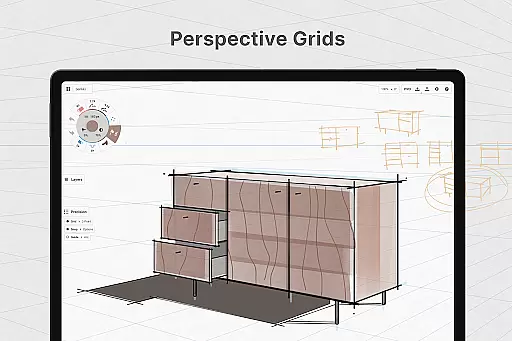
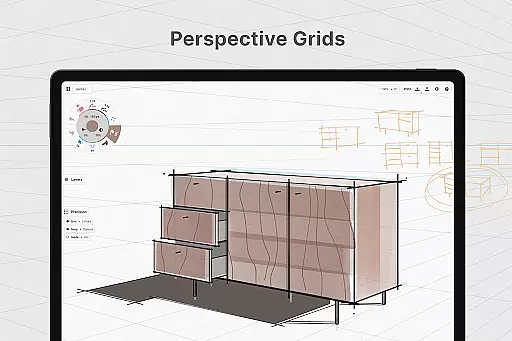
Moreover, Concepts boasts an infinite canvas accompanied by various paper types and custom grids, allowing creators the freedom to explore vast creative landscapes without constraints. This flexibility ensures that whether you're sketching preliminary ideas or finalizing intricate designs, the app's versatile environment supports all stages of creation.
The inclusion of advanced features such as shape guides, live snap, and measurement tools empowers users to draw with precision. Additionally, the ability to personalize your workspaceu2014including customizable tool wheels or barsu2014means that each artist can tailor their experience for optimal efficiency and comfort while they work on bringing their visions to life.
A canvas in the digital world should offer more than just a space to draw; it should be adaptable to the artist's ever-changing requirements. Concepts redefines this notion with its infinite canvas, which allows artists to expand their workspace infinitely in any directionu2014a feature particularly beneficial when working on large-scale projects or when creativity strikes beyond predefined boundaries.
Artists are not limited to a single format or size. With Concepts, they have access to multiple paper types and custom grids, ensuring that no matter what kind of project they're tacklingu2014from detailed technical drawings requiring specific grid patterns to freeform sketchesu2014the canvas can be tailored accordingly. This adaptability makes switching between different styles and formats seamless and intuitive.
Furthermore, exporting options within Concepts enhance format flexibility even further. Users can export images, PDFs, and vectors for printing or sharing across platforms without losing quality. Whether presenting work professionally or collaborating with peers, these capabilities ensure that artwork remains versatile and accessible wherever it may lead after leaving the digital drawing board.
User-friendly interface
Highly customizable tools
Infinite canvas
Vector-based editing
Cross-platform support
Premium features costly
Steep learning curve
Limited free layers
Subscription required
Advanced tools complex

Vidu is an AI video generator made for creators and aspiring makers.
 3.30
3.30
Text to Image, Image to Video & AI Chat
4.20
Nano Banana AI Image Generator, Anime Filter, AI Portrait, AI Photo Generator
4.30
Draw Trace image sketch by, AR art projector app, Easy to trace any image.
4.50
Get an overview over all your embroidery threads, projects and more.
4.60
OneUI 8.5 icons ✨ Smooth, modern & based on the latest Play Store design ??
4.10
Photo stitcher for automatically screenshot stitching into a long screenshot
4.70
Retouch photos. Create or edit images. Endless capabilities.
2.70
Create amazing pictures and unleash your creative genius with AR Drawing Sketch
4.40
Castle is social media for creating and playing games!
4.60
Trace, draw, and create art with AR - from memes to masterpieces!
4.30
800+ Drawing, Painting Lessons App to Practice, Sketch & Paint Art.
4.30
Art of Combination Wear OS Watch faces (for Wear OS 5+ devices)
3.90
Experience next-gen icons with a modern liquid glass look.
3.60
Art of Combination Wear OS Watch faces (for Wear OS 5+ devices)
3.00


User Reviews