
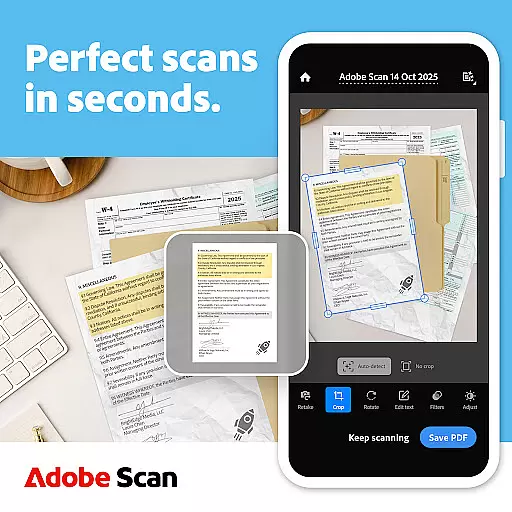
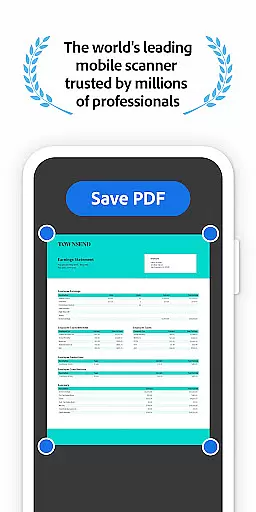
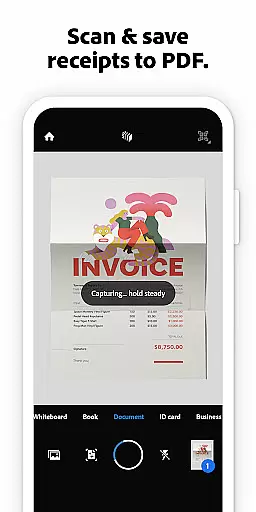
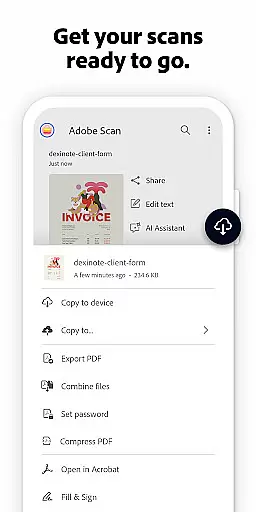




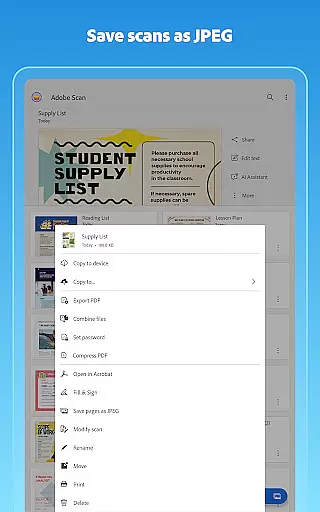


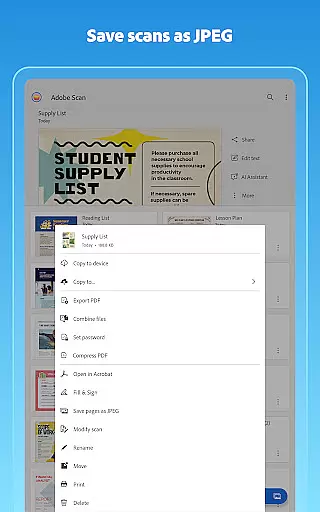

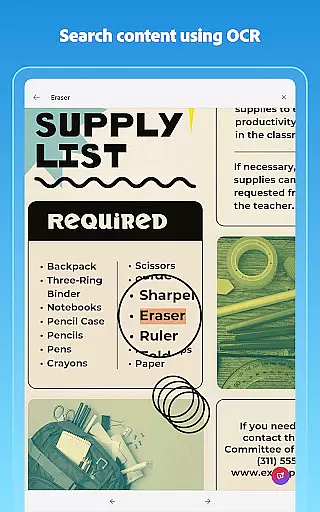
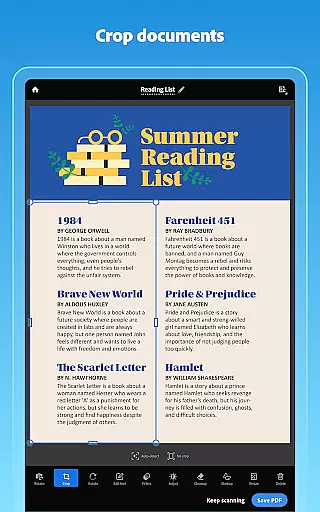
Adobe Scan AI PDF Scanner is a versatile mobile application that transforms your device into a powerful document scanner. It allows users to scan various types of documents, including receipts, notes, and business cards, converting them into high-quality PDFs or JPEGs. The app's advanced OCR technology makes scanned text searchable and editable, enhancing productivity.
The app offers features such as automatic border detection, image enhancement, and the ability to reorder pages. Its AI capabilities allow users to generate summaries from scans, making it easier to extract key information. With Adobe Scan, you can organize your digital documents in custom folders and access them across multiple devices through Adobe Document Cloud.
Whether for personal use or professional tasks, Adobe Scan AI PDF Scanner provides a convenient solution for digitizing paper documents. Its integration with Acrobat Reader enables further document manipulation, such as commenting and signing PDFs, ensuring that users have a comprehensive tool for managing their digital files.
Adobe Scan AI PDF Scanner stands out with its robust feature set tailored for efficiency and ease of use. One of its core functionalities is the High-speed scan option, which allows bulk scanning of documents, turning stacks of papers into PDFs within seconds. This feature is particularly beneficial for users who need to process large volumes of documents quickly.
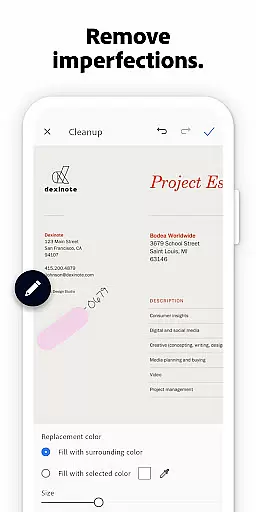
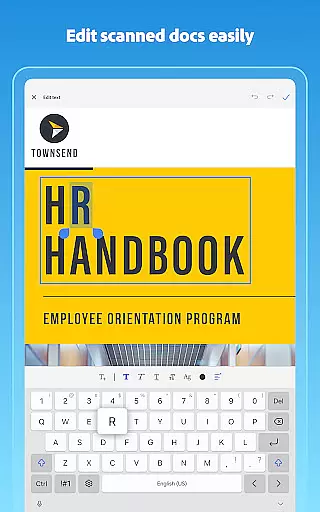
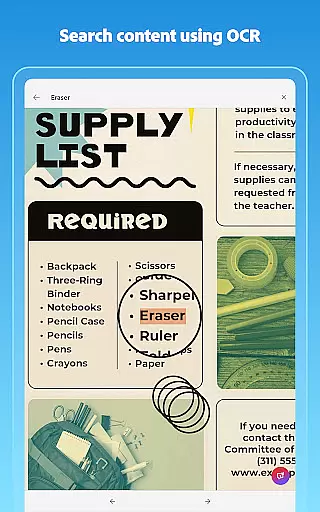
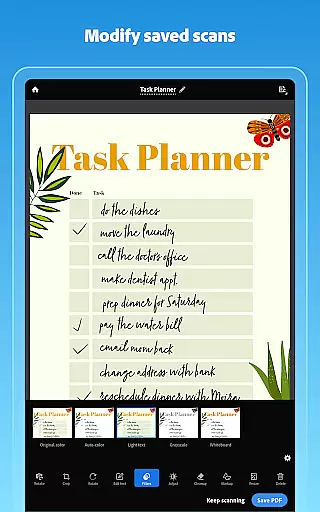
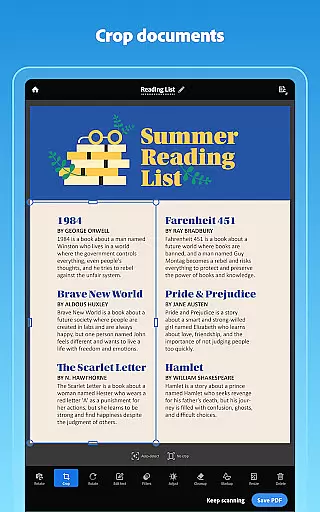
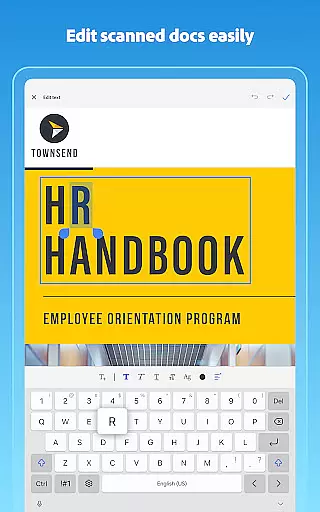
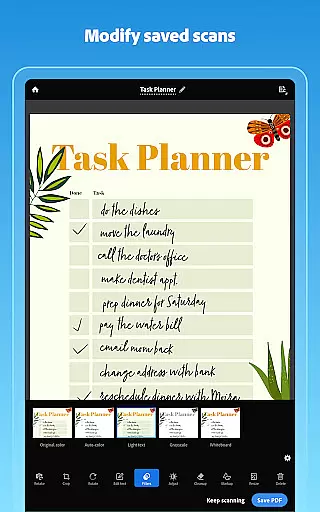
The app incorporates advanced OCR technology, enabling users to convert images to text, thus making scanned content not only readable but also fully searchable and editable. Additionally, the Modify tool offers precise editing capabilities, allowing users to crop, rotate, resize, and adjust colors in their scans. The Cleanup feature helps remove imperfections, such as stains or handwriting, ensuring professional-quality scans every time.
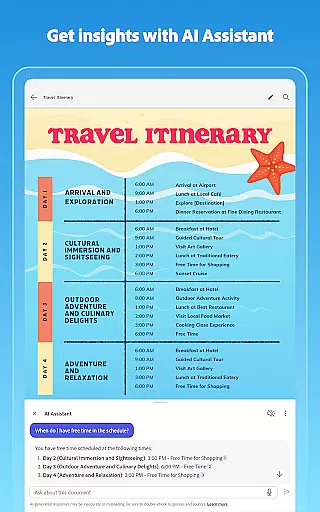
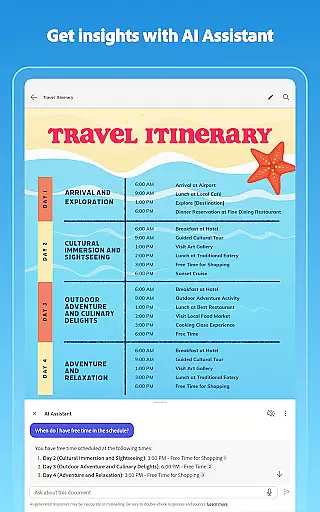
Another innovative aspect is the AI Assistant and Generative summary feature, which automatically pulls key points from any scan. This functionality streamlines the process of summarizing important documents, saving users valuable time. Furthermore, the Smart Library function intelligently detects documents and receipts in your photo library, turning them into organized PDFs ready for reuse and sharing.
In today's fast-paced business environment, the ability to collaborate effectively is crucial. Adobe Scan AI PDF Scanner offers robust collaborative work features that allow teams to work together seamlessly. By integrating with Adobe Document Cloud, the app enables instant access and sharing of scanned documents across multiple devices.
The application allows users to create high-quality PDFs from scanned contracts, study notes, or any document that requires text extraction from images. This feature ensures that all team members can copy, edit, and reuse content as needed, streamlining workflows and enhancing productivity.
Moreover, the app supports exporting scans to Word, Excel, or PowerPoint formats, providing flexibility in how documents are shared and edited among team members. With the ability to open PDF scans in Acrobat Reader, users can comment, highlight, fill forms, and sign documents, ensuring comprehensive collaboration capabilities.
Security is also a priority, with the app offering secure access and sharing options across Scan, Reader, and Acrobat on both web and mobile platforms. This ensures that sensitive information remains protected while enabling efficient teamwork.
Effective task management is essential for maintaining productivity and meeting deadlines. Adobe Scan AI PDF Scanner excels in this area by providing tools that help users organize and manage their tasks efficiently. One standout feature is the ability to create custom folders for different types of documents, such as work files, personal documents, or school forms.
The app's advanced OCR technology detects borders, sharpens content, and makes scans editable and searchable, which simplifies the task of managing large volumes of documents. Users can reorder pages, adjust brightness and contrast, and even clean up imperfections, ensuring that every scan is clear and professional.
Additionally, the Modify tool offers functionalities like cropping, rotating, resizing, and adjusting colors, allowing users to fine-tune their scans with precision. These features collectively contribute to a streamlined task management process, reducing the time spent on document preparation.
For those who frequently deal with business cards, the app pulls contact details directly from the card using OCR, saving them to phone contacts instantly. This not only enhances personal task management but also improves networking efficiency, making Adobe Scan an invaluable tool for professionals.
User-friendly interface
Advanced OCR capabilities
Automatic document organization
AI-powered summary generation
Cross-device synchronization
Limited free OCR pages
Premium features require subscription
Occasional scanning inaccuracies
High storage usage for large files
Some features are complex for beginners

viewing and sharing of PDFs
 3.60
3.60
FaxCover - Create fax cover pages. Works with any app or fax machine.
4.90
enjoy effortless PDF reading anytime, anywhere
3.90
Delivery Track App - Tracking with Fedex, USPS, UPS, DHL. Monitor your Orders.
3.20
Grow your business and connect with more people with Meta Business Suite.
4.60
Find part-time earning opportunities near you that pay within days.
3.20
Access All PDF Files
3.40
Ship, Track, Find a Location or Get a Quote with UPS. Anytime. Anywhere.
4.60
No more passwords, easier sign-in, and greater protection for your accounts.
4.60
All your team communication in one place
4.70
We help people get jobs
4.70
Paychex Flex - Save Time and Stay Connected
4.60
From Gone to Back Again — In Just a Few Taps
4.50
One marketplace. Hundreds of services. Unlimited possibilities. All on Fiverr.
4.40
Scan Business Cards & Conference Badges - Capture Leads at Events & Tradeshows
4.20


User Reviews