
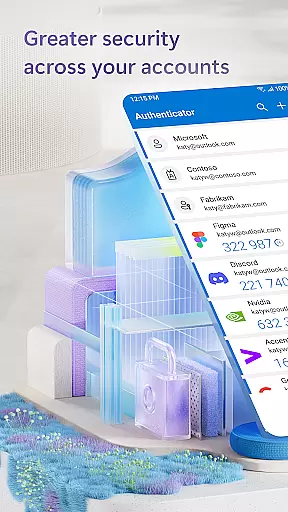
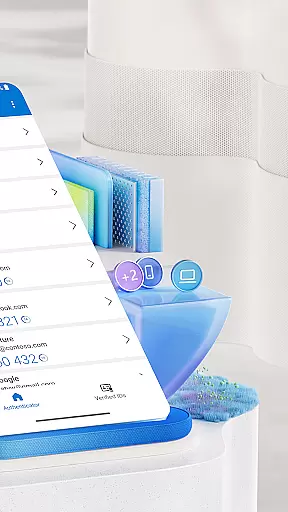
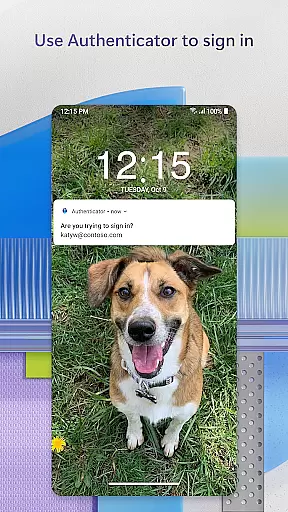
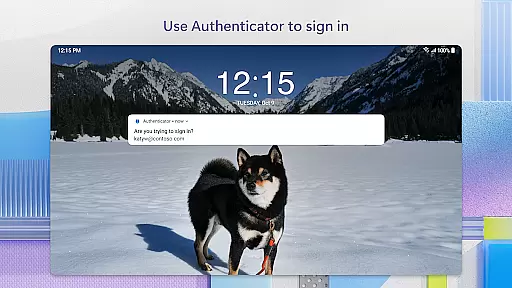
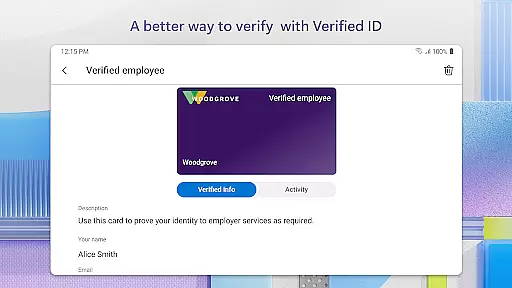
Microsoft Authenticator is a business-focused application that provides secure sign-in options for online accounts through multi-factor authentication (MFA), passwordless login, and traditional passwords. The app supports both personal Microsoft accounts and work or school accounts, offering users a convenient way to manage their credentials.
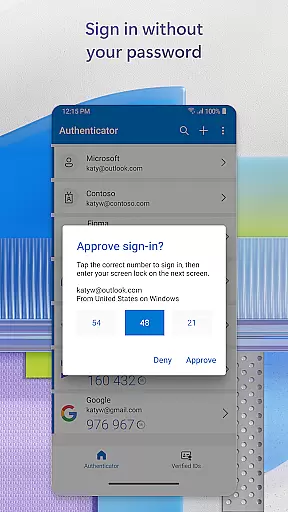
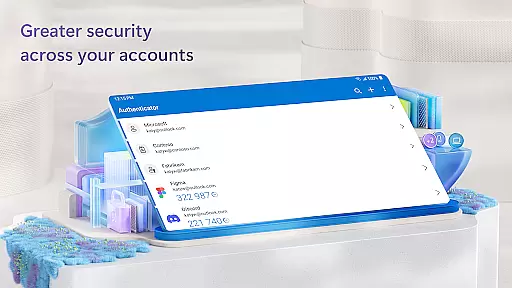
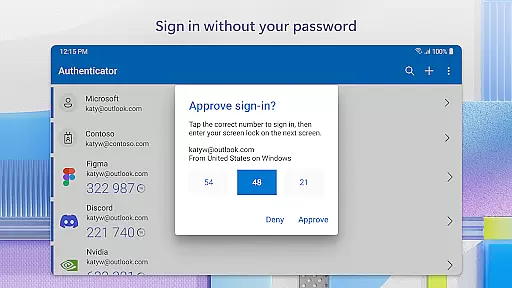
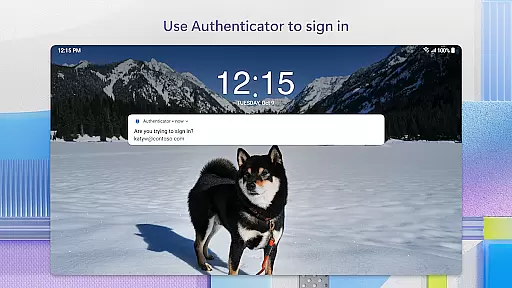
The core functionality includes MFA using one-time passwords (OTP) generated every 30 seconds, as well as push notifications for approval. It also enables passwordless login via biometric verification like fingerprint or face ID. Additionally, the app allows integration with non-Microsoft accounts such as Facebook, Amazon, and Google, making it versatile for various professional needs.
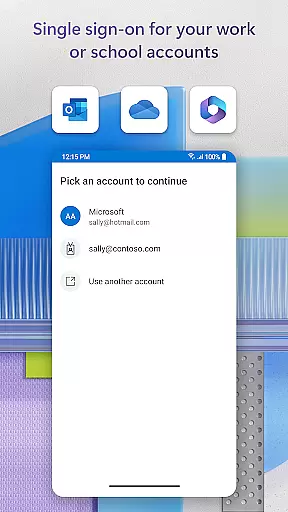
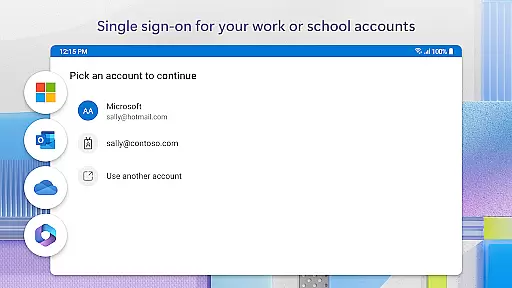
This app is particularly useful in corporate environments where employees need secure access to sensitive files, emails, and applications without repeatedly entering credentials. Its seamless single sign-on feature enhances productivity while maintaining top-notch security standards.
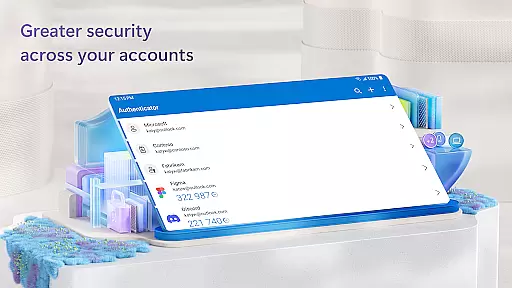
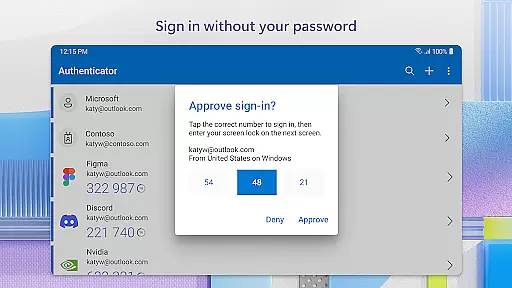
Microsoft Authenticator stands out due to its comprehensive approach to account security. One key feature is the support for multi-factor authentication, which adds an extra layer of protection by requiring users to approve notifications sent directly to their devices or enter OTP codes.
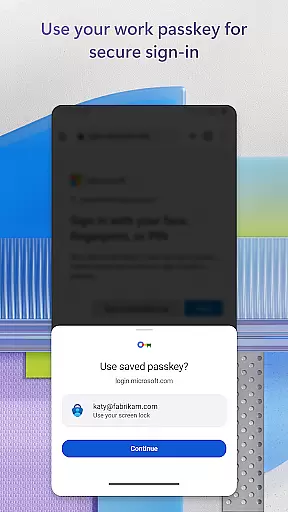
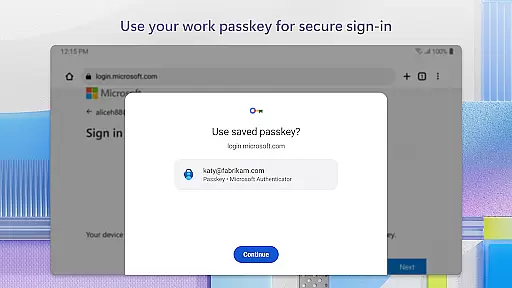
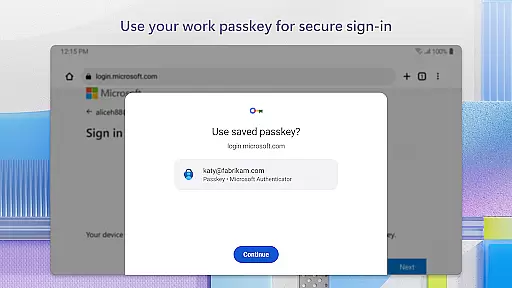
Another notable aspect is the passwordless login capability, allowing users to authenticate themselves using biometrics or PINs instead of remembering complex passwords. This not only simplifies the login process but significantly boosts security.
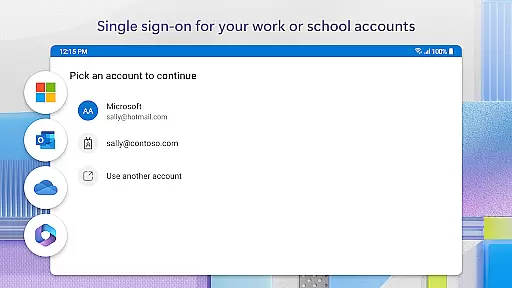
Additionally, the app offers advanced features tailored for businesses, including cert-based authentication and single sign-on capabilities. These ensure that once a user's identity is verified, they can access multiple Microsoft services without repeated logins, streamlining workflows and enhancing efficiency.
Microsoft Authenticator enhances collaborative work environments by providing secure access to organizational resources. The app supports cert-based authentication, issuing a certificate on your device that verifies the sign-in request is from a trusted source. This feature allows seamless and secure access to additional Microsoft apps and services without needing to log in each time.
The integration of single sign-on (SSO) ensures that once users authenticate themselves, they can access all authorized Microsoft products and services such as Outlook, OneDrive, and Office without repeated login prompts. This streamlined process not only saves time but also reduces password fatigue, allowing employees to focus more on their tasks rather than managing multiple credentials.
Moreover, organizations can enforce policies like location-based access through optional permissions. If required, the app requests location data to verify the user's whereabouts before granting access to sensitive information or resources. These security measures ensure that collaborative efforts remain protected while maintaining ease of use for employees working remotely or on-site.
Task management within Microsoft Authenticator revolves around simplifying and securing the authentication process for various accounts. By supporting multi-factor authentication (MFA) and two-factor authentication (2FA), the app ensures that users can easily manage their login tasks with an added layer of security. Users either approve notifications sent directly to the app or enter one-time passwords (OTP) generated every 30 seconds.
This approach eliminates the need to remember complex passwords or use the same OTP twice, enhancing both convenience and security. Additionally, the app allows users to add multiple accountsu2014including non-Microsoft ones like Facebook, Amazon, and Googleu2014centralizing task management for different services into one platform. This consolidation helps users efficiently handle their authentication tasks across various platforms without compromising security.
Furthermore, the option for passwordless login using biometric verification methods such as fingerprint or face ID adds another dimension to task management. By simply entering a username and approving a notification, users can quickly authenticate themselves, making daily login routines faster and more intuitive. This method significantly reduces the friction typically associated with frequent yet necessary authentication tasks.
Enhanced Security
User-Friendly Interface
Versatile Account Support
Seamless Integration
Regular Updates
Requires Device Compatibility
Dependent on Network for Some Features
Limited Offline Functionality
Potential Privacy Concerns
Complex Setup for Non-Tech Users

GoTo Mobile is a simple & secure calling, messaging & meetings solution
 4.80
4.80
Find jobs and make money fast with JobStack.
4.60
Ask Accio anything about business. Alibaba-backed, built by experts, not just AI
4.60
All Your Gig Work. One App.
4.30
VSD Viewer - Visio Drawings Viewer for Android Preview VSD, VDX, VSDX drawings
4.10
The MyWalmart App is available for all associates in stores.
4.70
Manage Your Shop
4.70
view, manage, and share every PDF file you have
3.60
USPS Mobile®Access USPS.com’s most popular tools on-the-go.
4.70
Employee Management Made Easy
4.80
Find the right fit, faster.
4.70
Find work, shifts and gigs near you. Jobs lasting a few hours to a few months.
4.30
Scan Business Cards & Conference Badges - Capture Leads at Events & Tradeshows
4.20
Take the stress out of storage with the all-in-one app to manage your space.
3.70
Find part-time earning opportunities near you that pay within days.
3.20


User Reviews