
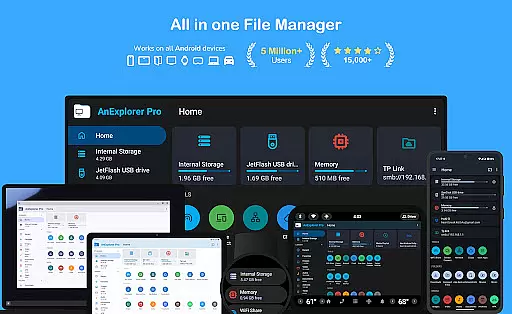
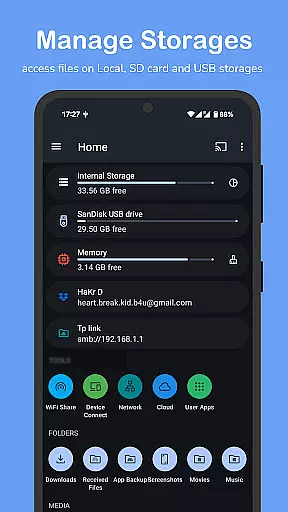

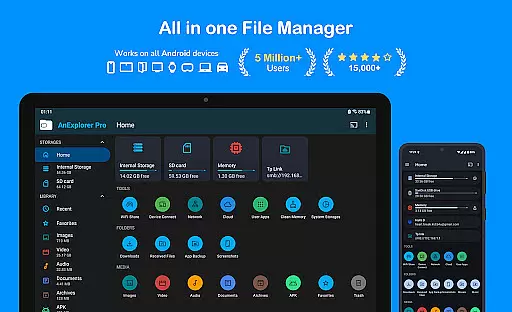
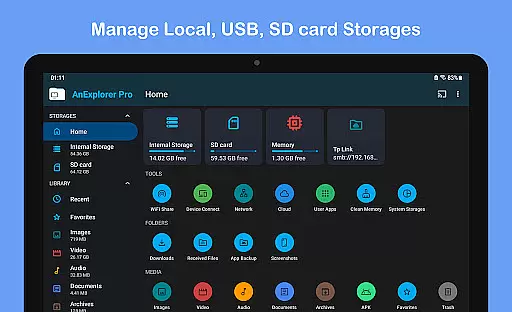
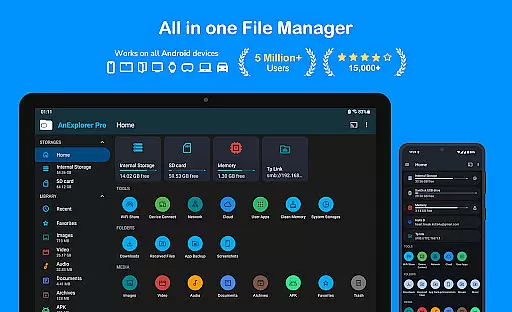
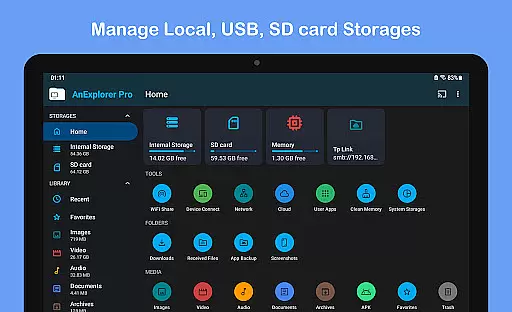
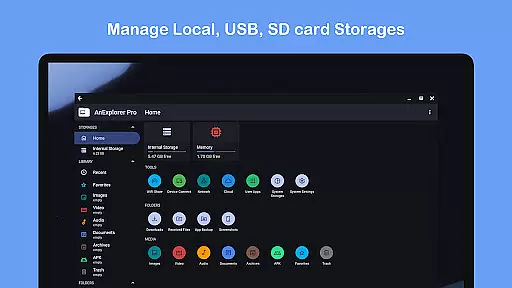
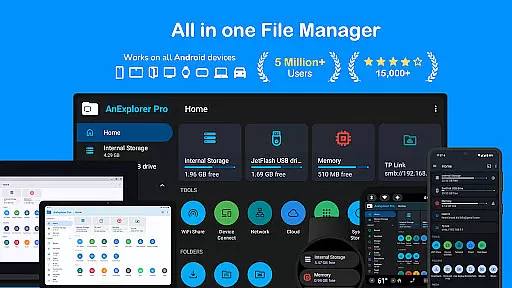
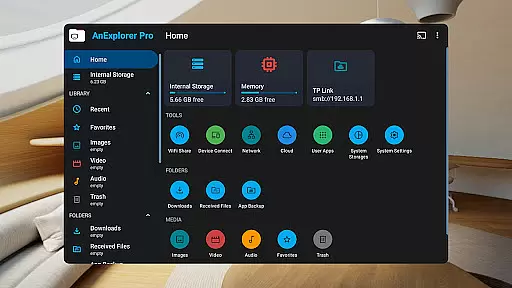
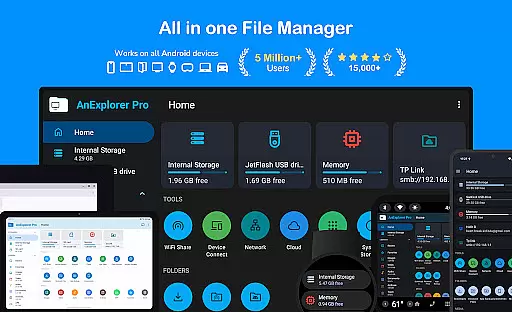
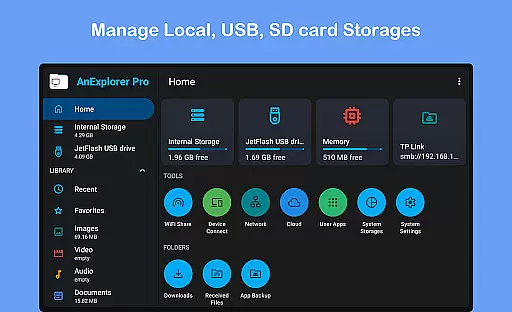
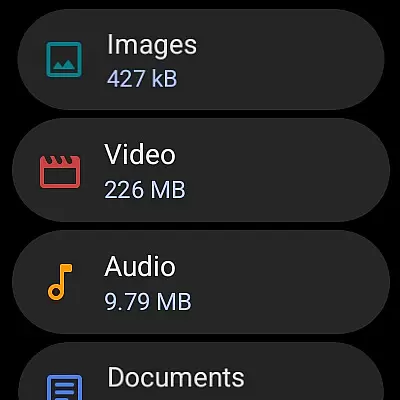
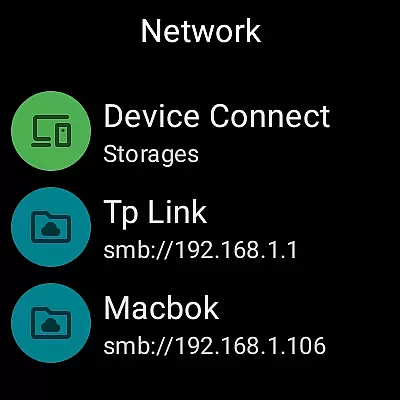



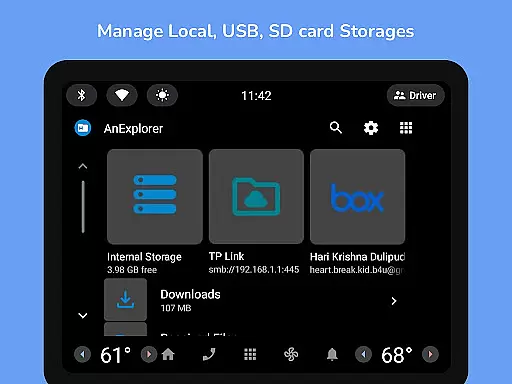
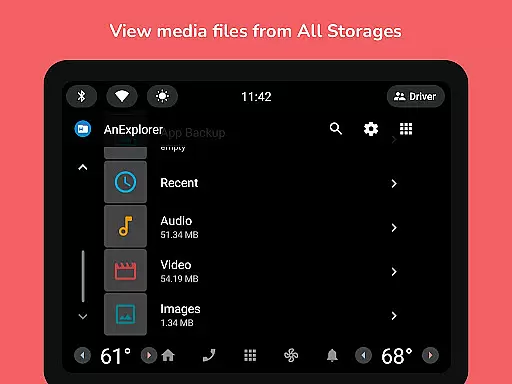
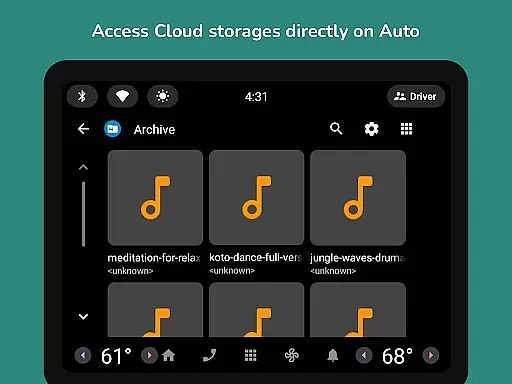
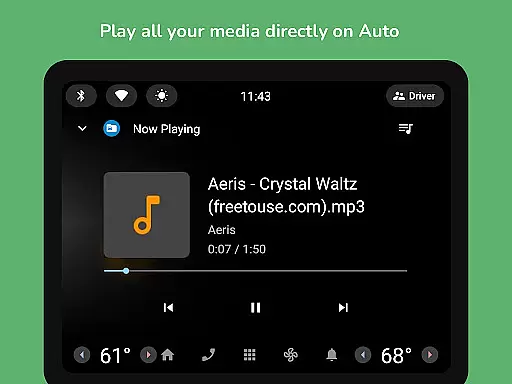
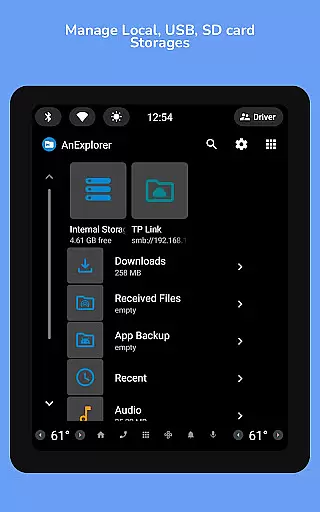
AnExplorer Pro File Manager is a versatile business tool designed to efficiently manage files across various Android devices and platforms. This powerful file manager app offers a clean, intuitive interface with support for multiple storage types including USB, SD cards, network, and cloud storages. It enables seamless file transfers over WiFi and provides comprehensive file organization features.
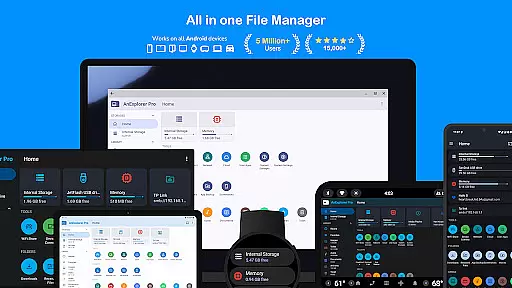
With specialized functionalities for different devices like Phones, Tablets, TVs, and even VR/XR headsets, AnExplorer Pro stands out in the Business category. Its unique RTL language support and ability to display folder sizes across storages make it an invaluable asset for businesses that require meticulous file management and cross-platform compatibility.
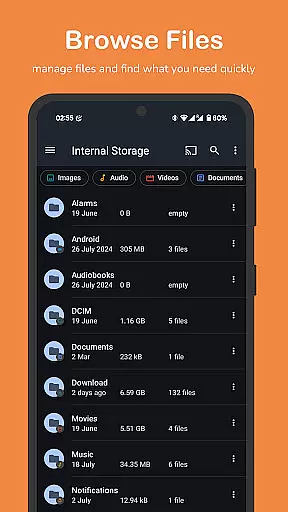
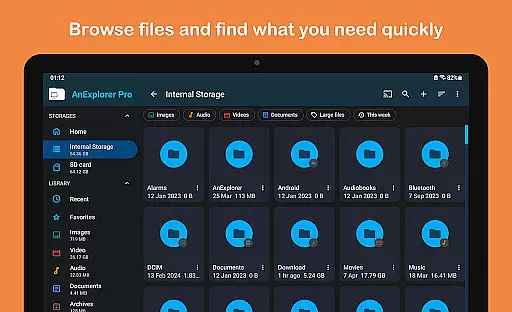
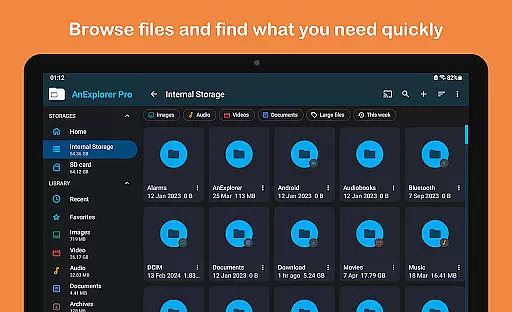
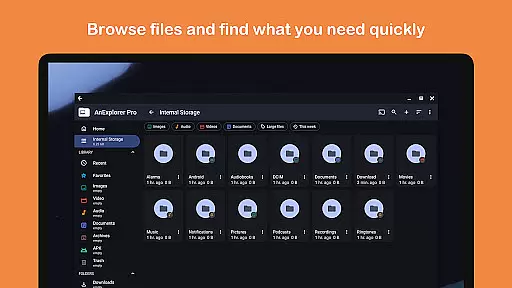
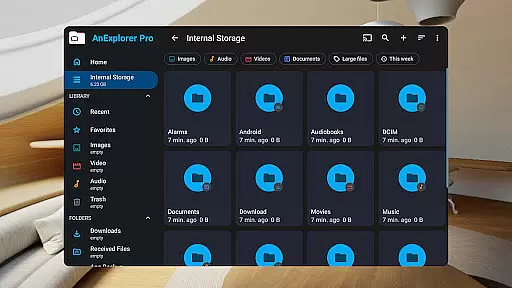
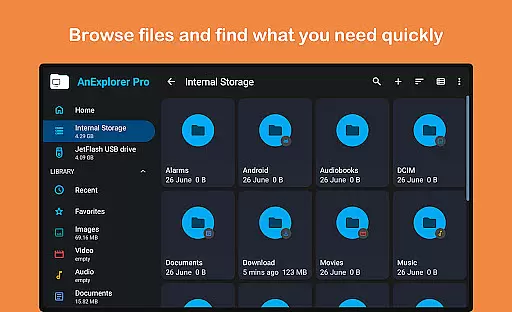
AnExplorer Pro File Manager distinguishes itself through an array of robust features tailored for business use. The app's file organizer allows users to browse, copy, move, rename, delete, compress, and extract files with ease. It supports advanced search and filter options, making file retrieval quick and efficient.
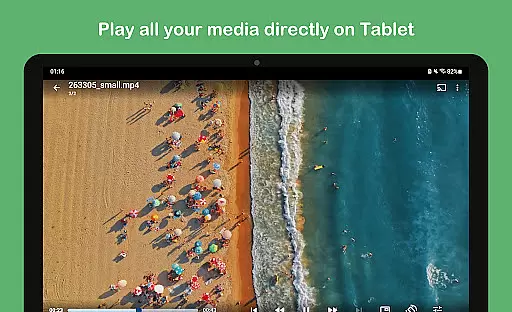
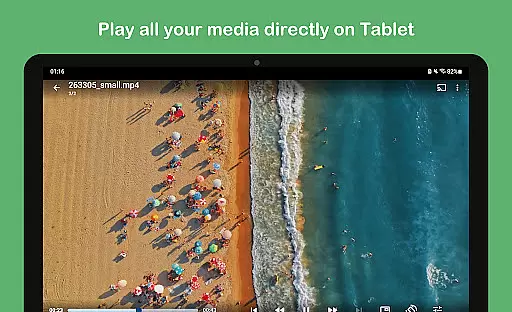
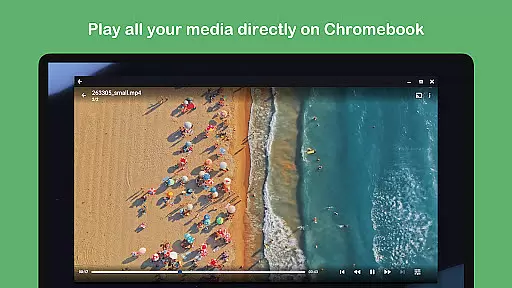
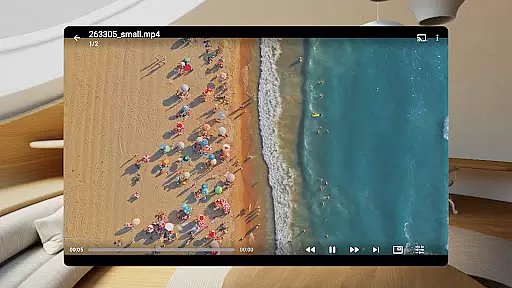
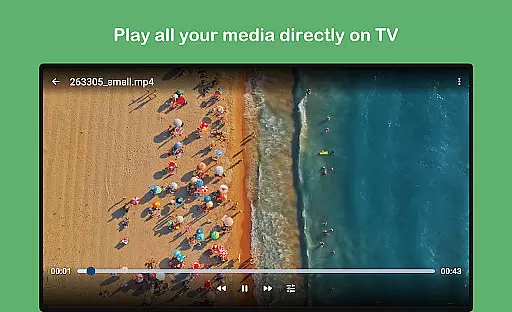
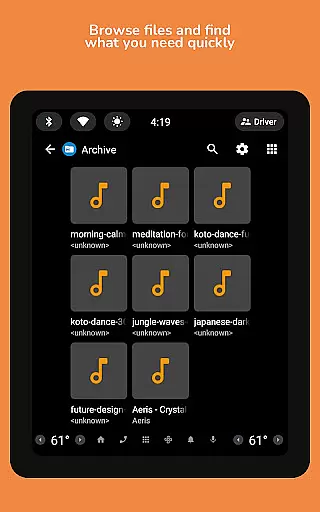
Beyond basic file management, the app includes a photo viewer, music and video player, archive viewer, text editor, and PDF viewer. These features enable businesses to preview and manage multimedia and document files without needing additional software. The inclusion of a memory cleaner and media library manager further enhances its utility by helping optimize device performance and organize files effectively.
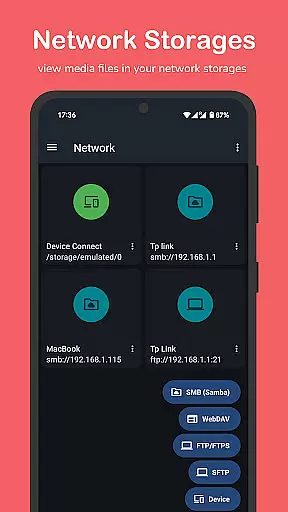
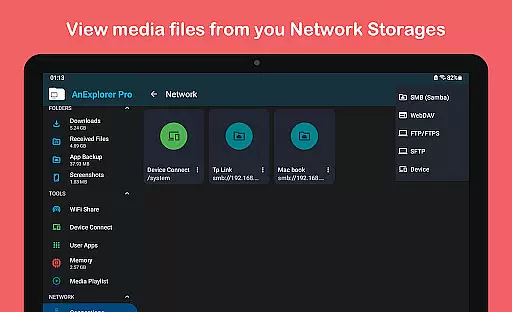
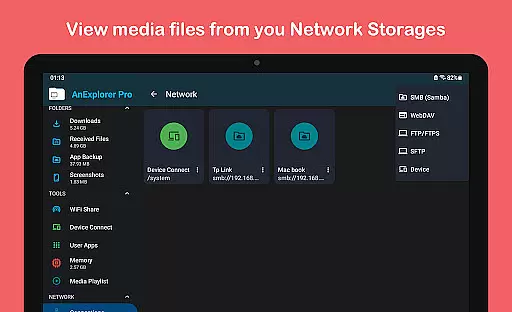
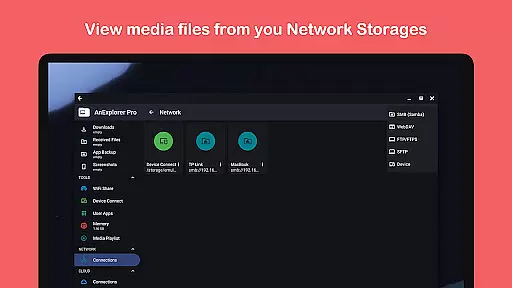
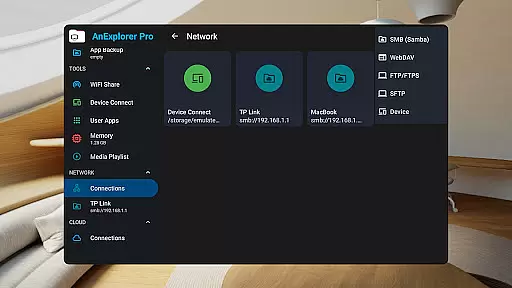
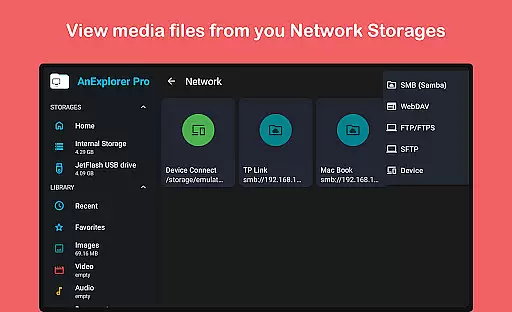
Collaborative work features in AnExplorer Pro File Manager are designed to enhance team productivity and streamline file management across multiple devices. This powerful file manager allows users to connect to various network storages including FTP, FTPS, SMB, and WebDAV servers, making it easy to stream and transfer files from NAS devices and shared folders.
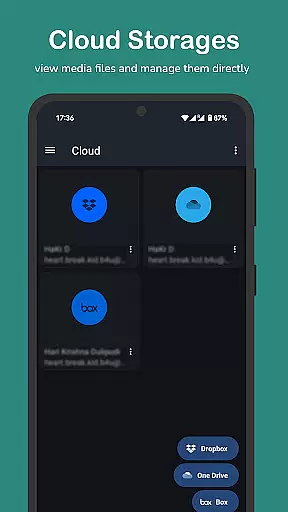
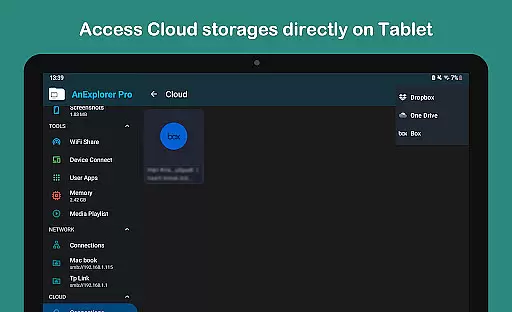
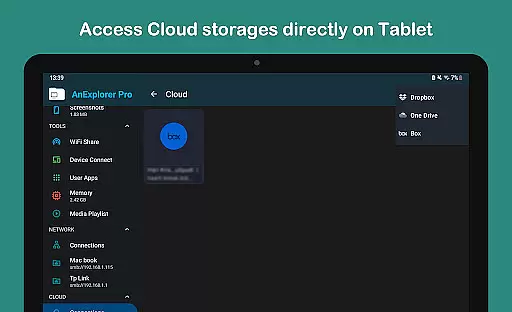
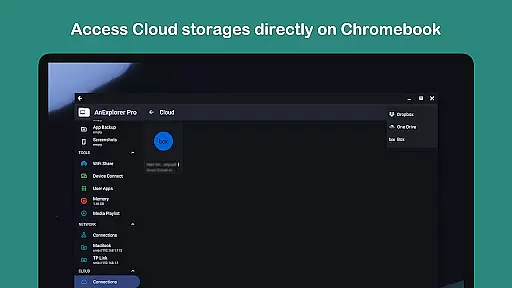
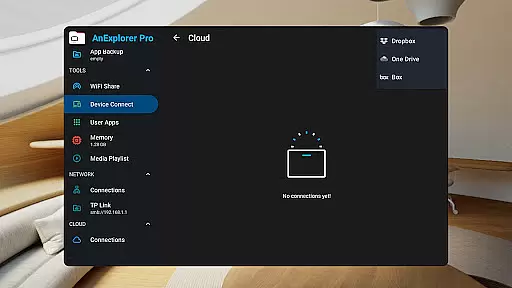
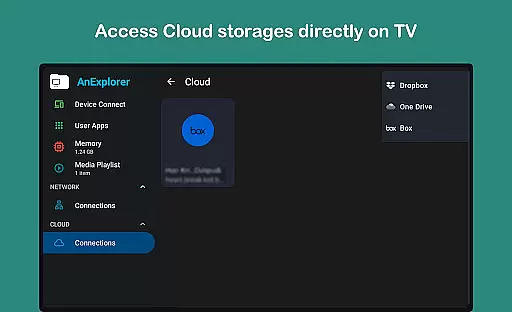
The app's cloud integration capabilities enable seamless collaboration by allowing teams to manage Box, Dropbox, and OneDrive accounts directly from the app interface. Users can upload, download, delete, or preview media files stored in the cloud, ensuring that all team members have access to the most up-to-date information regardless of their location.
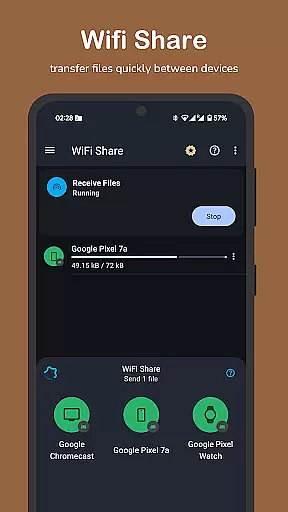
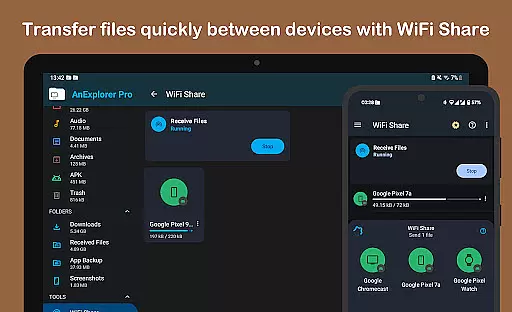
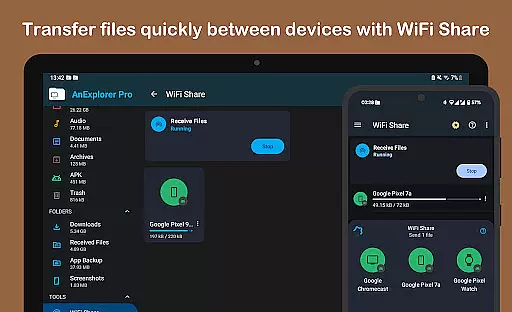
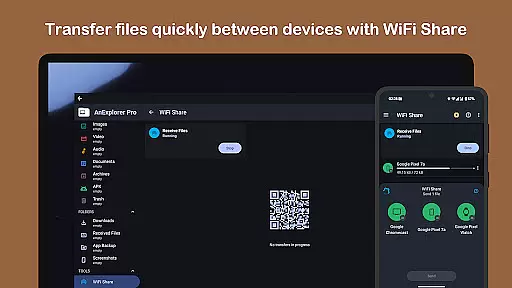
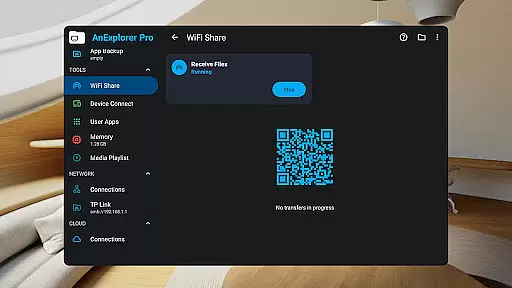
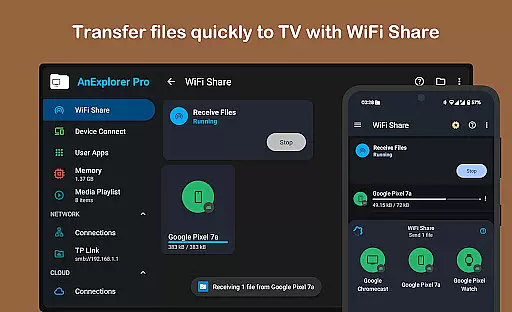
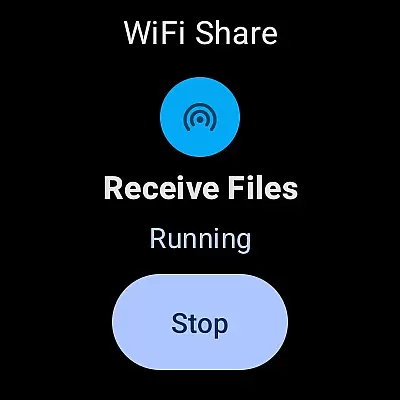
AnExplorer Pro also supports offline WiFi sharing, which allows users to wirelessly transfer files between Android devices without creating a hotspot. This feature is particularly useful for quick file exchanges during meetings or collaborative sessions, as it enables instant sharing of multiple files over the same WiFi network.
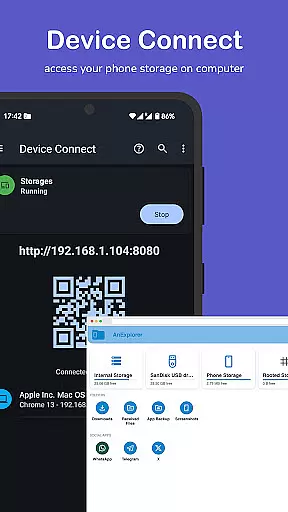
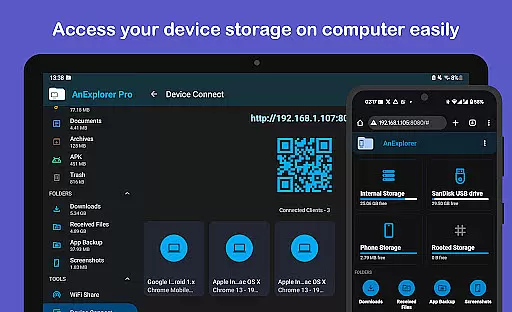
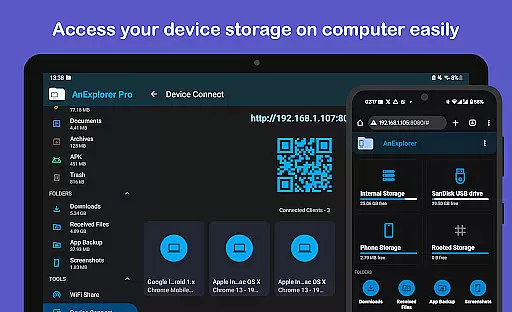
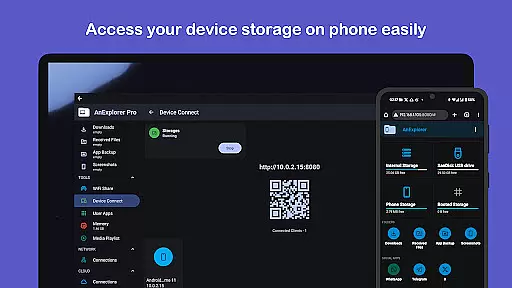
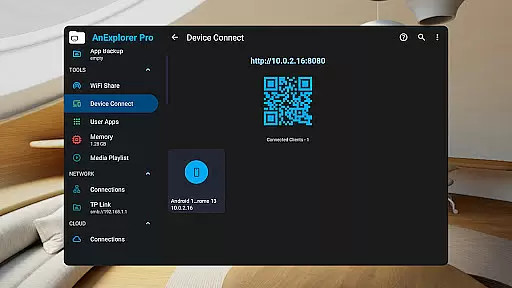
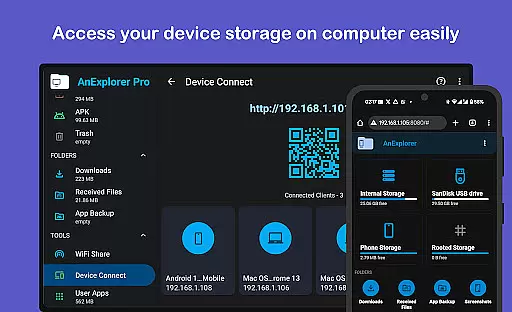
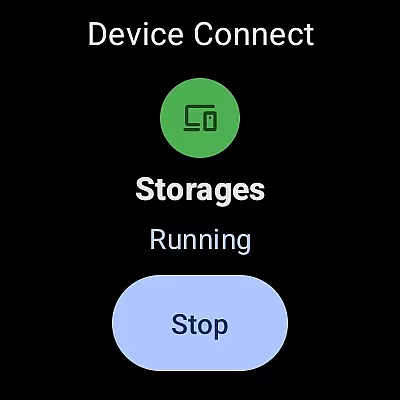
Additionally, the Device Connect feature turns any Android device into a server, providing remote file access through a web browser. By simply entering the IP address in a computer browser, team members can securely access and manage files stored on the device, facilitating efficient collaboration even when physical access to the device is not possible.
Task management within AnExplorer Pro File Manager offers users a comprehensive set of tools to efficiently organize and handle their files and folders. The application provides robust functionalities such as browsing, copying, moving, renaming, deleting, compressing, and extracting files and folders, which are essential for maintaining an orderly digital workspace.
One of the standout features is its ability to search files by name, type, size, or date, and filter them by media types. This capability ensures that users can quickly locate specific files among potentially thousands stored across various storage types, including internal memory, SD cards, USB drives, and cloud services.
The app further enhances task management by showing hidden folders and thumbnails, along with displaying folder sizes across all storage types. This transparency helps users make informed decisions about storage allocation and cleanup, while full support for FAT32 and NTFS file systems ensures compatibility with external storage devices like SD cards and USB OTG drives.
Moreover, AnExplorer Pro includes specialized tools for different file types, such as a photo viewer with zoom and slideshow support, a music and video player with playlist management, and an archive viewer for handling compressed files. These integrated features provide a one-stop solution for managing diverse file types, significantly improving overall task efficiency and user experience.
User-friendly interface
Multi-platform support
Advanced file management
Efficient memory optimization
Comprehensive media handling
Premium version required
Complex for beginners
Occasional bugs reported
Limited free features
High system requirements

All Your Gig Work. One App.
 4.30
4.30
The Penny Puss app with DG penny finder
4.10
Manage Your Shop
4.70
viewing and sharing PDFs and other files—anytime, anywhere!
4.5
Simple, Fast & Lightweight
3.90
Recover what matters — quickly and easily.
4.70
enjoy effortless PDF reading anytime, anywhere
3.90
The app that lets you deliver with Amazon.
4.50
Make money as a delivery driver with DoorDash and work when you want as a Dasher
4.30
Employee Management Made Easy
4.80
Use Generative Summary to understand your rental or insurance docs in seconds.
4.70
Access to Paylocity, empowering employees with information they need 24/7.
4.70
We help people get jobs
4.70
Find jobs and make money fast with JobStack.
4.60
Find work, shifts and gigs near you. Jobs lasting a few hours to a few months.
4.30


User Reviews