
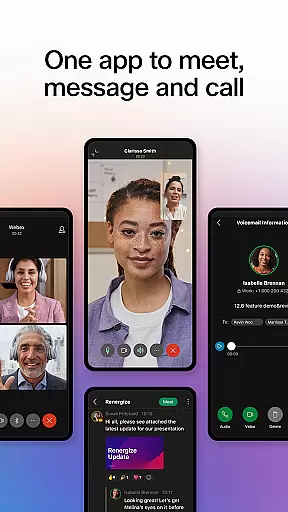



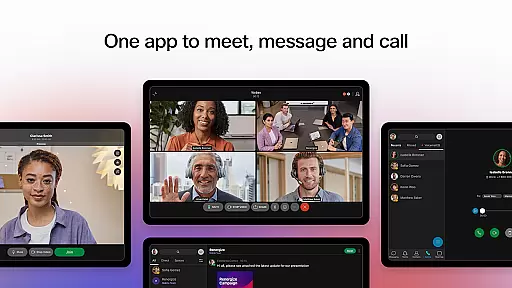
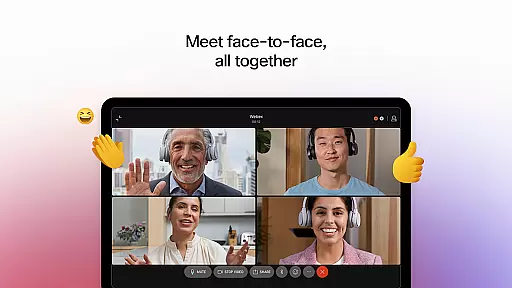


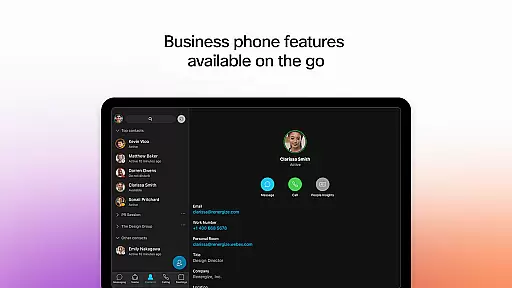
Webex is a comprehensive business communication app that unifies meetings, messaging, and calling into a single platform. Designed for seamless collaboration, it offers intelligent features like real-time language translation, background noise removal, and personalized meeting layouts to ensure productive interactions regardless of location. The app also supports secure file sharing with both internal and external teams using just an email address.
In addition to its core communication tools, Webex enhances team productivity by providing engaging experiences such as 1:1 and group messaging, visual voicemail access, and instant call initiation. These capabilities make remote work more efficient and inclusive, allowing users to stay connected in real-time or asynchronously. With enterprise-grade security and ease of use, Webex is suitable for businesses of all sizes looking to improve their digital collaboration.
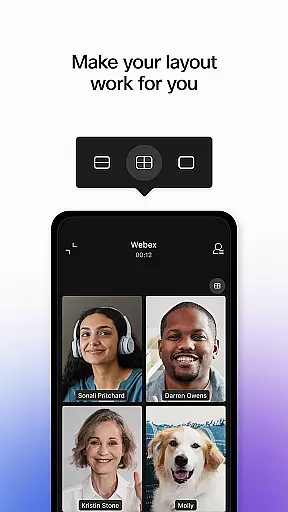
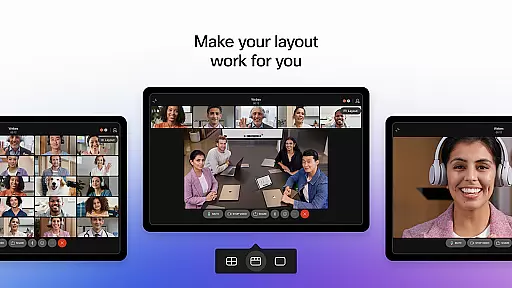
Webex stands out with its robust feature set tailored for modern business needs. The app provides over 100+ real-time language translations during meetings, ensuring global teams can communicate effectively without language barriers. Its AI-driven background noise removal and customizable meeting layouts allow participants to focus on content rather than distractions, creating a more professional environment.
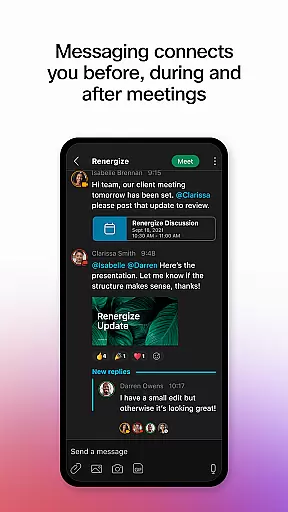
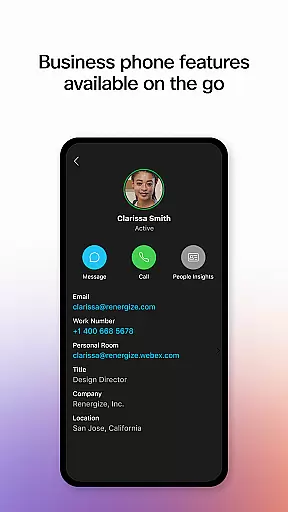
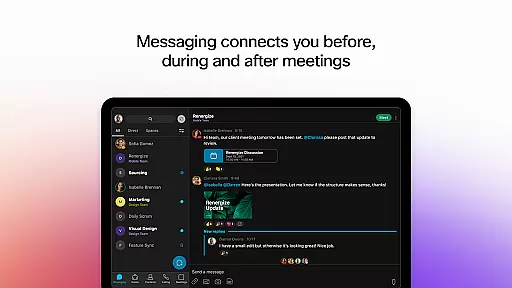
Beyond meetings, Webex excels in messaging and calling functionalities. Users can send real-time messages before, during, or after meetings, fostering continuous collaboration. Secure file sharing via email addresses simplifies cross-team cooperation while integrated calling features like visual voicemail and impromptu call initiation empower users with full telephony capabilities within the app. This combination ensures Webex remains a versatile tool for enhancing workplace efficiency.
Collaborative work features are essential for modern business applications, enabling teams to work together efficiently regardless of their physical locations. Webex excels in this area by offering a comprehensive suite of tools designed to facilitate seamless collaboration.
The application provides real-time messaging capabilities that connect users before, during, and after meetings, ensuring continuous communication. With support for both one-on-one and group messaging, Webex makes it easy to collaborate on projects, share updates, and maintain ongoing discussions.
Webex also includes robust file-sharing functionalities, allowing users to securely exchange documents with both internal team members and external partners using just an email address. This ensures that all collaborators have access to the necessary resources, enhancing productivity and streamlining workflows.
By integrating these collaborative features into a single, user-friendly platform, Webex empowers teams to achieve exceptional results, making remote and hybrid work environments more effective and engaging.
Effective task management is crucial for maintaining productivity and ensuring that projects progress smoothly. Webex addresses this need by incorporating various features that help users organize, track, and manage their tasks efficiently.
One of the standout aspects of Webex is its ability to support instant, impromptu conversations, which can be pivotal for task coordination. Users can quickly initiate discussions, share ideas, and make decisions without the need for formal meeting setups, thus accelerating task completion.
In addition to messaging, Webex offers personalized meeting layouts and real-time language translation for over 100 languages, which ensures that all team members, regardless of location, can participate fully and contribute to task management discussions.
Furthermore, Webex integrates calling features directly into the app, providing functionalities such as visual voicemail and call management, which aid in maintaining clear lines of communication. These capabilities collectively enhance task oversight and accountability, leading to improved project outcomes.
User-friendly interface
Advanced security protocols
Real-time language translation
Noise reduction technology
Integrated calling features
Occasional connectivity issues
Limited free version functionality
Steep learning curve for new users
High resource consumption
Subscription costs may be prohibitive

Find flexible, hourly jobs hiring near you in restaurant, retail & hospitality!
 4.00
4.00
BuildCalc - the easiest AND the most advanced construction calculator app.
4.80
Manage work life on the go
4.50
viewing and sharing PDFs and other files—anytime, anywhere!
4.1
Employee Management Made Easy
4.80
From Gone to Back Again — In Just a Few Taps
4.50
All-in-one Mobile solutions for employees & managers to succeed at work
4.30
Roadie connects people with stuff to send with drivers already going that way.
3.50
No more passwords, easier sign-in, and greater protection for your accounts.
4.60
FaxCover - Create fax cover pages. Works with any app or fax machine.
4.90
USPS Mobile®Access USPS.com’s most popular tools on-the-go.
4.70
We help people get jobs
4.70
Find jobs and make money fast with JobStack.
4.60
Drive and earn extra money
4.50
Access All PDF Files
3.40


User Reviews