
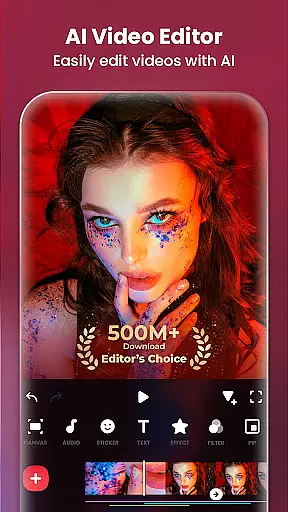
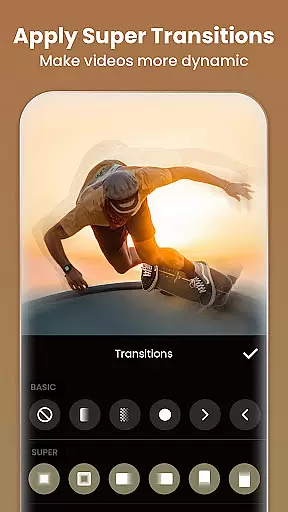
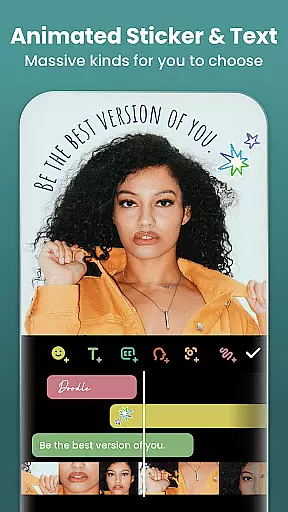
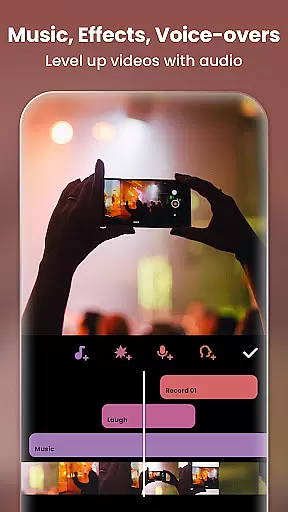
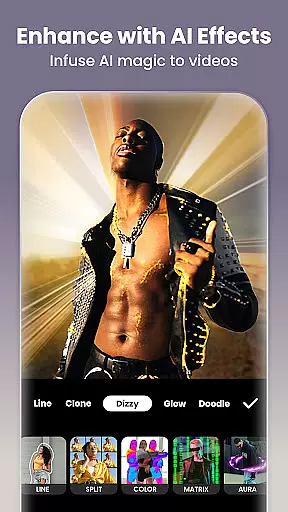
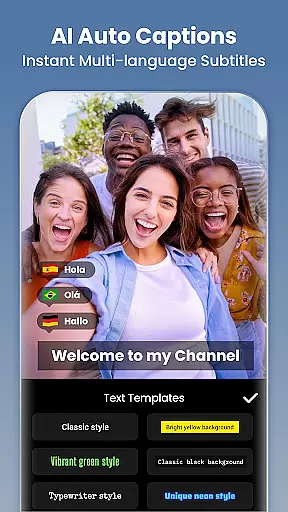
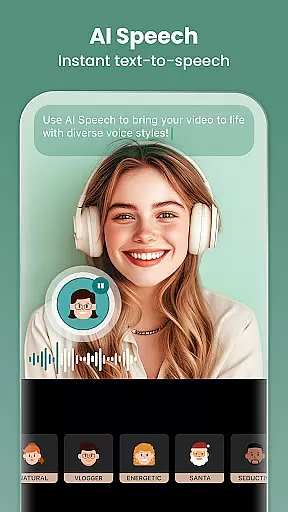
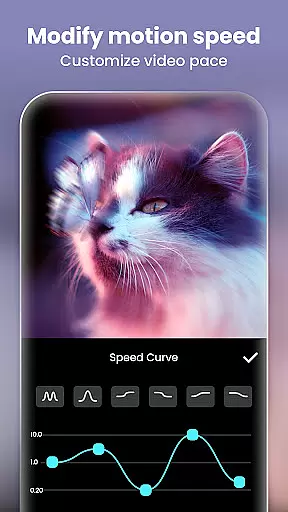
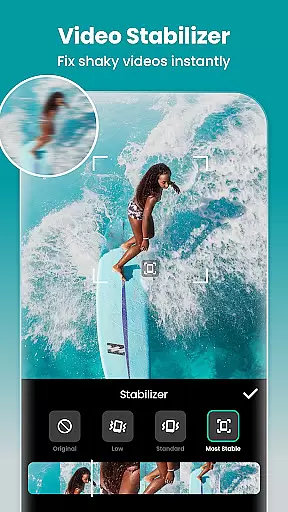
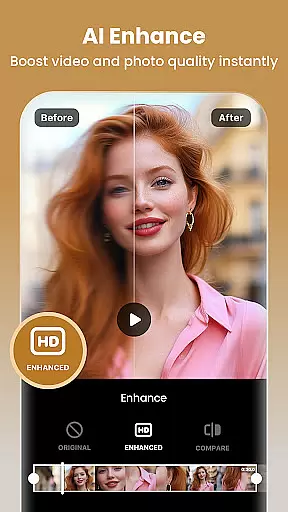
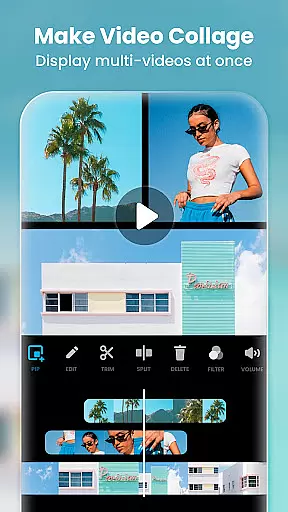
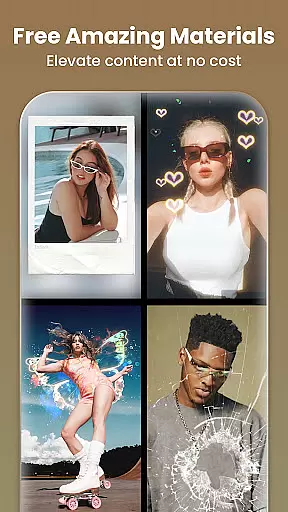
Video Editor & Maker is a comprehensive mobile application designed for both amateur and professional content creators. This app provides an all-in-one solution for video editing, offering features such as trimming, merging clips, adding music, text, and transition effects. With capabilities to create smooth slow motion and video collages, it caters to users looking to enhance their video content with professional touches.
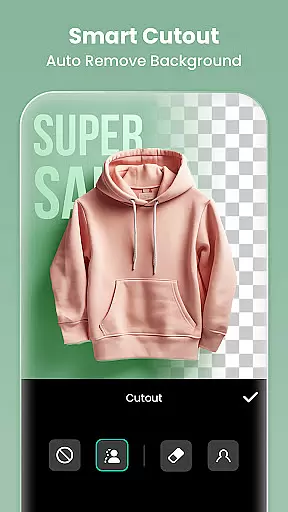
In addition to video editing, the app also serves as a photo editor and collage maker, allowing users to adjust images, apply filters, and remove backgrounds. The intuitive interface makes it easy for users to produce high-quality vlogs and share them across various social media platforms like YouTube, Instagram, TikTok, WhatsApp, and Facebook. Whether you're an aspiring influencer or simply looking to improve your multimedia projects, Video Editor & Maker offers the tools necessary to achieve impressive results.
One of the standout aspects of Video Editor & Maker is its integration of AI tools that streamline the editing process. Features like AI Body Effects and Auto Captions allow users to elevate their content with minimal effort. The AI-powered speech-to-text function eliminates the need for manual captioning, while the background removal tool simplifies complex editing tasks.
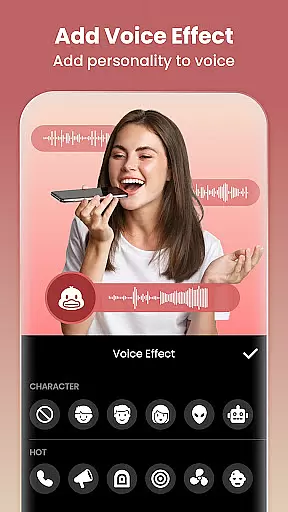
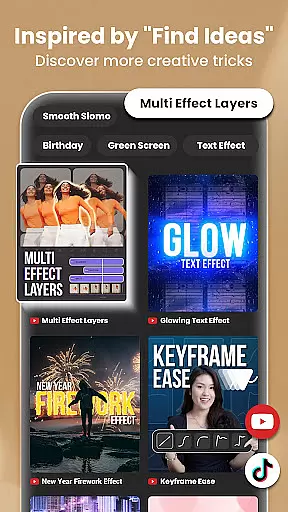
The app boasts full-featured video editing capabilities, including trimming, merging, reversing videos, and adjusting playback speed. Users can add various voice effects, utilize keyframe animations, and employ chromakey techniques for green screen edits. Additionally, the picture-in-picture feature enables multi-layered video creation, providing dynamic options for creative expression.
With a rich selection of cinematic filters, effects, and transitions, Video Editor & Maker ensures that users can customize their content extensively. From adjusting basic parameters like brightness and contrast to applying unique effects such as Glitch and Retro DV, the app empowers creators to craft visually stunning videos. Moreover, the photo editing suite includes advanced functionalities like AI Photo Enhancer and object removal, making it a versatile tool for all types of digital content creation.
Real-time capture and preview functionality is essential for ensuring that every moment is captured exactly as intended. InShot provides users with the ability to see their video or photo edits in real time, allowing them to make instant adjustments and see the results immediately.
This feature is particularly useful when adding effects, transitions, or adjusting video parameters such as brightness, contrast, and saturation. Users can fine-tune their content on the fly, ensuring that the final output matches their creative vision without any guesswork.
In addition to real-time previews of edits, InShot also offers live playback capabilities. This means users can review their videos with all applied changes, including music, text overlays, and filters, ensuring seamless integration of all elements before exporting the final product.
The real-time capture and preview feature ultimately saves time and enhances productivity by eliminating the need for repeated trial-and-error exports. It empowers creators to produce high-quality content efficiently, making it an indispensable tool for both amateur and professional videographers alike.
AI beauty and enhancement features have become a cornerstone of modern photo and video editing applications. InShot leverages advanced AI algorithms to provide users with tools that enhance natural beauty without compromising authenticity.
One standout feature is the AI-powered background blur, which intelligently separates the subject from the background, creating a professional-looking depth-of-field effect. This tool ensures that the focus remains on the subject while maintaining a natural aesthetic.
In addition to background blur, InShot's AI tools include auto-beautification options that smooth skin tones, remove blemishes, and enhance facial features subtly. These enhancements are designed to elevate the subject's natural appearance rather than applying heavy, artificial filters.
Furthermore, the app's AI effects, such as object removal and automatic captions, add layers of convenience and creativity. By preserving the natural essence of photos and videos while offering powerful enhancement tools, InShot strikes a perfect balance between technology and artistry, making it a top choice for content creators seeking authenticity and quality.
User-friendly interface
Extensive editing features
AI-powered tools
High-quality export options
Social media integration
Some features may require learning
Advanced tools need time to master
Occasional ads in free version
Export quality depends on device
Limited customer support

Search, tag and rate your way to an organized image gallery
 4.40
4.40
Photobooth mini FULL app will allow you to add more fun to your parties
4.00
Natural Beauty, Selfie Retouch
4.30
Over 800 film simulation recipes for Fujifilm. Black Friday Offer!
4.2
See your baby AI baby face generator AI baby maker Face generator babymaker fun!
4.70
AI Photo Editor with 100+ Filters, Effects! Remove BG, Retouch & Photo Enhancer.
4.80
Transform Photos: Edit, Beautify and Craft Memories & Make Collages!
4.10
Turn photos into cartoons & avatars! - Photo Editor, Cartoon Face!
3.90
Welcome to ProShot, the most powerful camera app on Android.
4.20
Find time and duration of different sunlight phases at any location
4.90
Amazing Photo Effects - The most fun you can have with your photos!
4.70
RAW video capture with advanced controls
4.40
Shooting photos and records video easily and efficient with professional Camera
4.30
Professional photography on your mobile phone
4.20
Catch sunlight, sunrise sunset times and sun phases with the AR sun tracker.
4.10


User Reviews